![Leucine medium.png]](https://support.leucine.io/hs-fs/hubfs/Leucine%20medium.png?width=200&height=38&name=Leucine%20medium.png)
- Navigate to task in prototype.
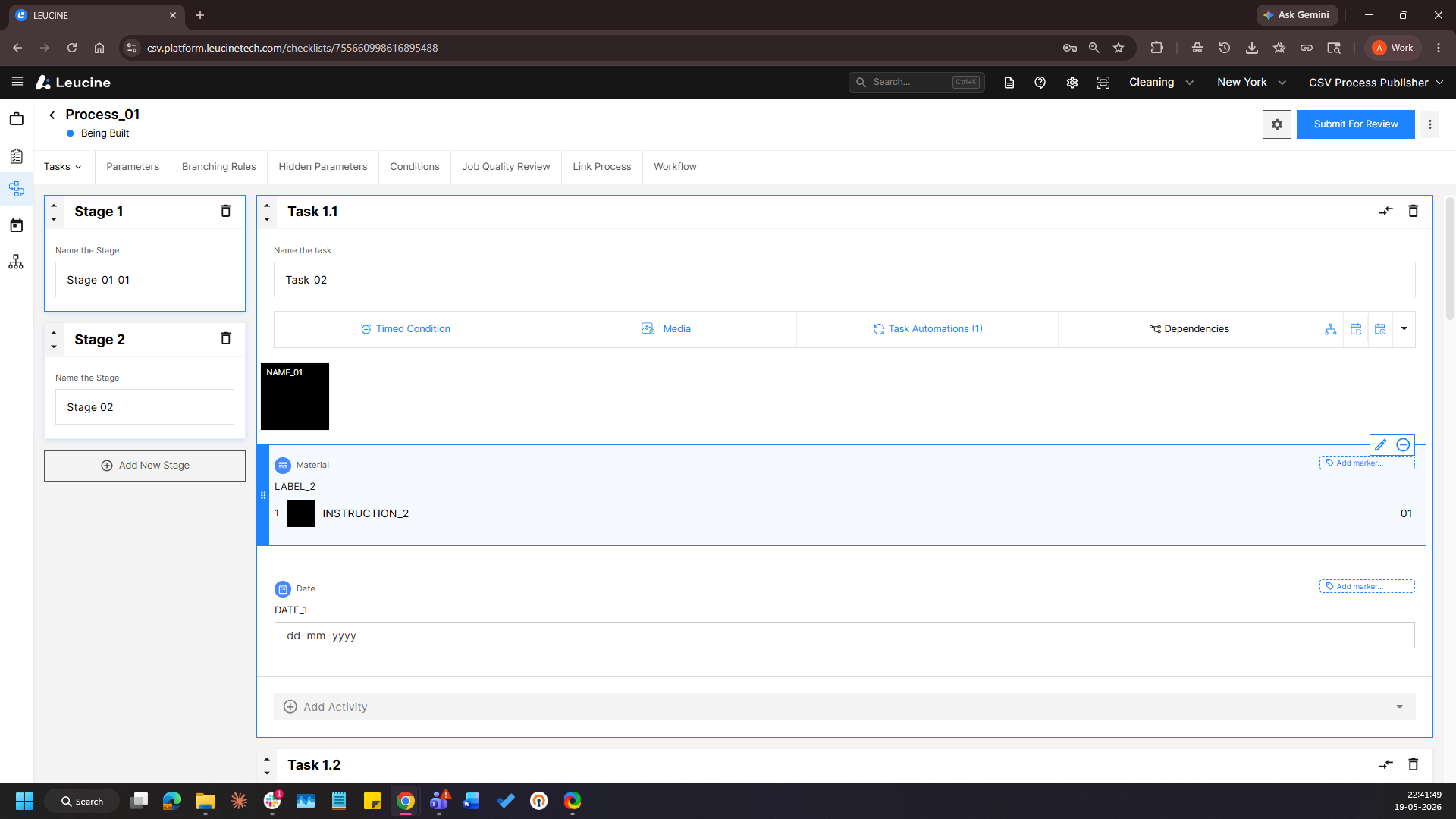
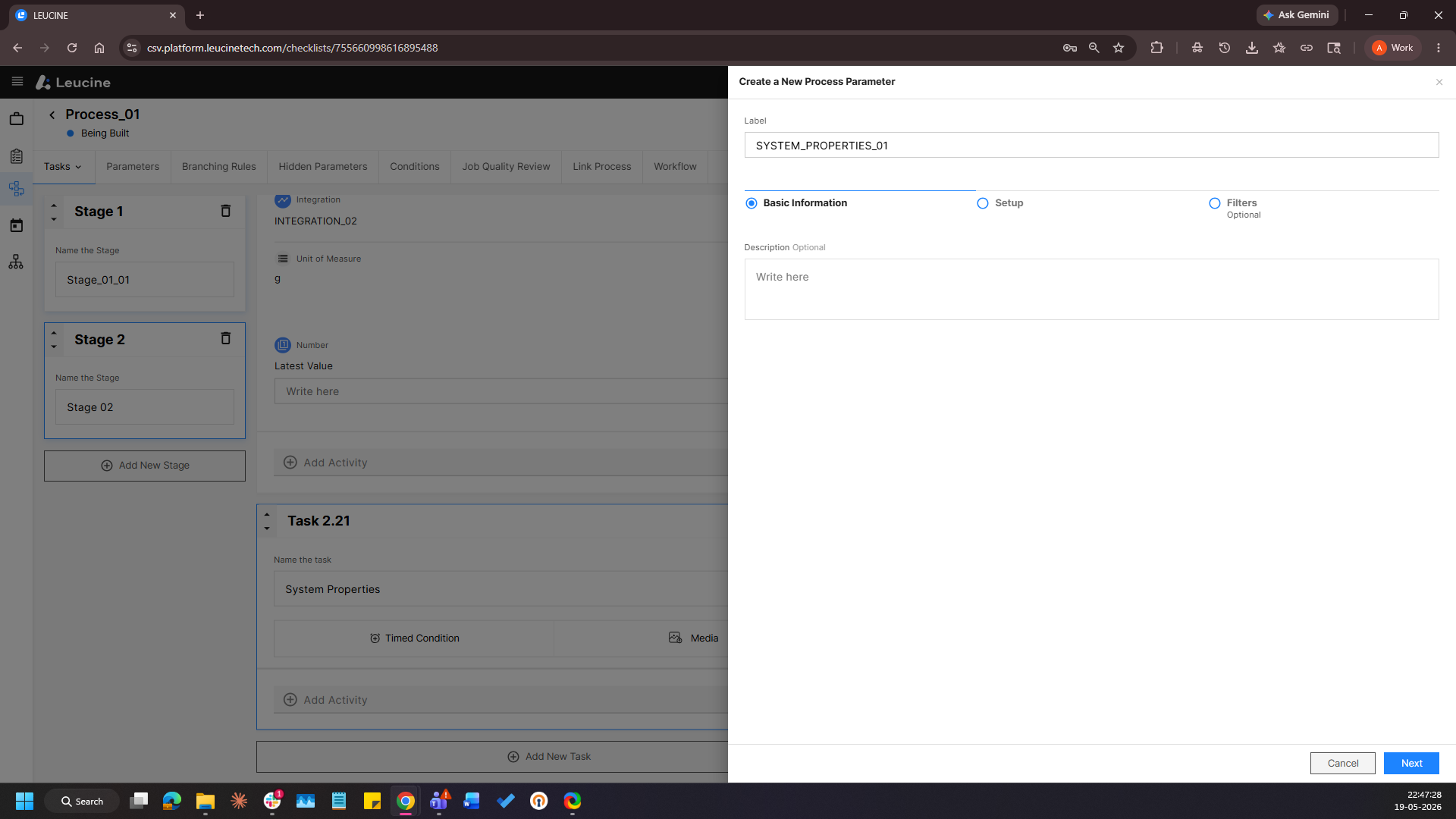
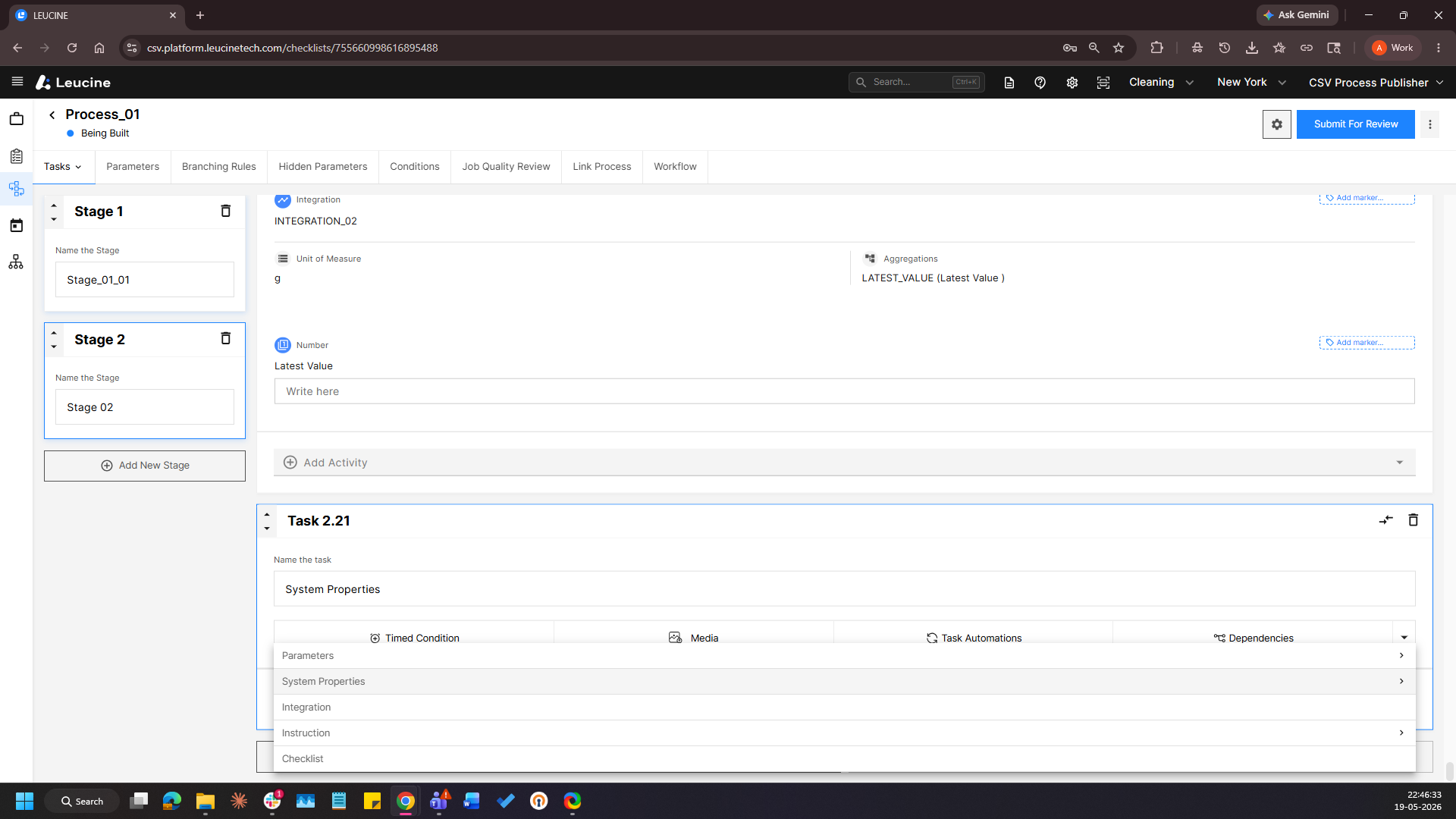
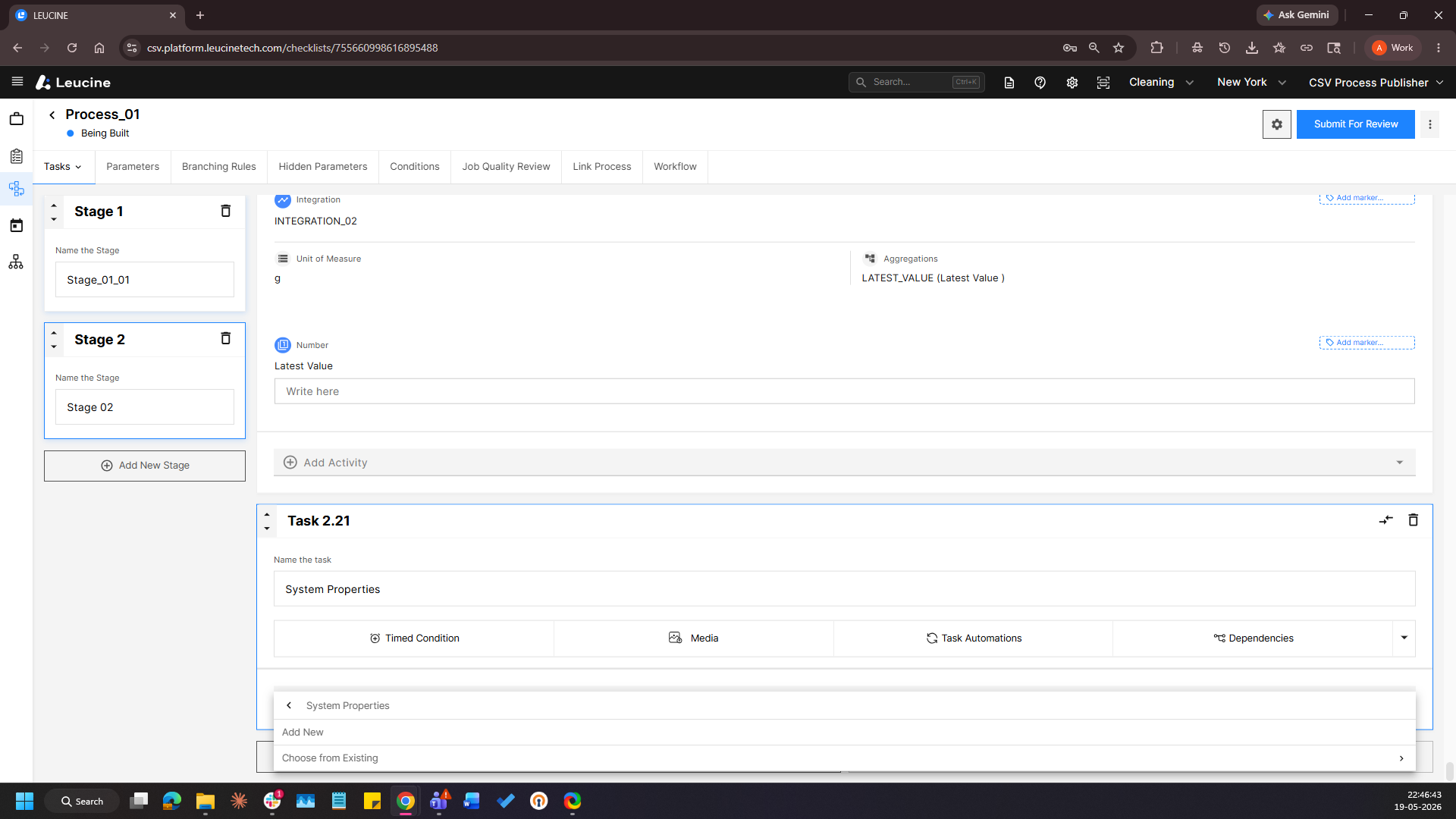
- Inside the task, add a new parameter by clicking on the 'Add Activity' button then by clicking on the 'System Properties' button, and then by clicking on 'Add New'
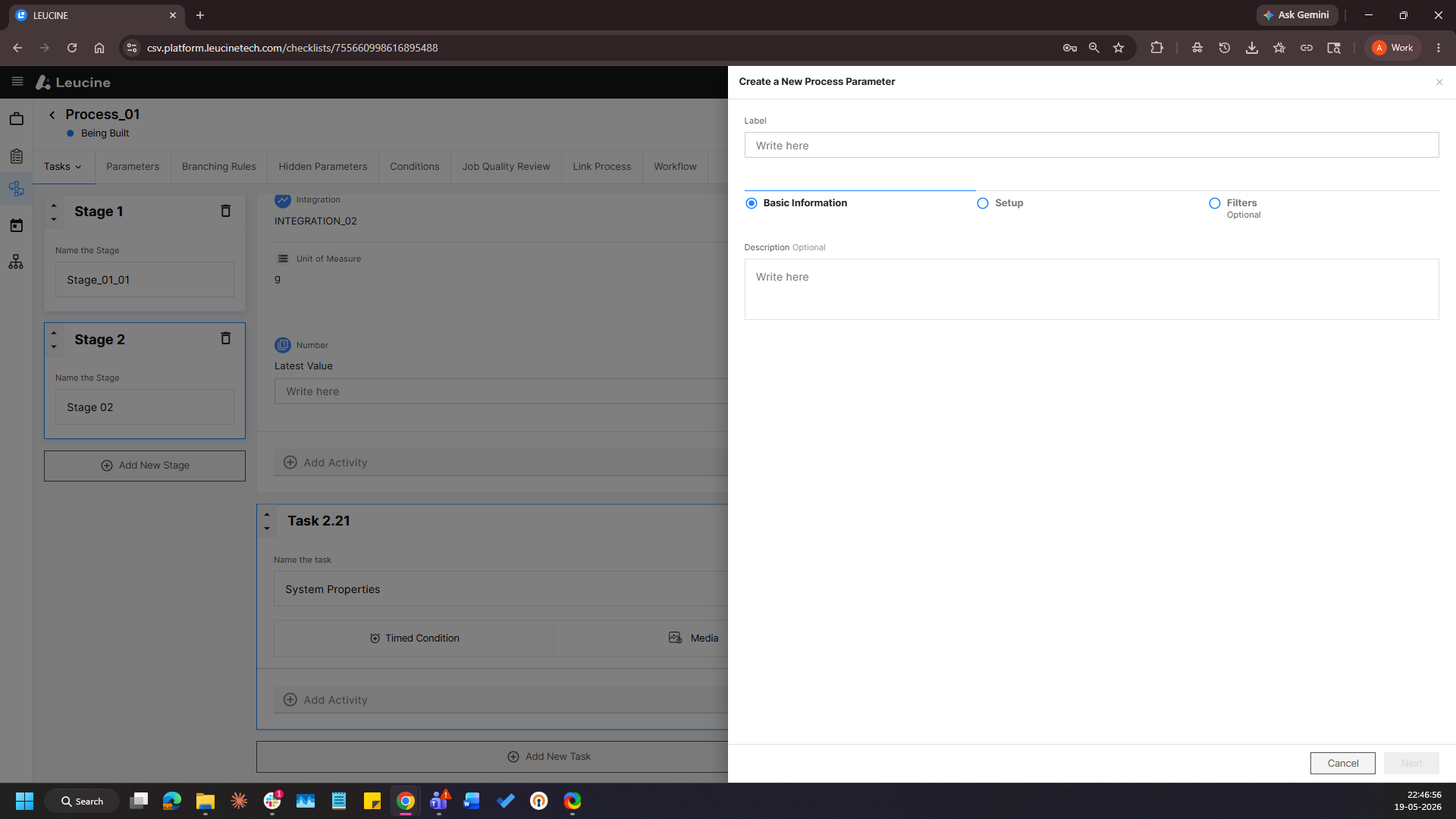
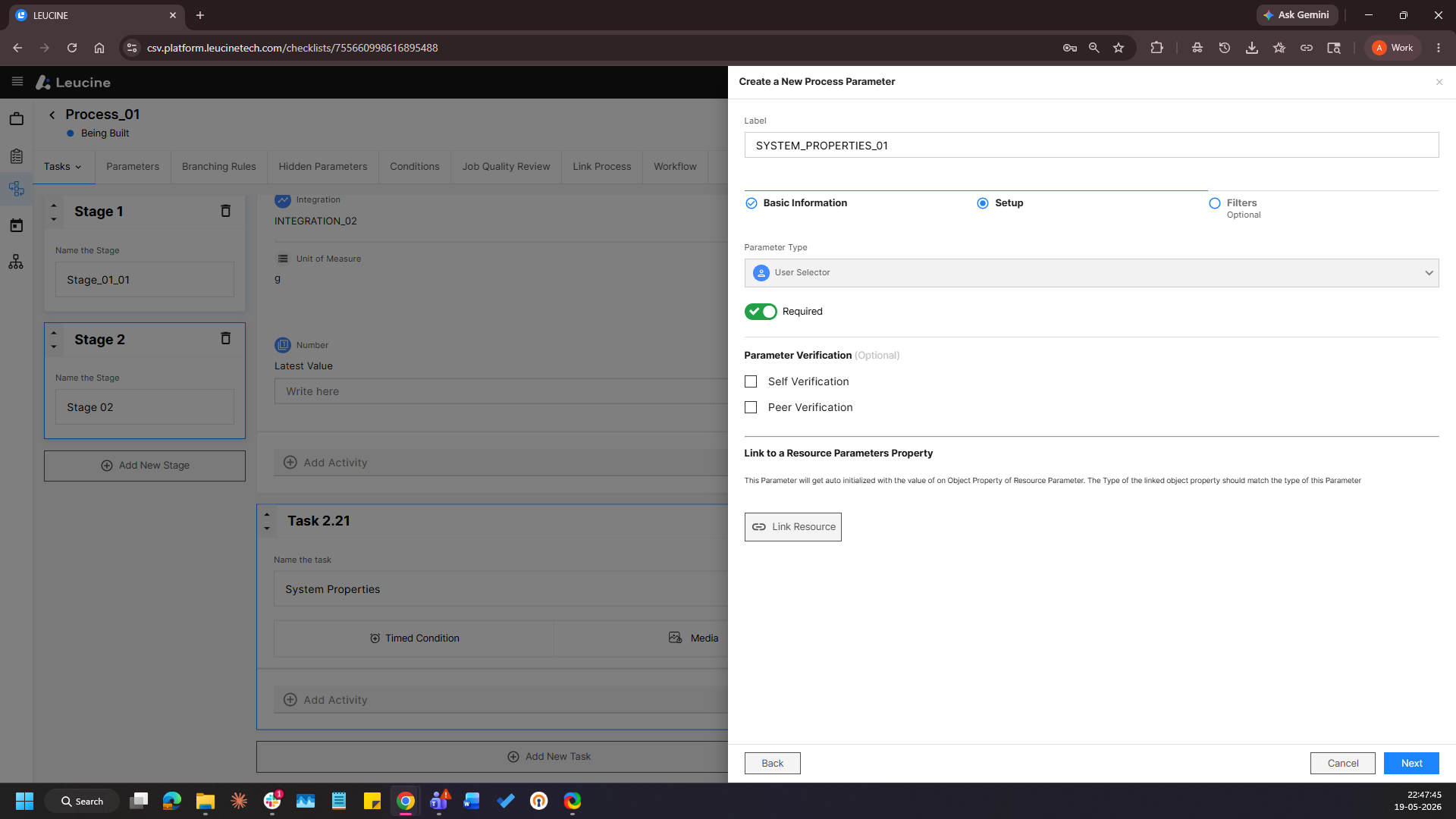
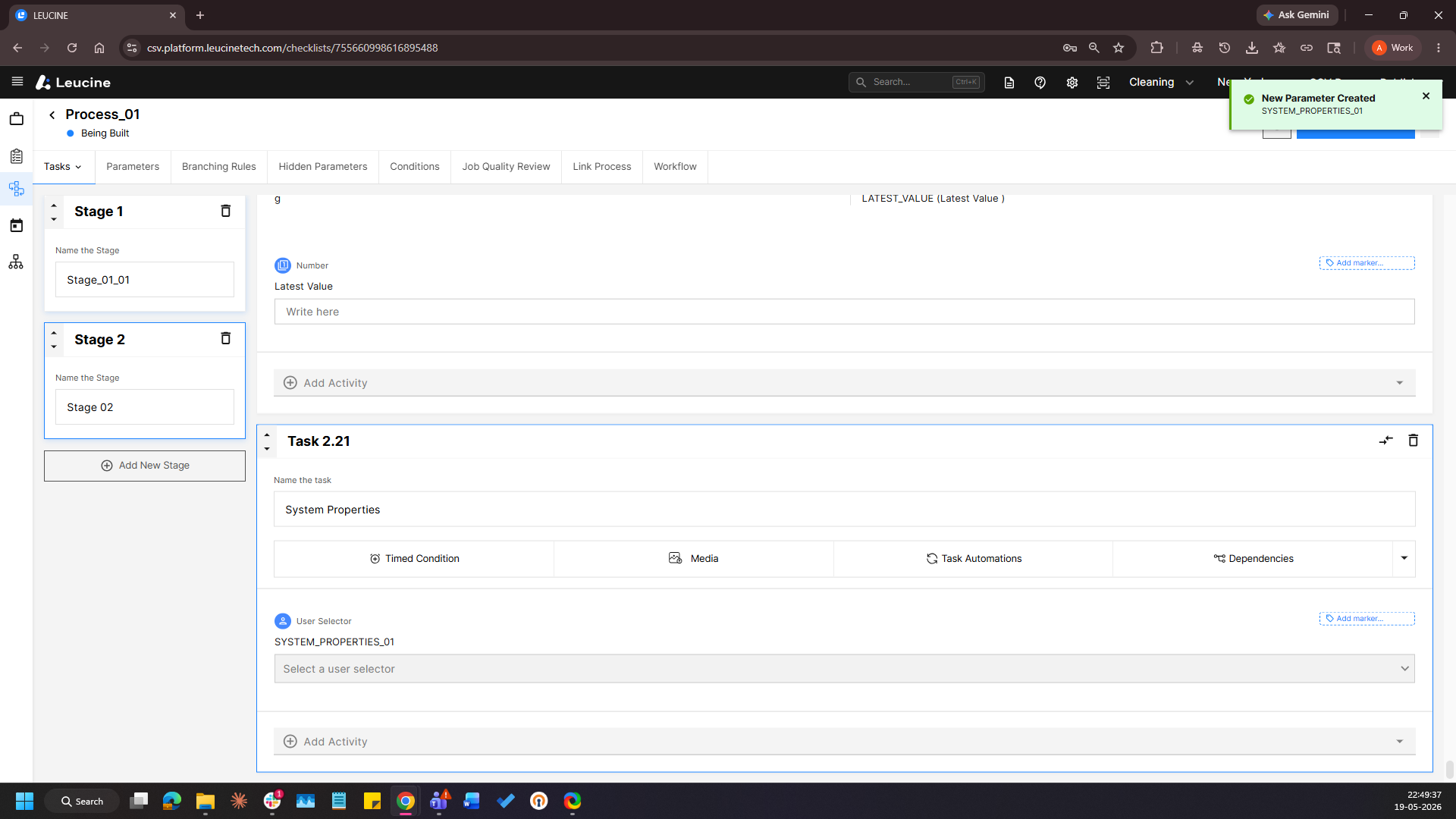
- Label the Property [SYSTEM_PROPERTIES] and Click on Next twice and Save.