![Leucine medium.png]](https://support.leucine.io/hs-fs/hubfs/Leucine%20medium.png?width=200&height=38&name=Leucine%20medium.png)
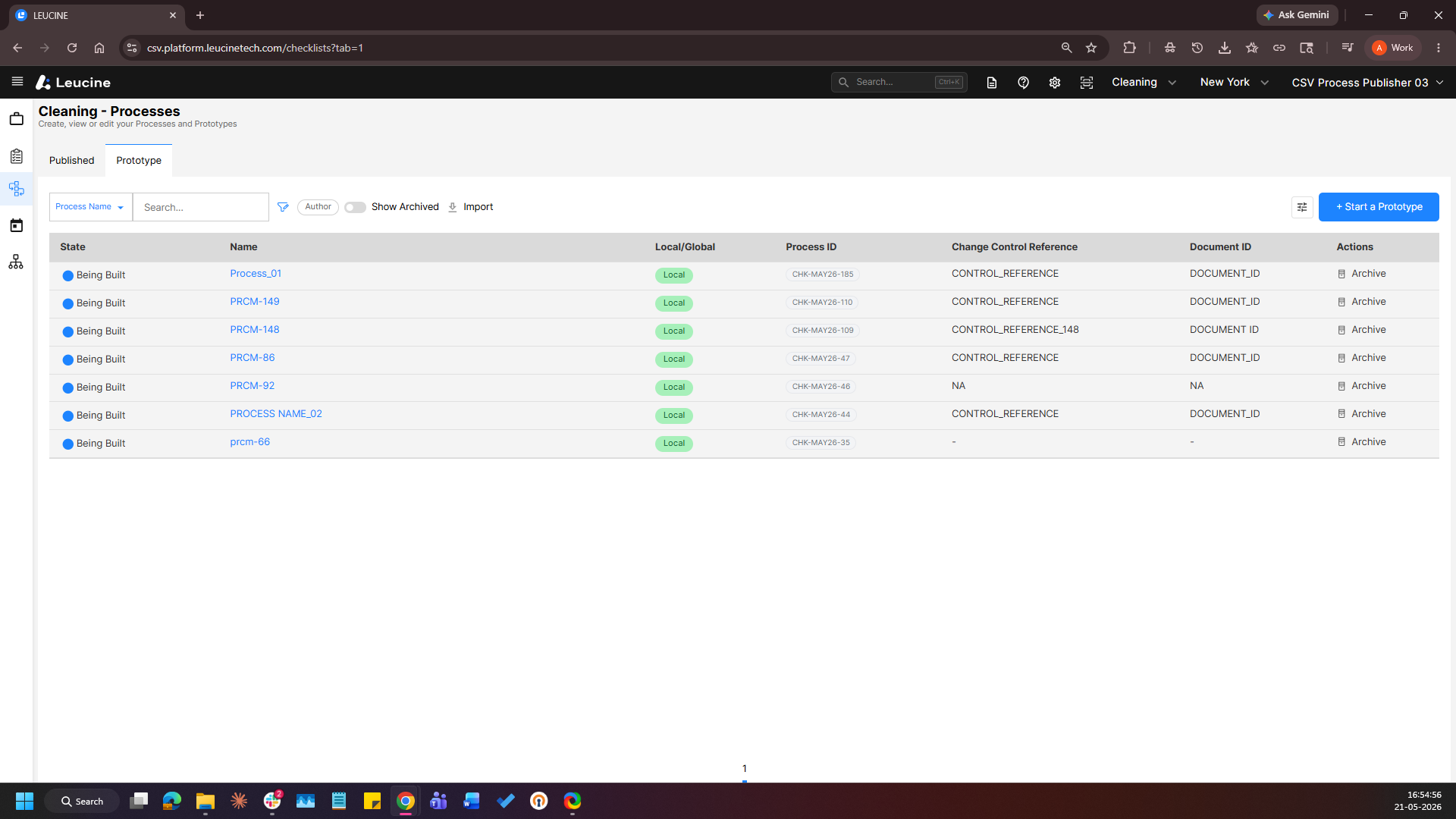
- Navigate to the Processes page and Open a process in the Prototype section.
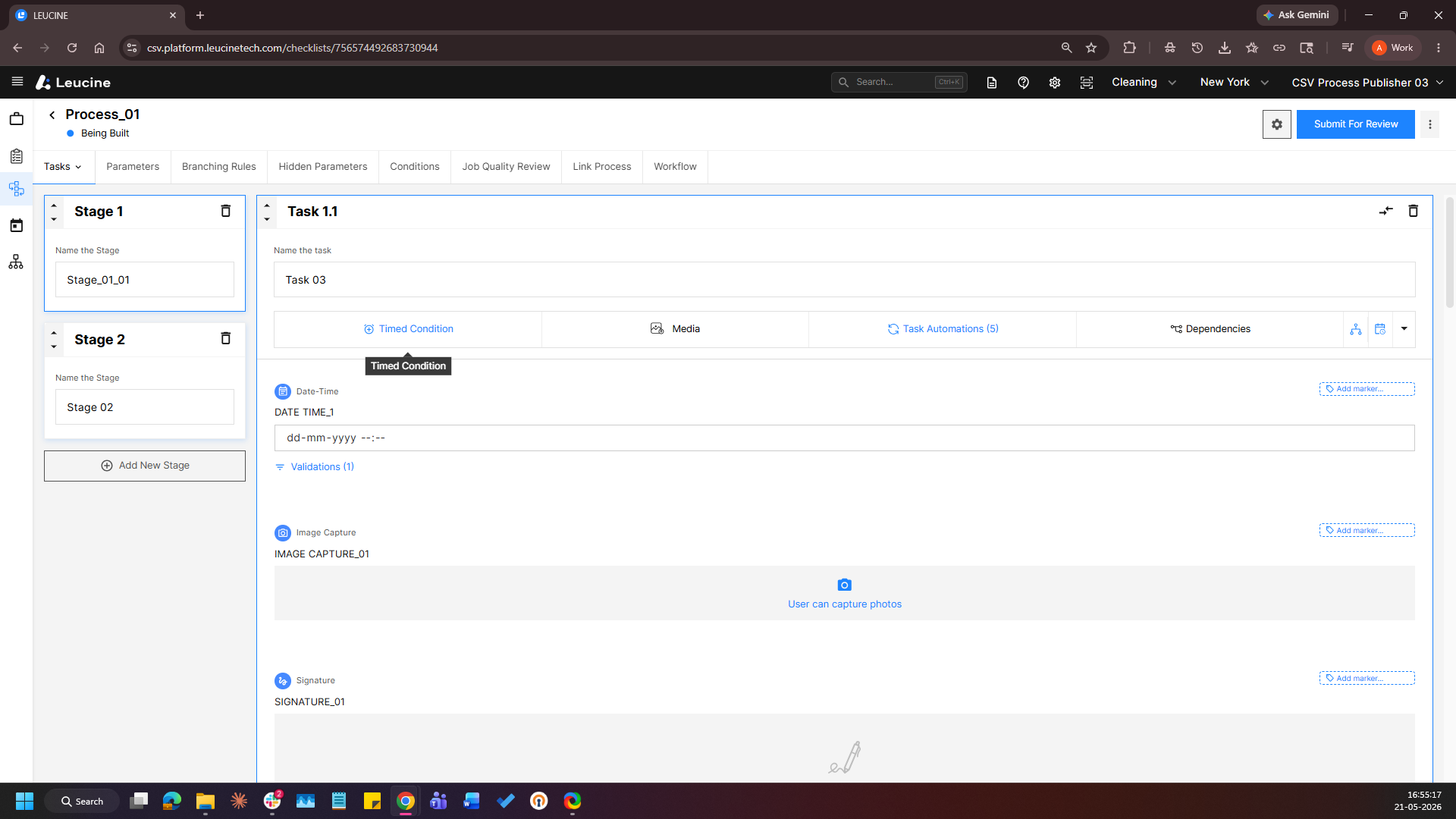
- Navigate to the required task and create a new parameter
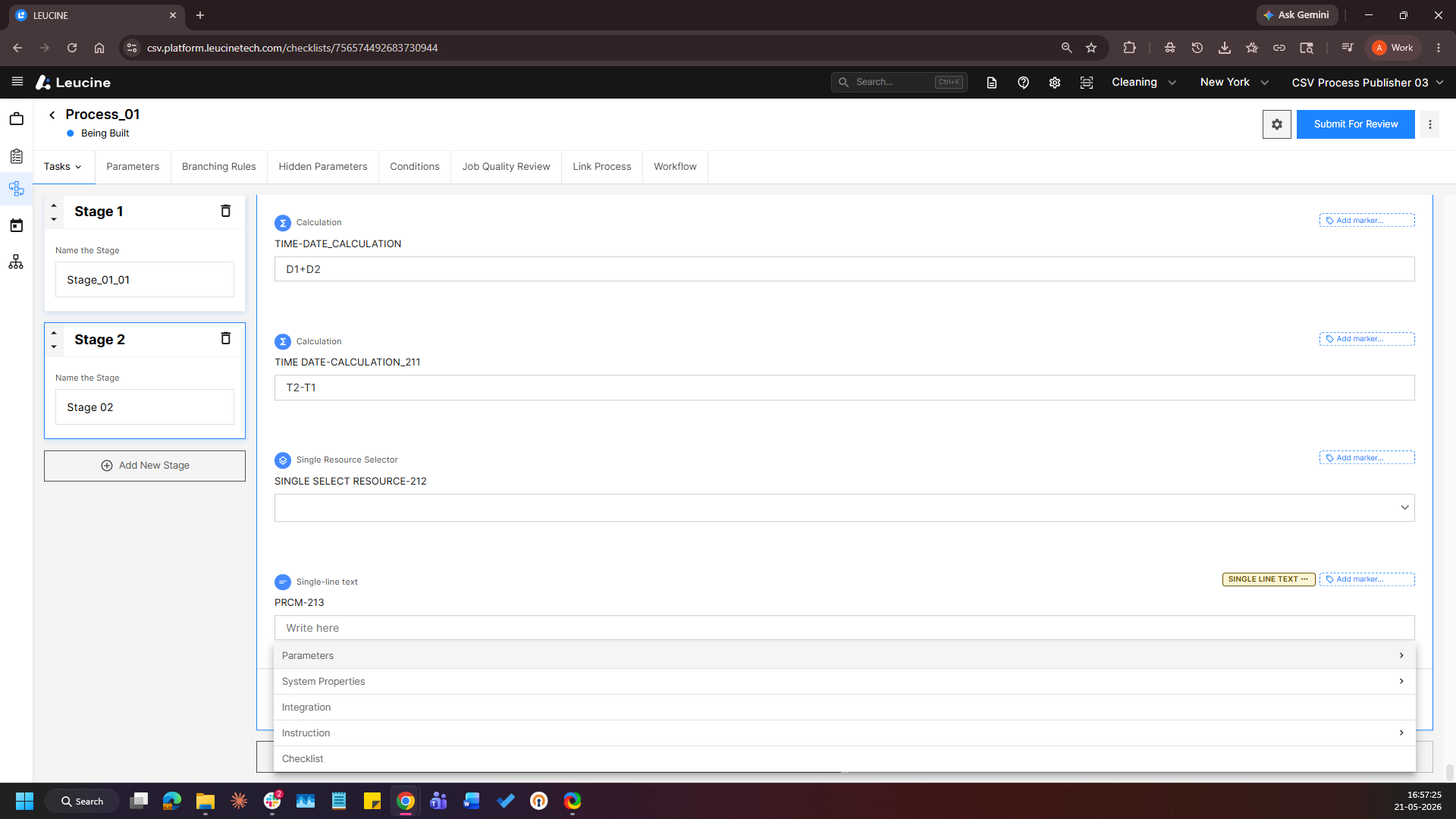
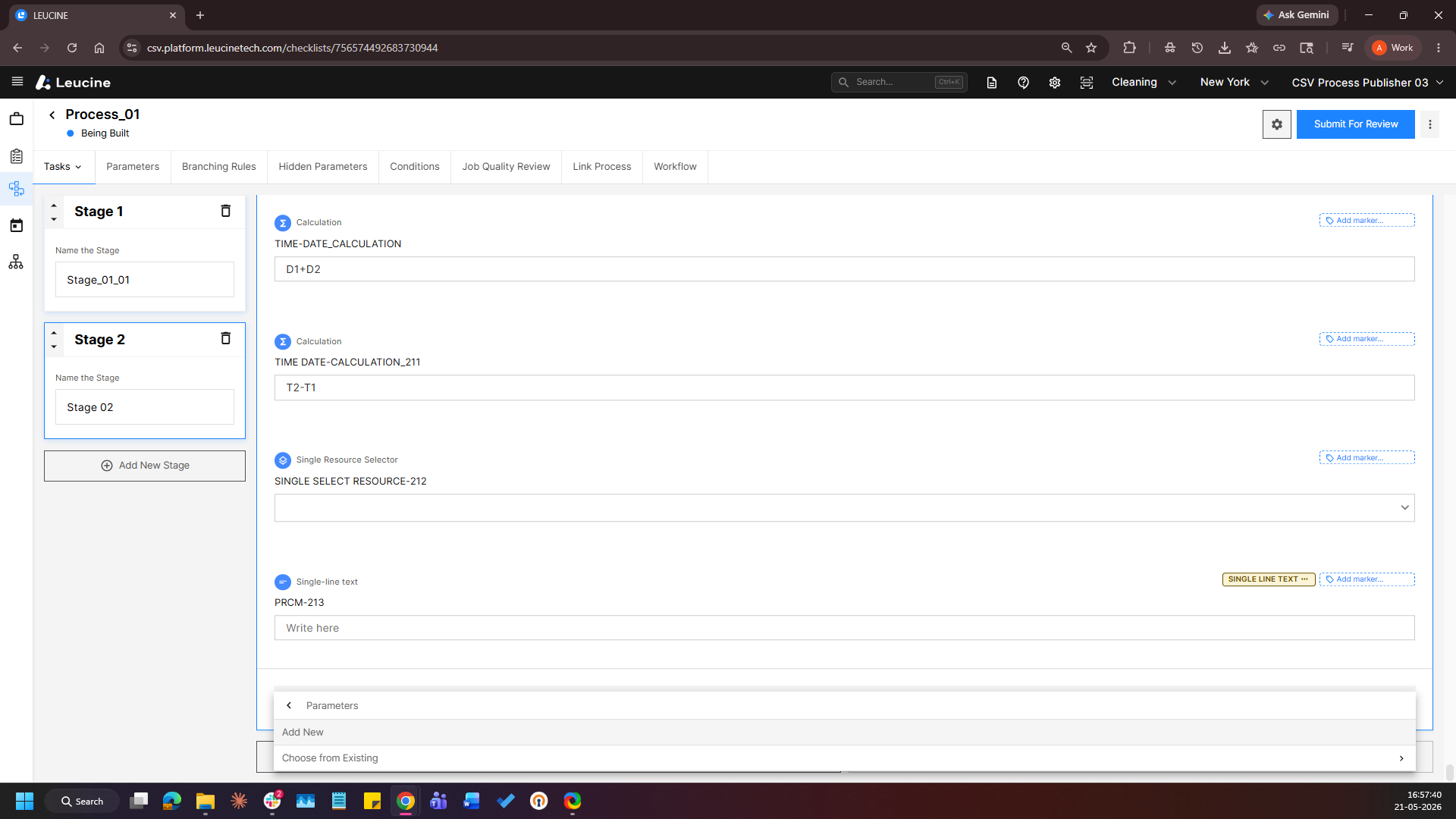
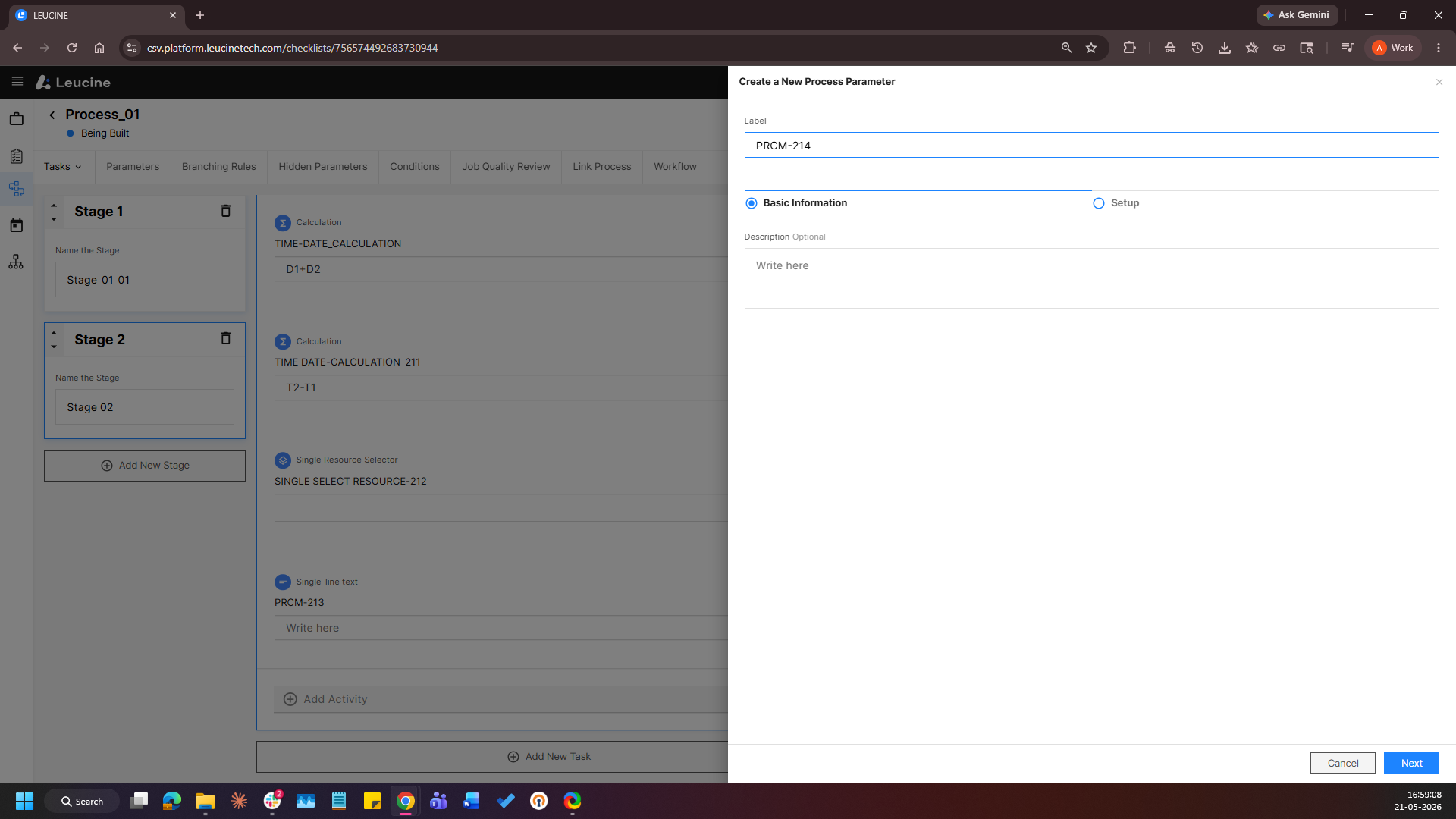
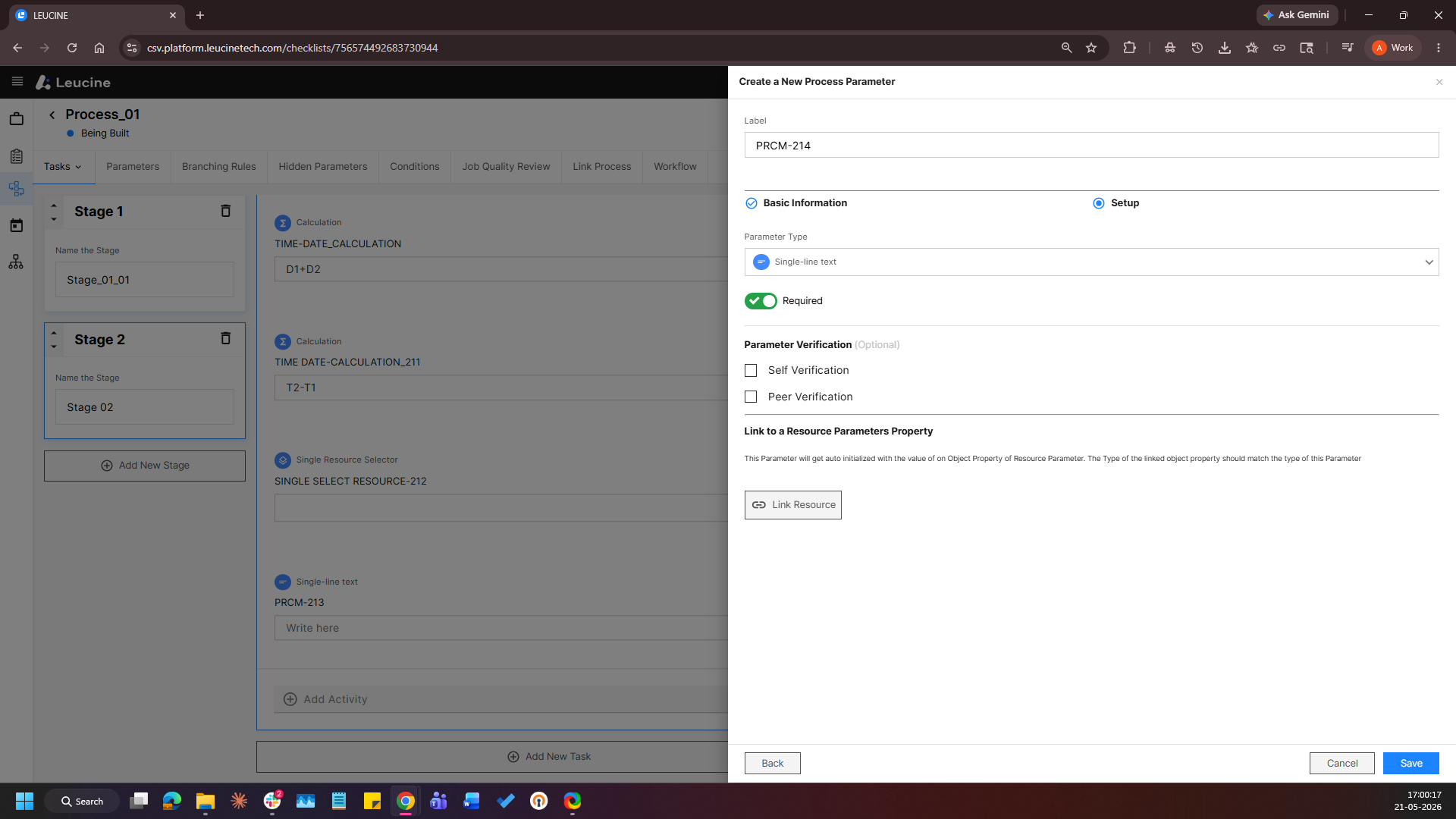
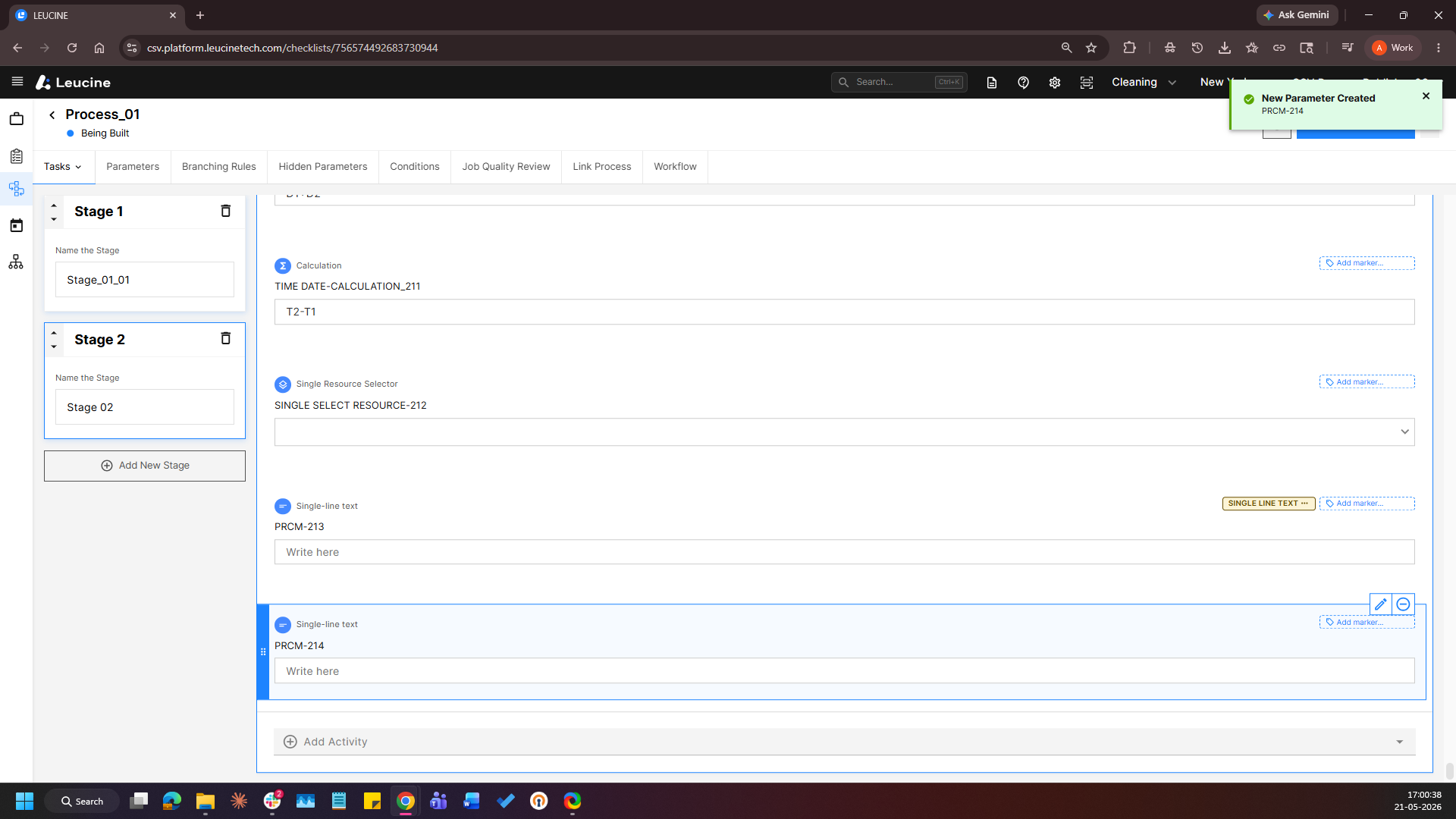
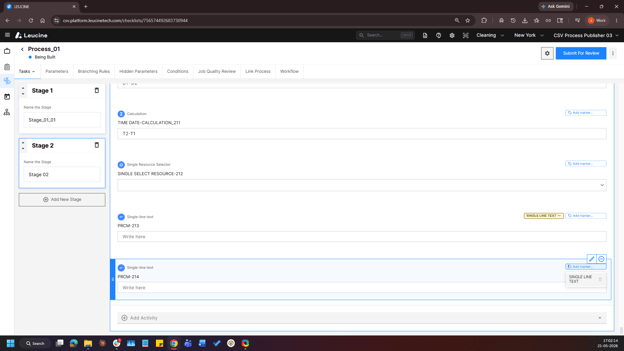
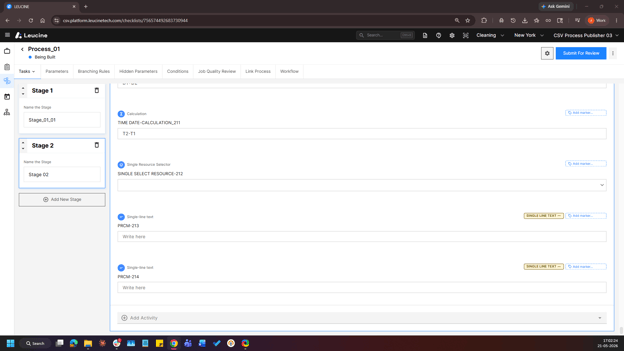
- On the parameter, click Add Marker (just above the Edit option) and Select an existing marker or enter a new label, select a colour, and click outside the popup to apply.
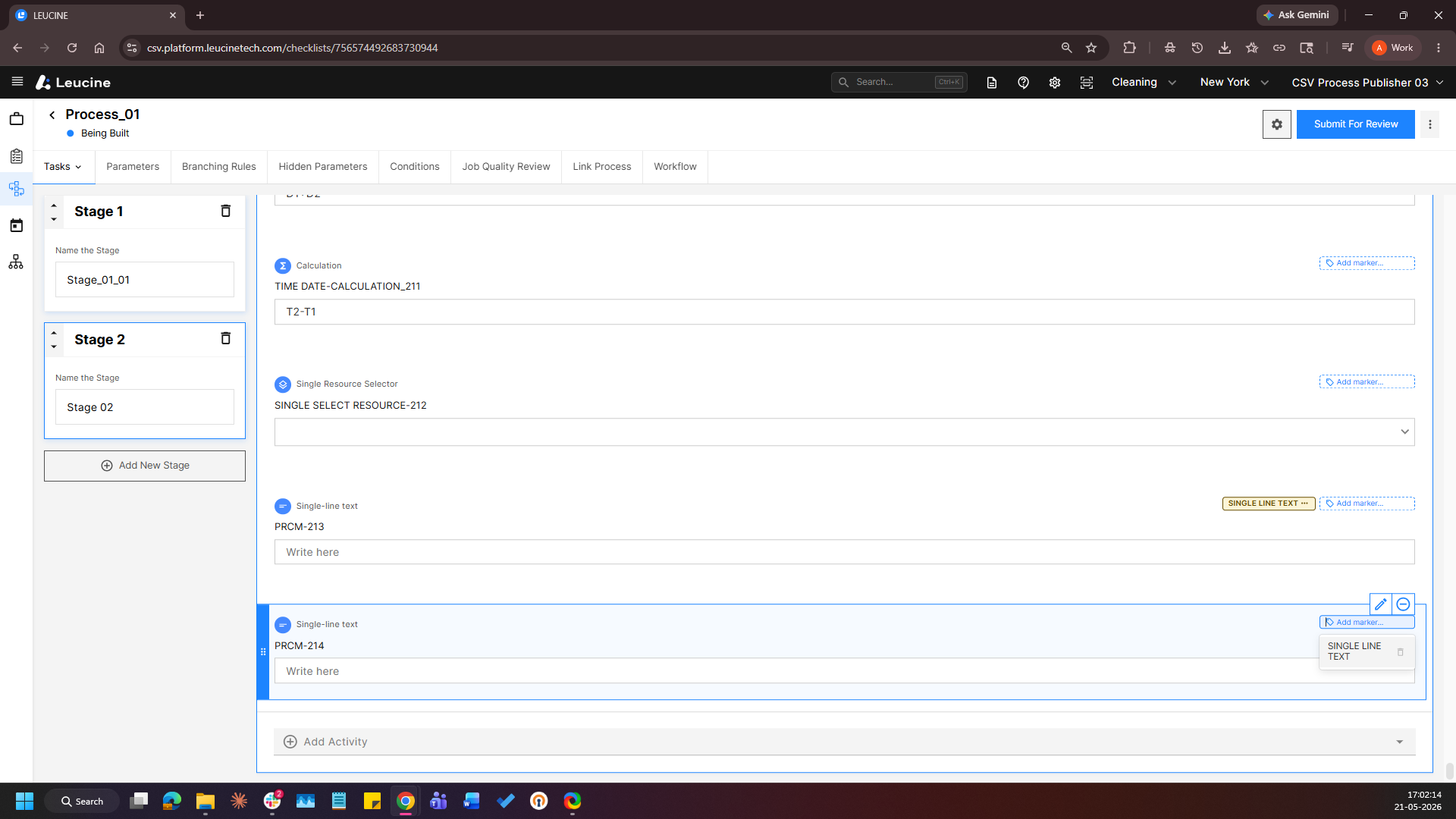
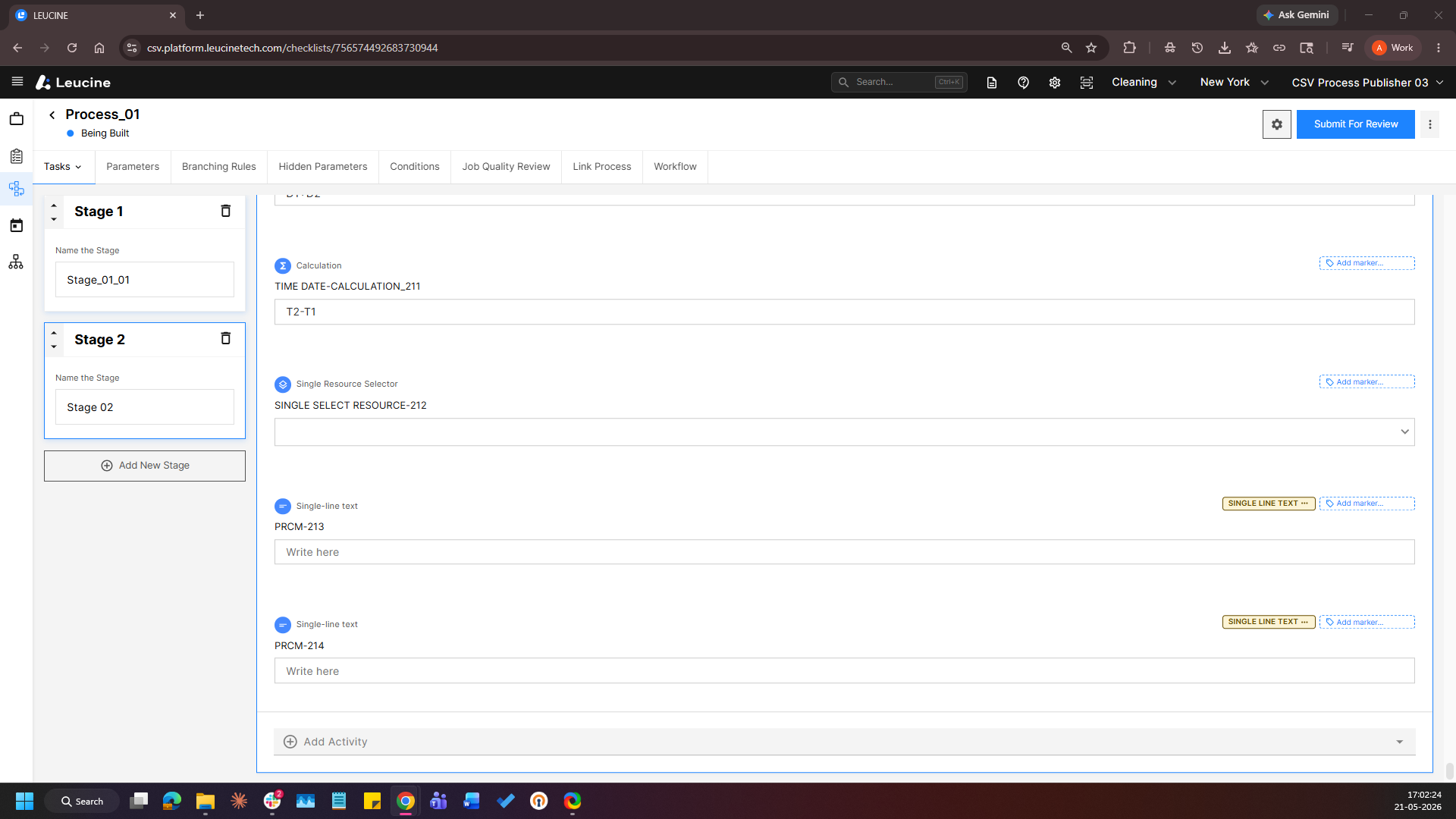
- Click Add Marker again on the same parameter and Enter a new marker label, select a colour, and click outside the popup to apply.