![Leucine medium.png]](https://support.leucine.io/hs-fs/hubfs/Leucine%20medium.png?width=200&height=38&name=Leucine%20medium.png)
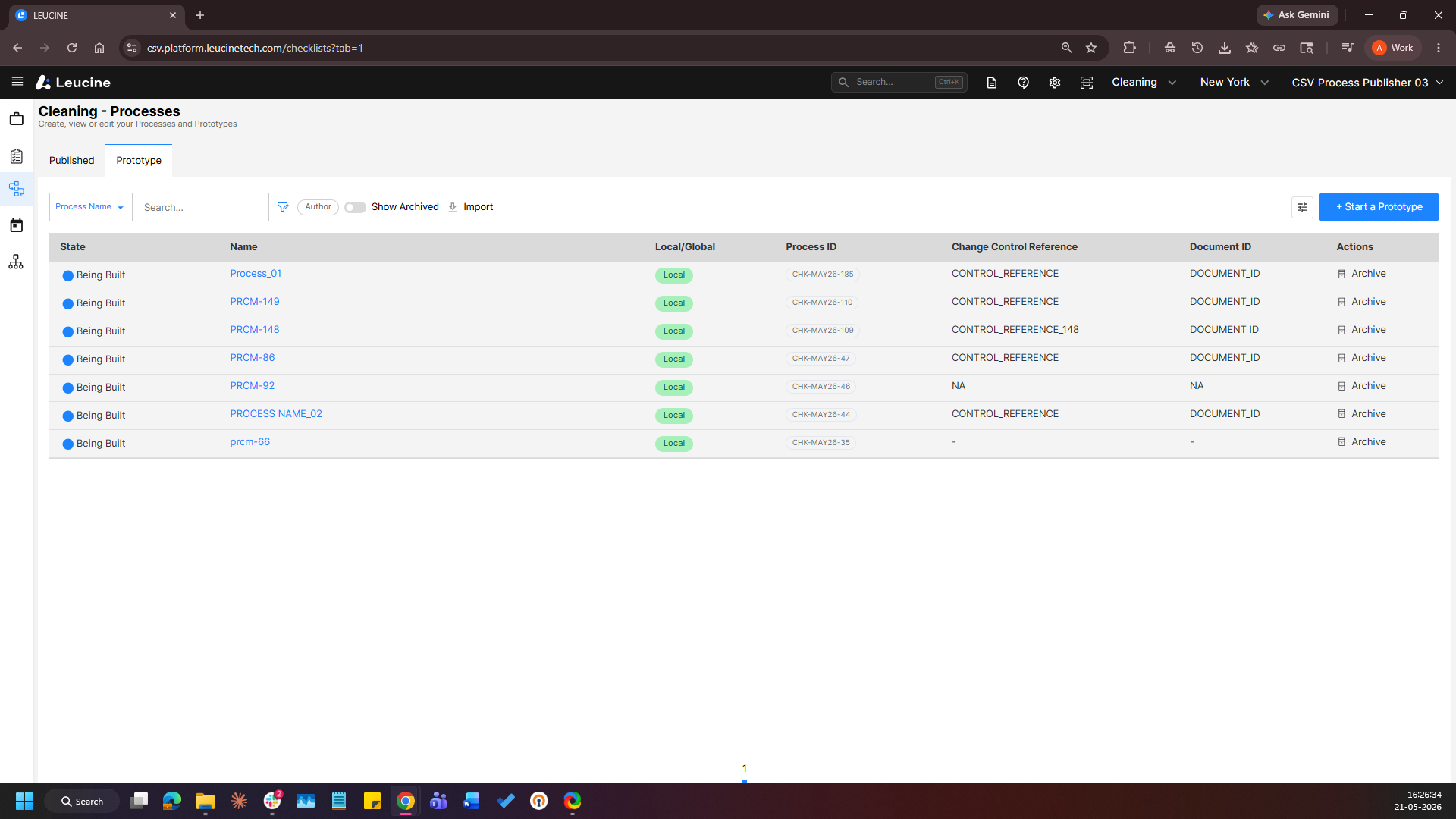
1. Navigate to the Process tab and open a prototype.
2. Navigate to a task and click Add Activity → Parameters → Add New.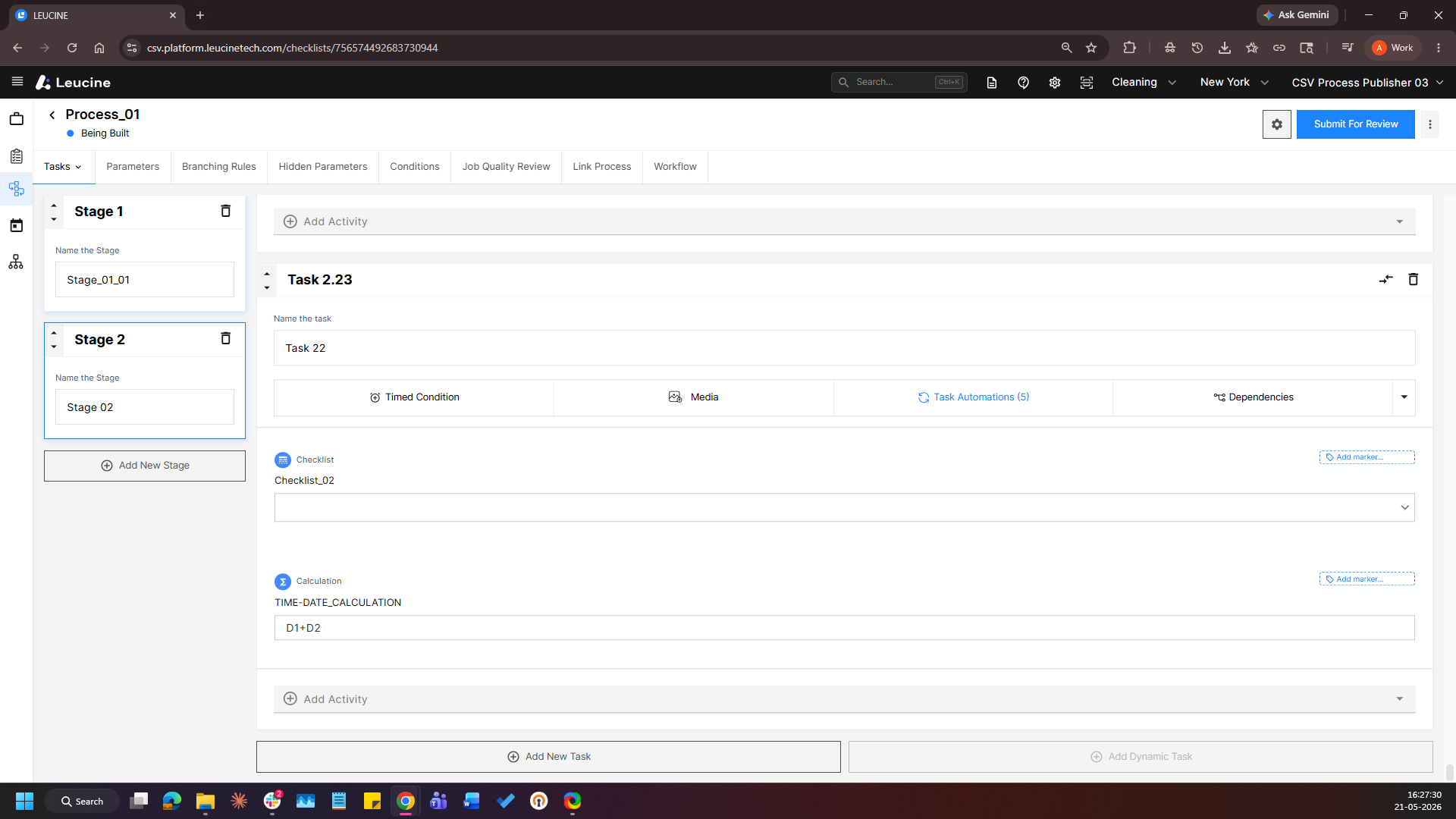
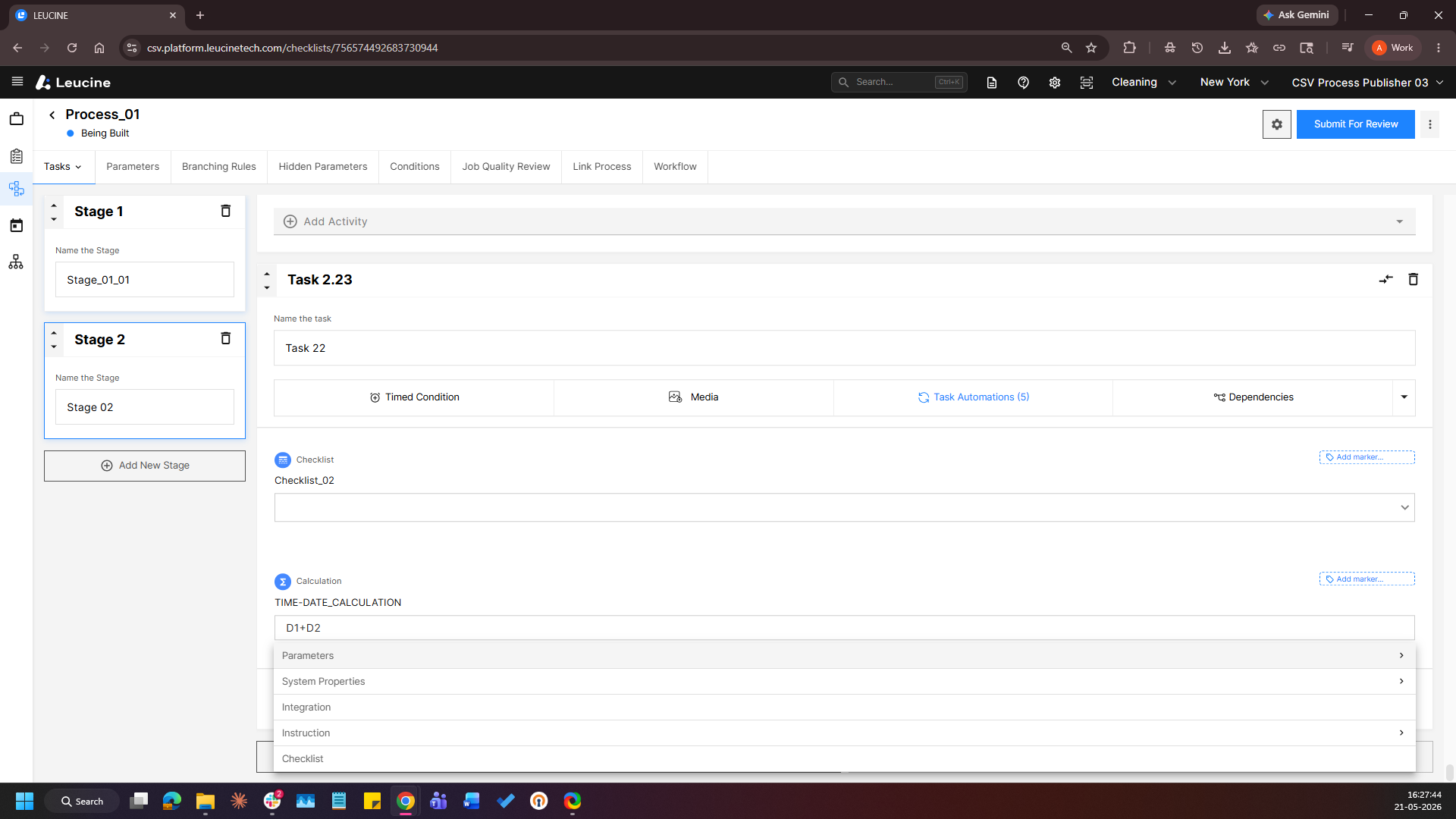
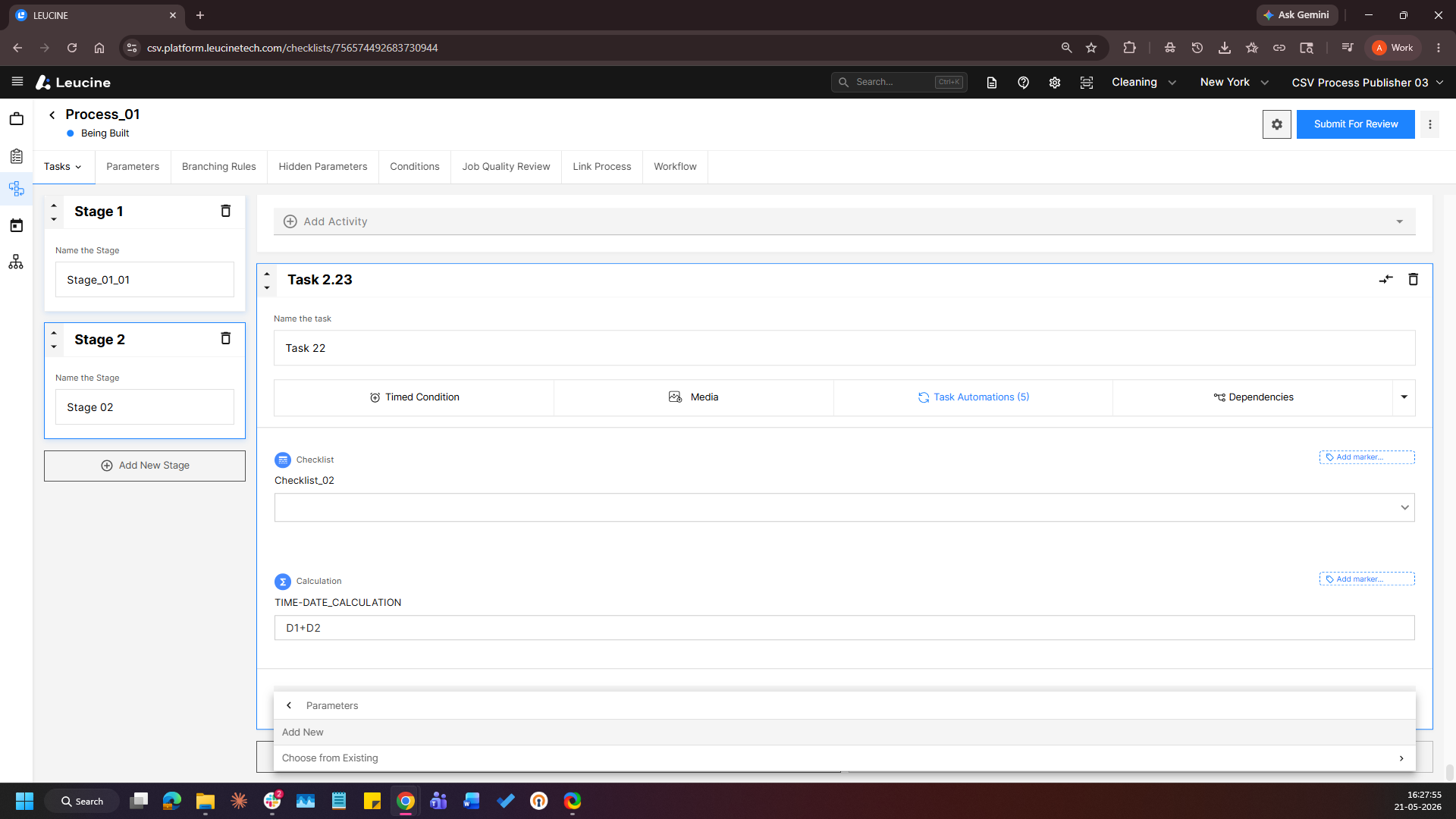
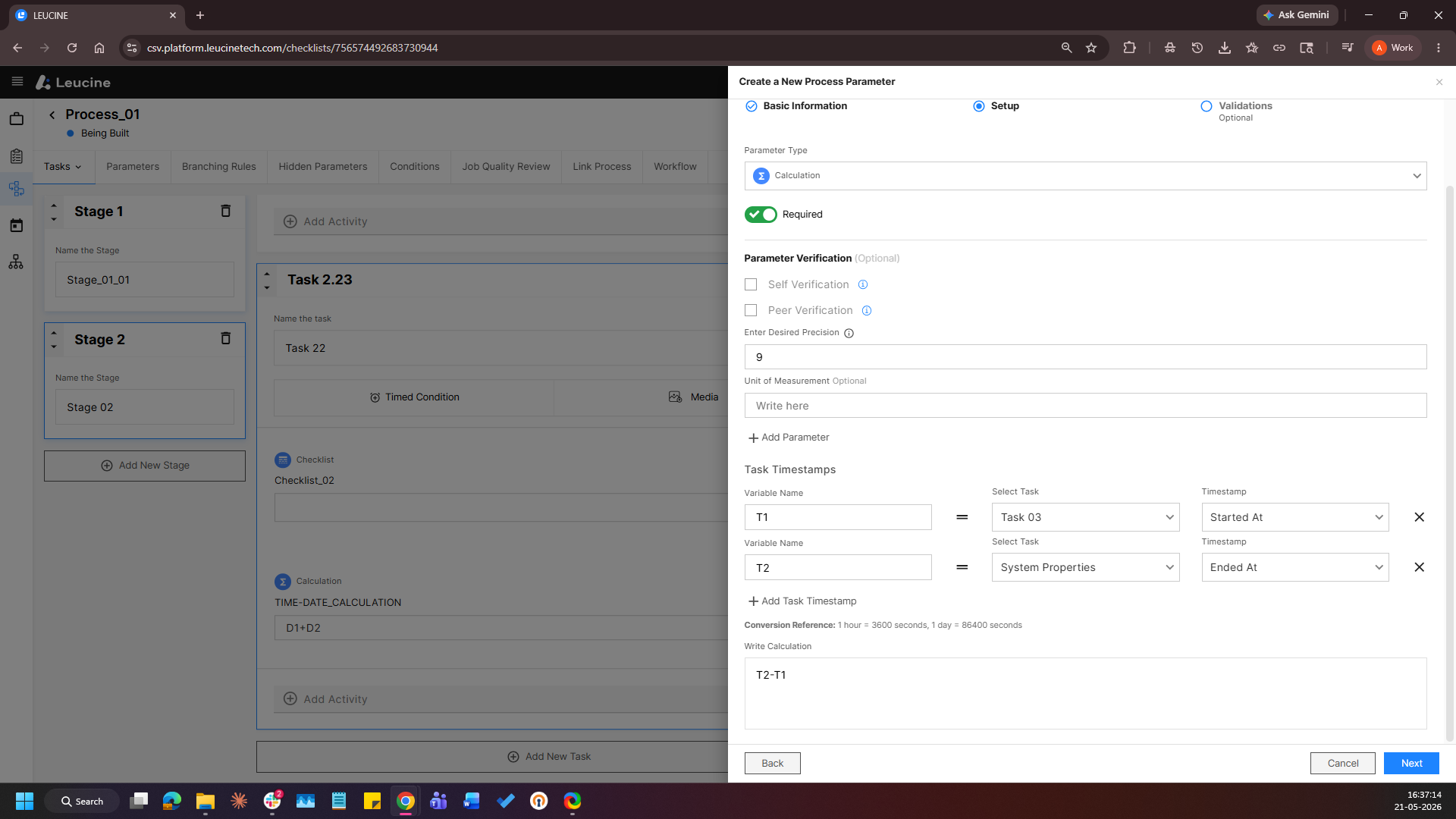
3. Provide a label, click Next and select Calculation as the Parameter Type.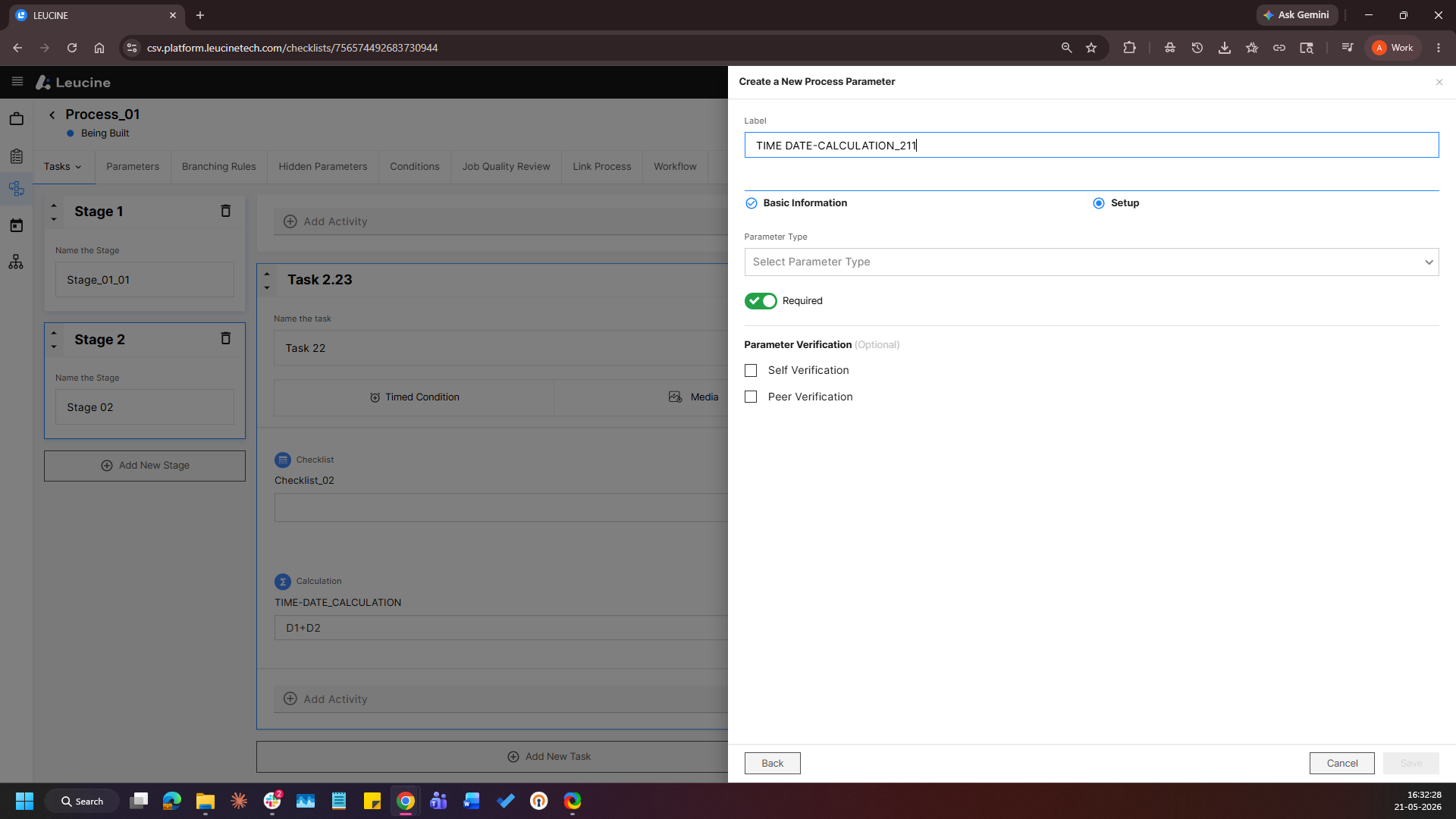
4. In the formula builder, Click on Add Task Time stamps, select Task Started At and Task Ended At as the inputs.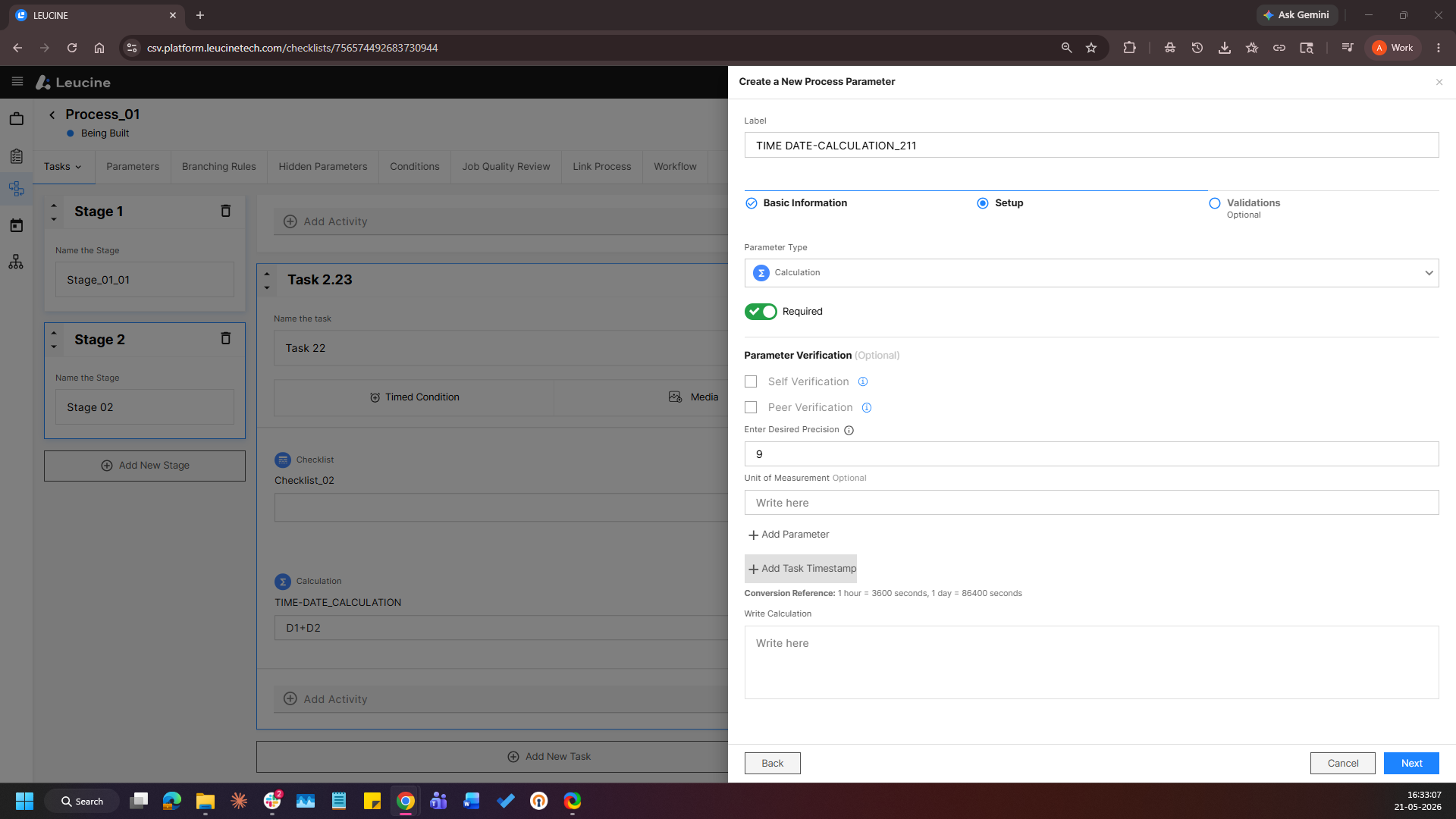
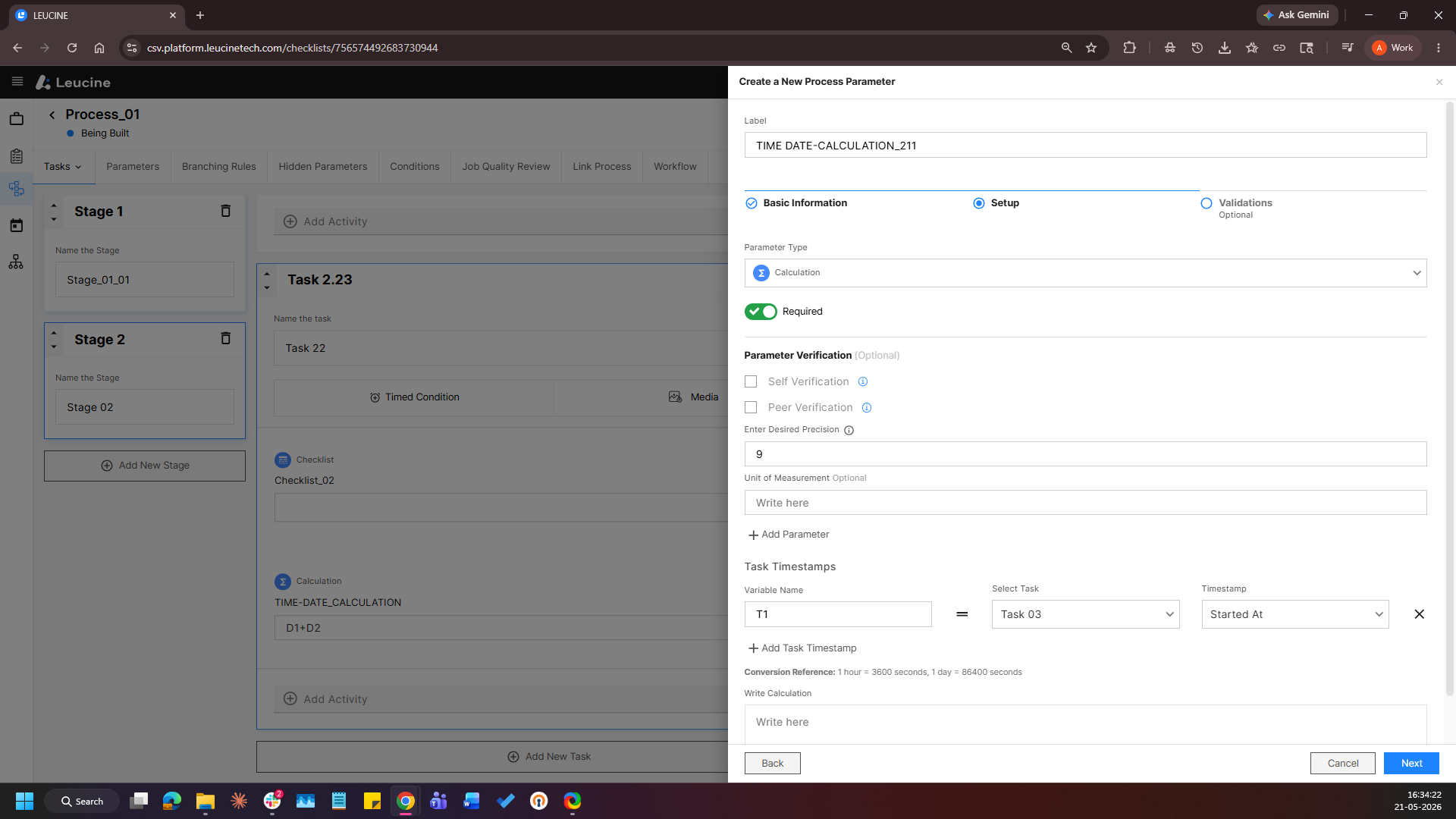
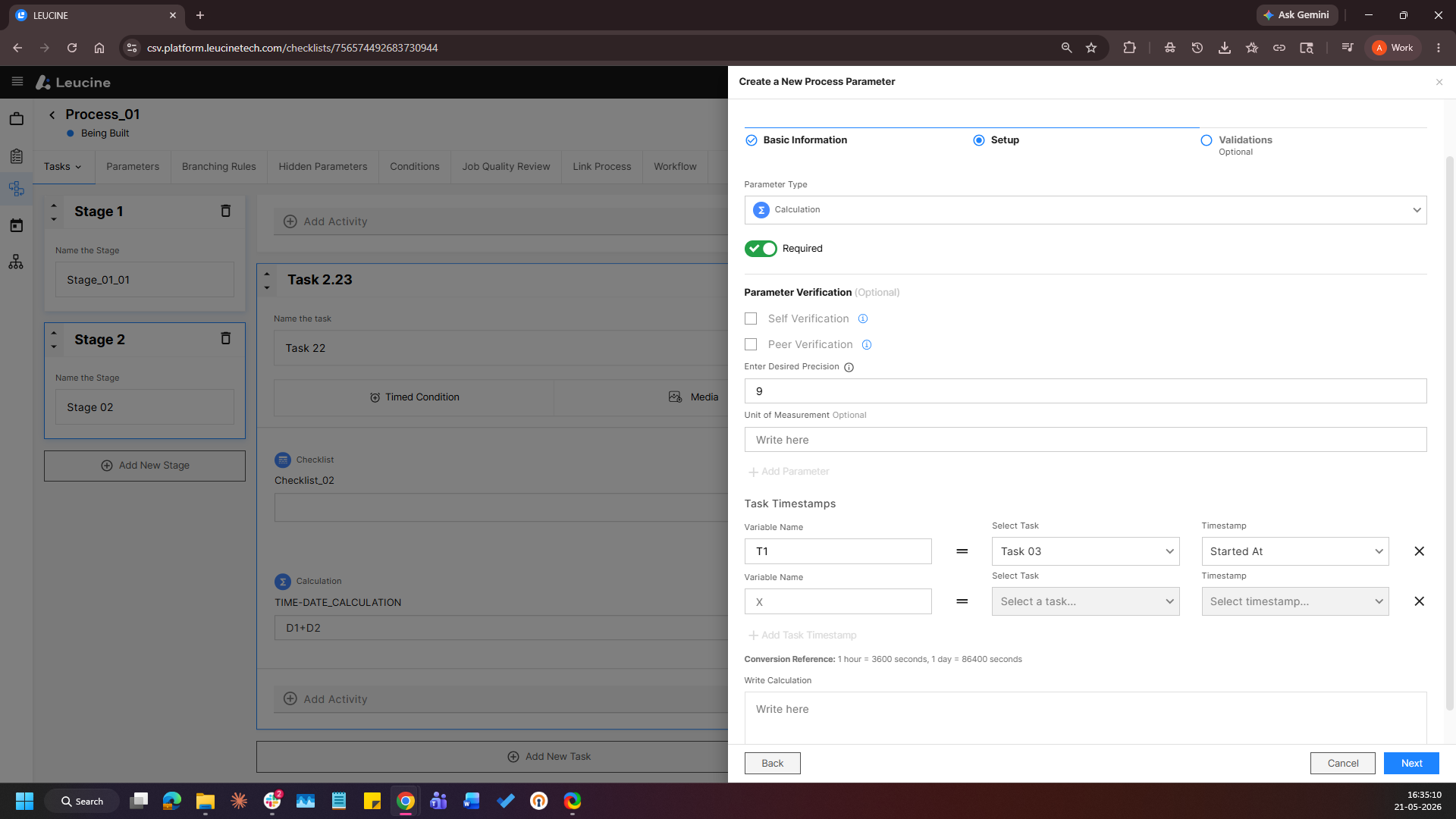
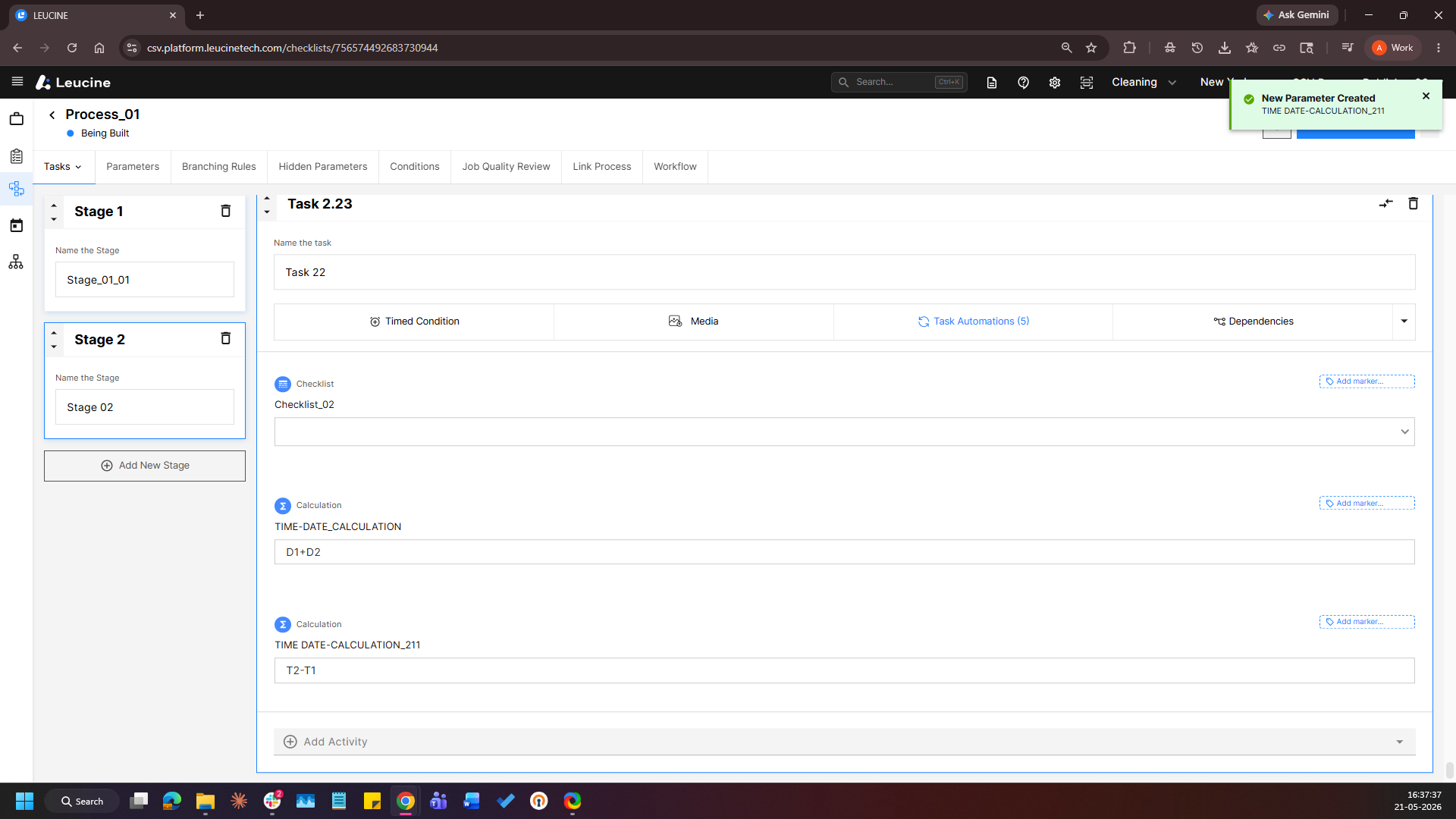
5. Configure the formula and click Save