![Leucine medium.png]](https://support.leucine.io/hs-fs/hubfs/Leucine%20medium.png?width=200&height=38&name=Leucine%20medium.png)
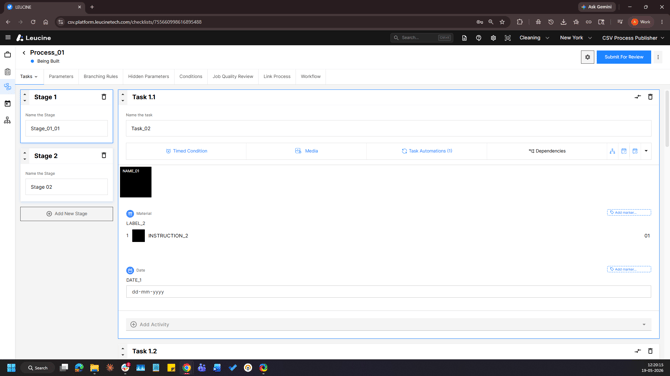
1. Go to the Process tab and open the process to be configured.
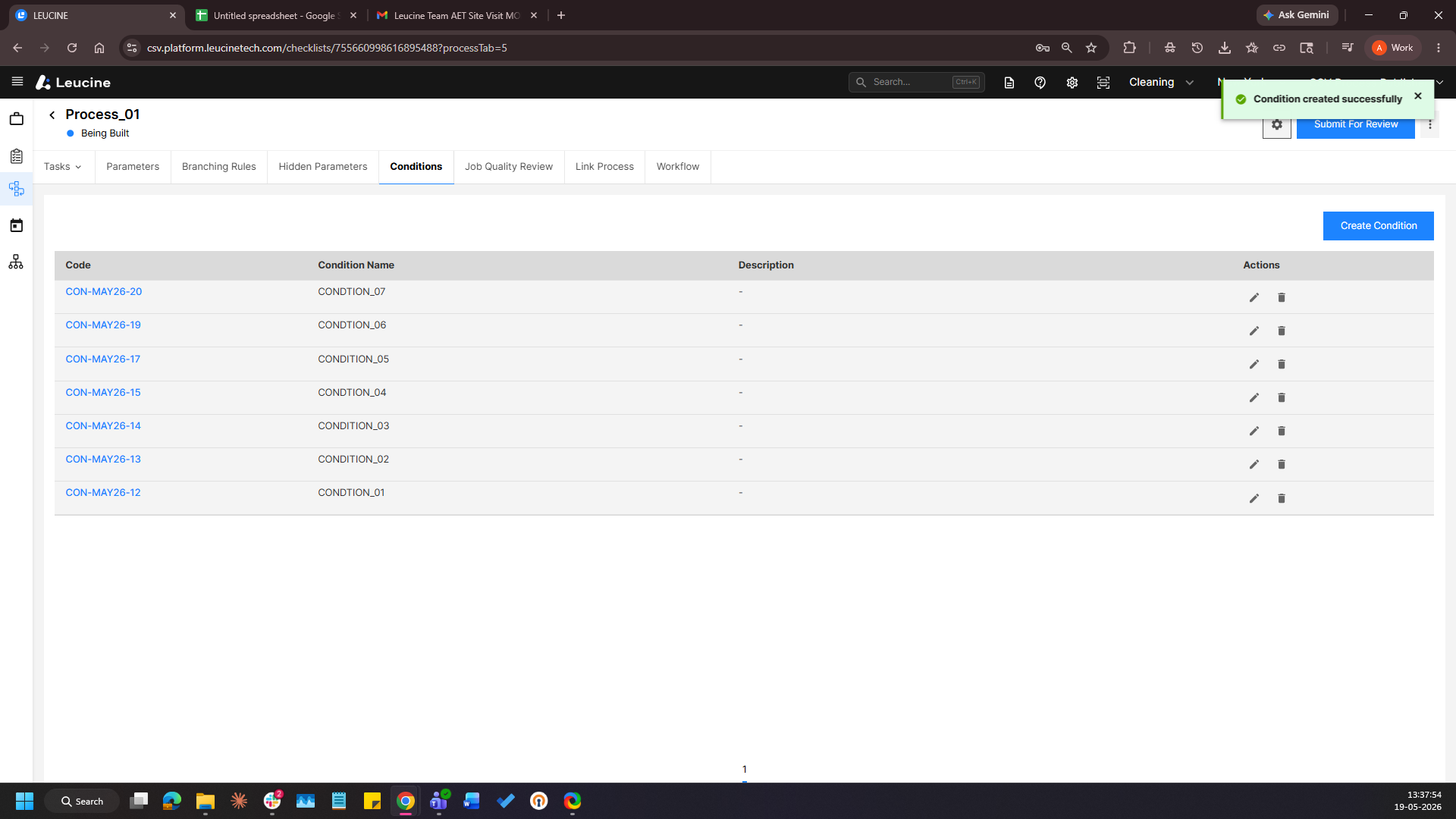
2. Navigate to the Conditions tab and click on Add New Condition or edit an existing one.
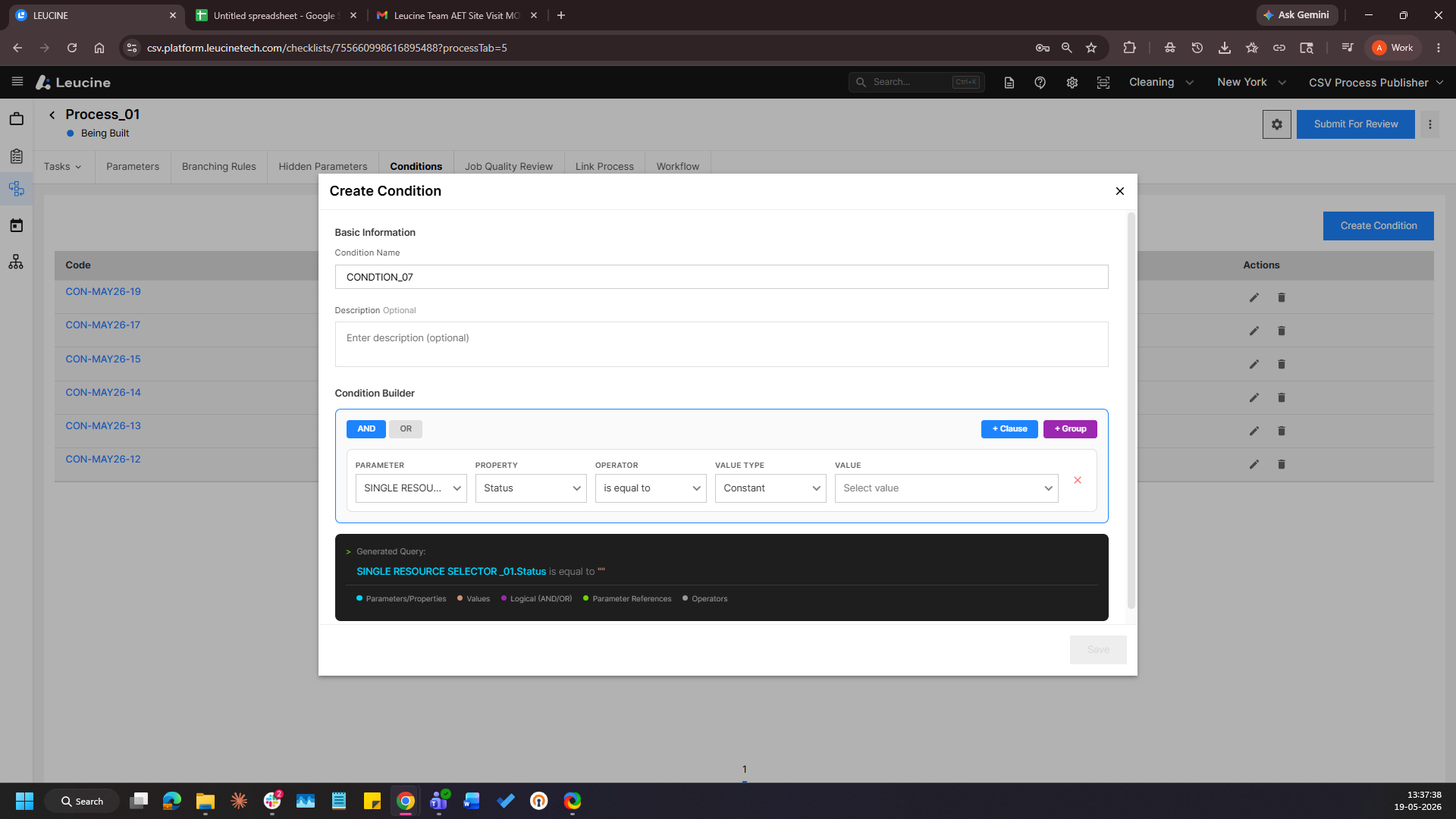
3. Select the Single Resource Selector or Multi Resource Selector parameter as the condition parameter.
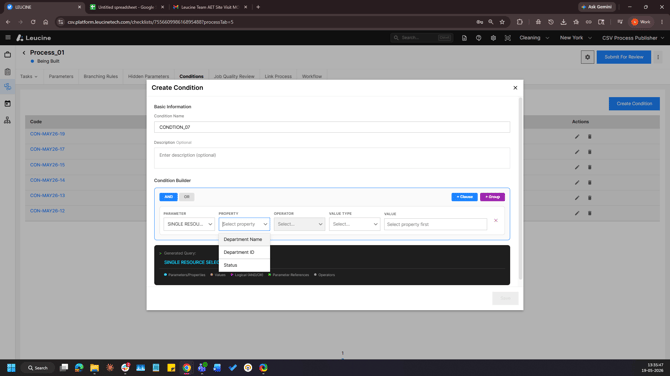
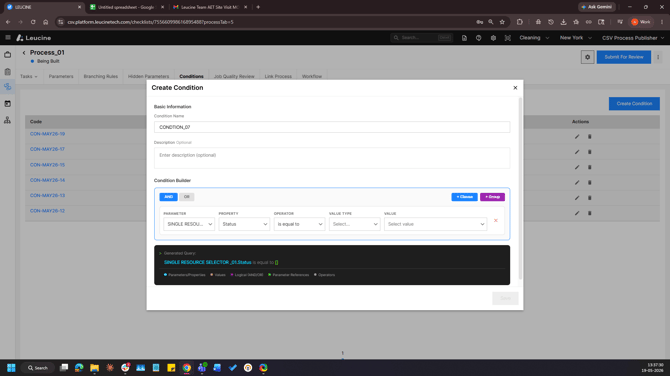
4. Define the condition criteria such as is or is not and select the required resource.
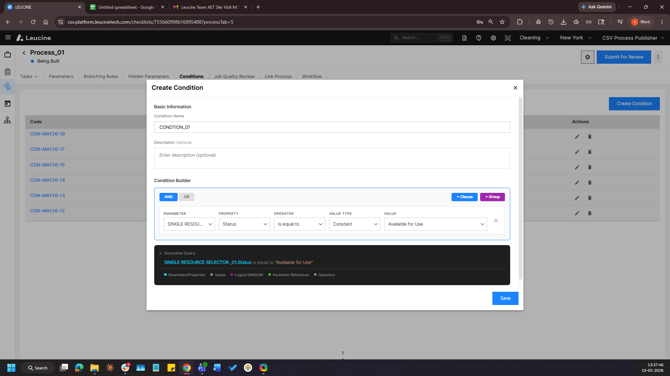
5. Save the changes and the condition will be configured.