![Leucine medium.png]](https://support.leucine.io/hs-fs/hubfs/Leucine%20medium.png?width=200&height=38&name=Leucine%20medium.png)
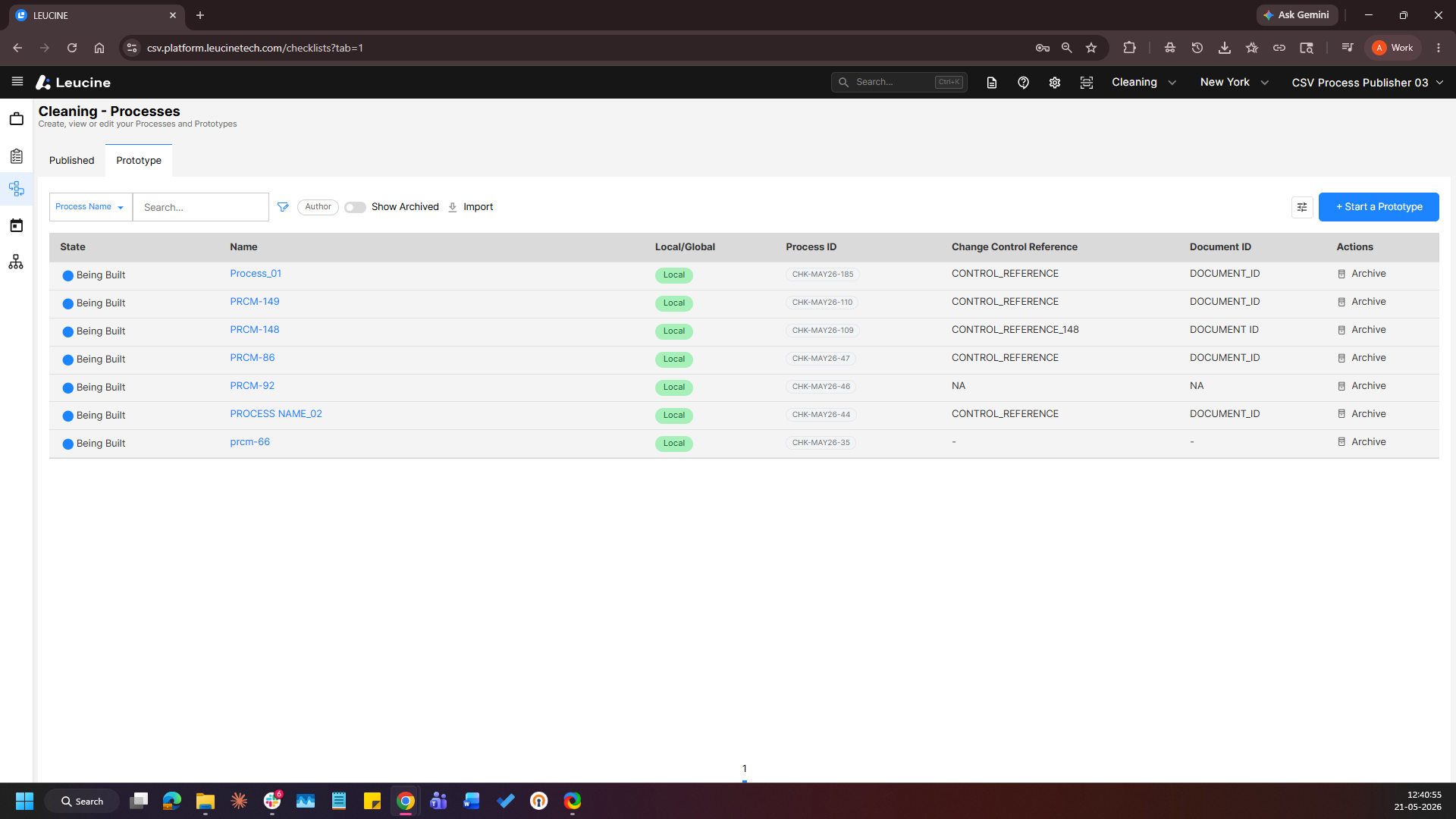
- Navigate to the Processes page and Open process from the Prototype section.
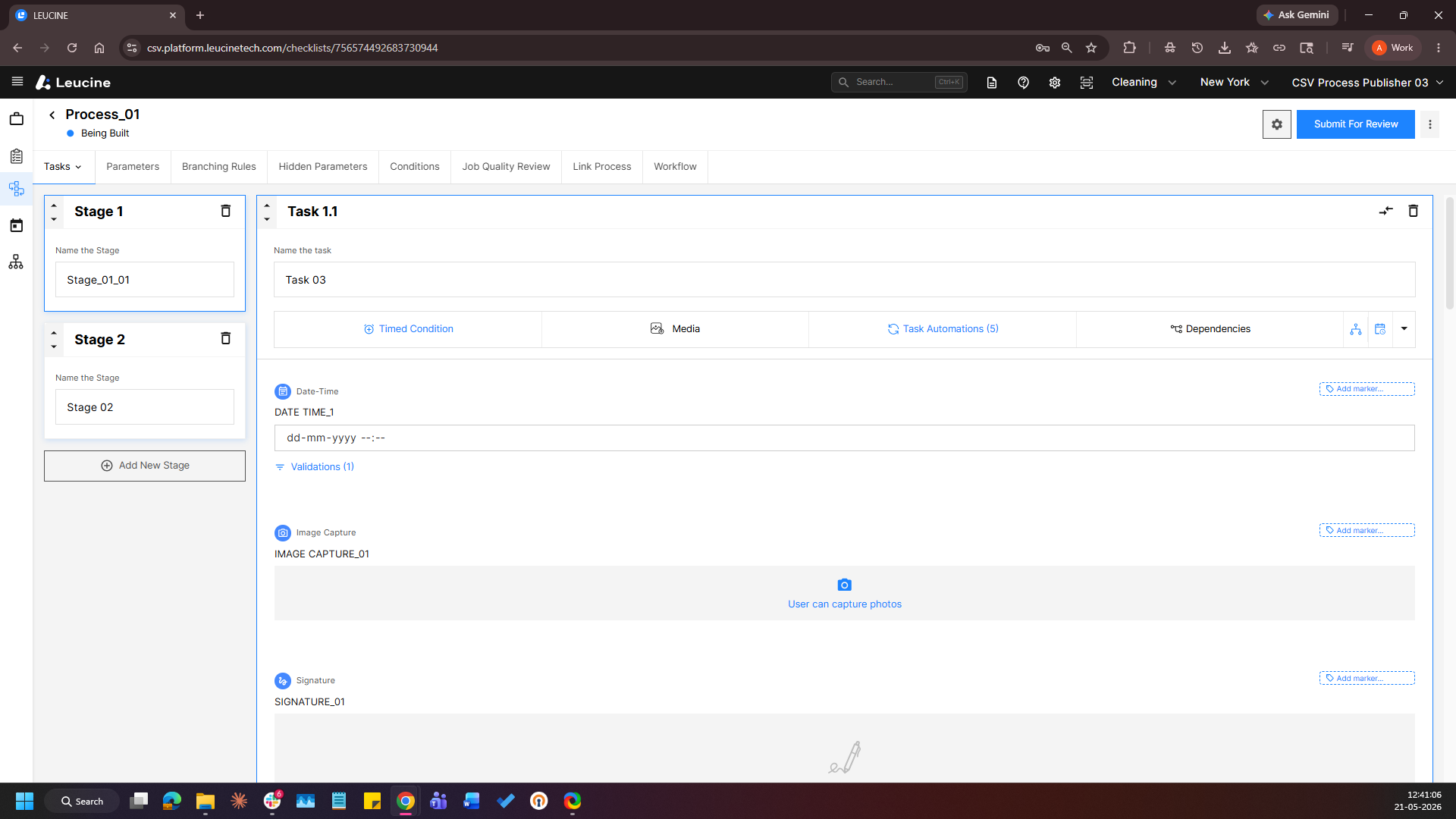
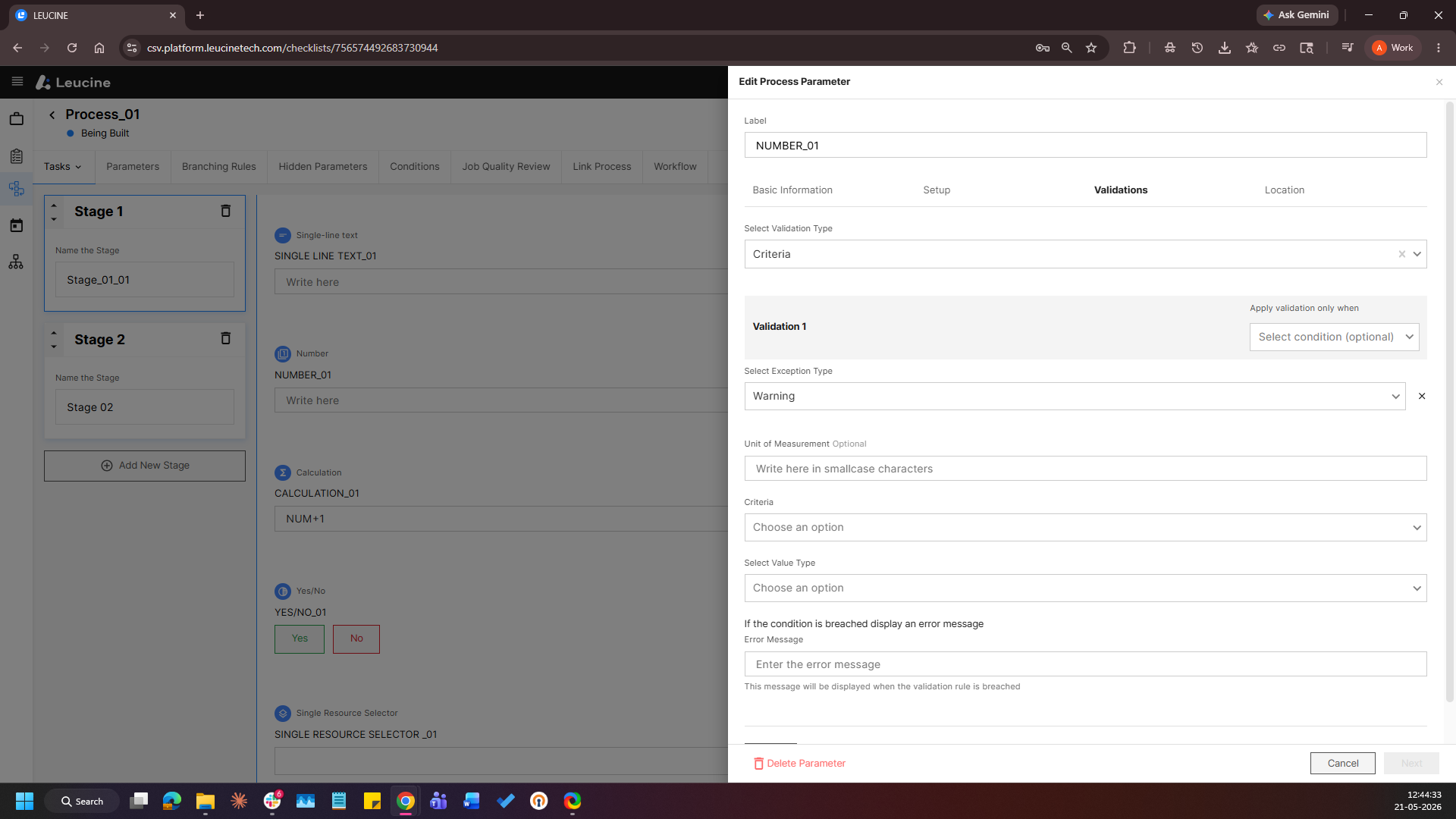
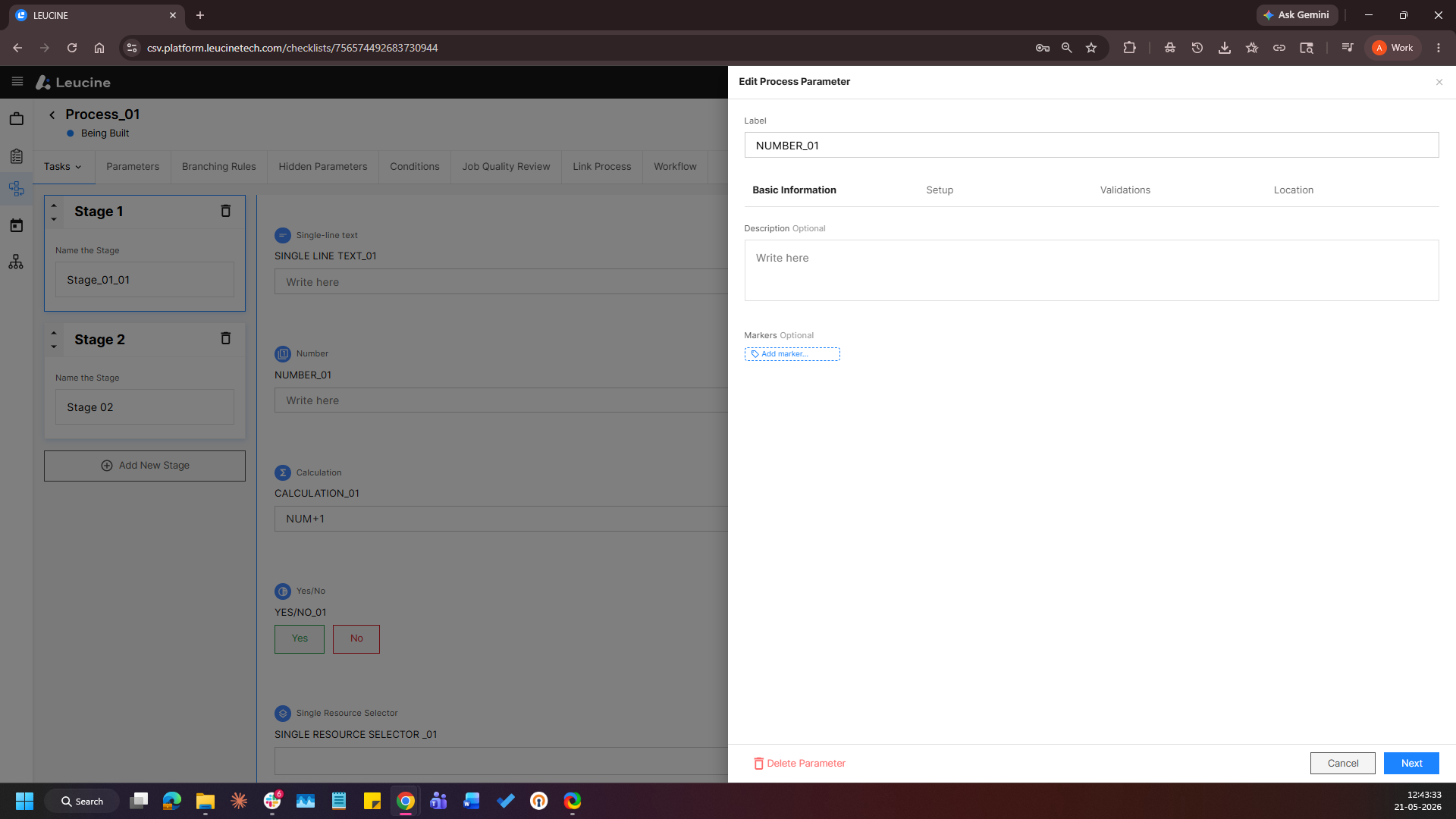
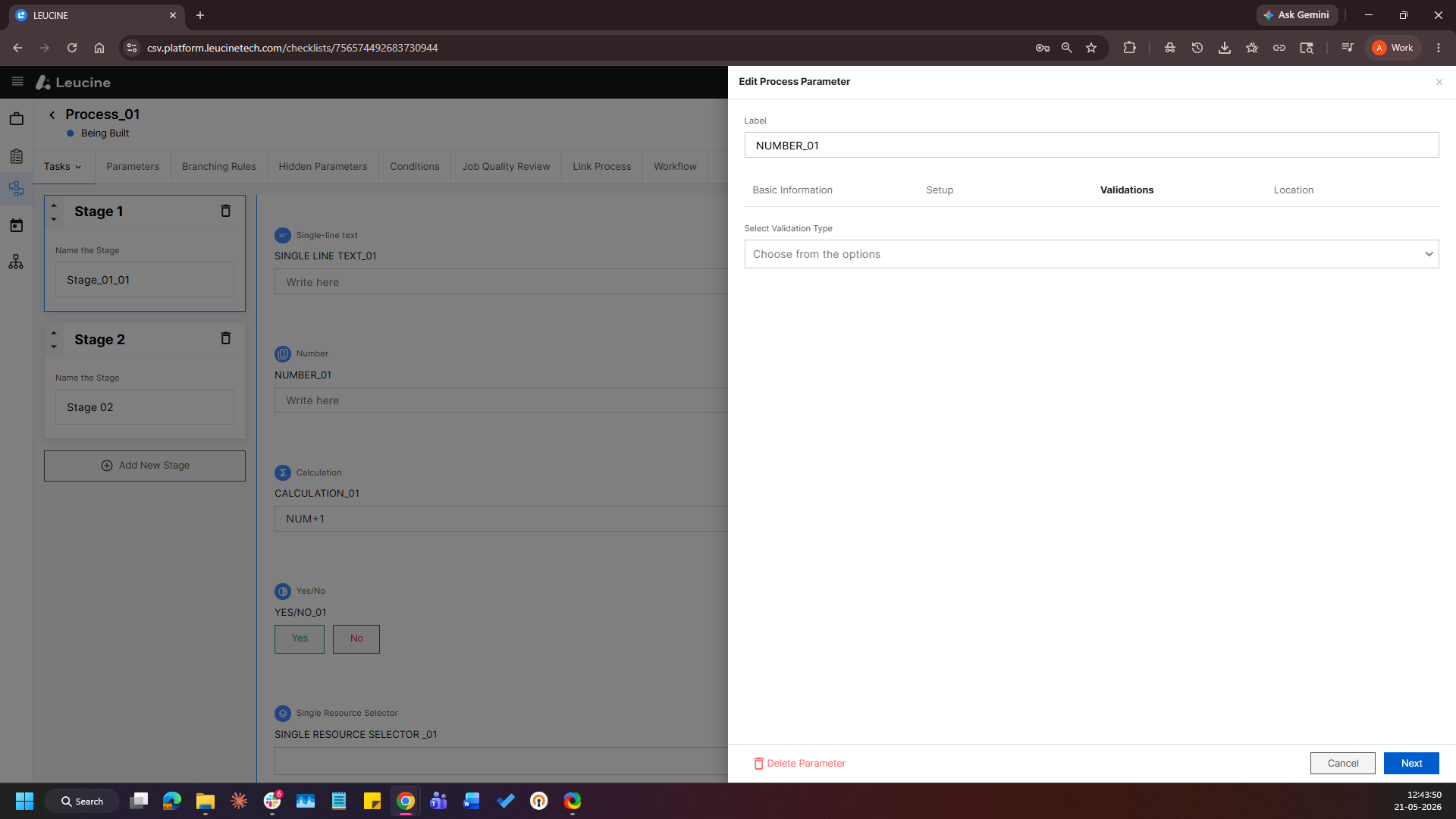
- Edit Number parameter and Navigate to the “Validations” tab of the parameter configuration window.
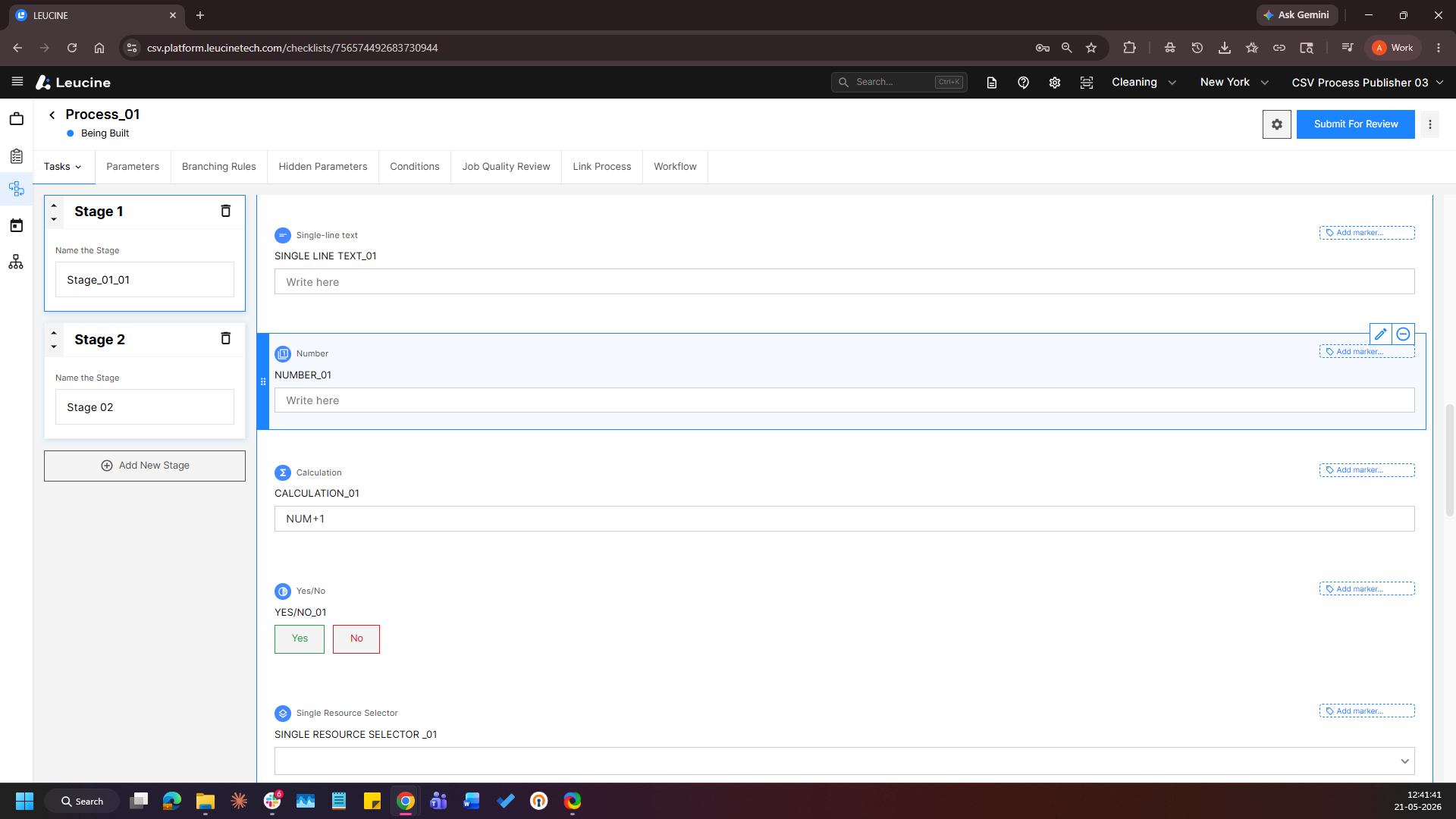
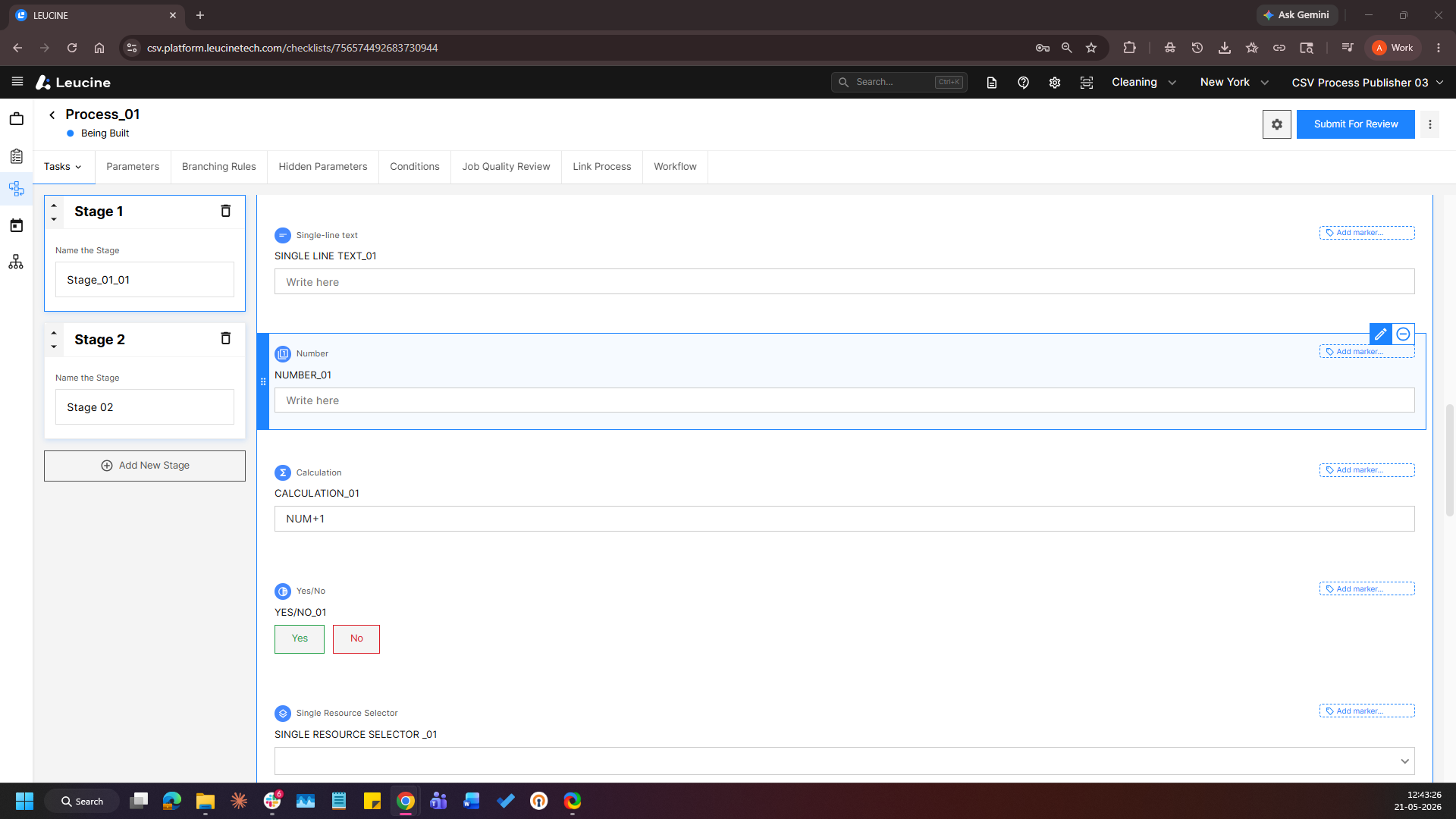
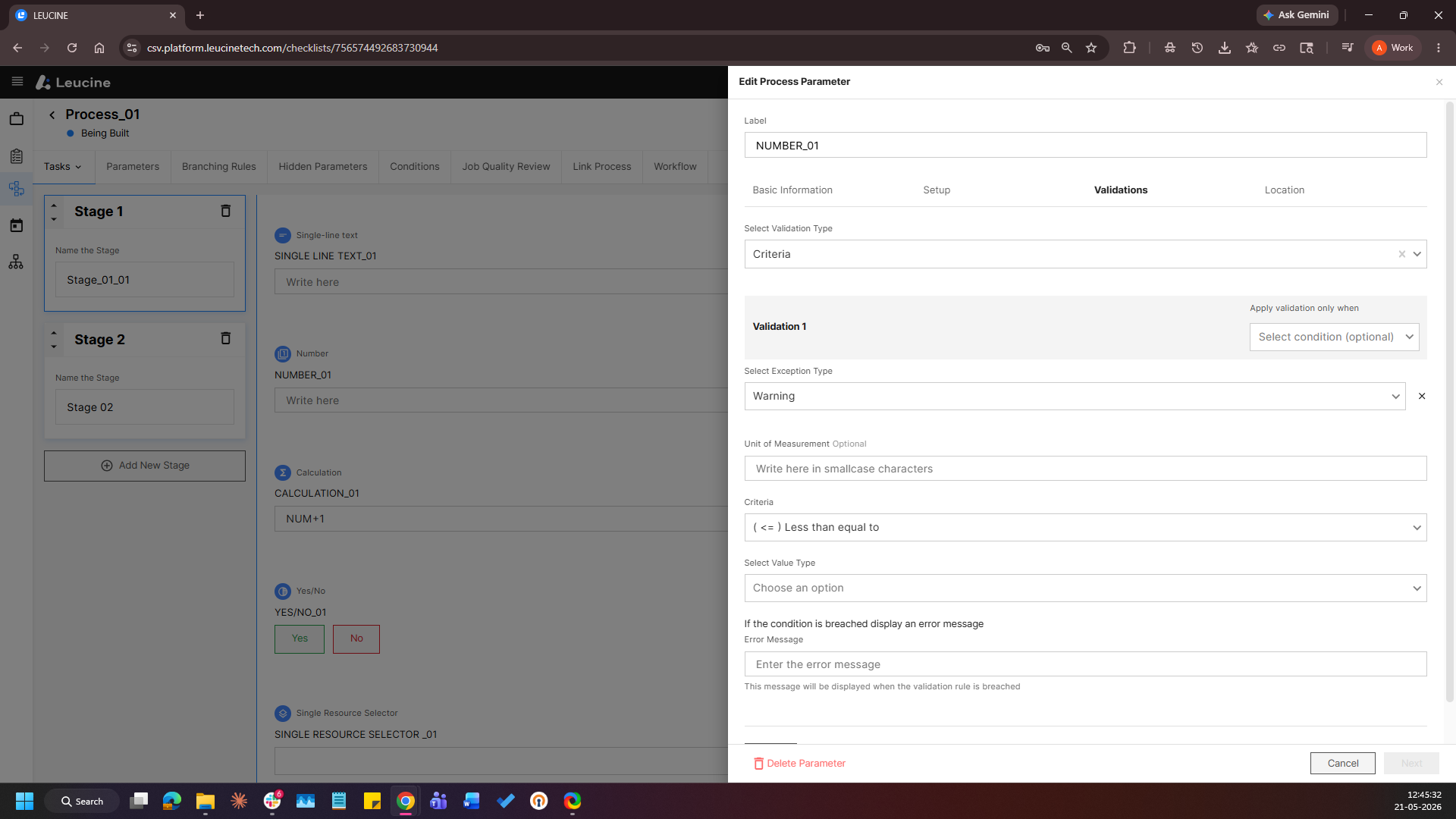
- Select “Criteria” as the validation type and Configure a validation rule with “Warning” selected as the Exception Type.
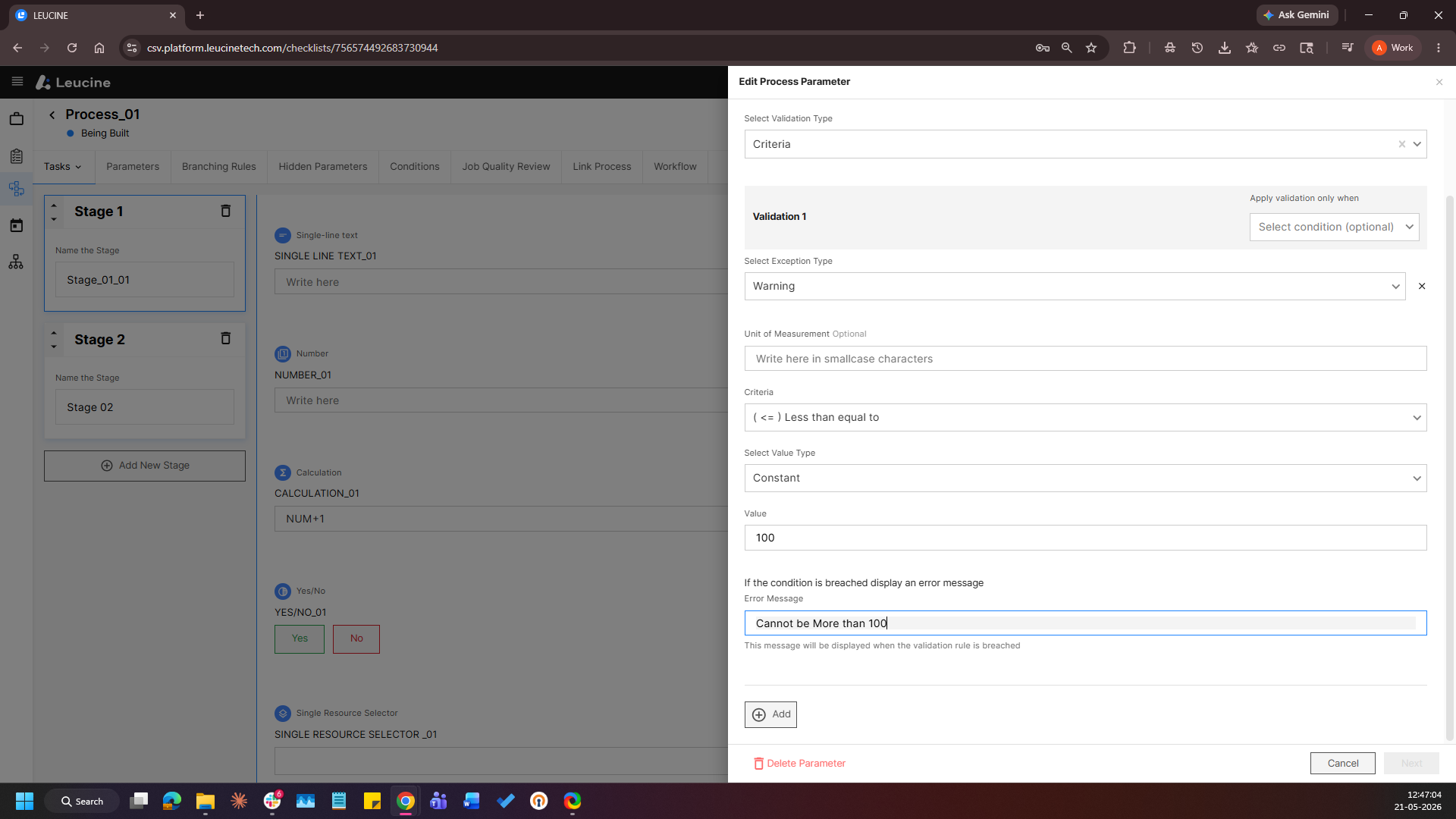
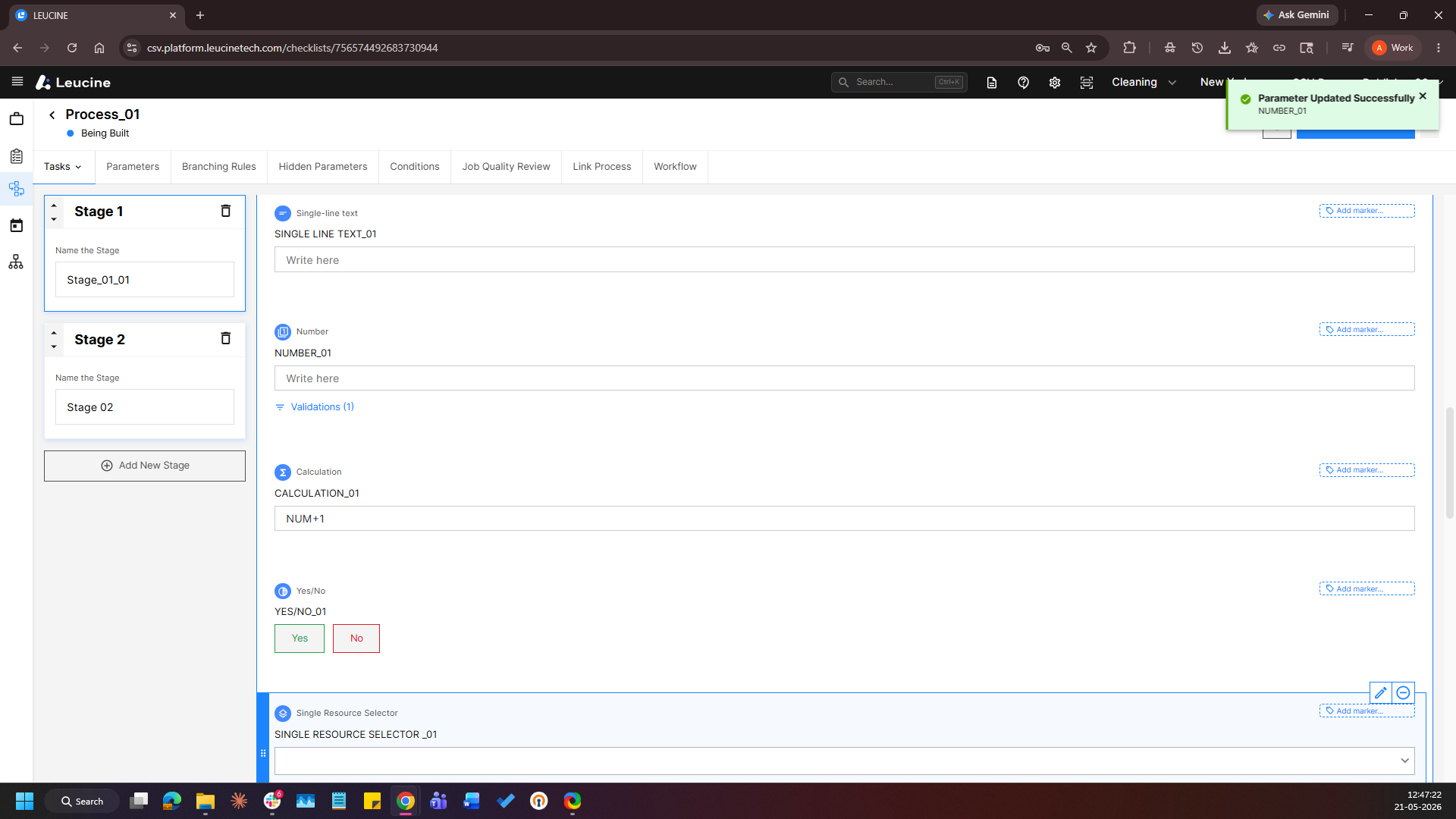
- Enter the required validation condition, criteria values, and warning message and Click on the “Save” button.