![Leucine medium.png]](https://support.leucine.io/hs-fs/hubfs/Leucine%20medium.png?width=200&height=38&name=Leucine%20medium.png)
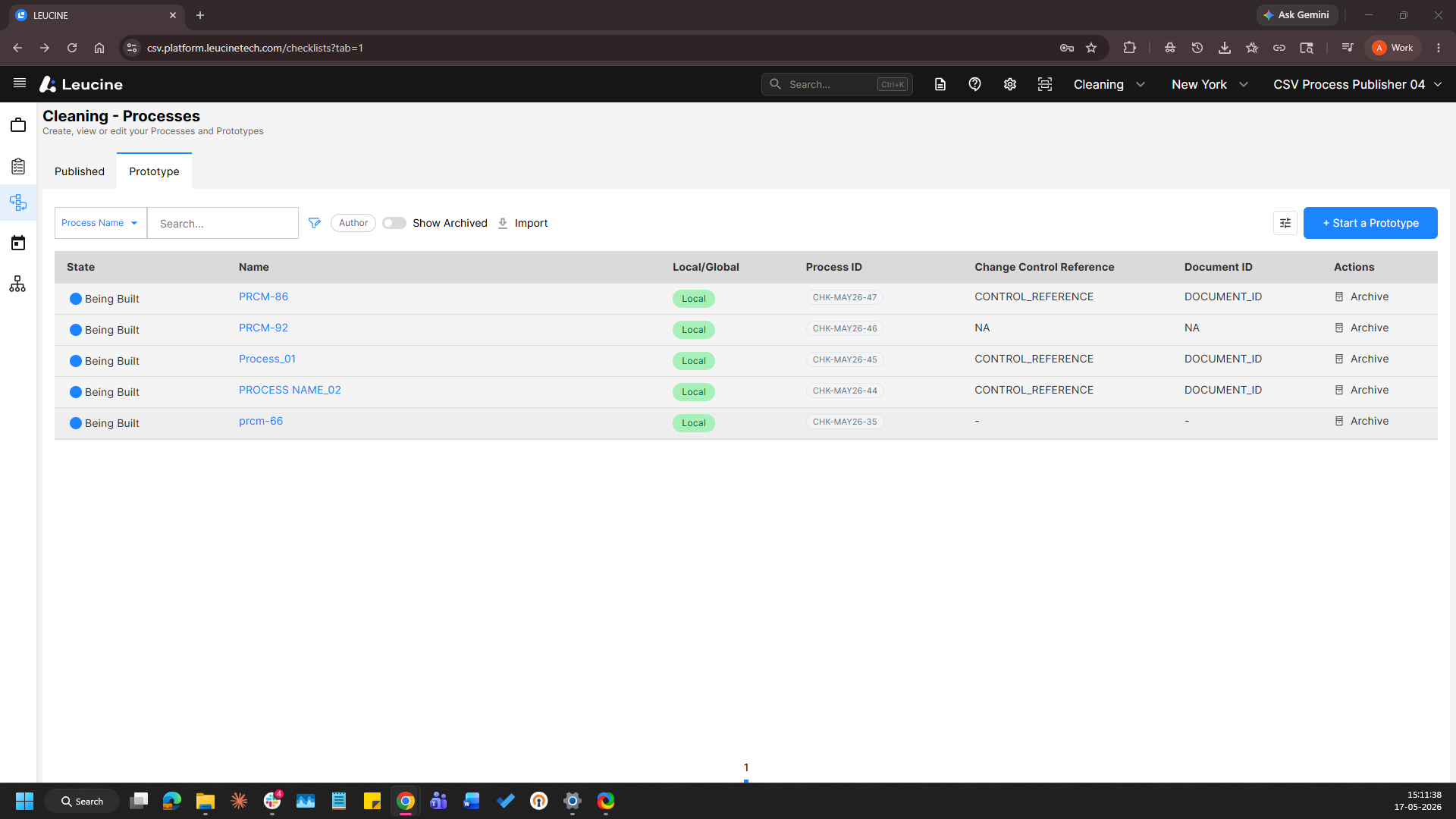
- Navigate to a prototype and Navigate to a task
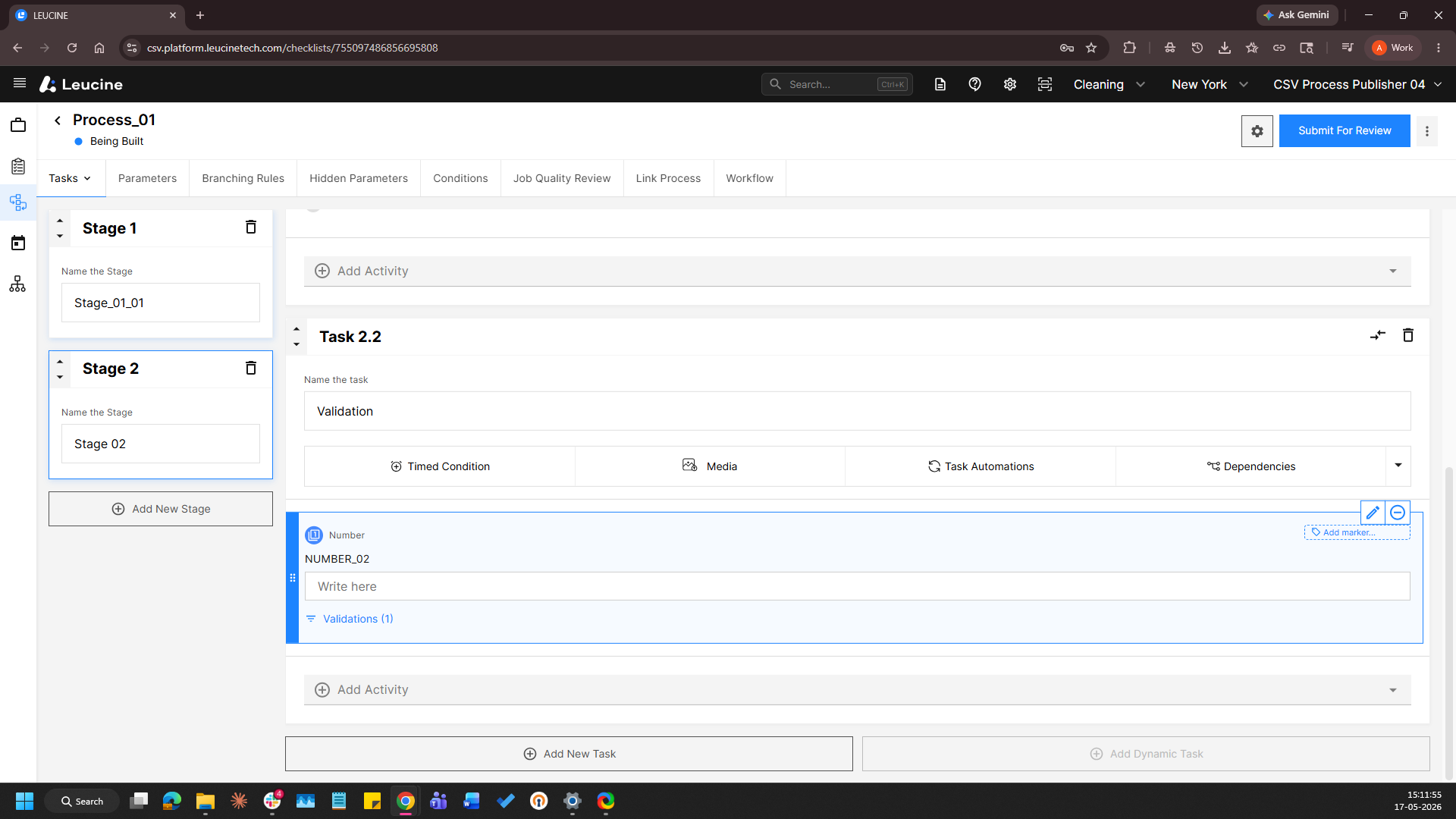
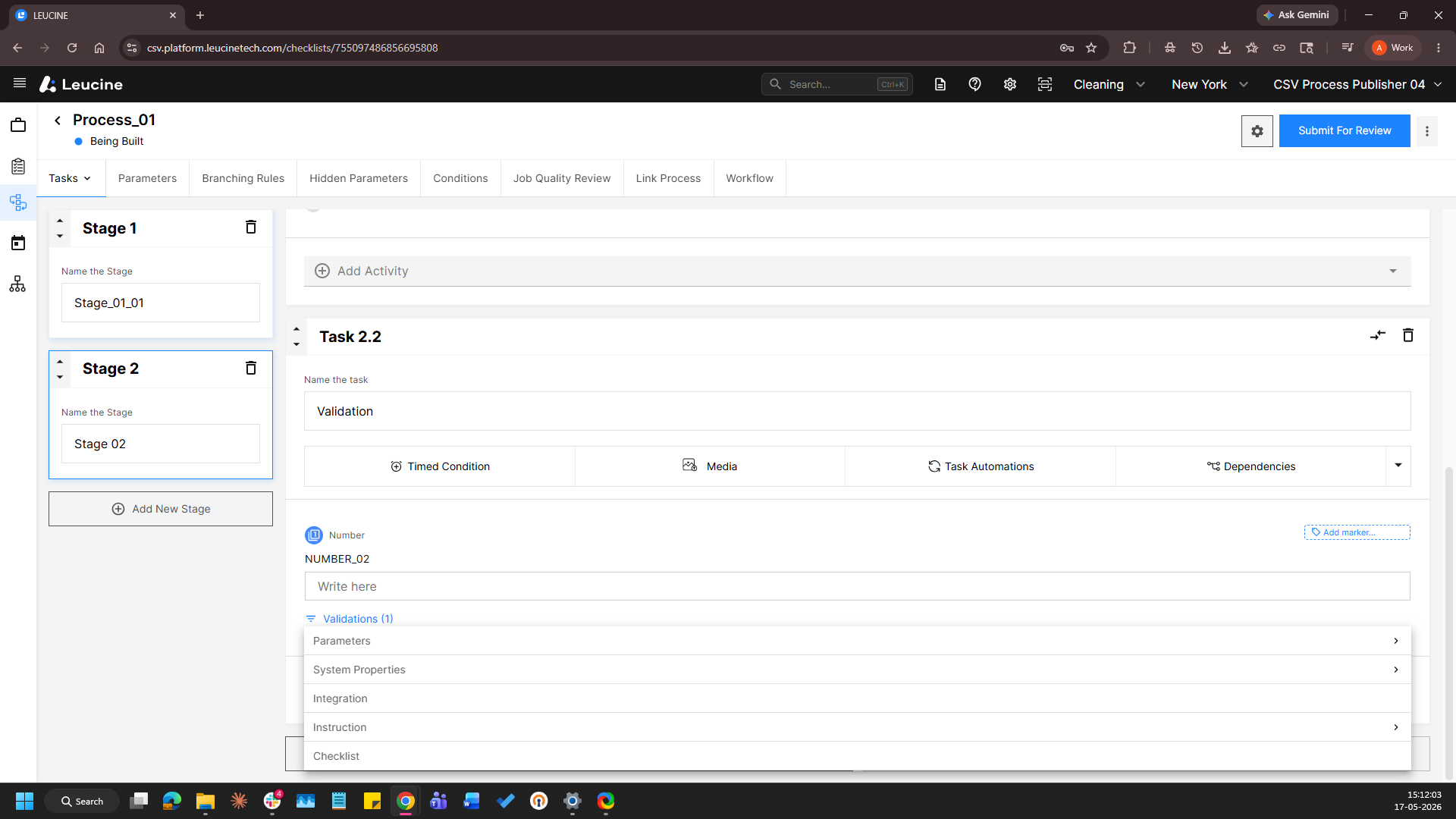
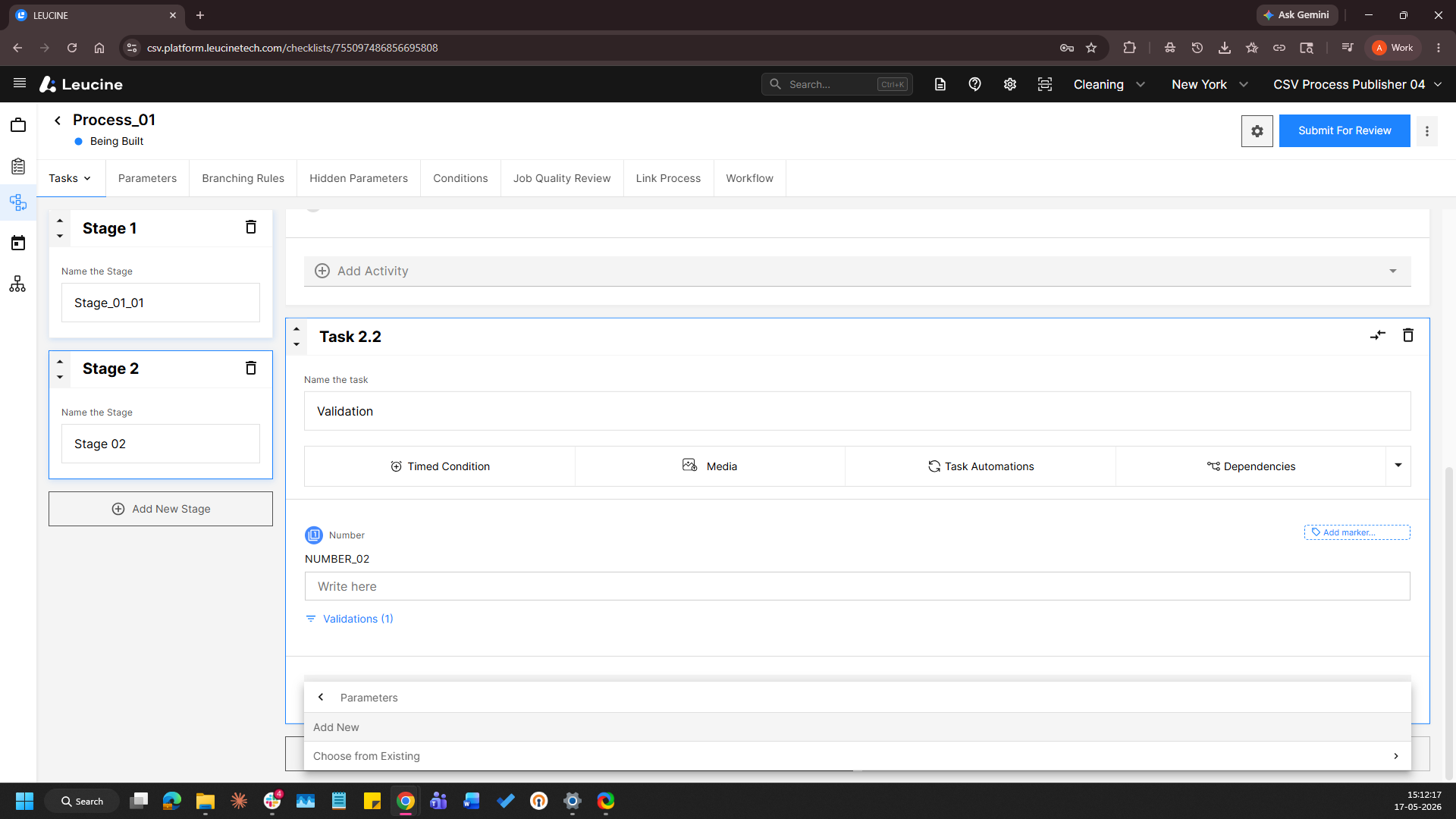
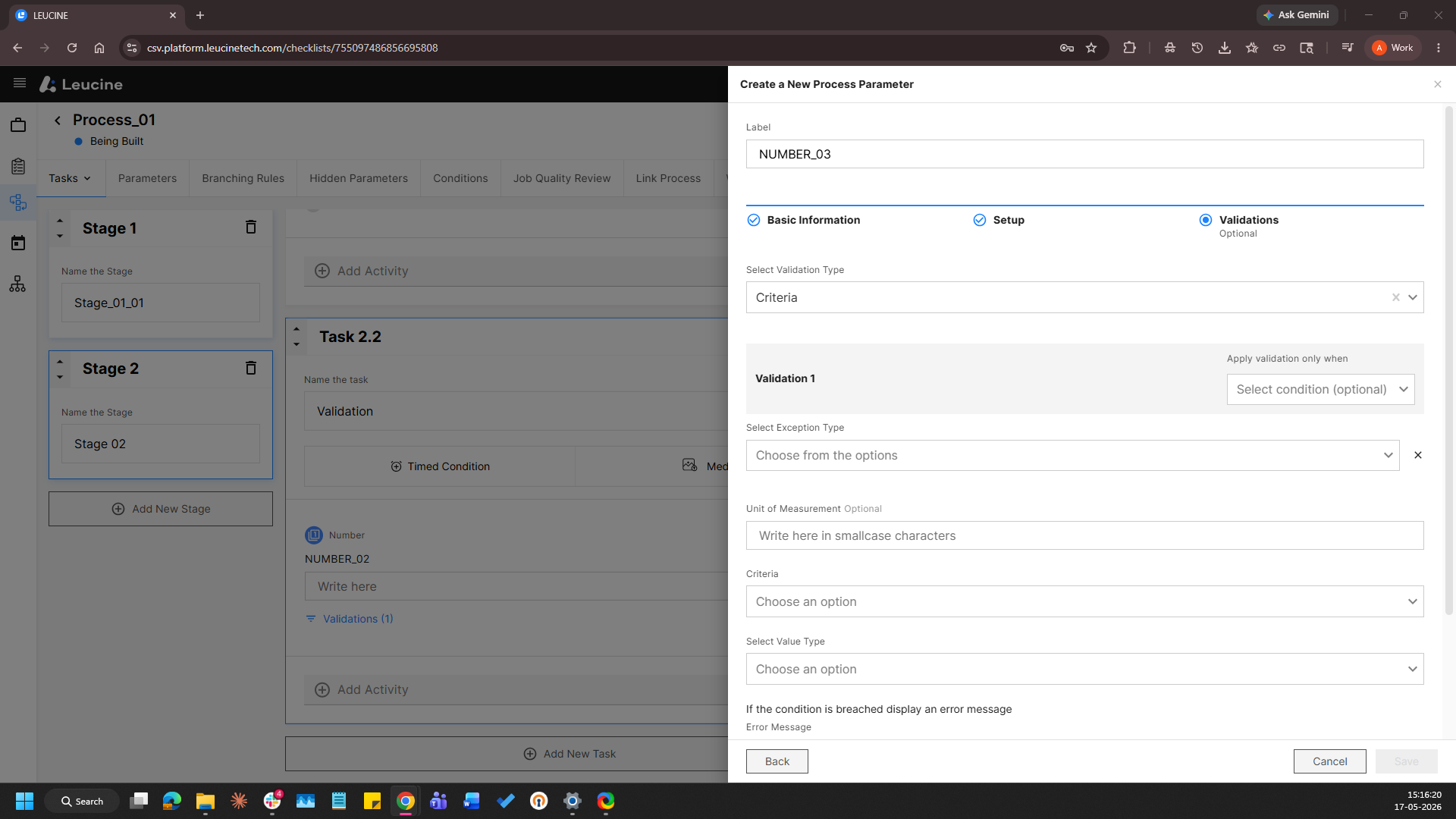
- In the respective task, click Add Activity. Open the activity, navigate to the Parameters section, and click Add New to create a new parameter.
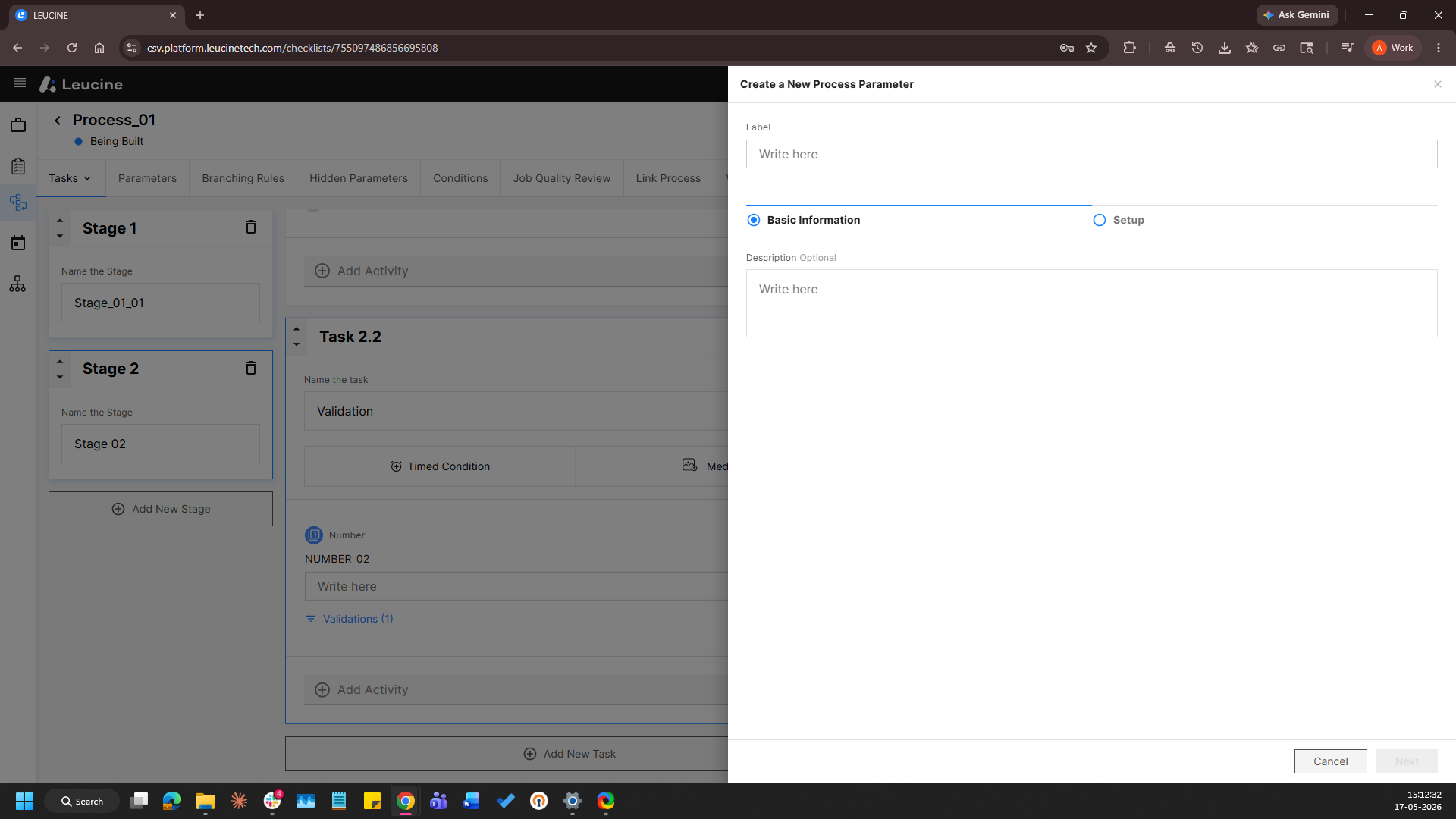
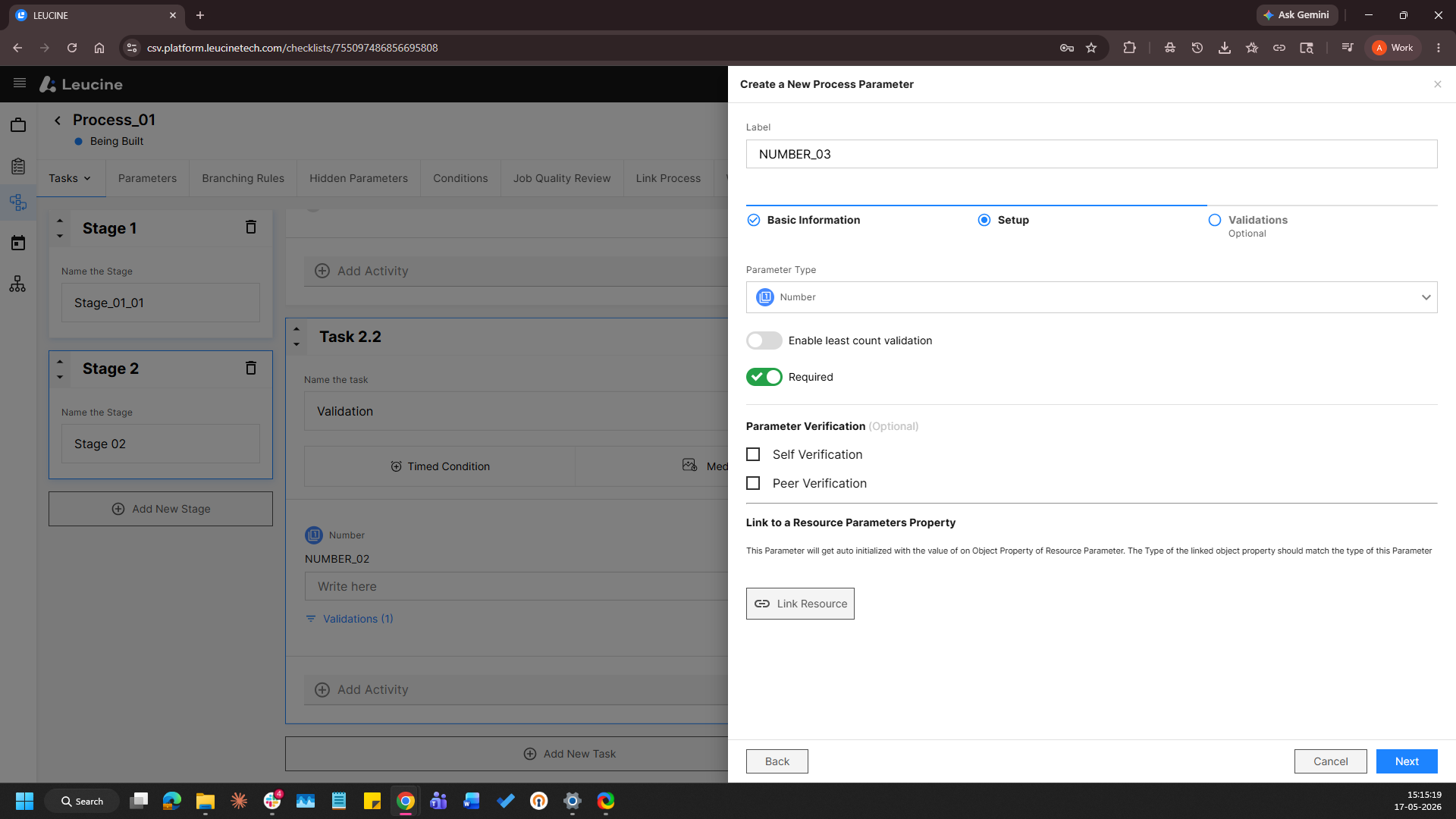
- Select "Number" in Parameter Type
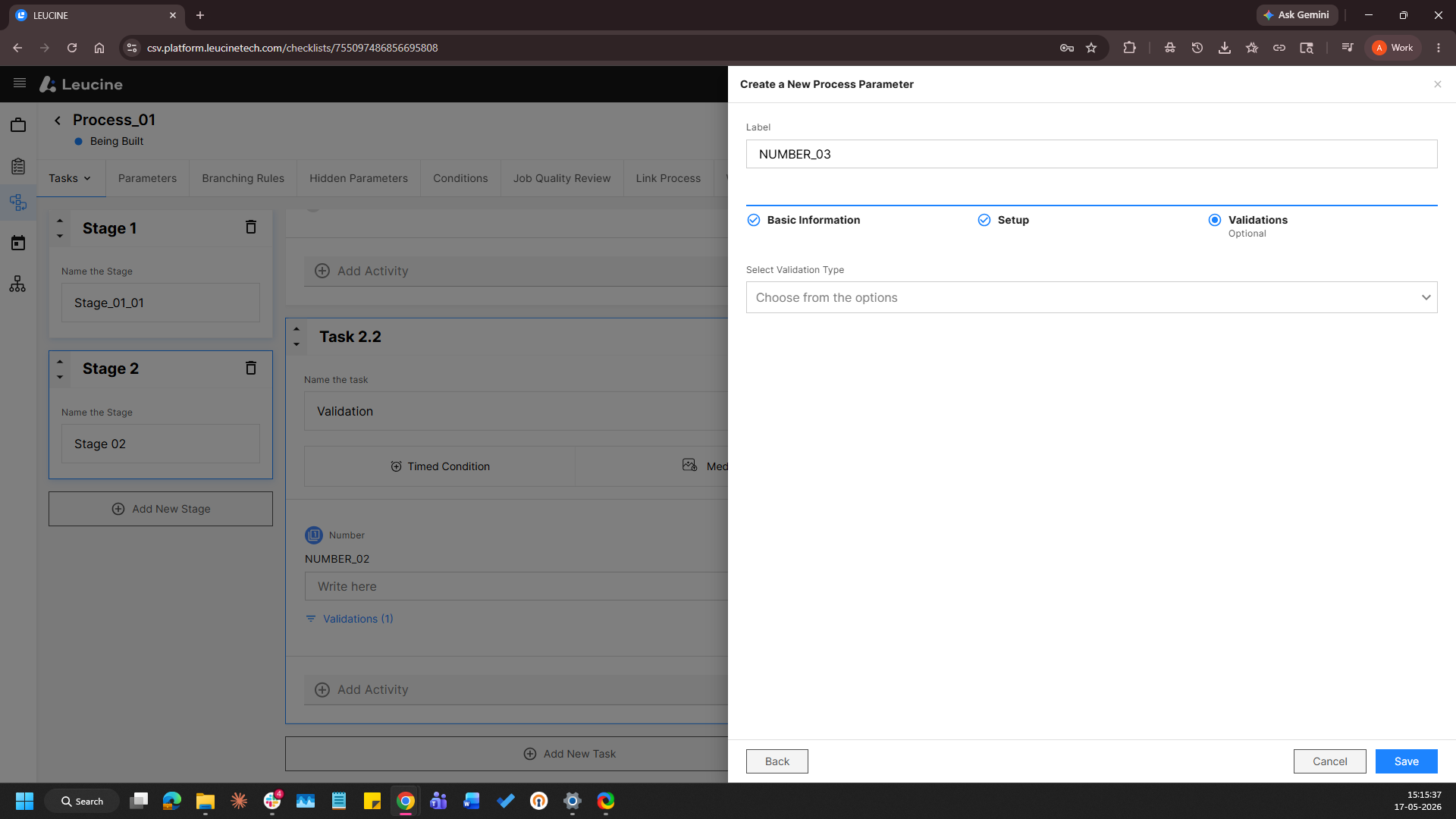
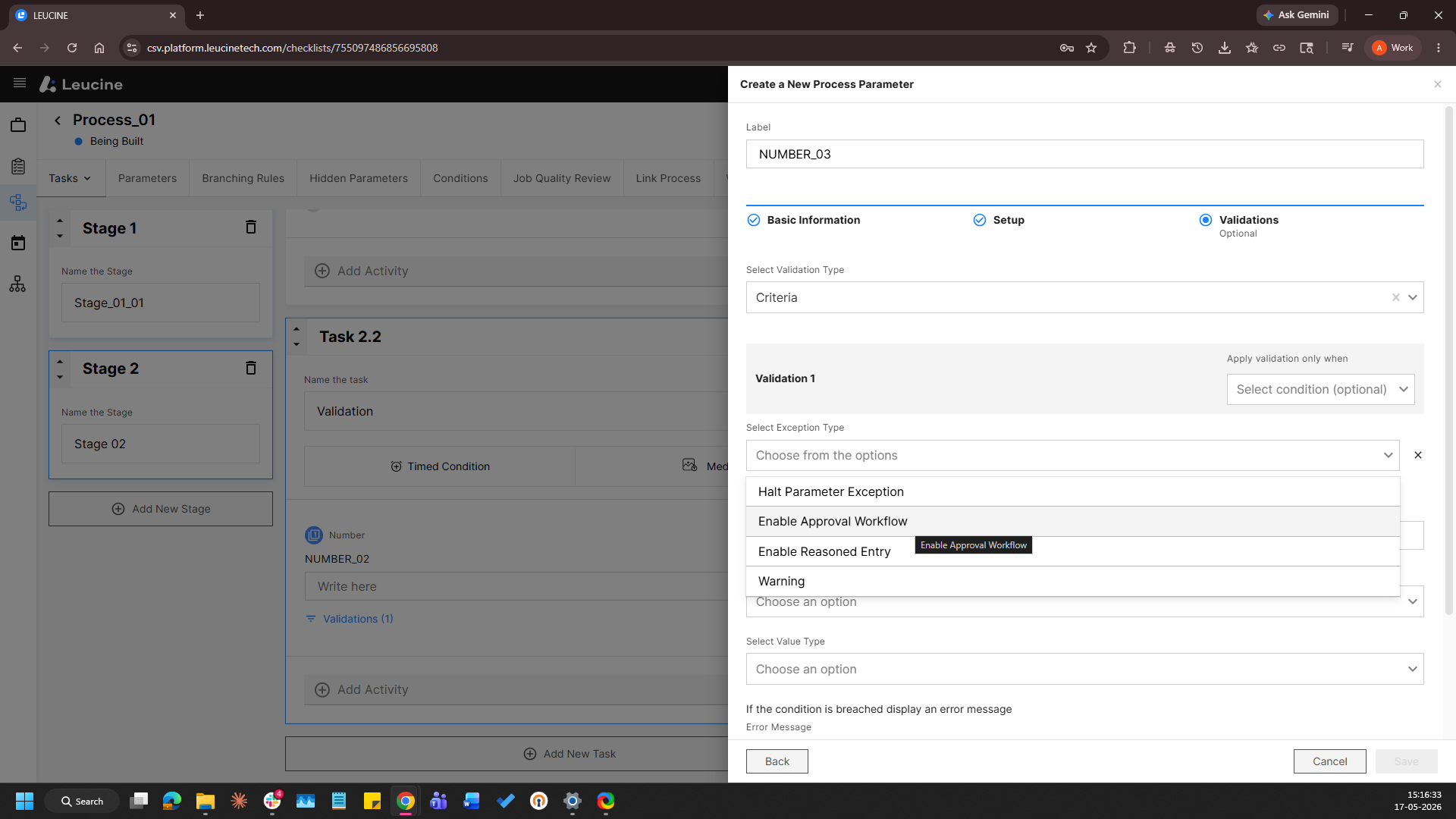
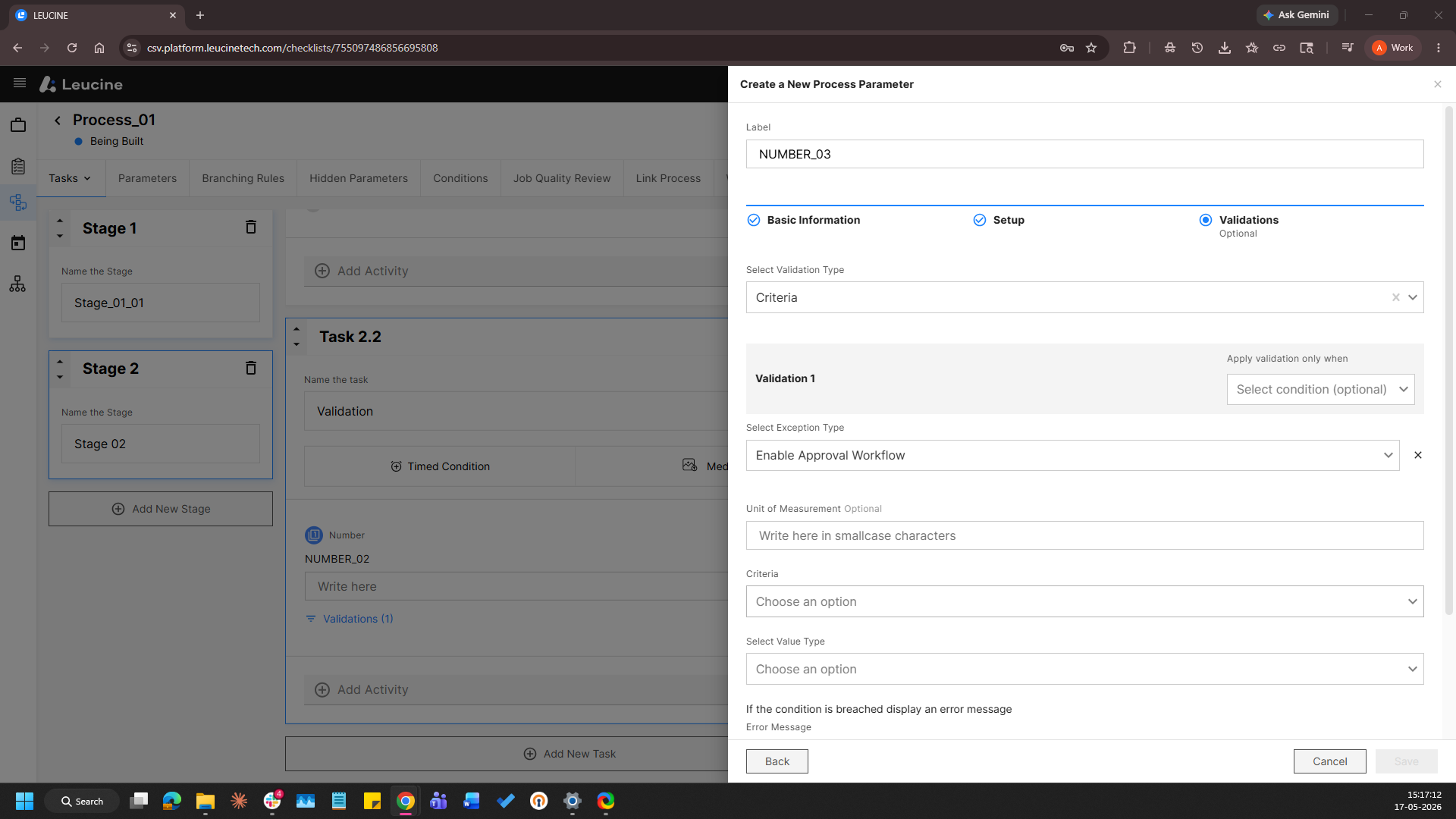
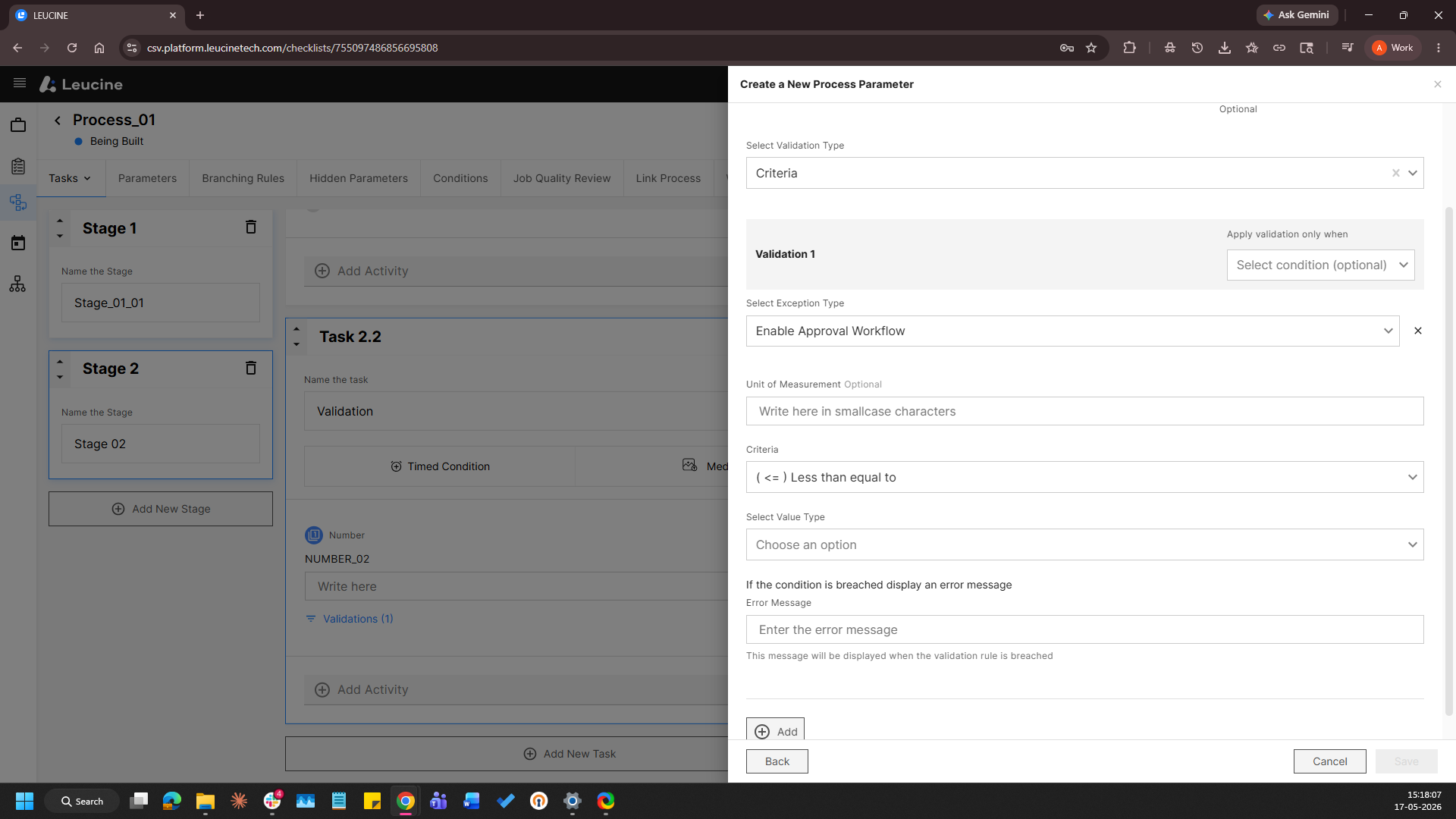
- Navigate to the validations tab and Select Exception Type as Enable Approval Workflow
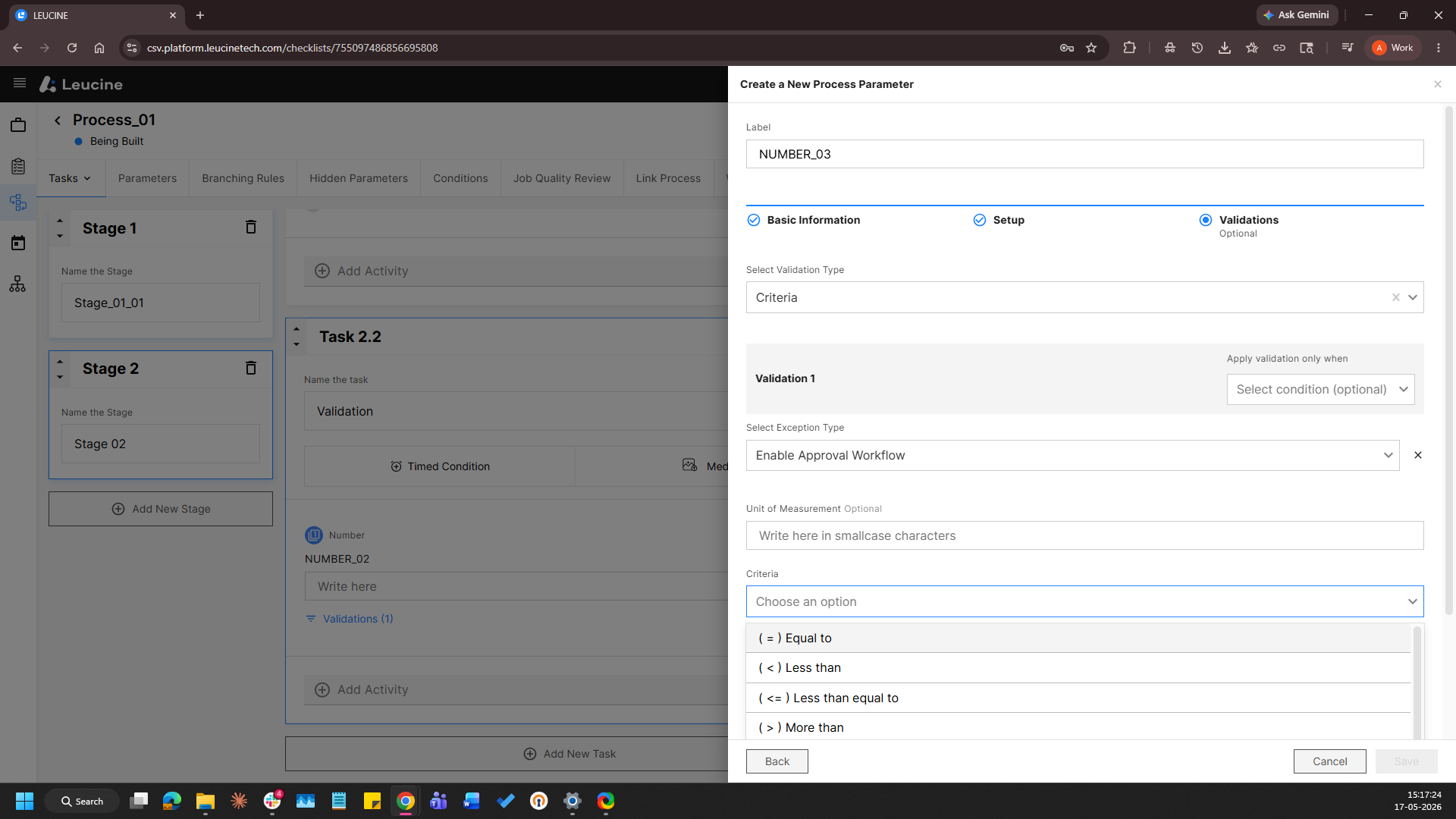
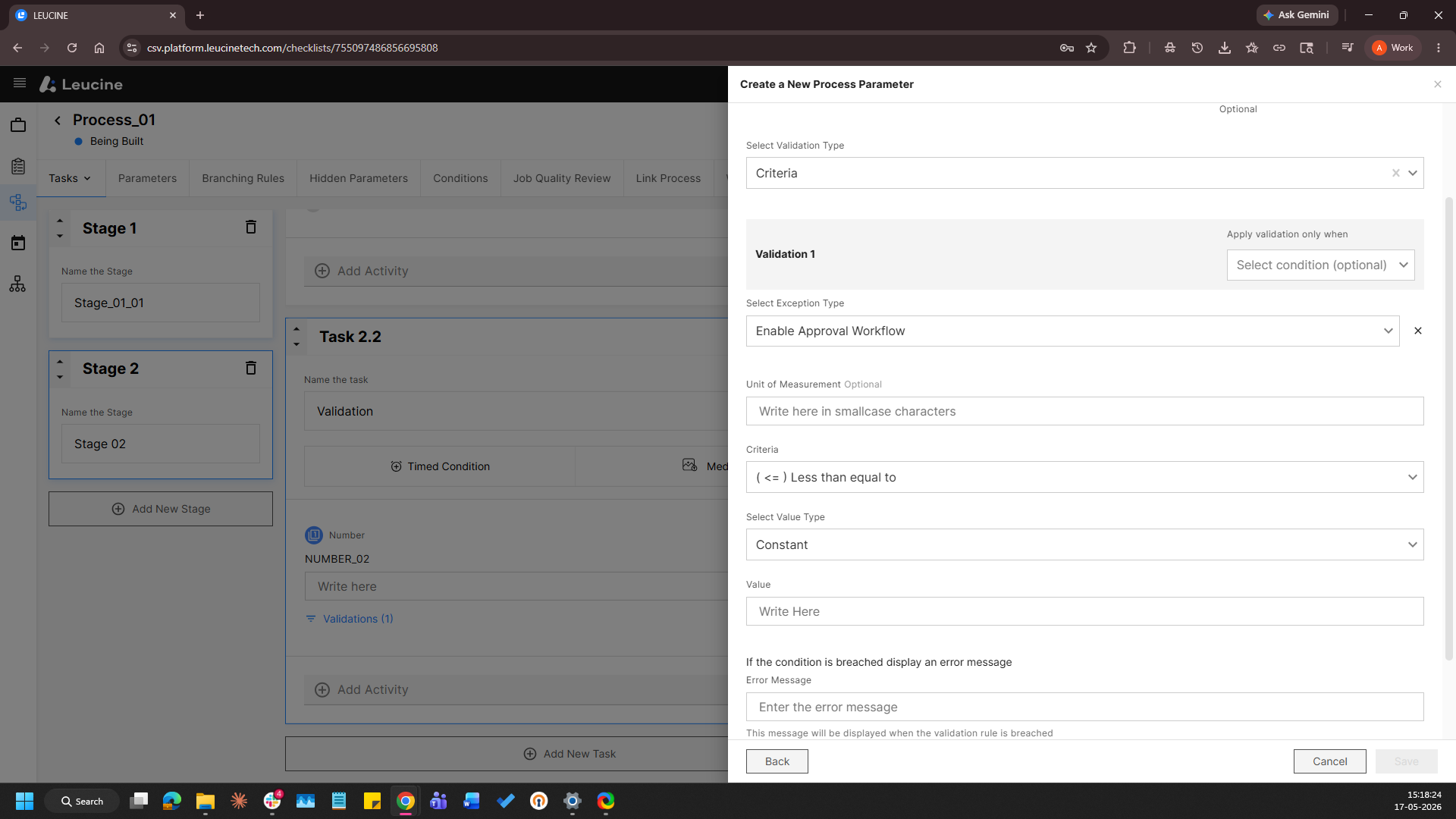
- Select the Criteria, Select the Value type Click as 'Constant' and Enter the 'Value'.
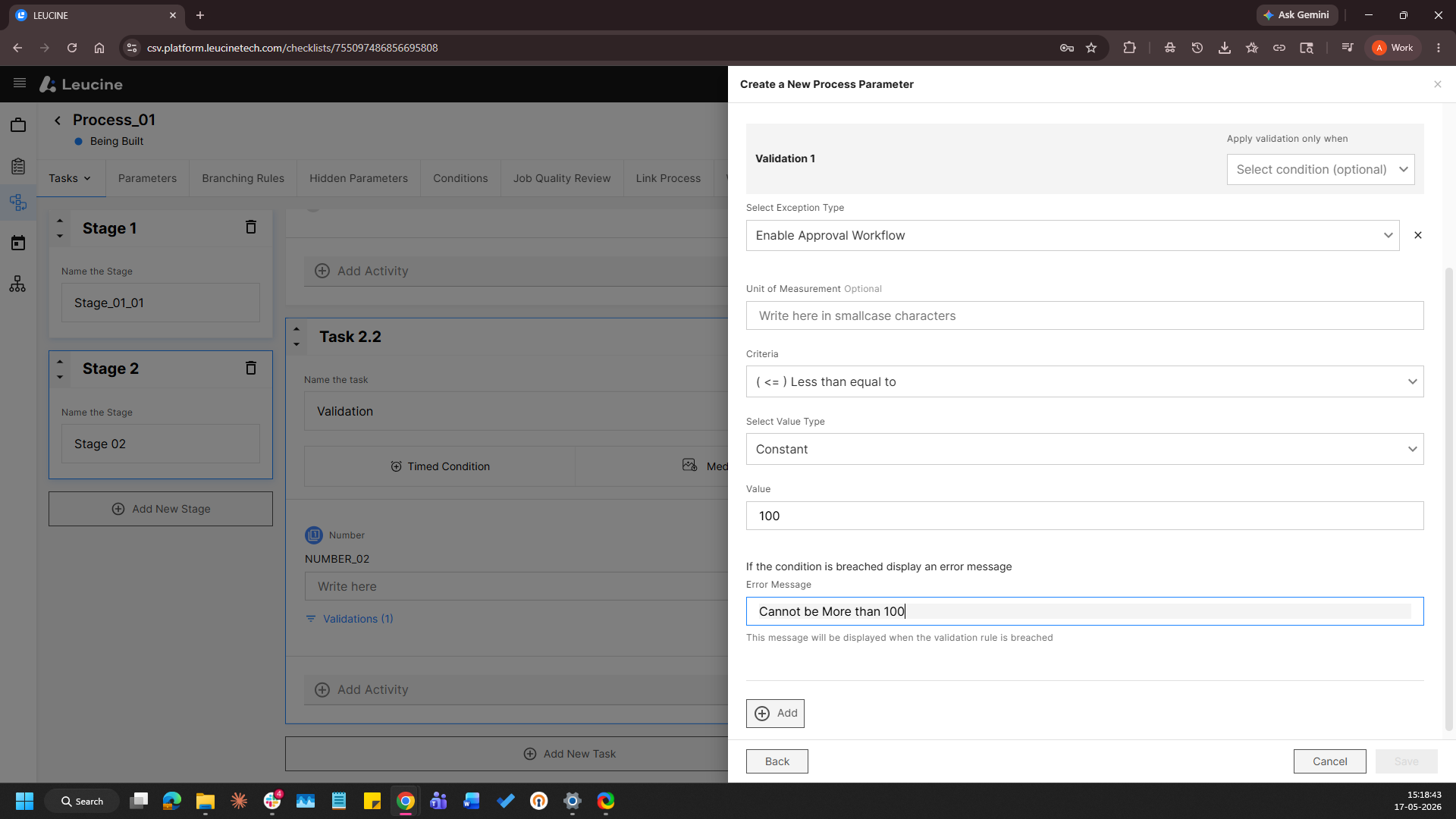
- Click on 'Save'.