![Leucine medium.png]](https://support.leucine.io/hs-fs/hubfs/Leucine%20medium.png?width=200&height=38&name=Leucine%20medium.png)
1. Go to the Process tab and navigate to the Published tab. 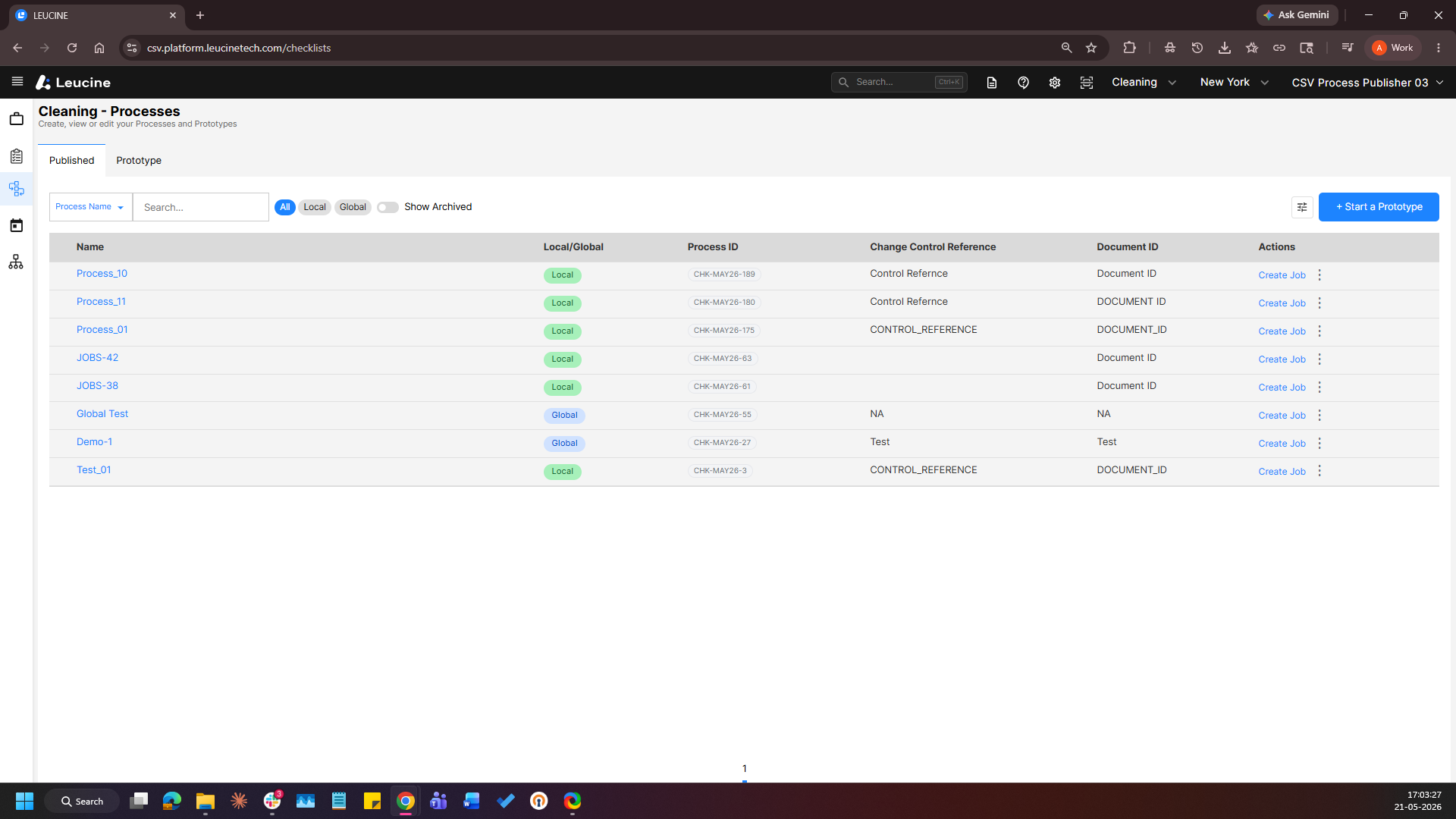
2. Select the published process you want to enable Active Users for.
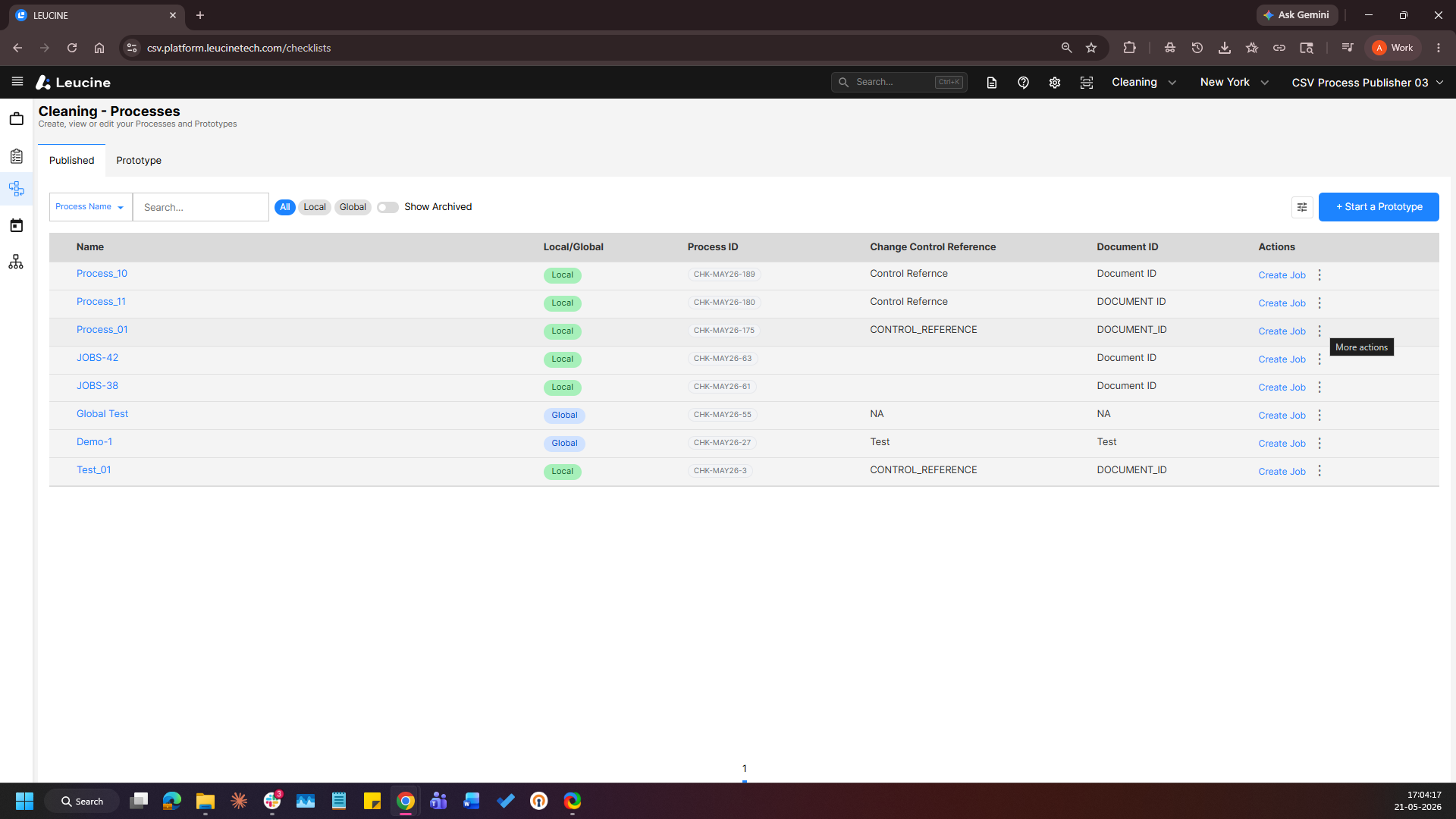
3. Click on the action menu of the process. 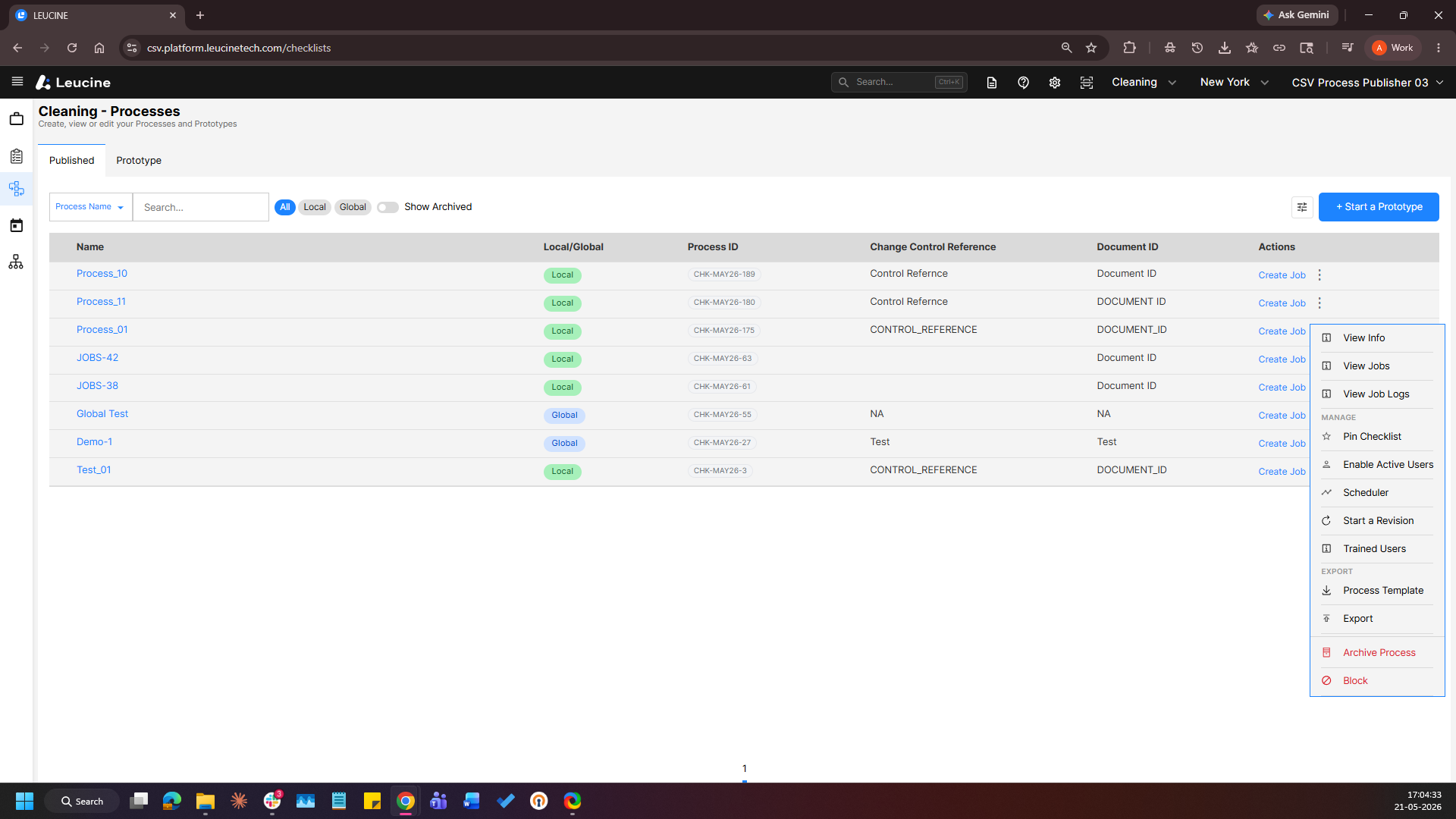
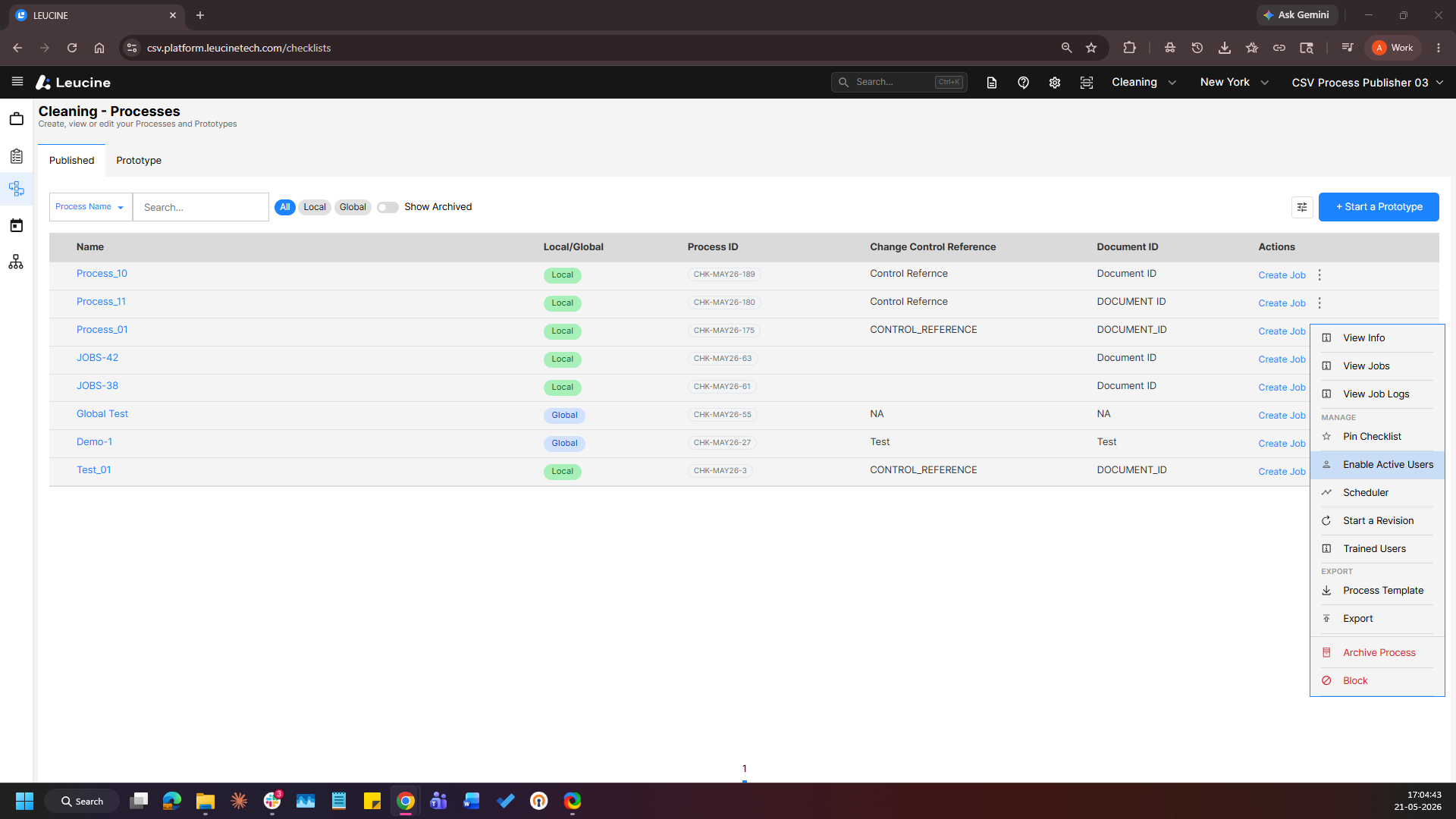
4. Enable the Active Users toggle. 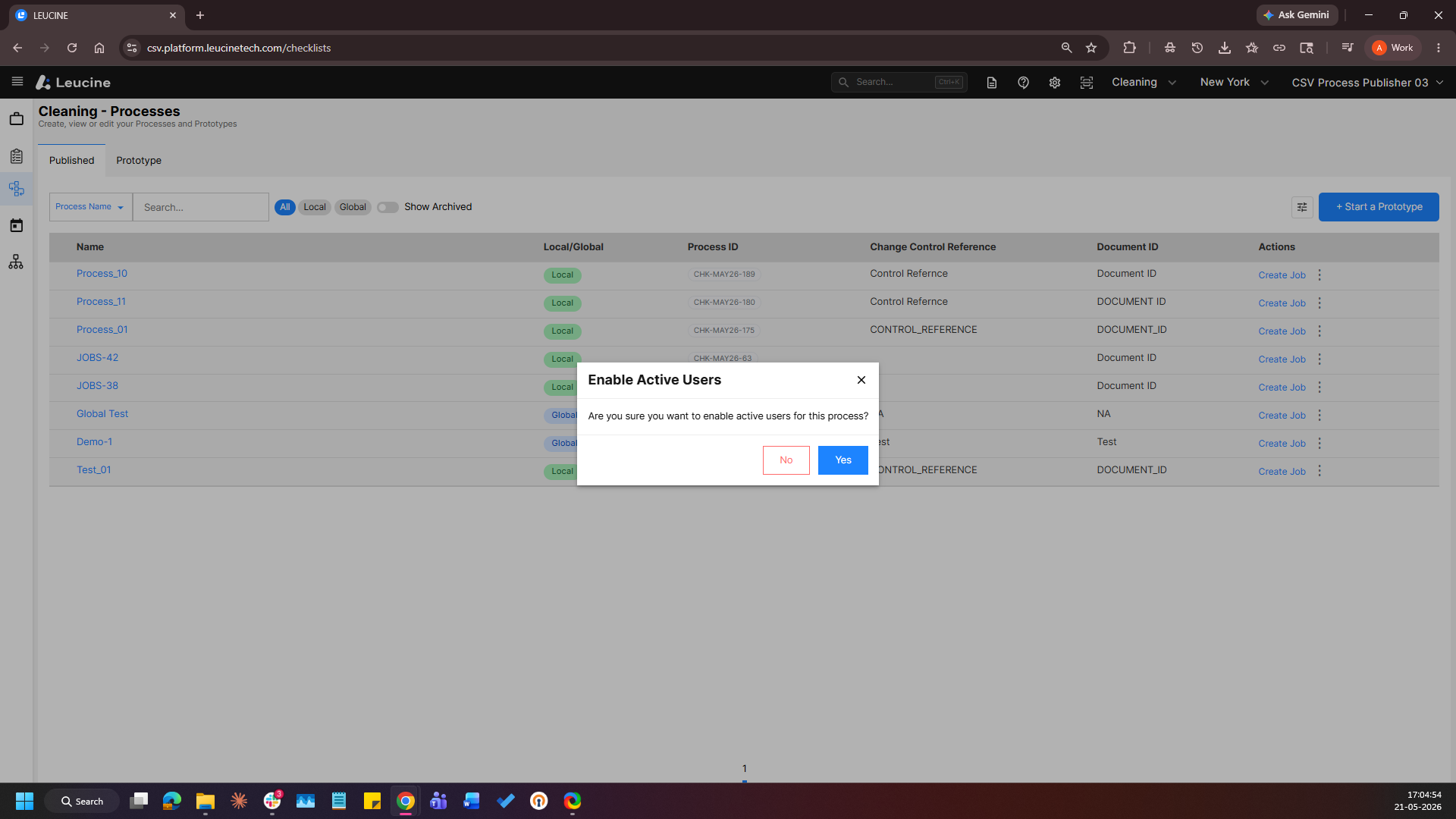
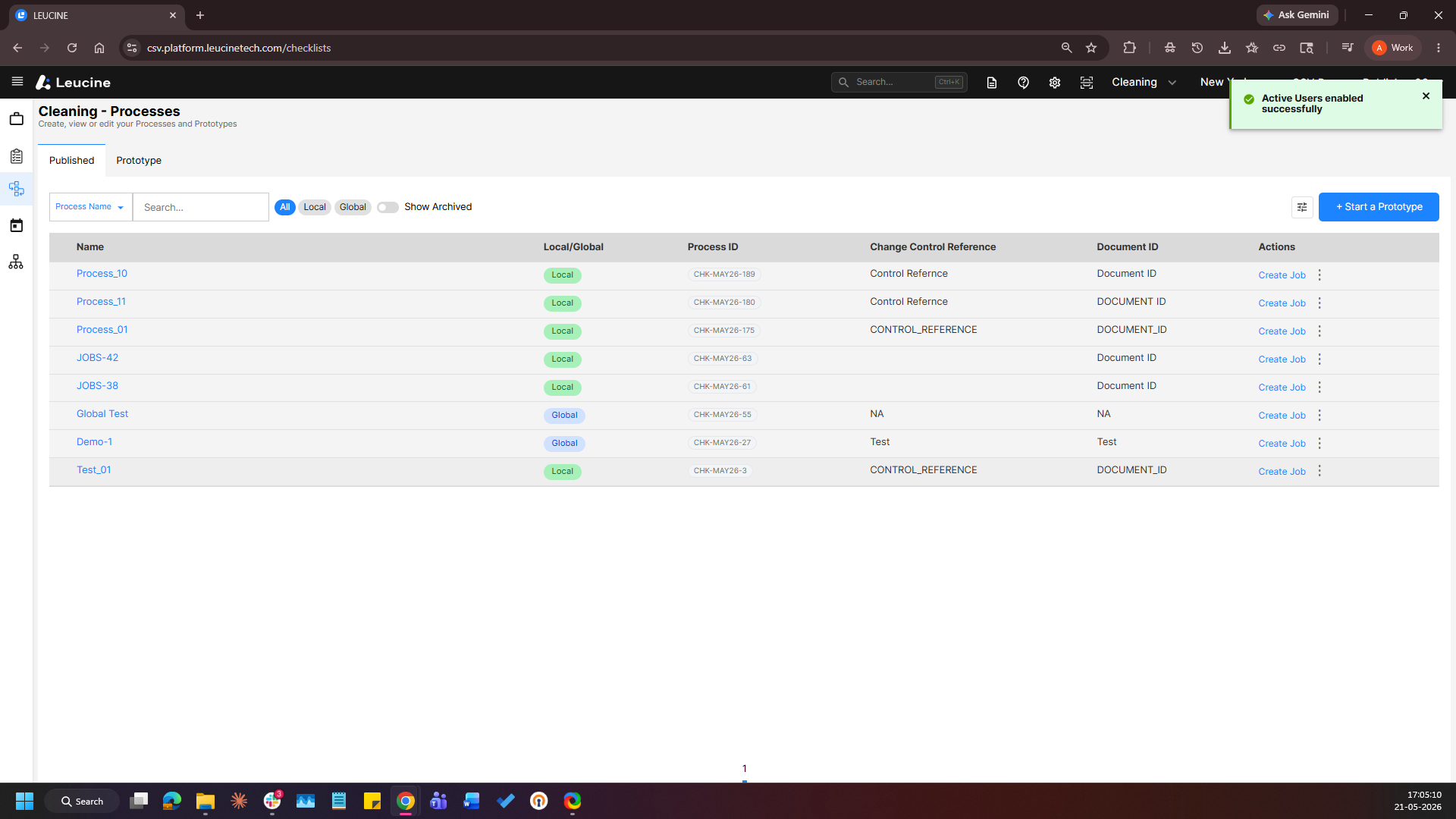
1. Go to the Process tab and navigate to the Published tab.
2. Select the published process you want to enable Active Users for.
3. Click on the action menu of the process.
4. Enable the Active Users toggle.