![Leucine medium.png]](https://support.leucine.io/hs-fs/hubfs/Leucine%20medium.png?width=200&height=38&name=Leucine%20medium.png)
1.Login as a user who is not assigned as a reviewer for the configured Job Quality Review items.
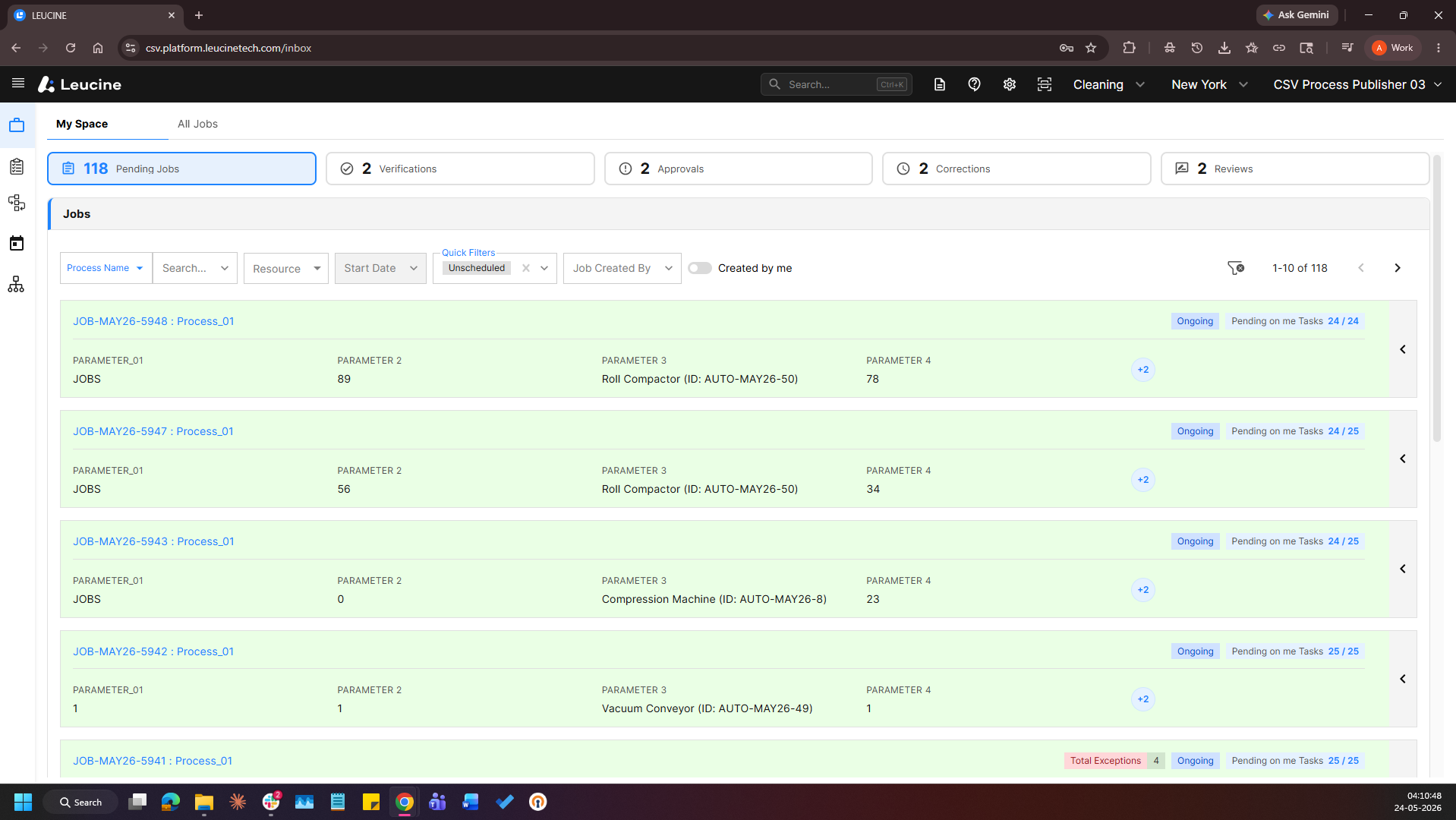
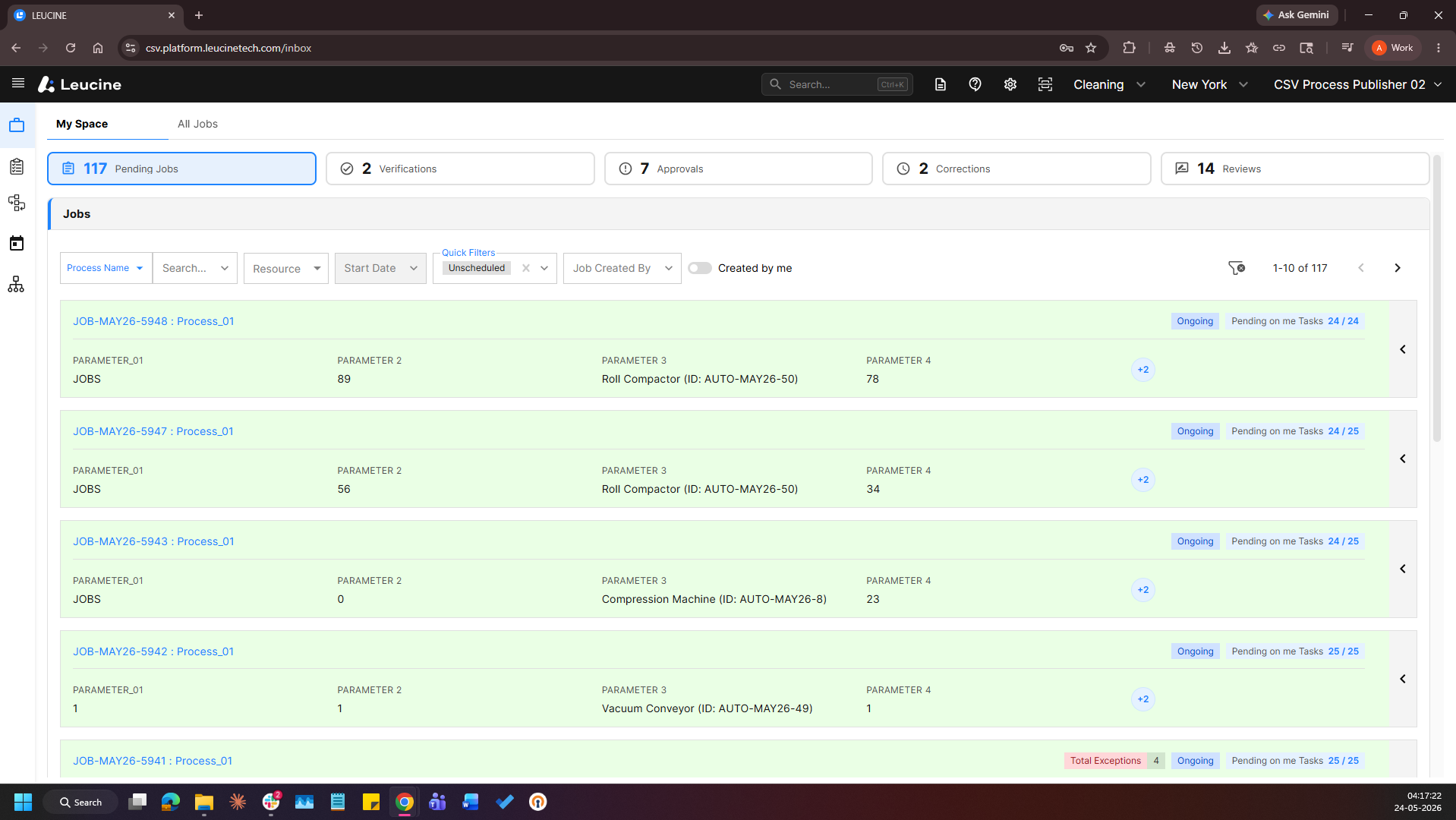
2. Navigate to the Jobs page.
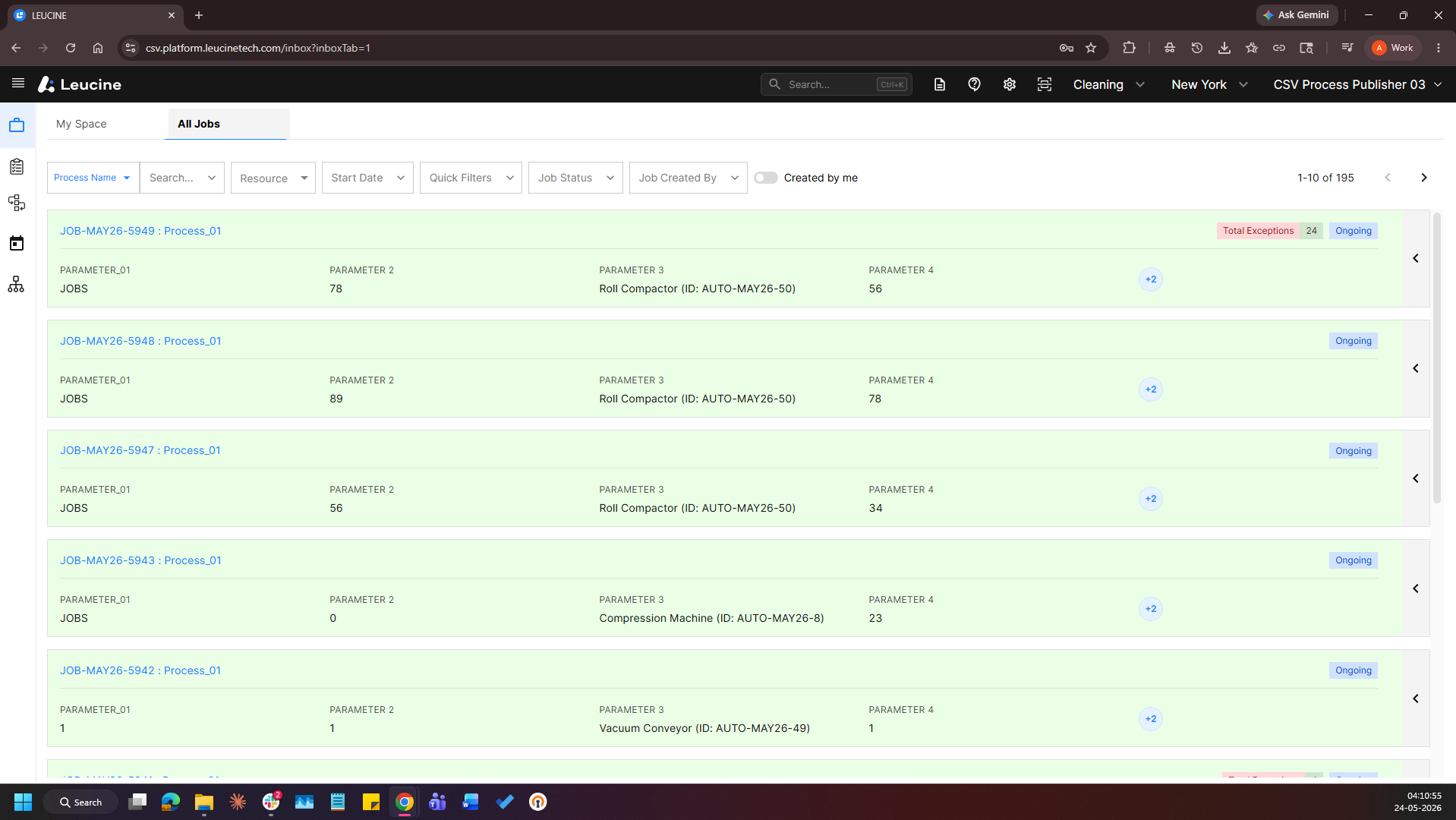
3. Open the running Job for the process.
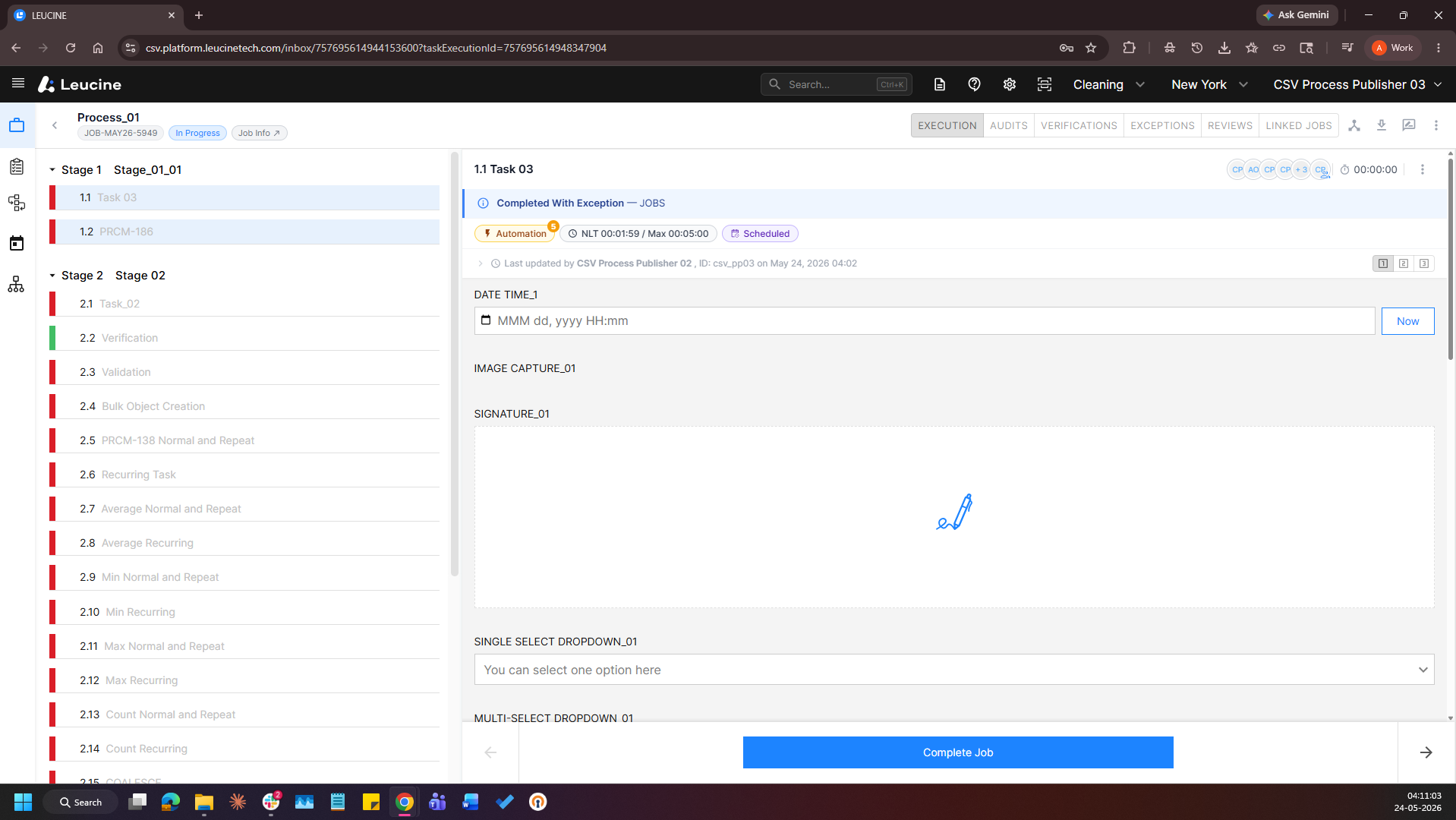
4. Click on the "Job Quality Review" button.
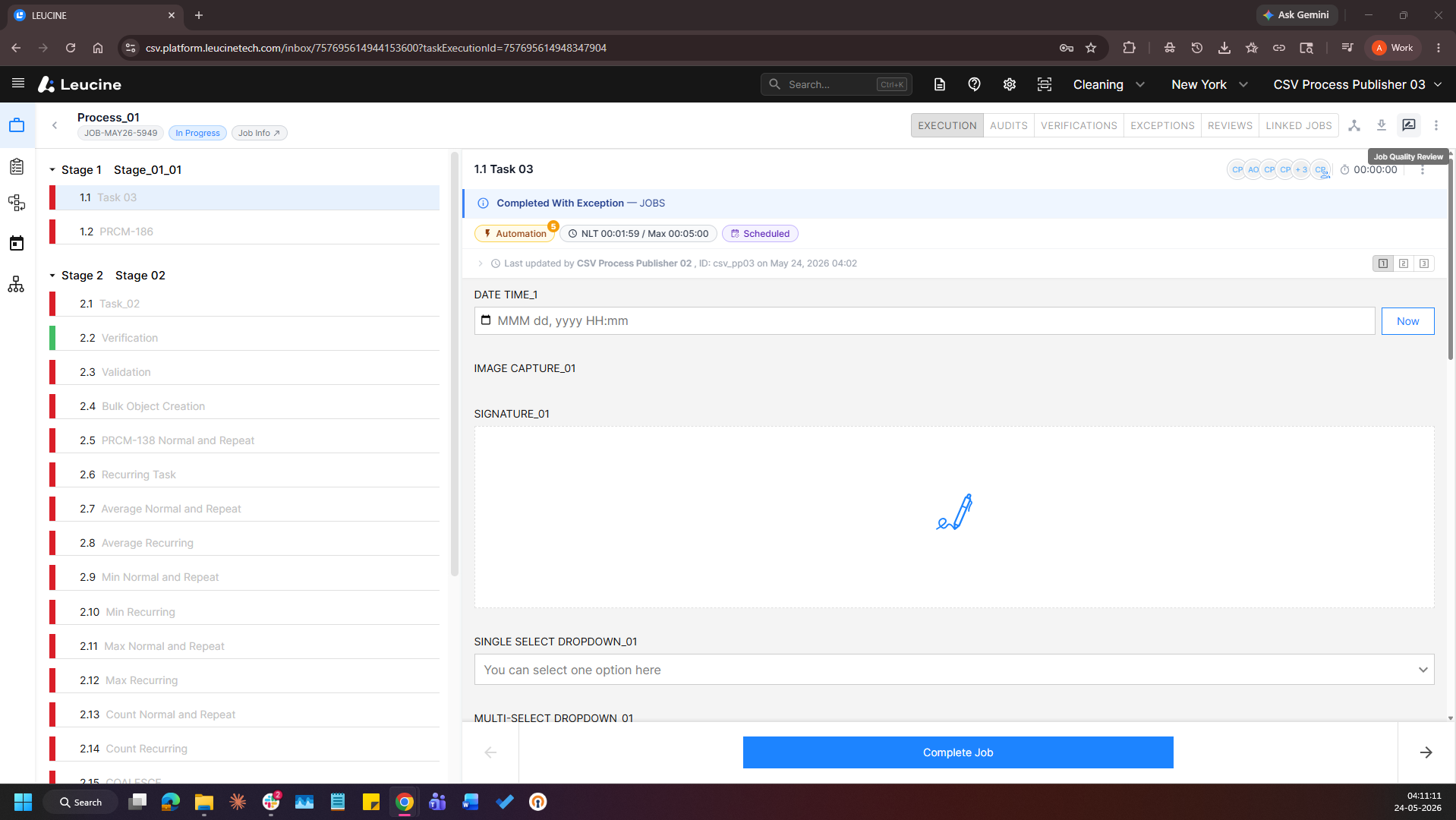
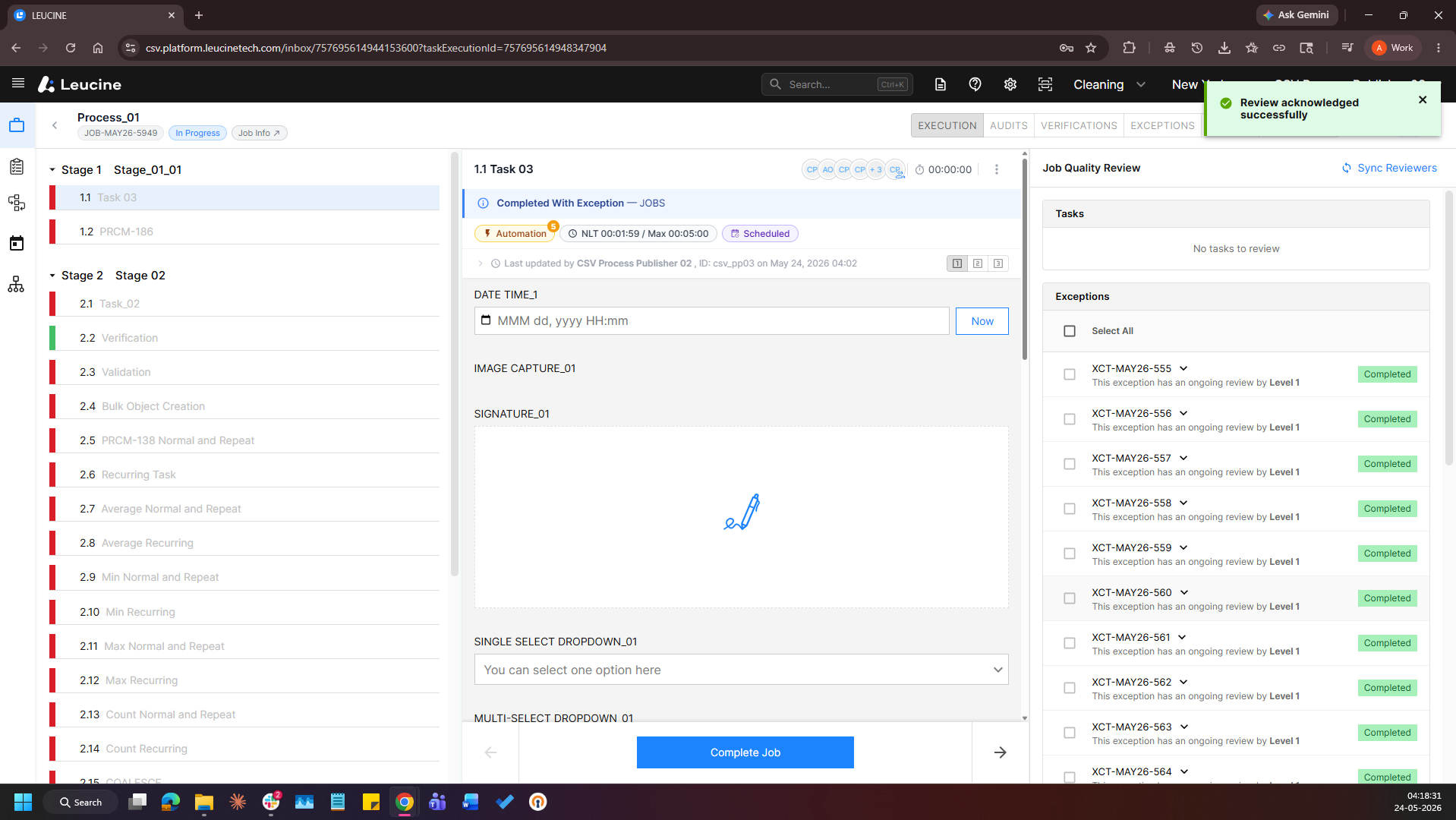
5. Verify that the Tasks subsection displays "No tasks to review" and the Exceptions subsection displays "No exceptions to review".
6. Login as Reviewer 1 who is assigned for the configured task or exception review.
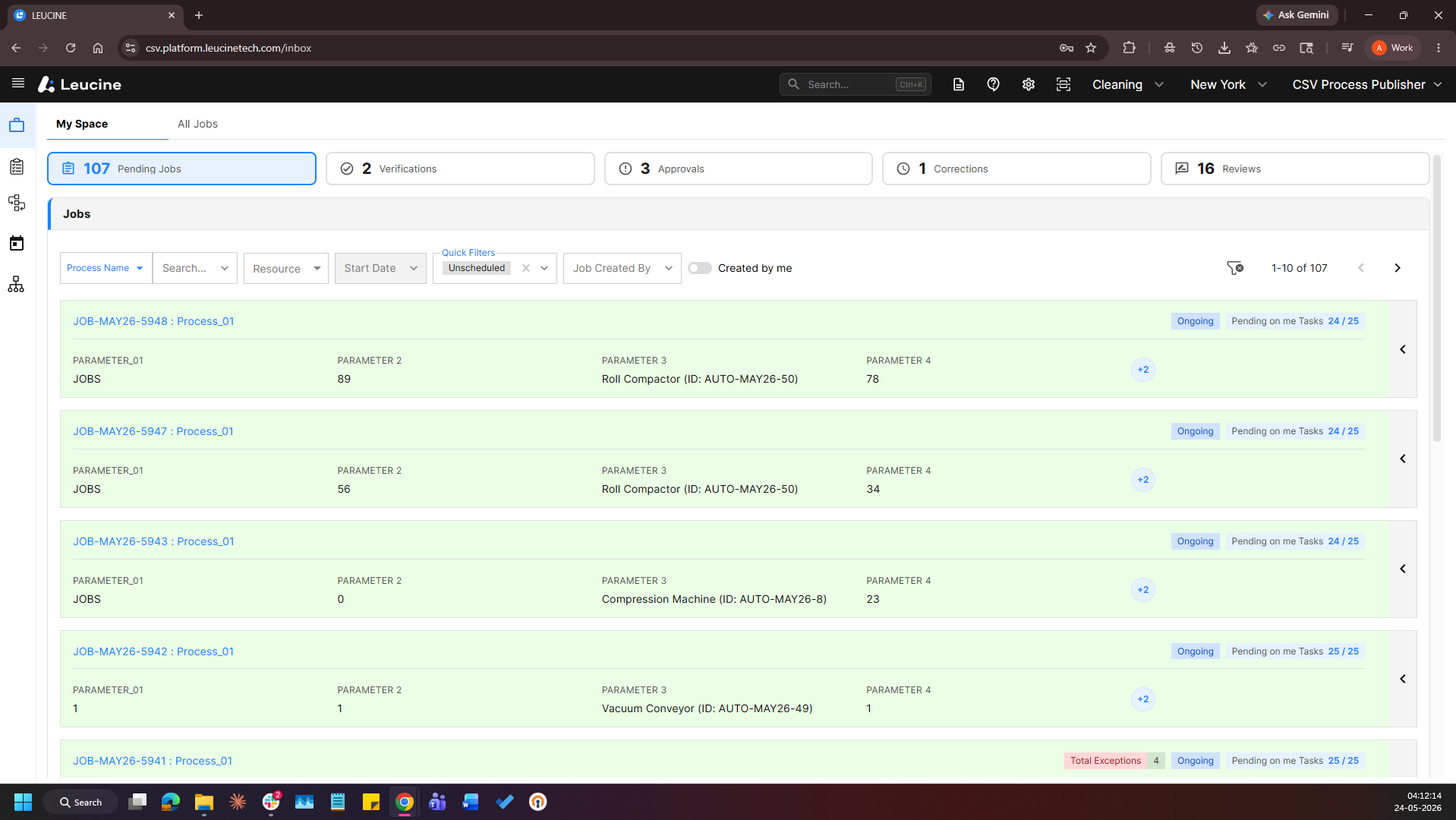
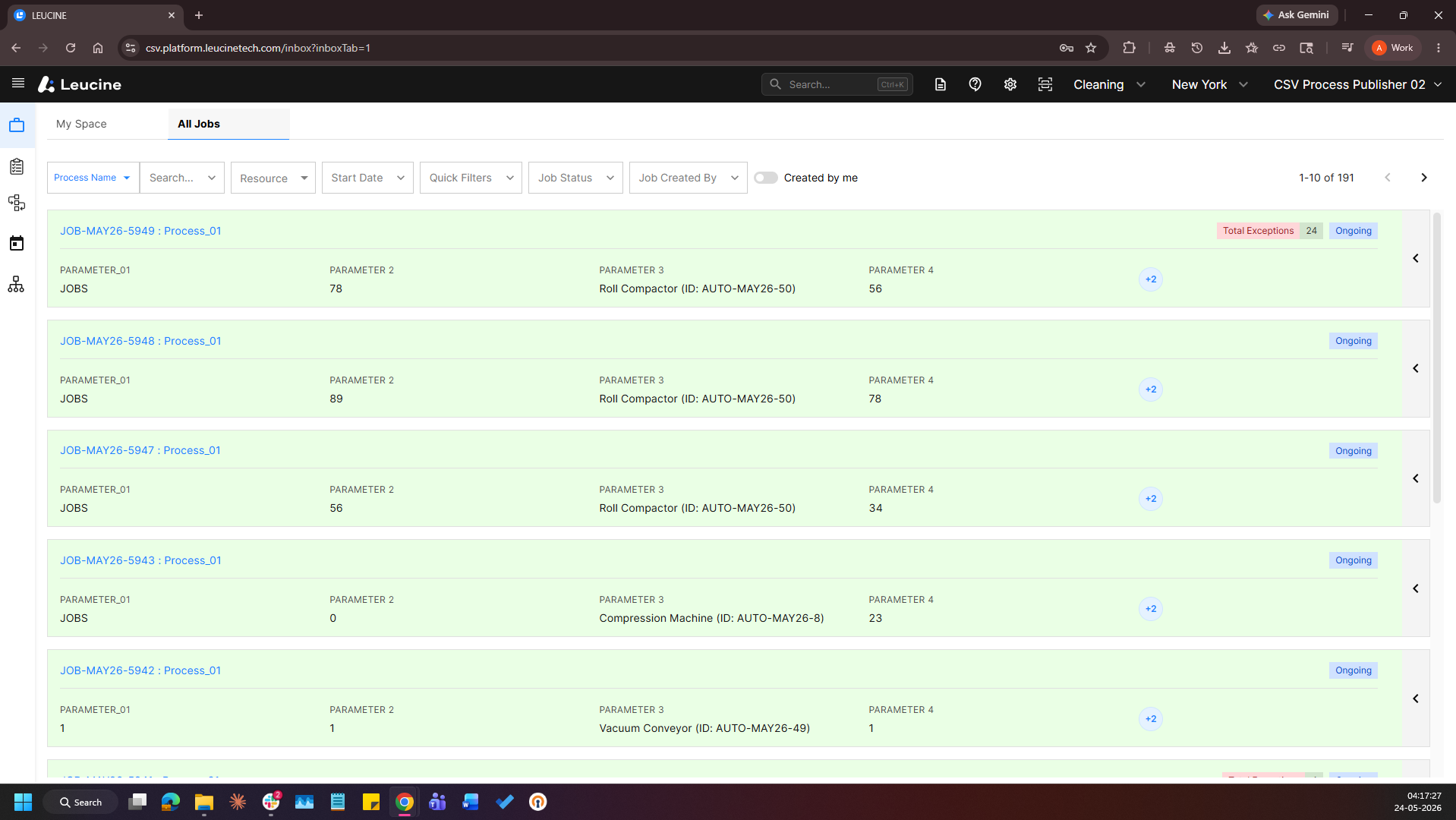
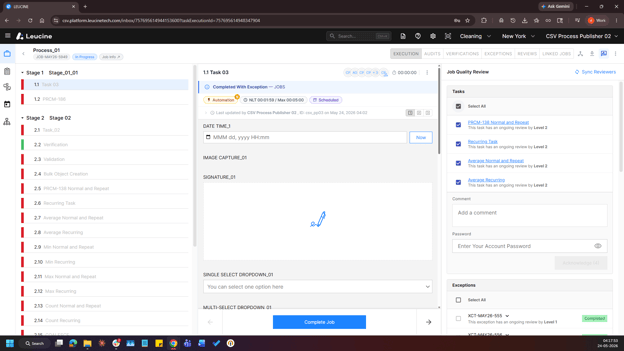
7. Click on the "Job Quality Review" button.
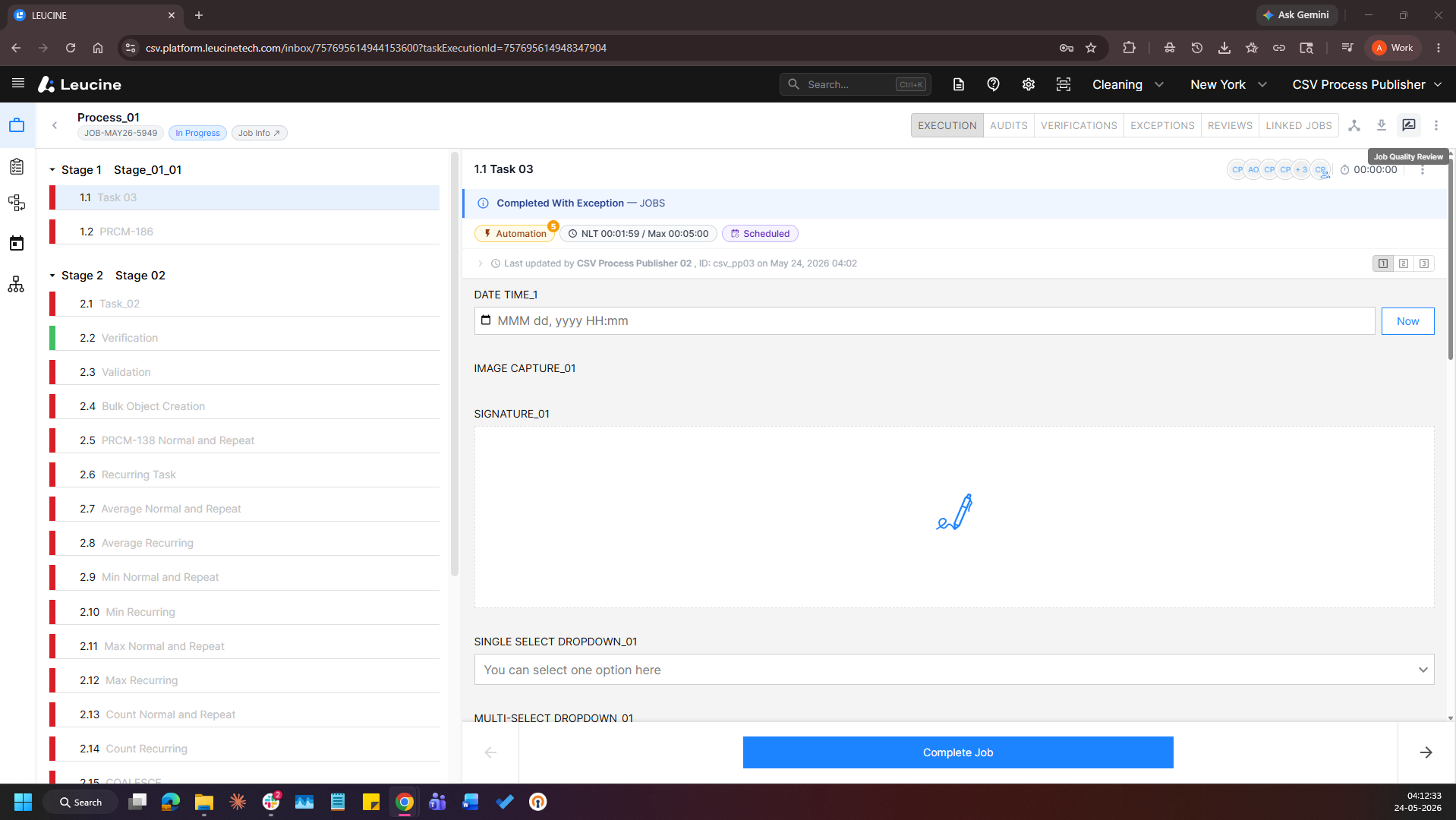
8. Verify the availability of the assigned task in the Tasks subsection and/or the assigned exception in the Exceptions subsection.
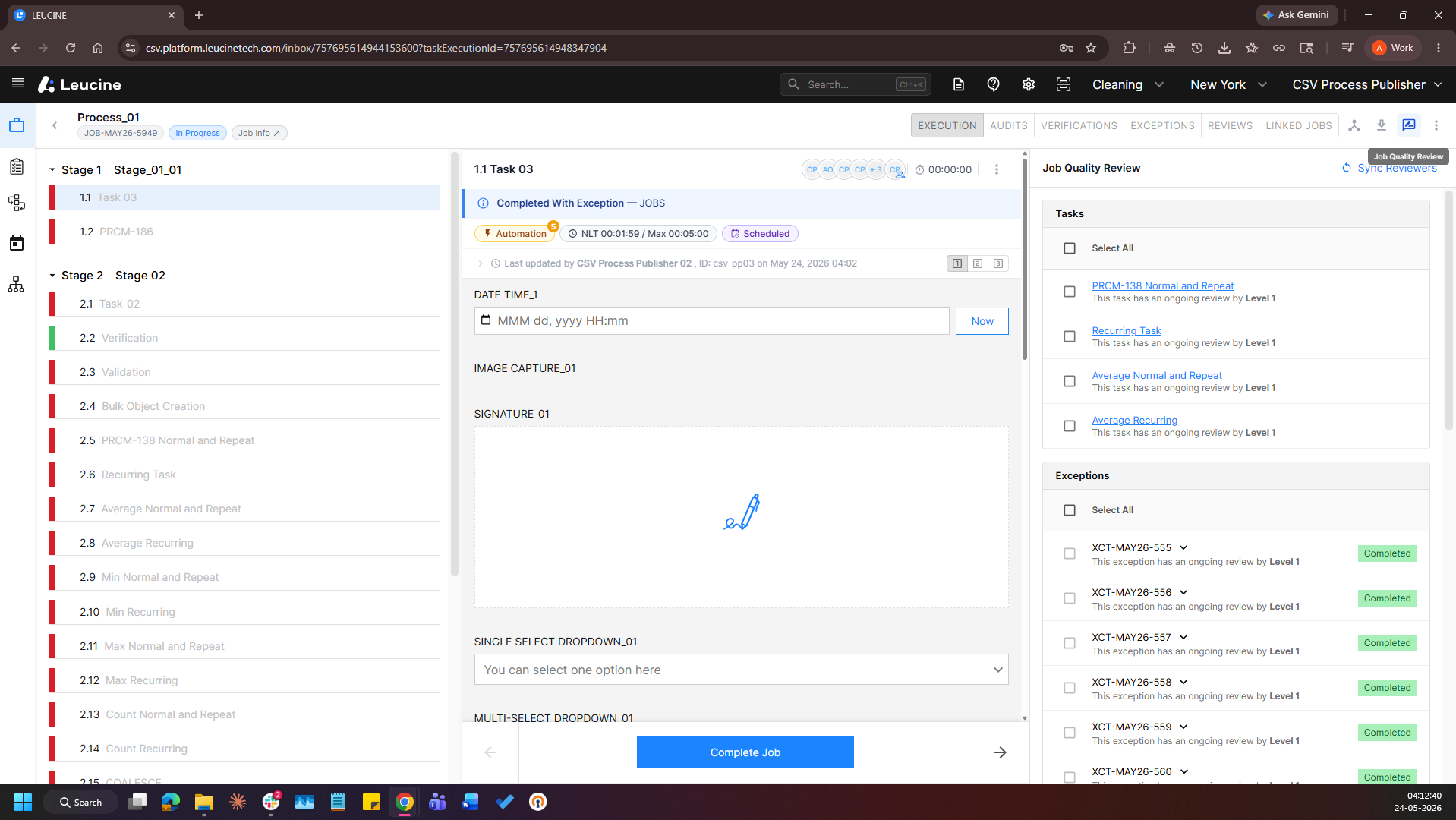
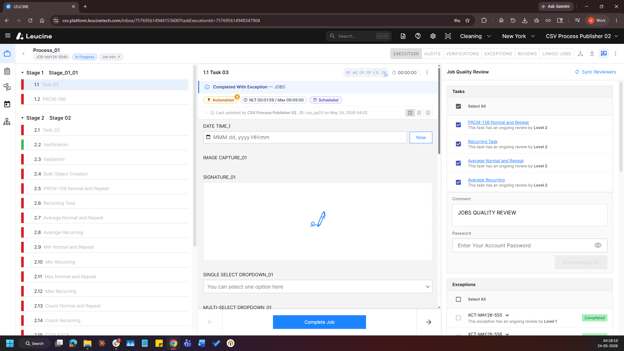
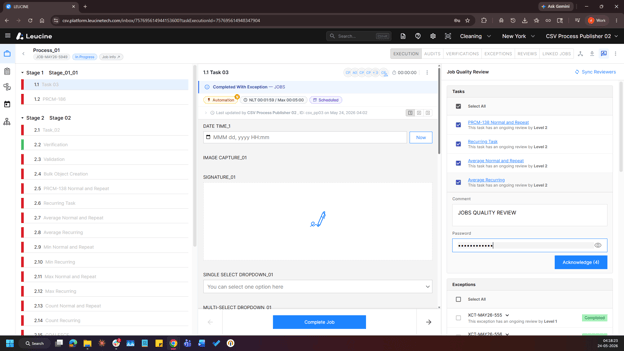
9. Perform and complete the assigned Job Quality Review.
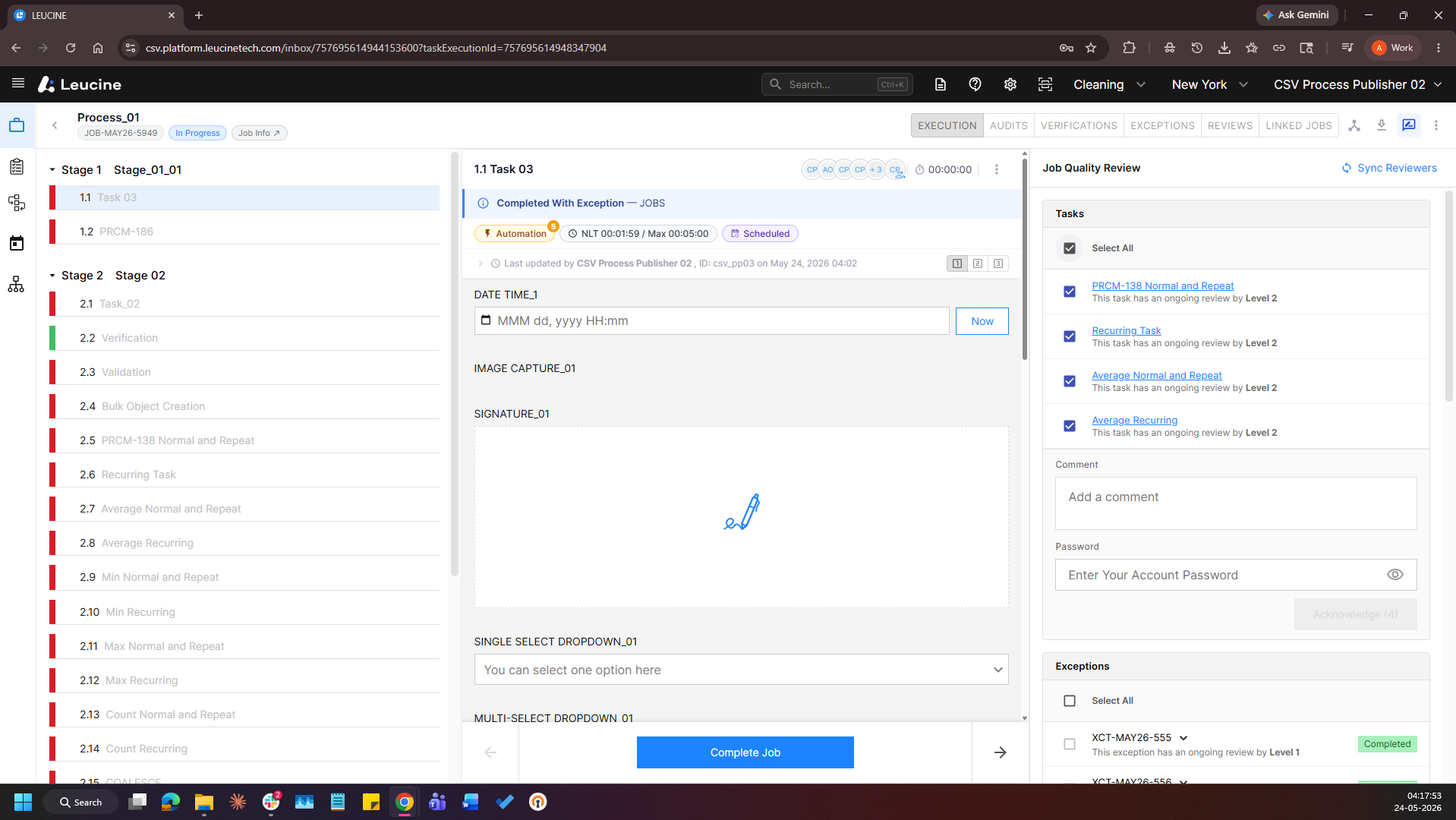
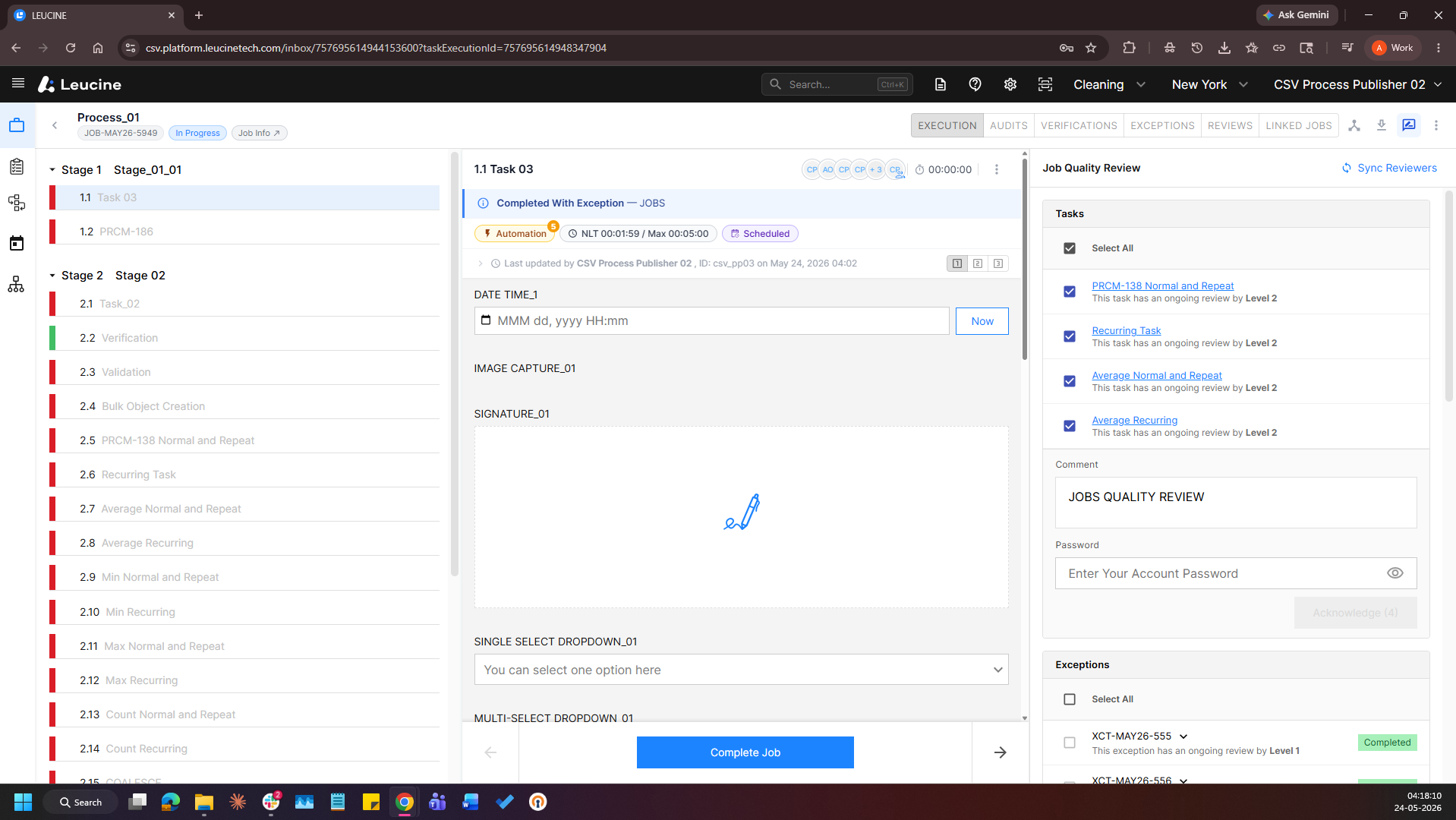
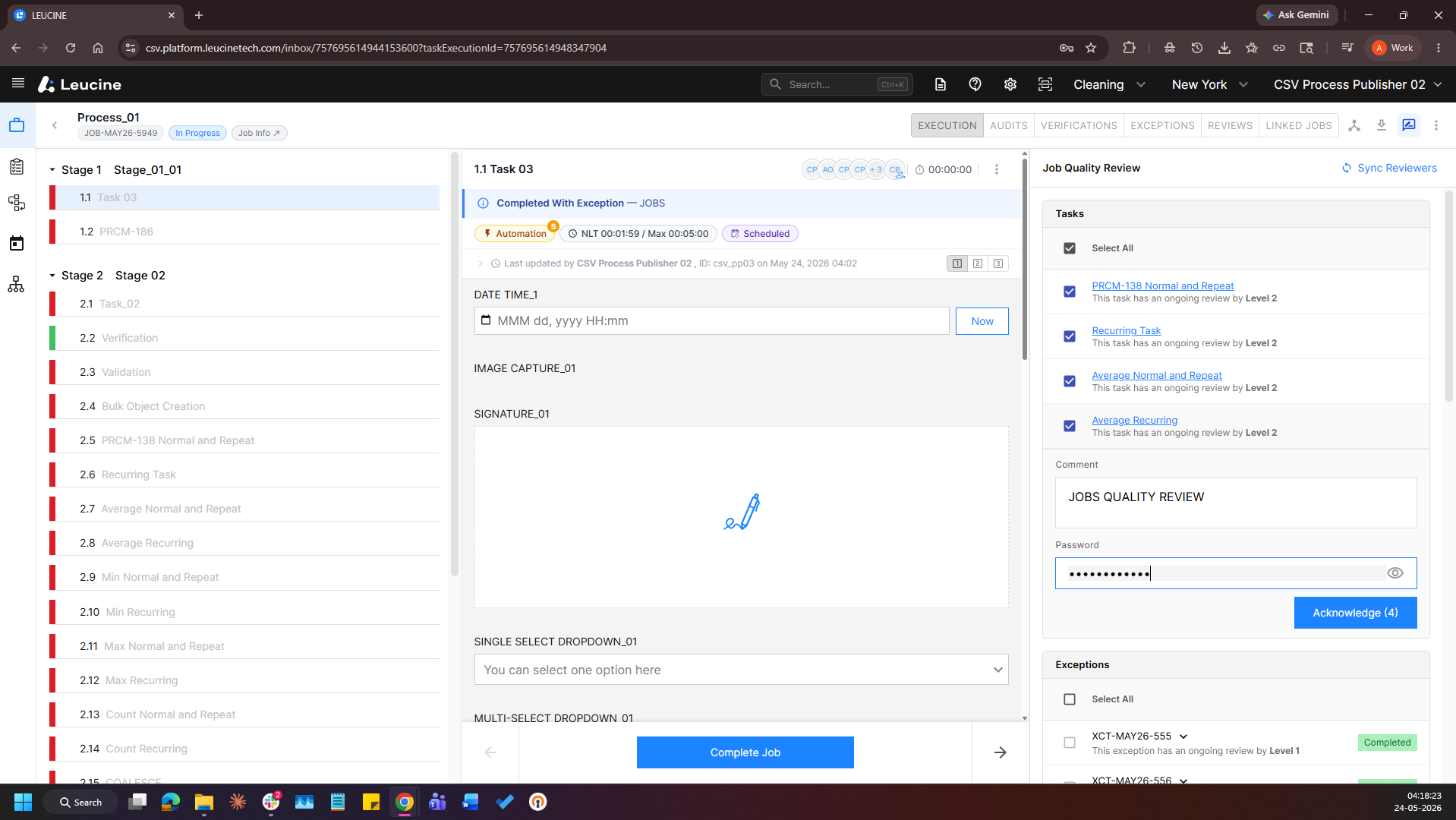
10. Login as Reviewer 2 who is assigned for the next level of Job Quality Review.
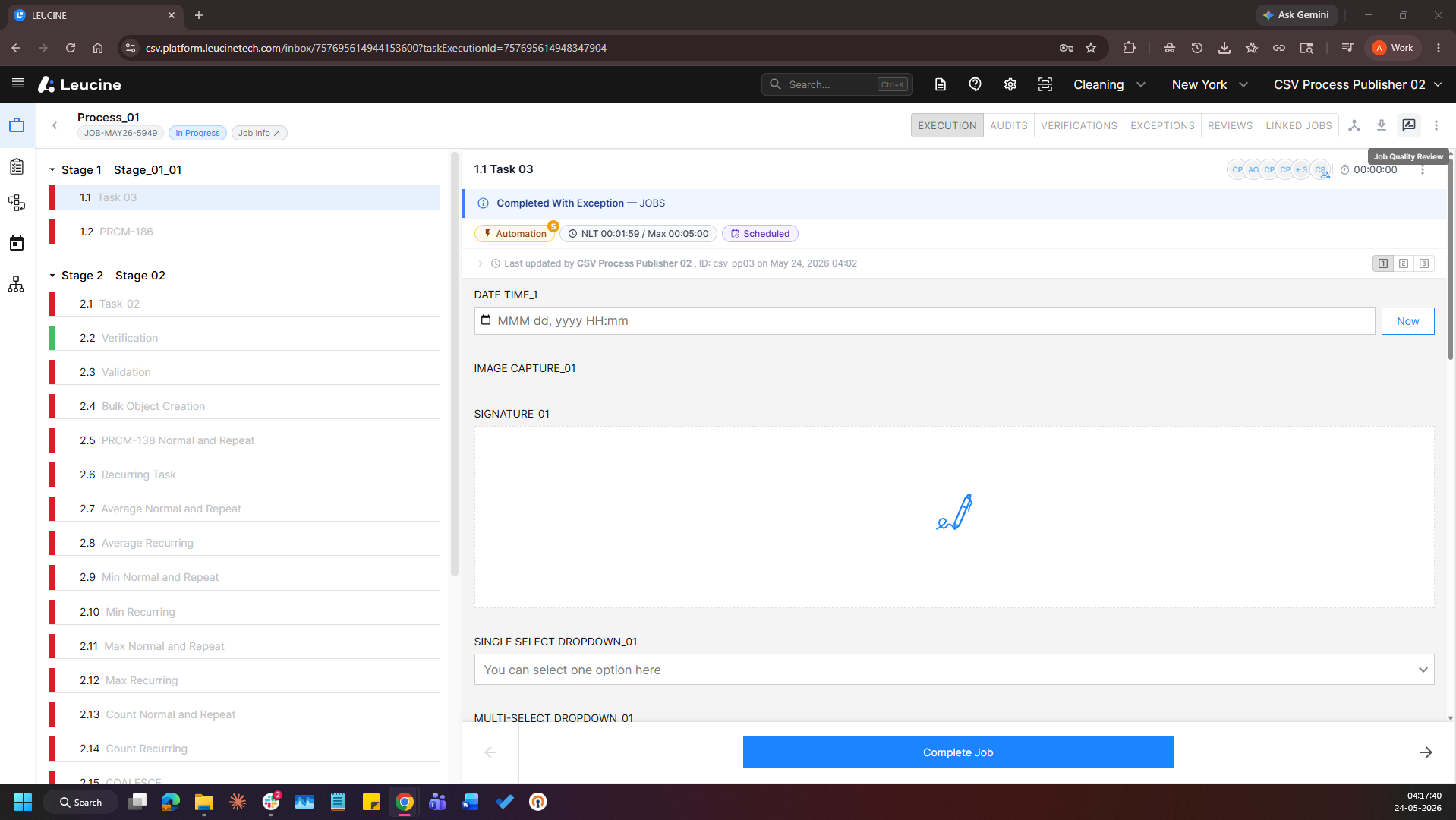
11. Click on the "Job Quality Review" button.
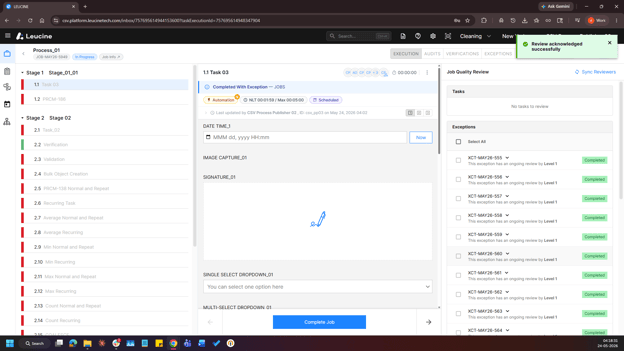
12. Verify the availability of the assigned task in the Tasks subsection and/or the assigned exception in the Exceptions subsection.
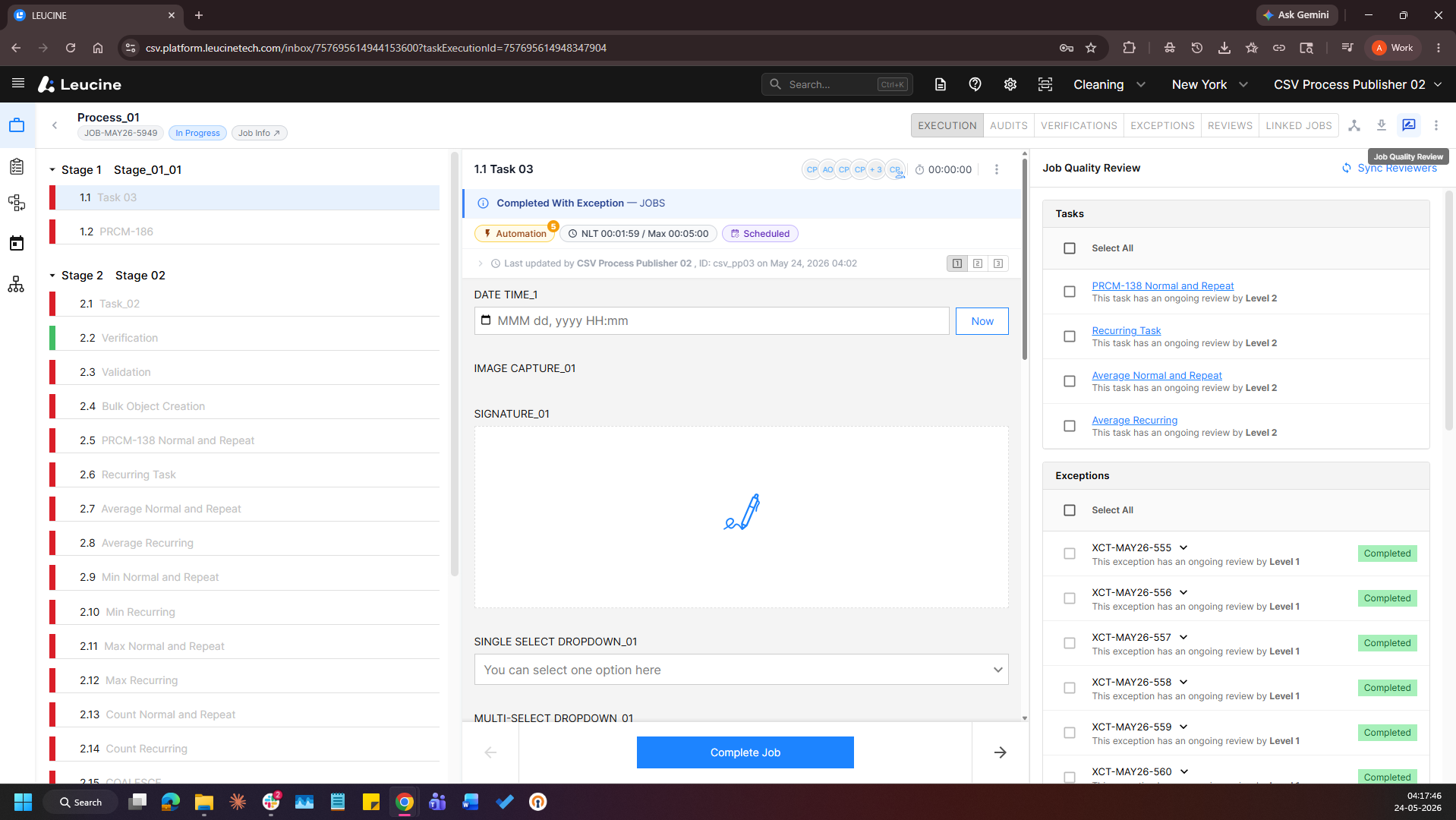
13. Perform and complete the assigned Job Quality Review.