![Leucine medium.png]](https://support.leucine.io/hs-fs/hubfs/Leucine%20medium.png?width=200&height=38&name=Leucine%20medium.png)
1. Navigate to My Space and click on the Job.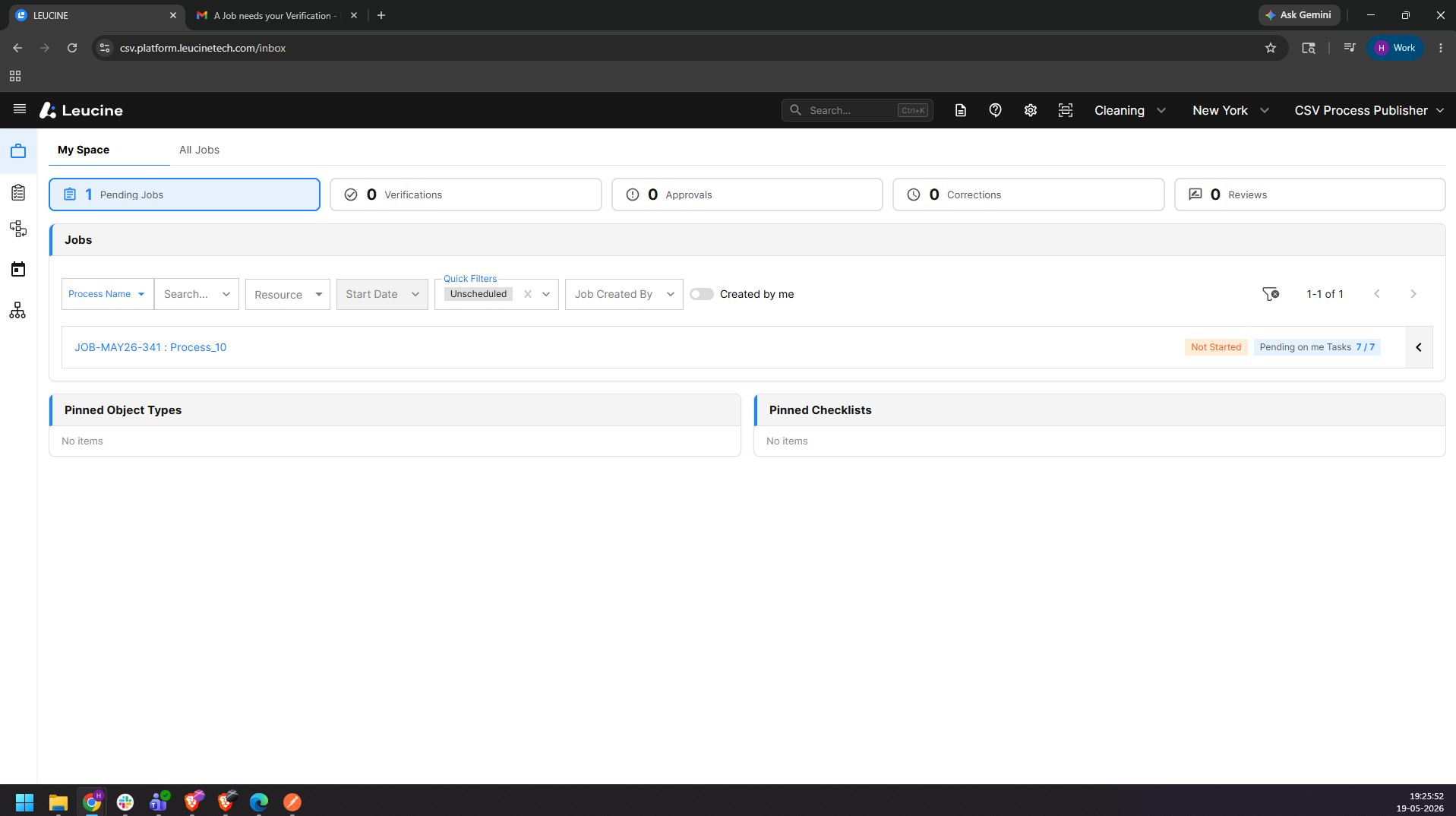
2. Click on Start task button.
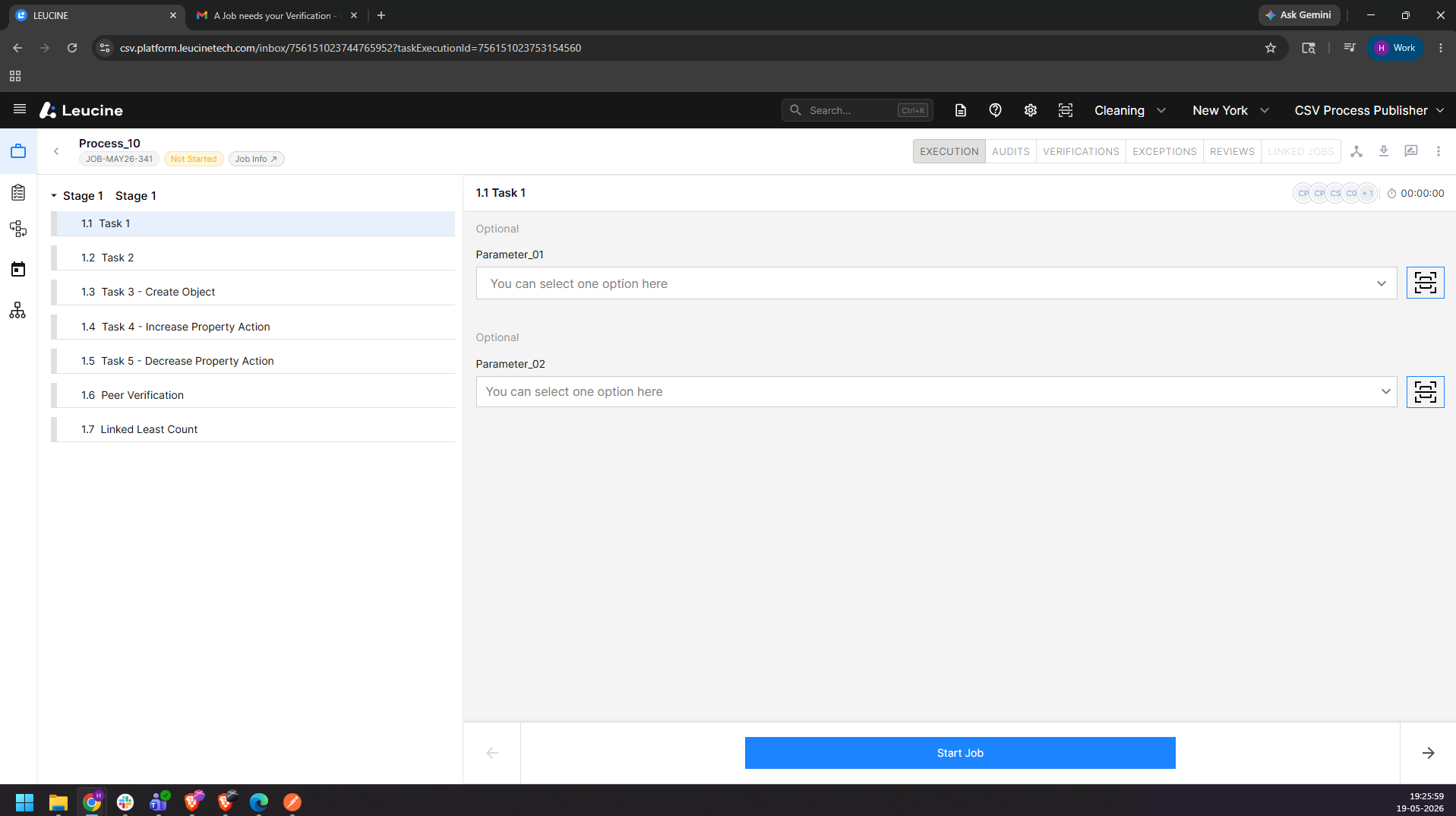
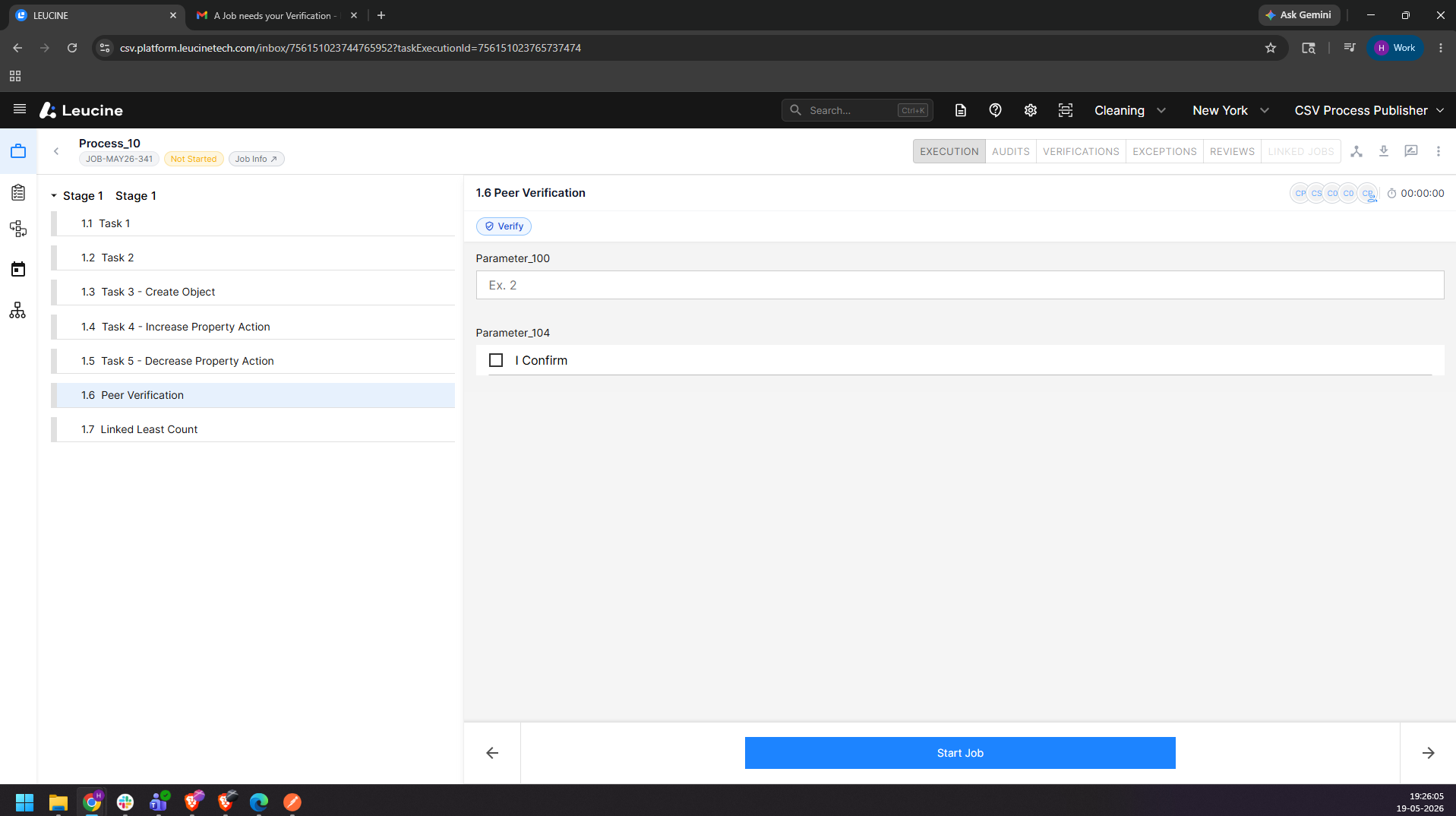
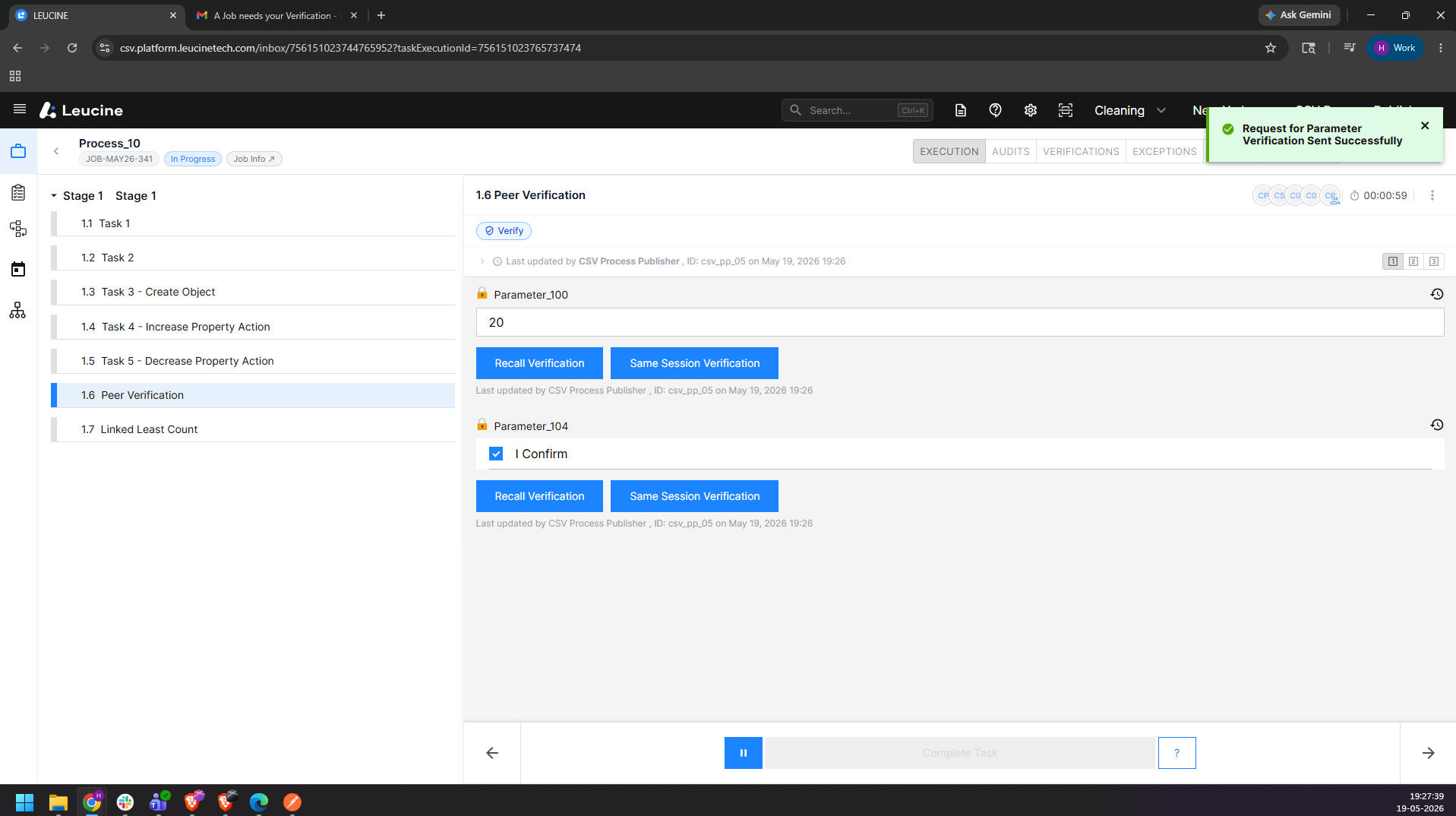
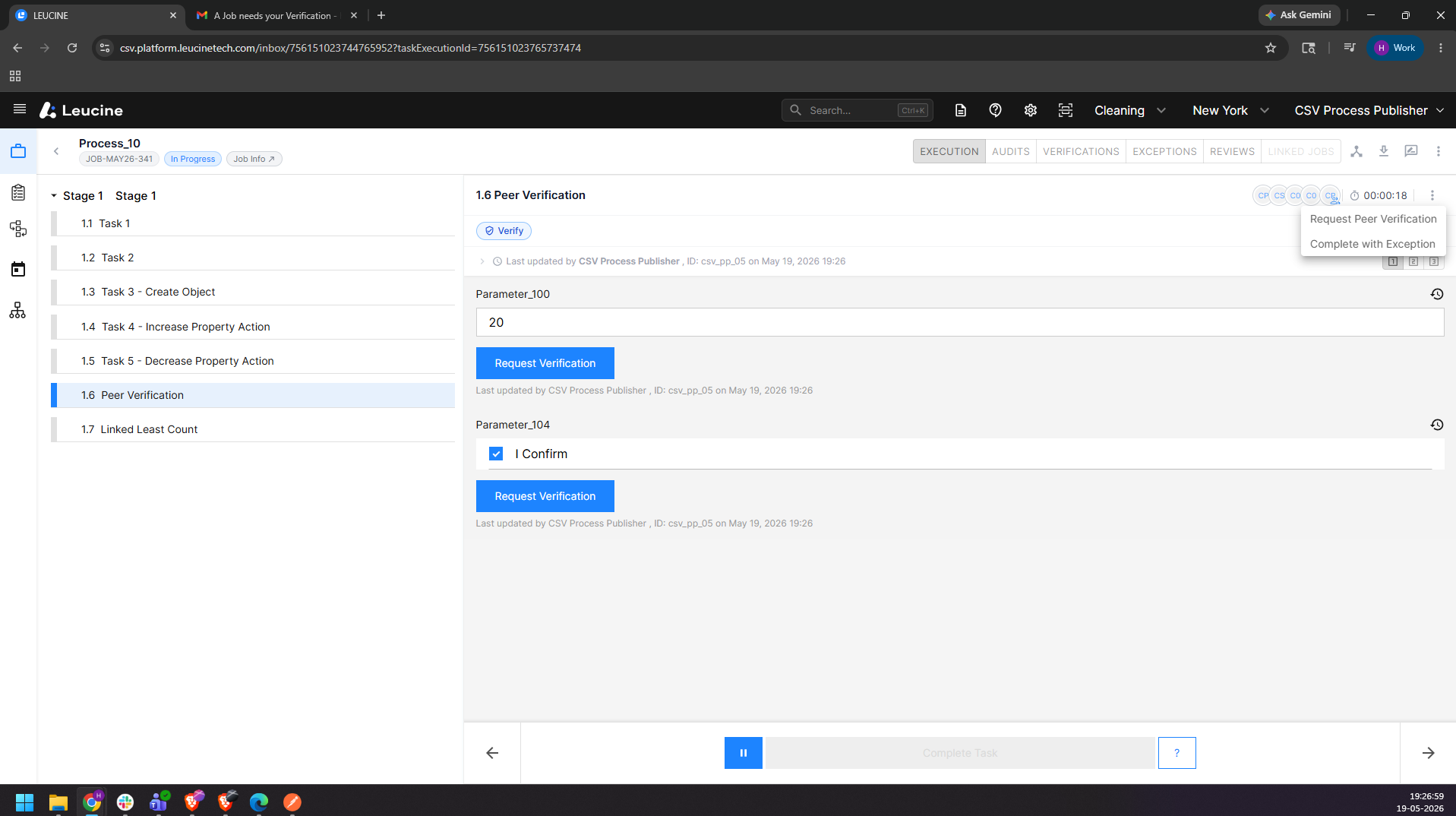
3. Execute all the parameters with the peer verification parameters.
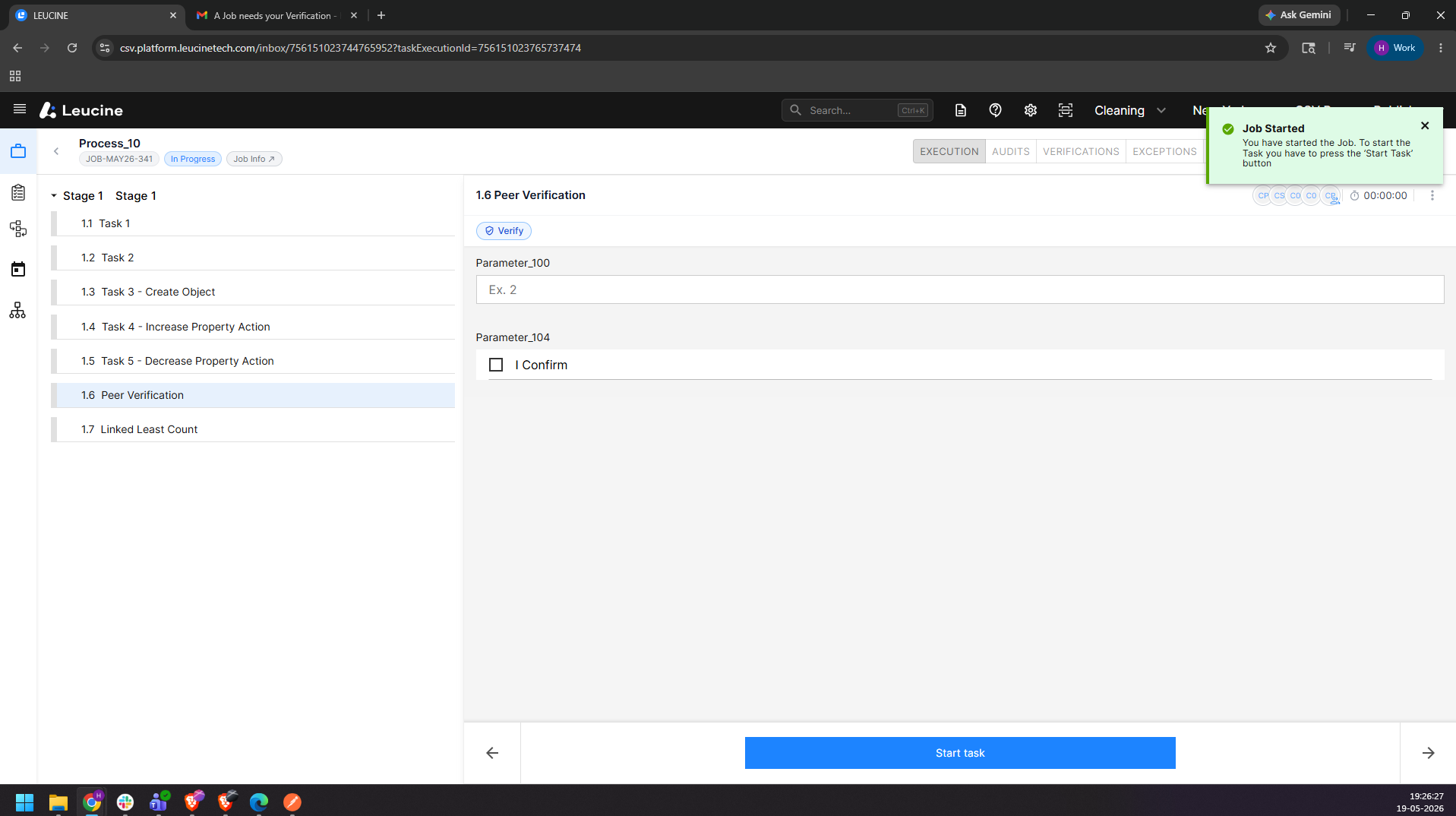
4. Click on the three dots in the top right corner of the task
5. Select "Request Peer Verification"
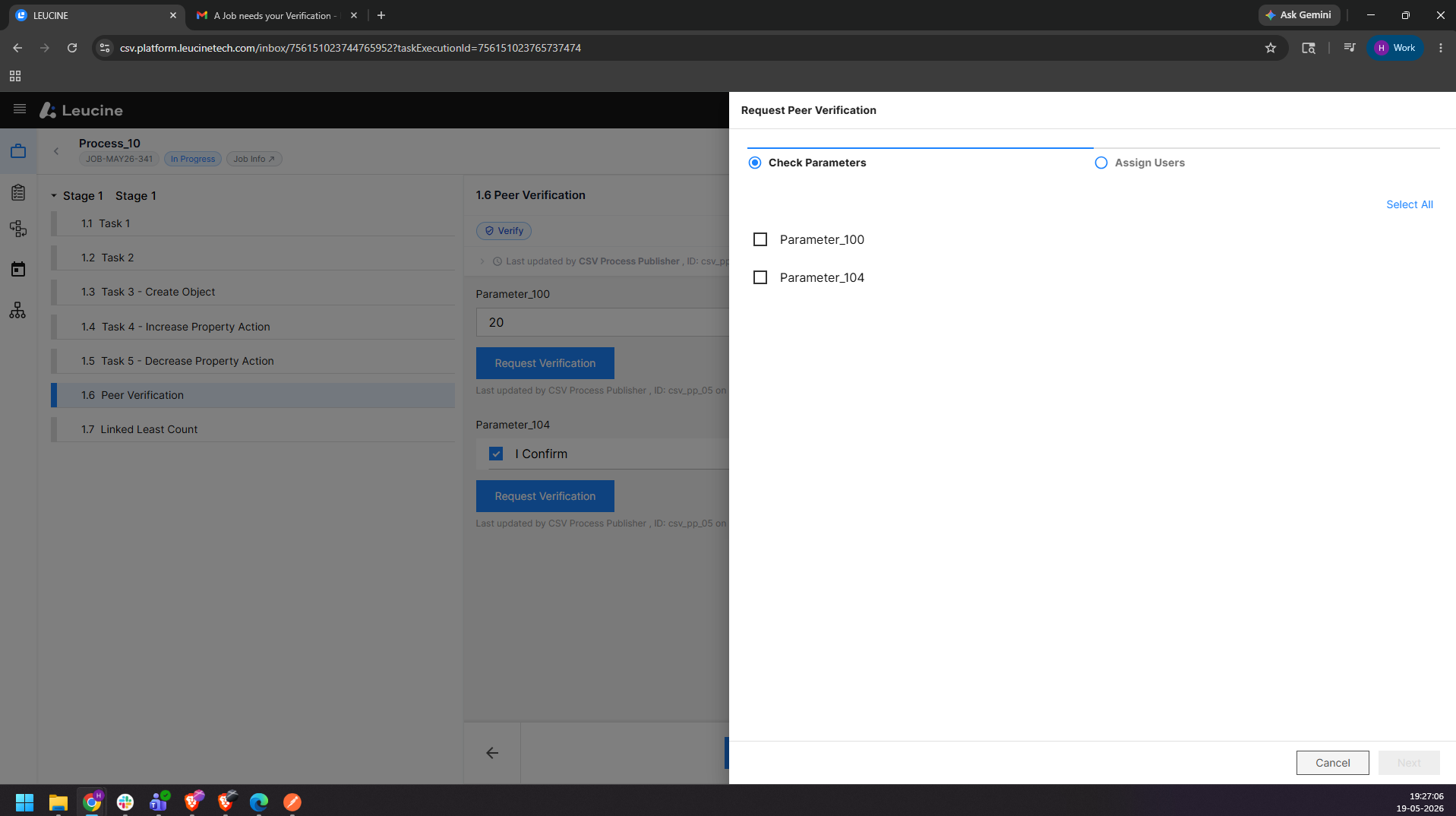
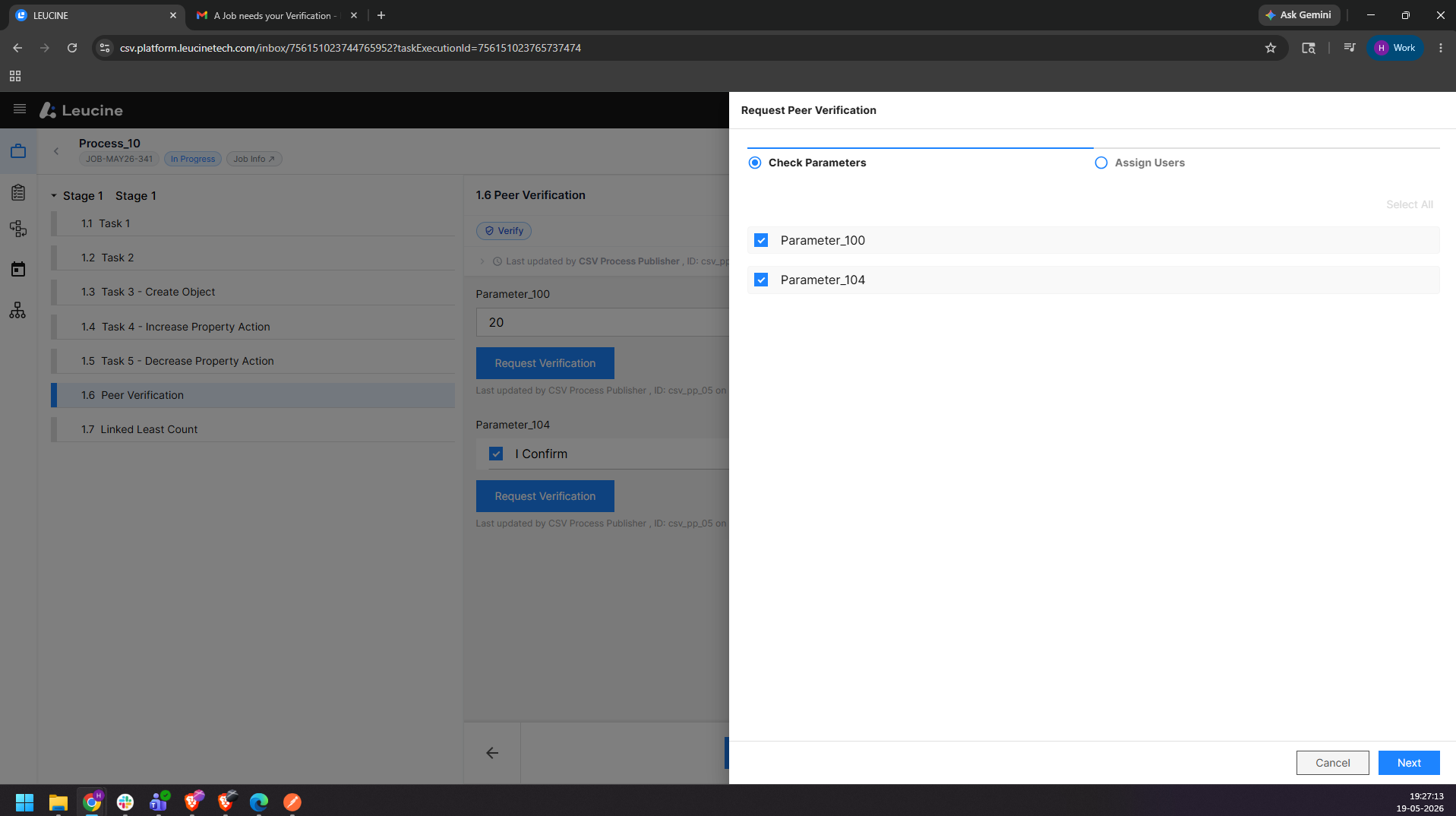
6. Select the Parameters.
7. Click on next.
8. Select the users or user groups.
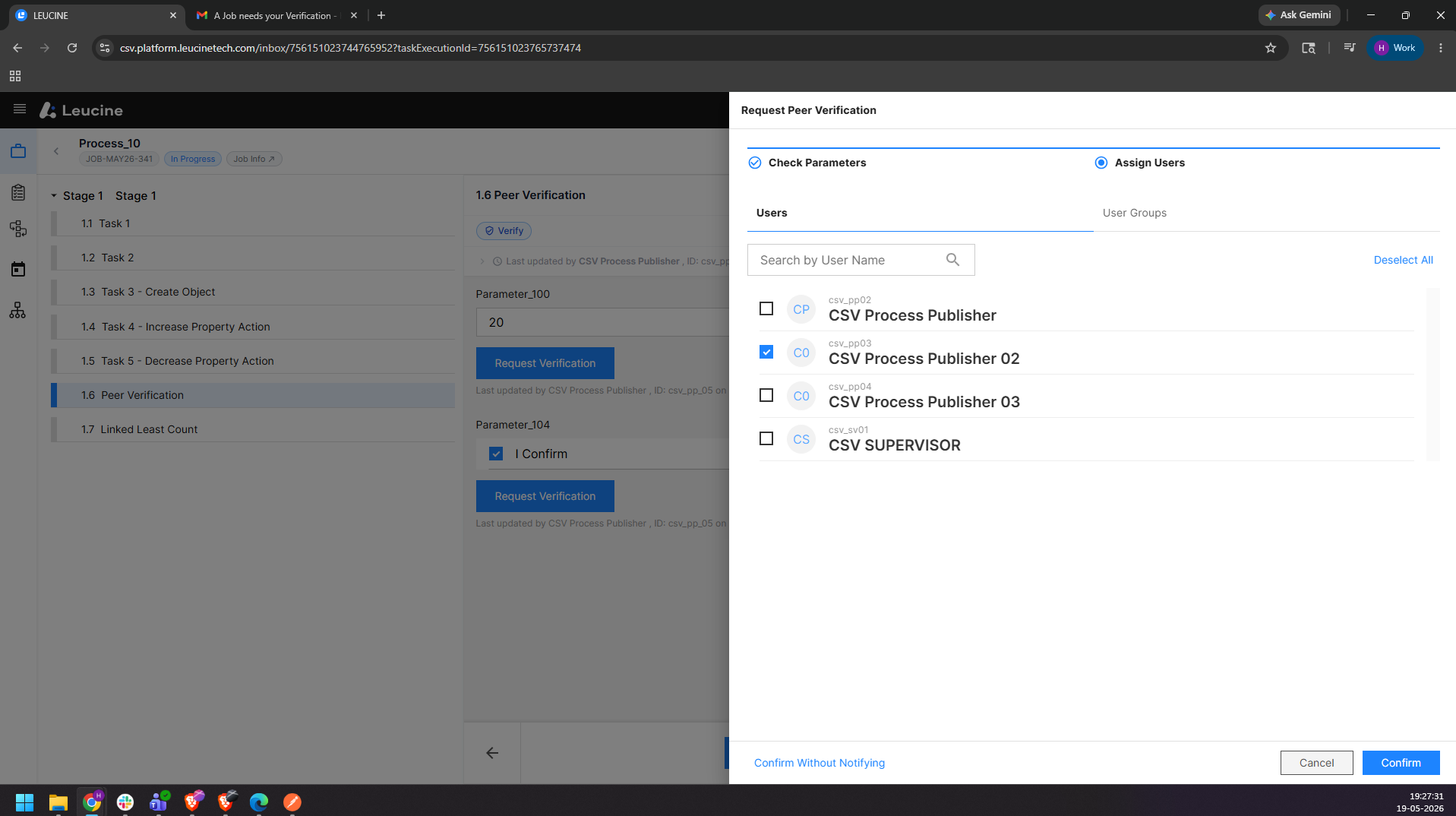
9. Click on Confirm.