![Leucine medium.png]](https://support.leucine.io/hs-fs/hubfs/Leucine%20medium.png?width=200&height=38&name=Leucine%20medium.png)
1. Go to the Process tab and navigate to the Prototype tab.
2. Open the process that has been fully signed off.
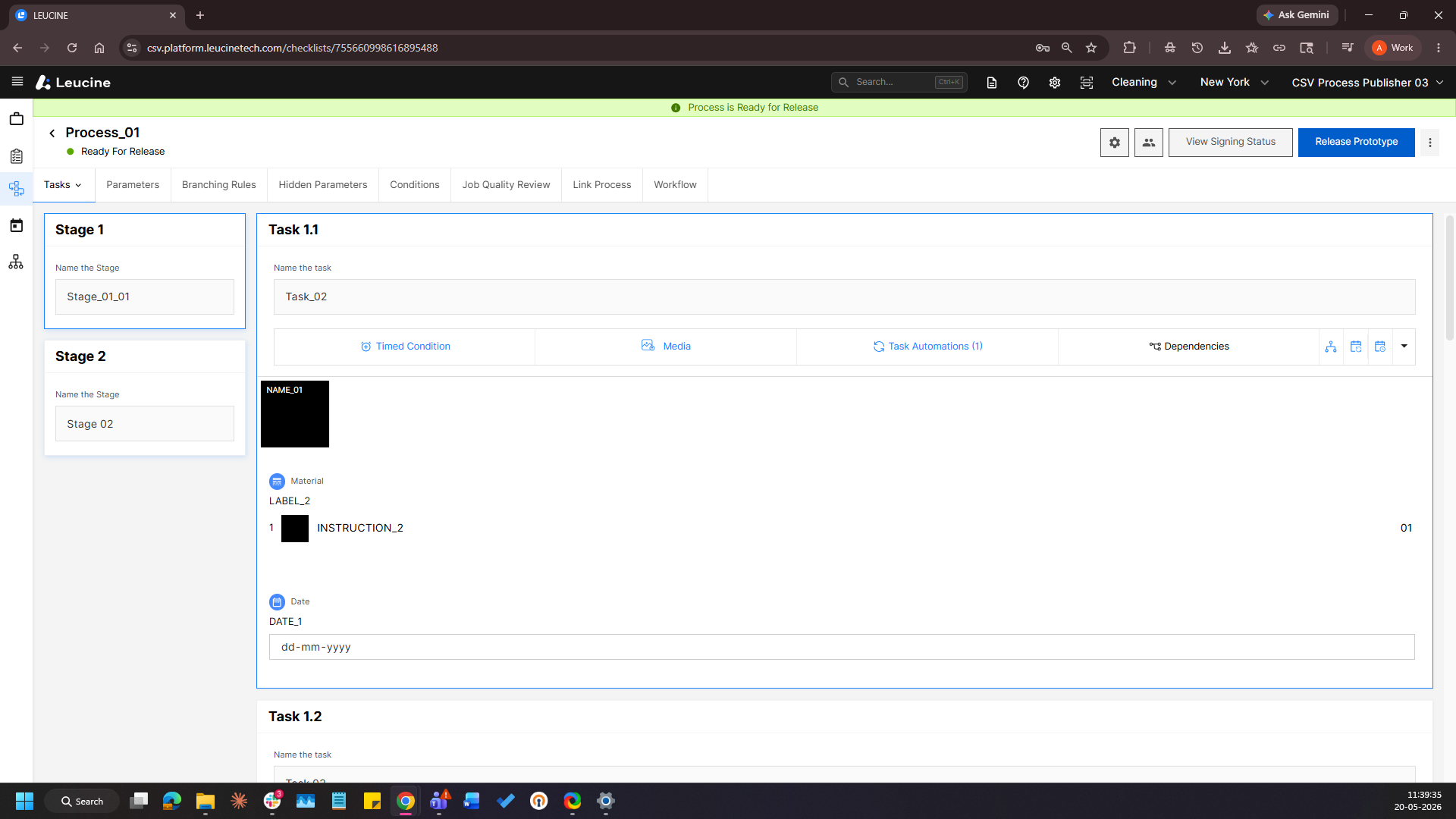
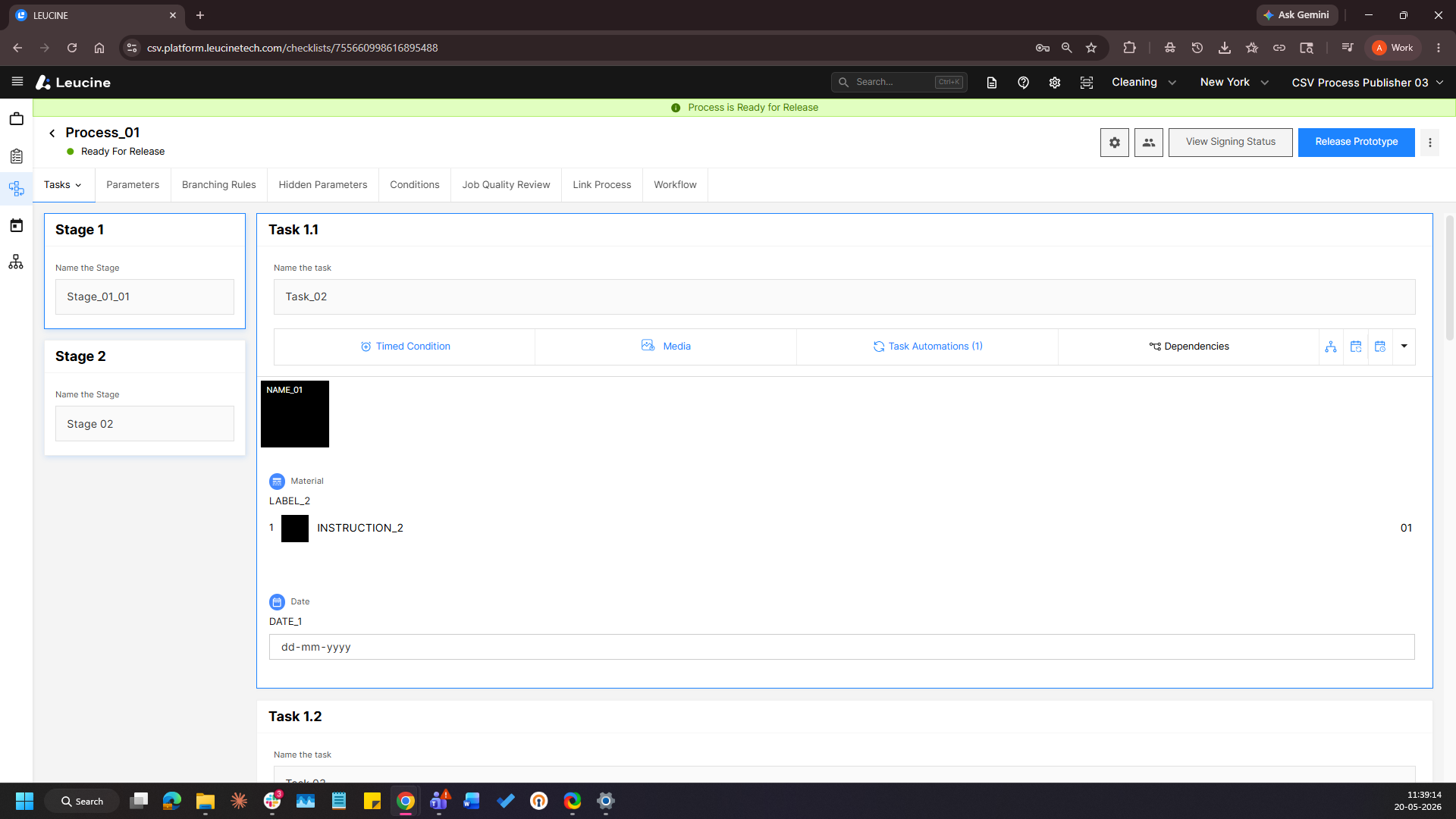
3. Click on the Release Prototype button. 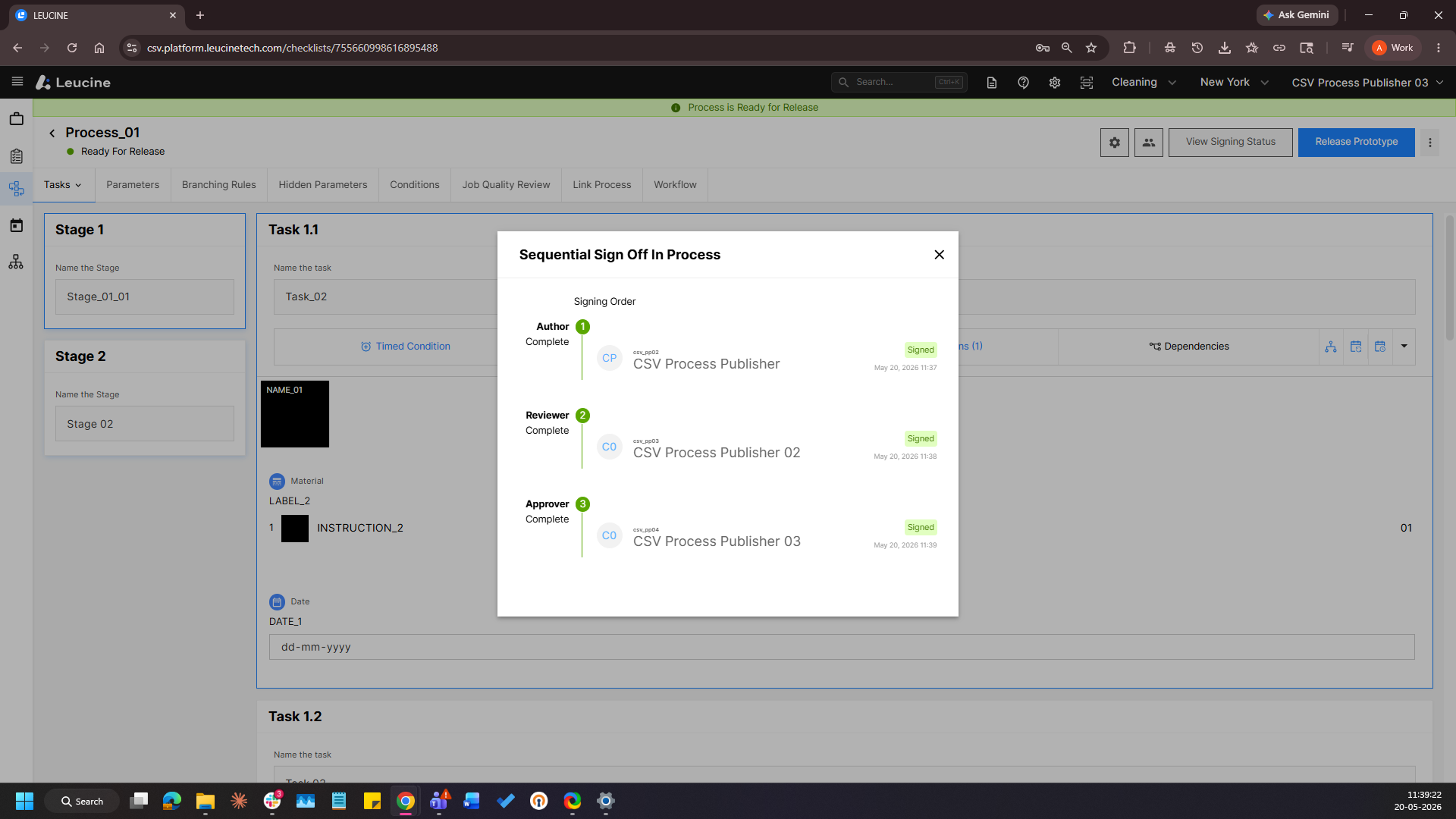
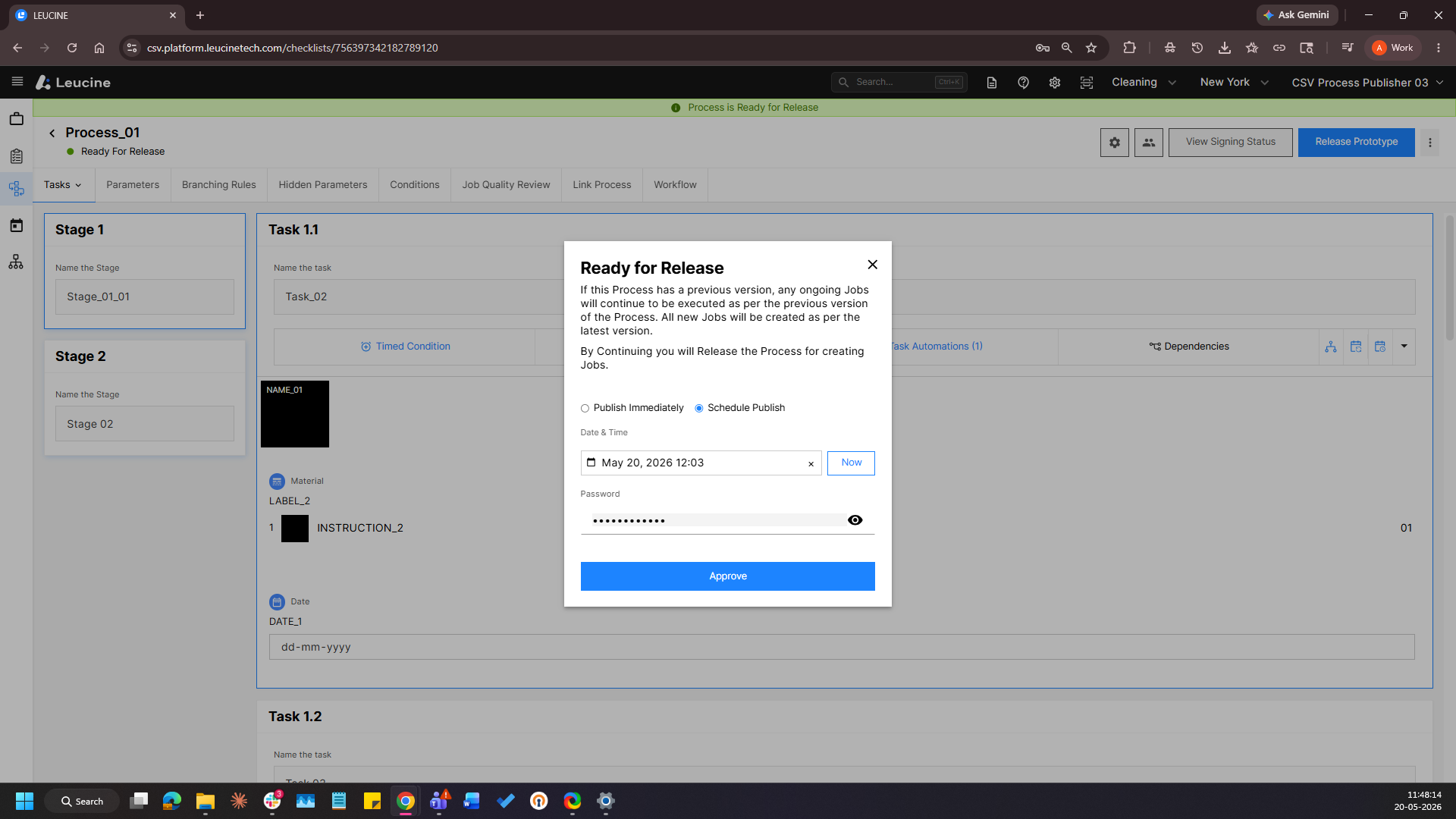
4. A dialog will appear — select Schedule Release.
5. Configure the desired date and time for the scheduled publish.
6. Click on Save and the release will be scheduled for the configured date and time.