![Leucine medium.png]](https://support.leucine.io/hs-fs/hubfs/Leucine%20medium.png?width=200&height=38&name=Leucine%20medium.png)
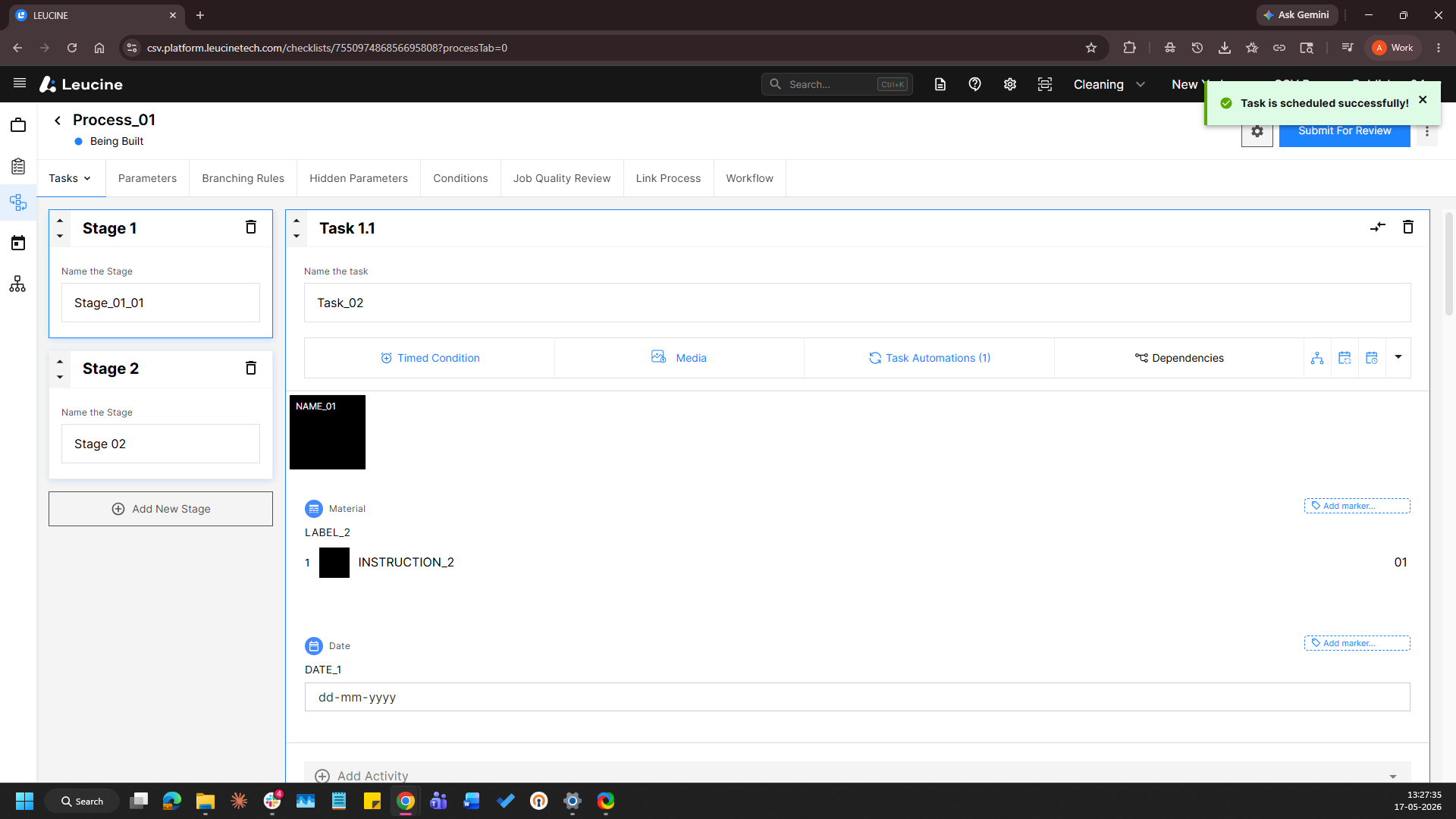
1. Go to the Process tab and open the process to be configured. 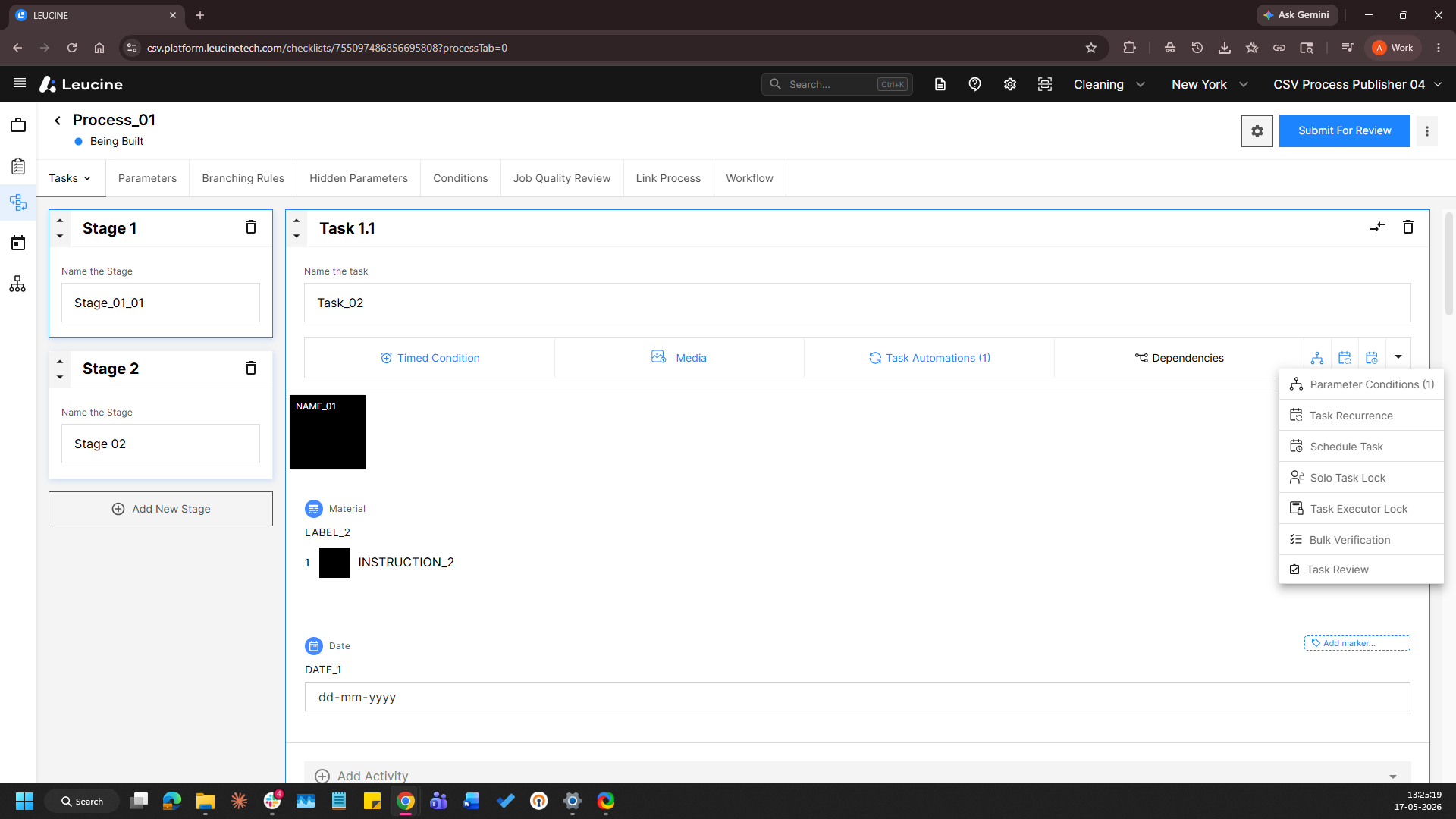
2. Click on the task you want to schedule. 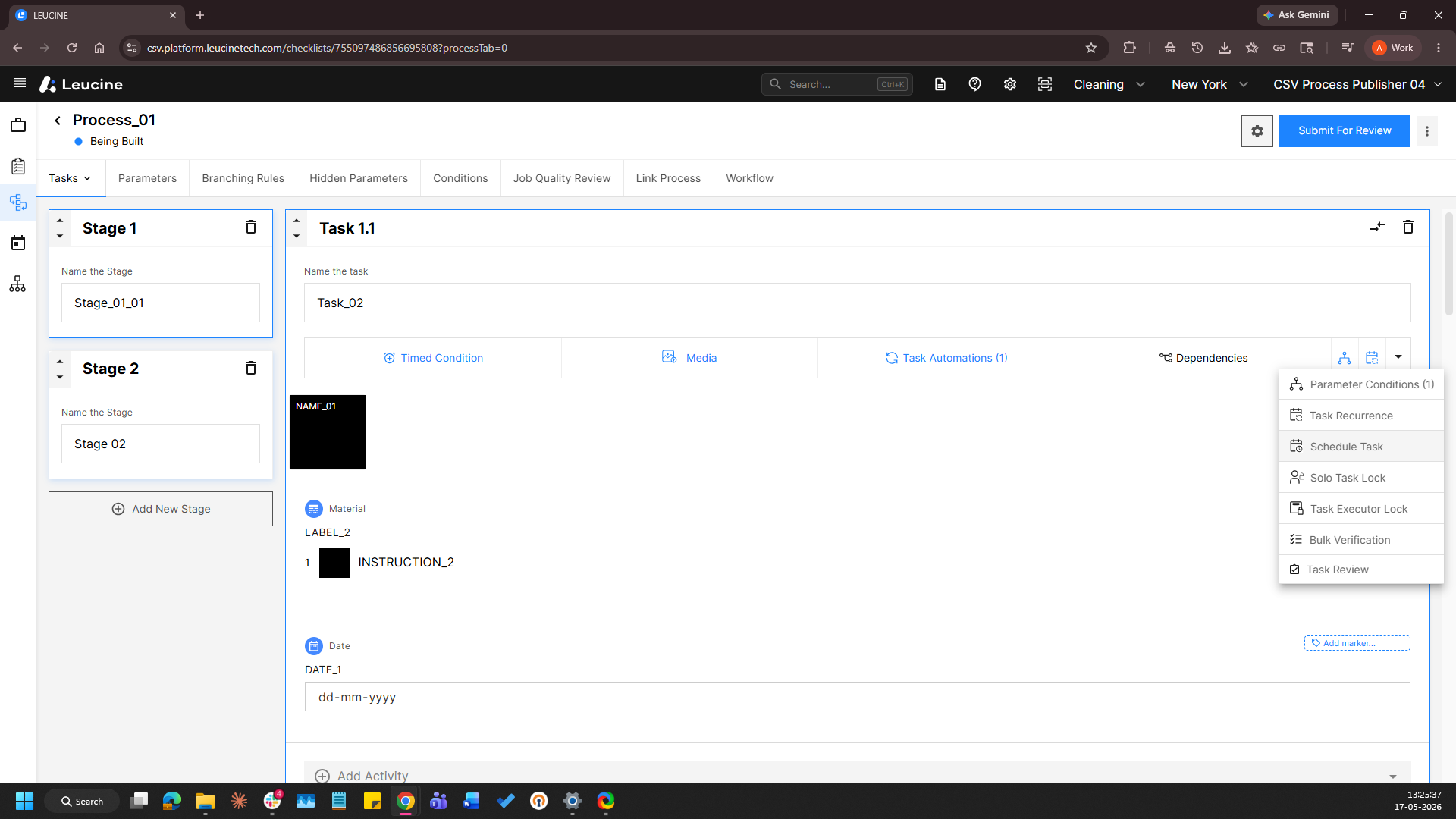
3. Navigate to the Scheduling section. 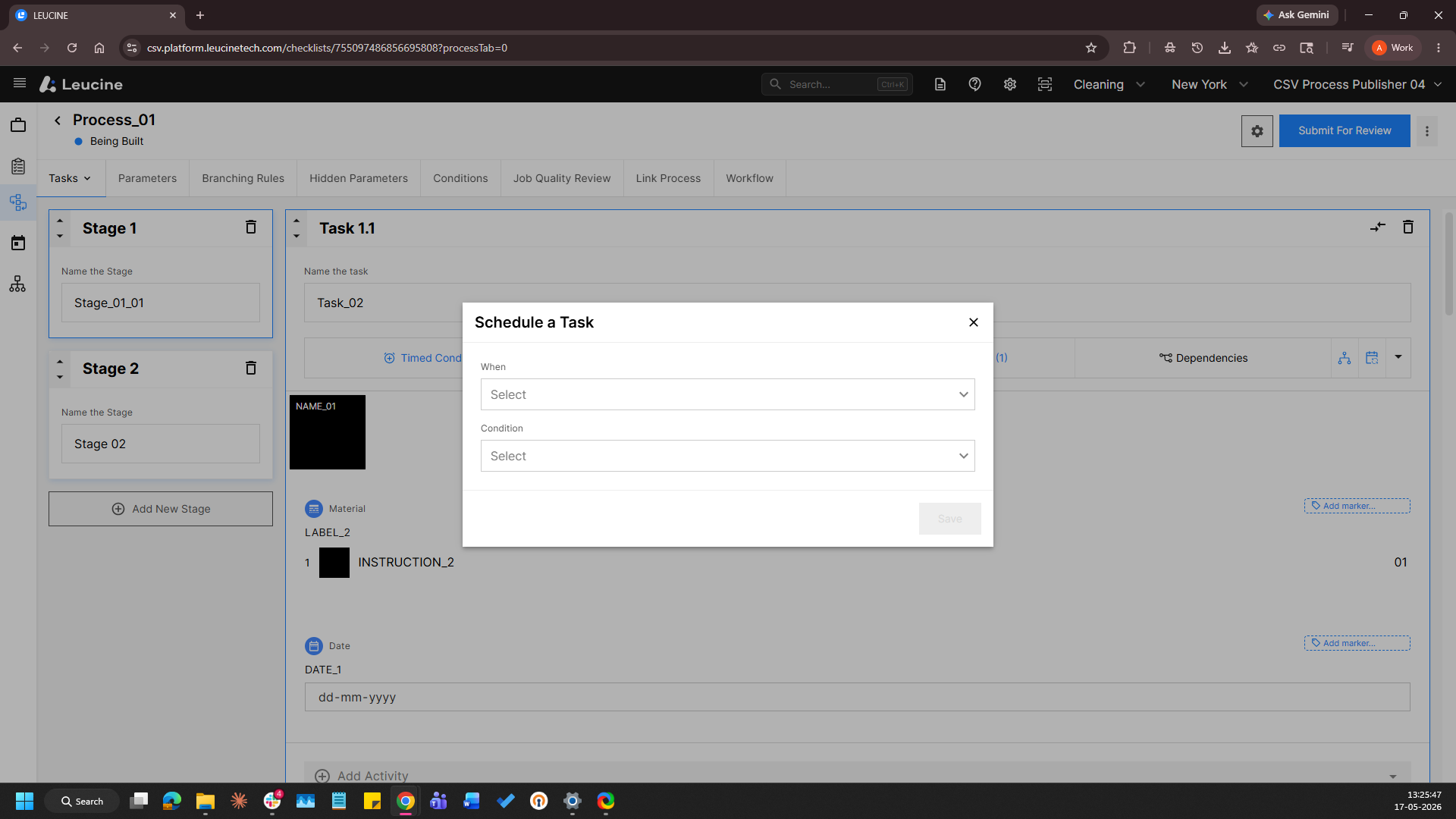
4. Select the option to schedule relative to the completion of another task. 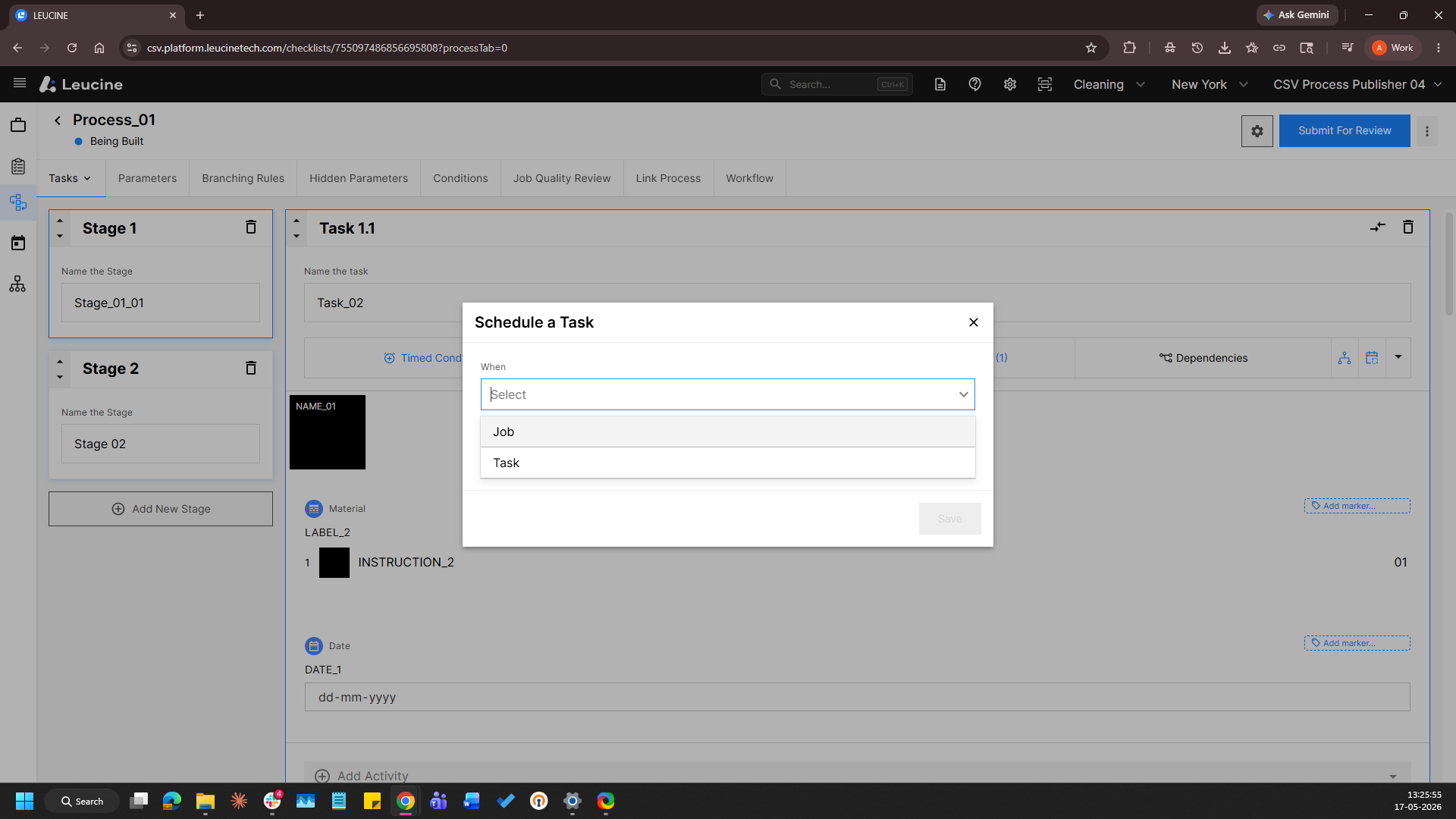
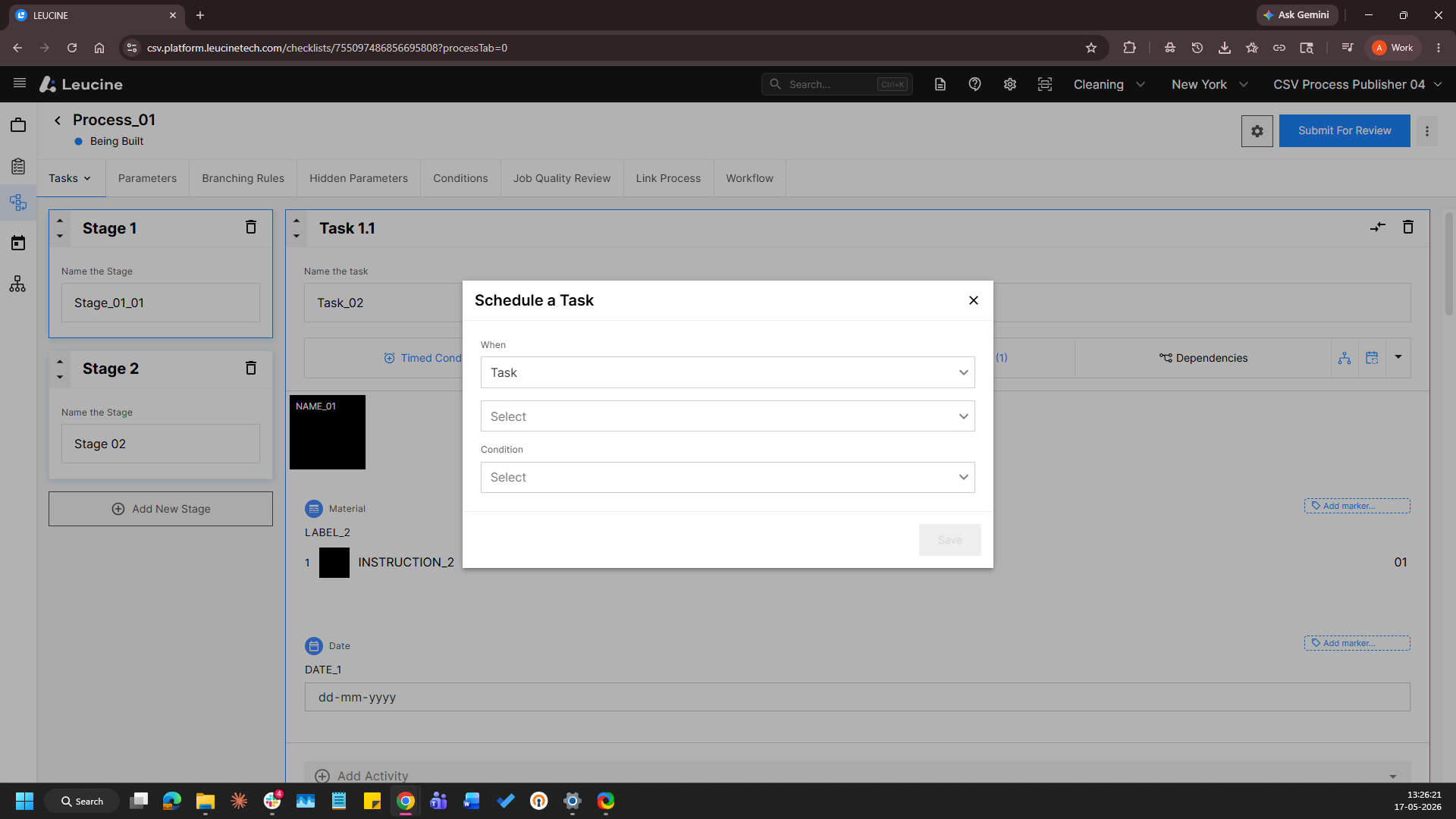
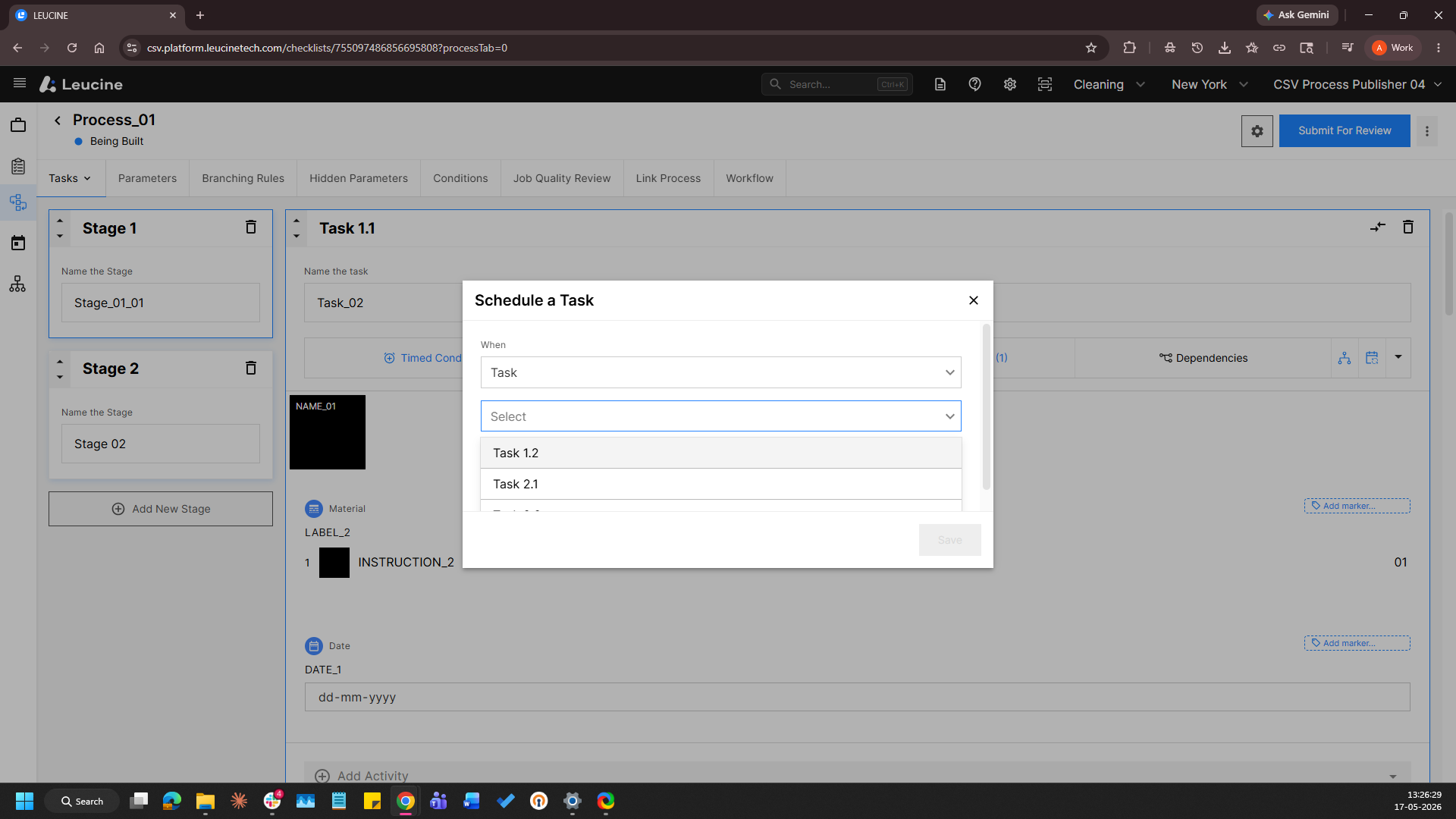
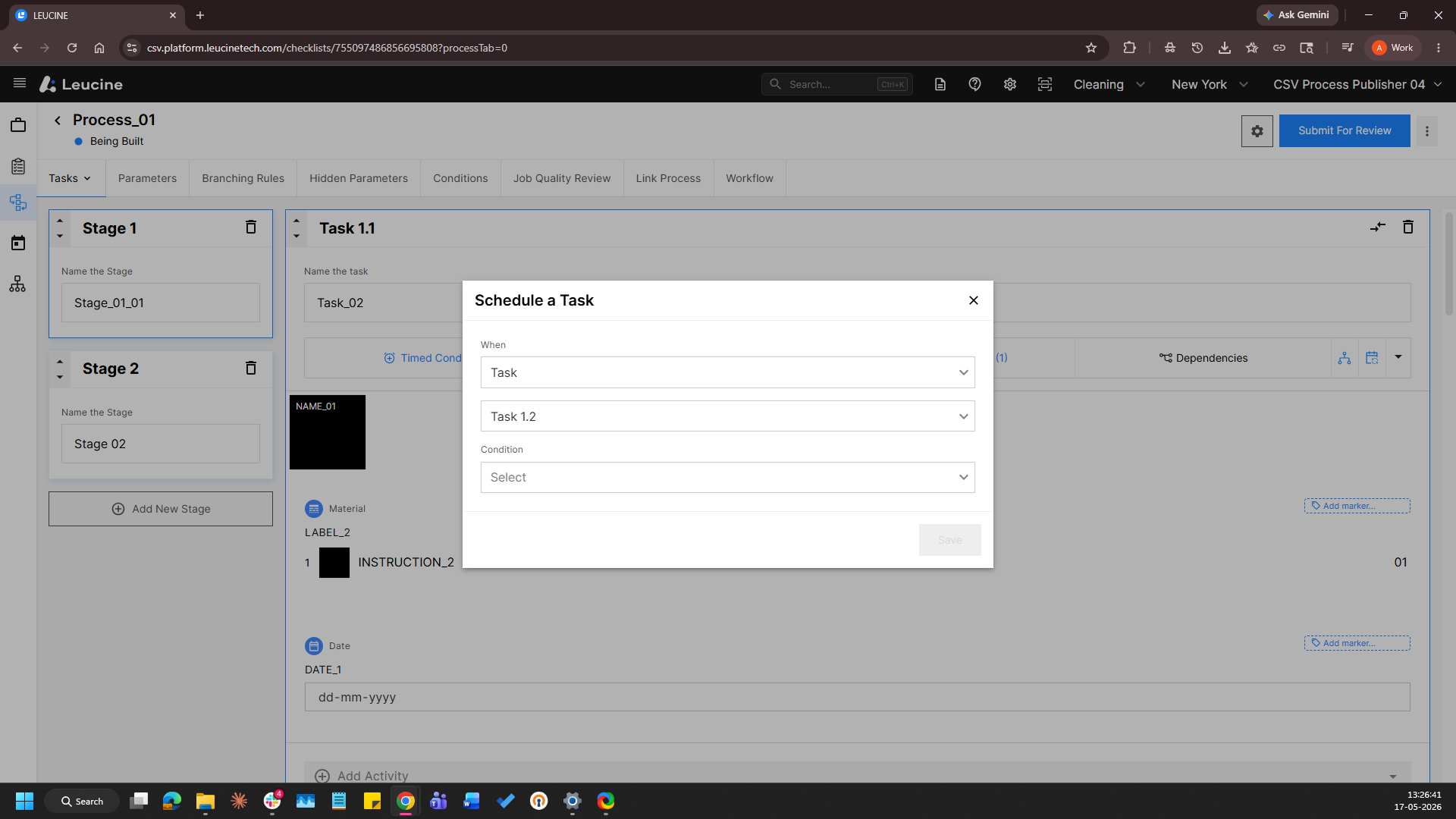
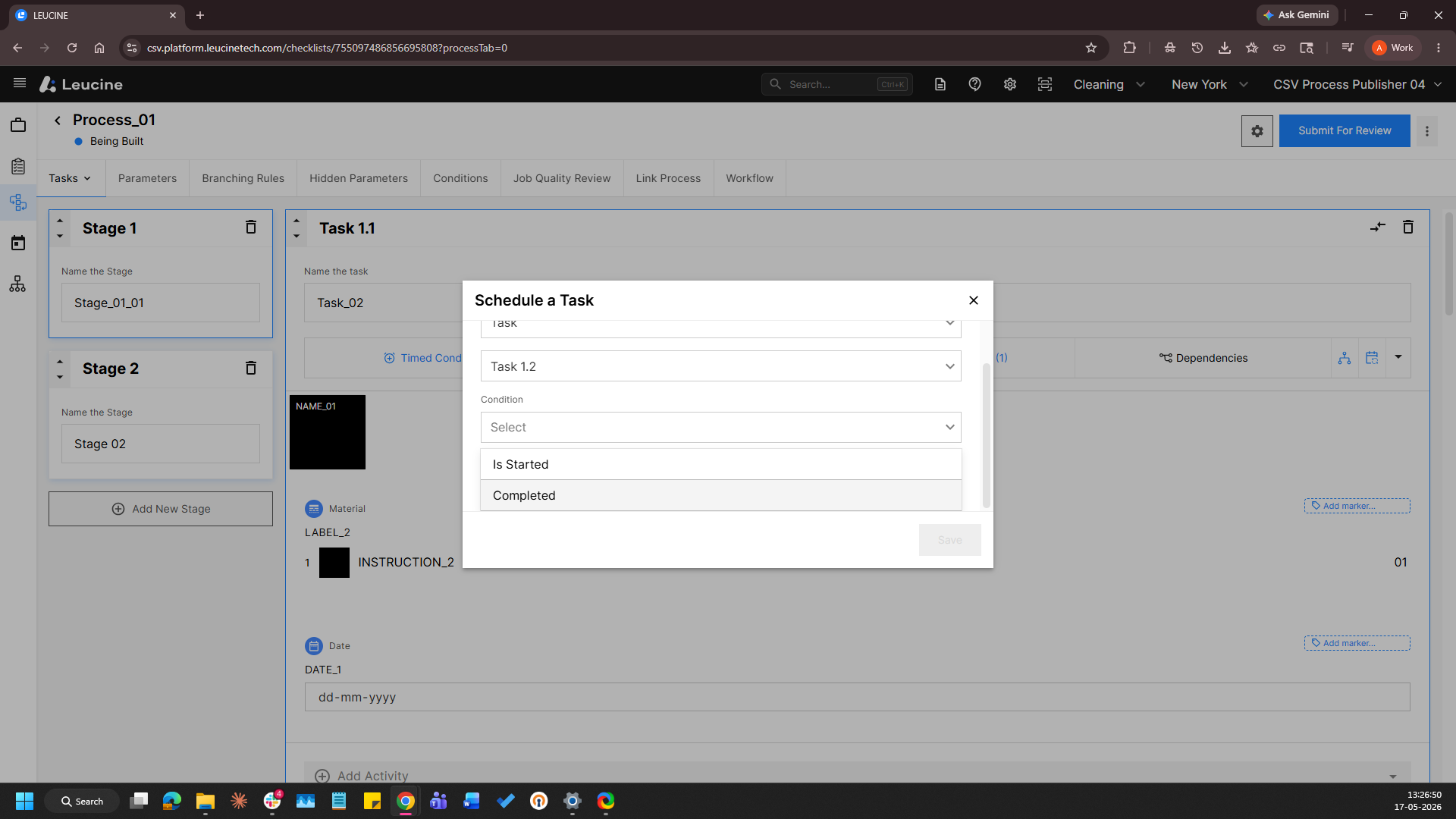
5. Select the reference task from the dropdown and enter the required time offset. 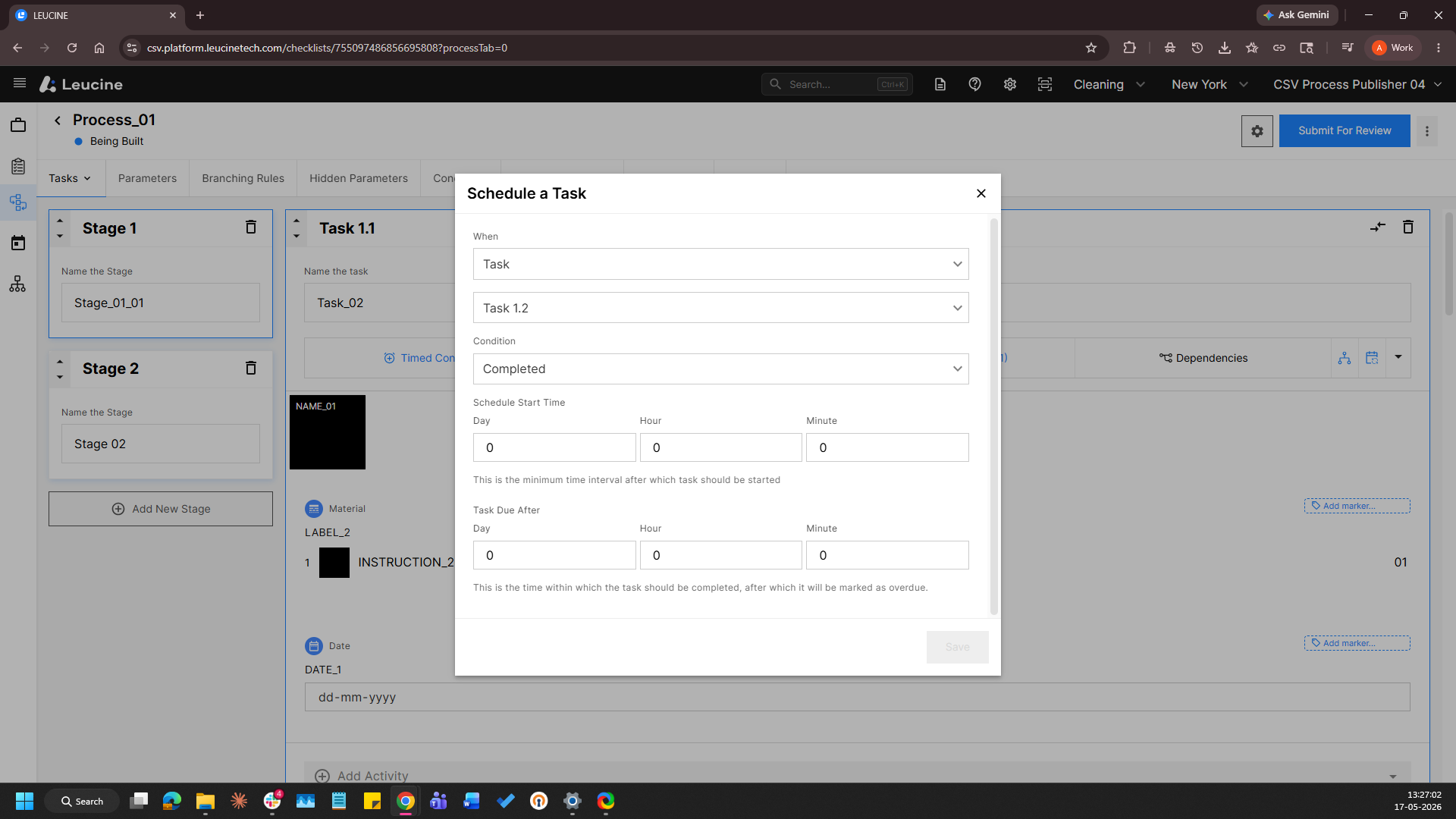
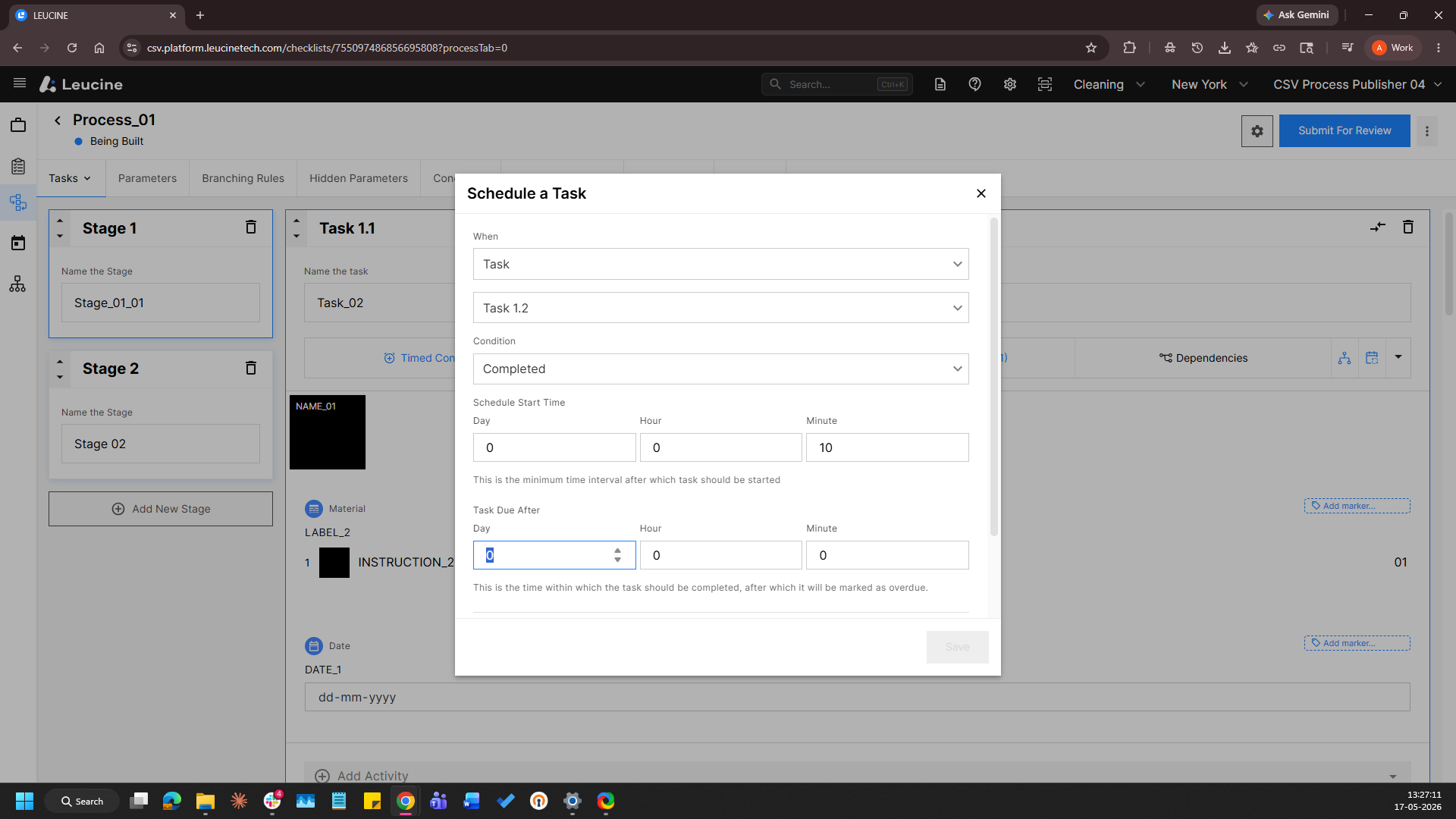
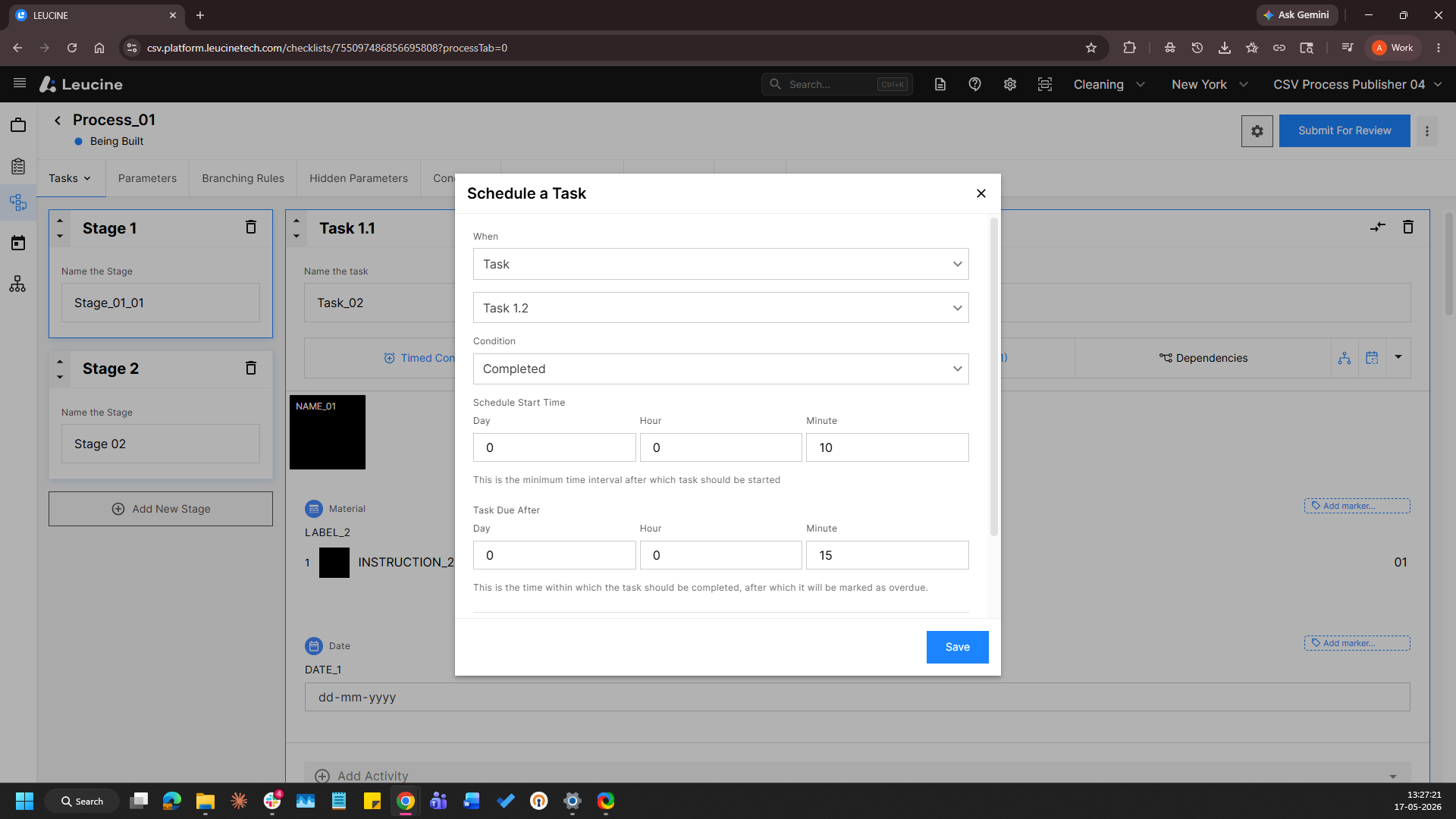
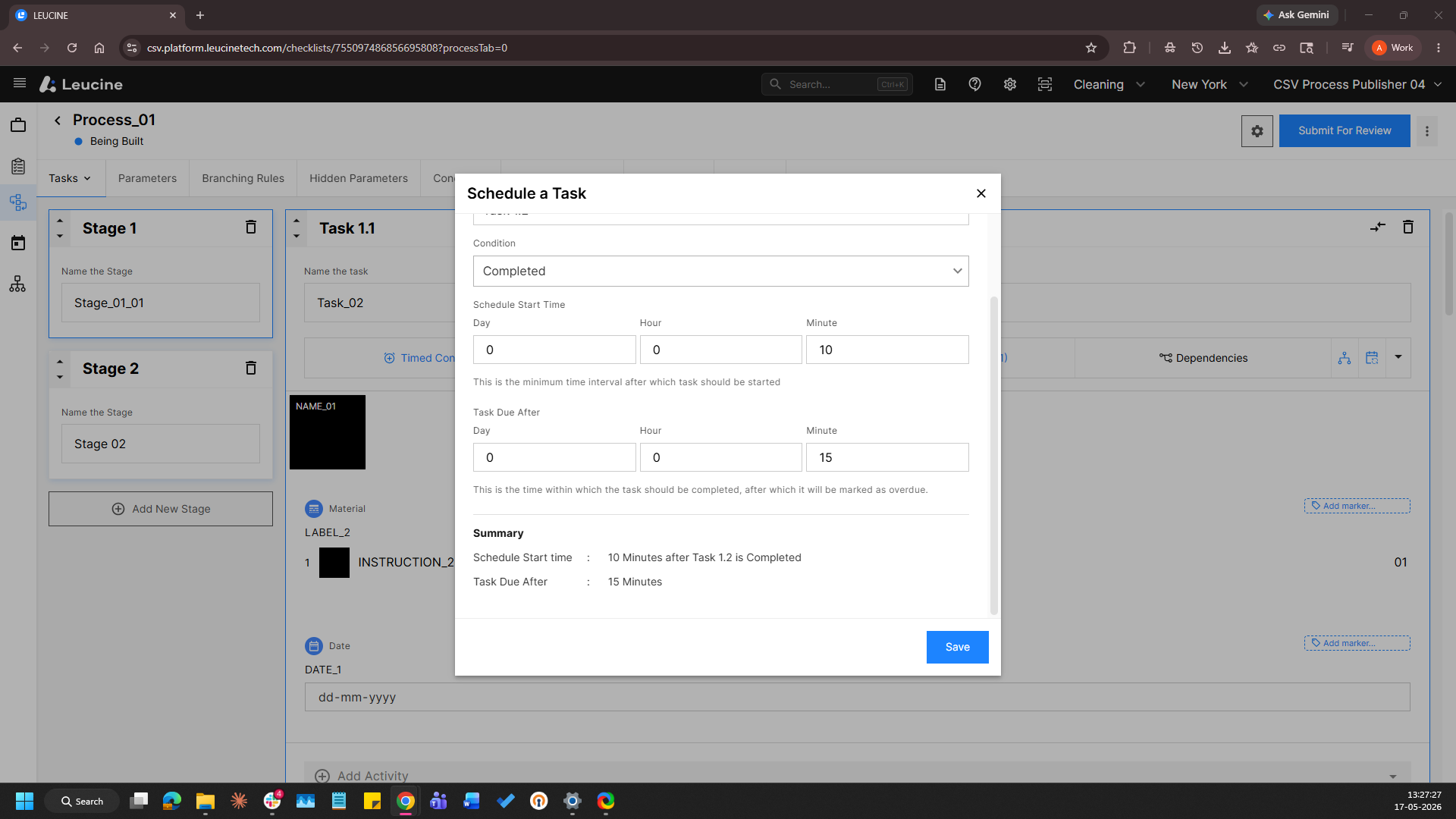
6. Save the changes and the scheduling will be applied.