![Leucine medium.png]](https://support.leucine.io/hs-fs/hubfs/Leucine%20medium.png?width=200&height=38&name=Leucine%20medium.png)
1. Go to the Process tab and open the process to be configured. 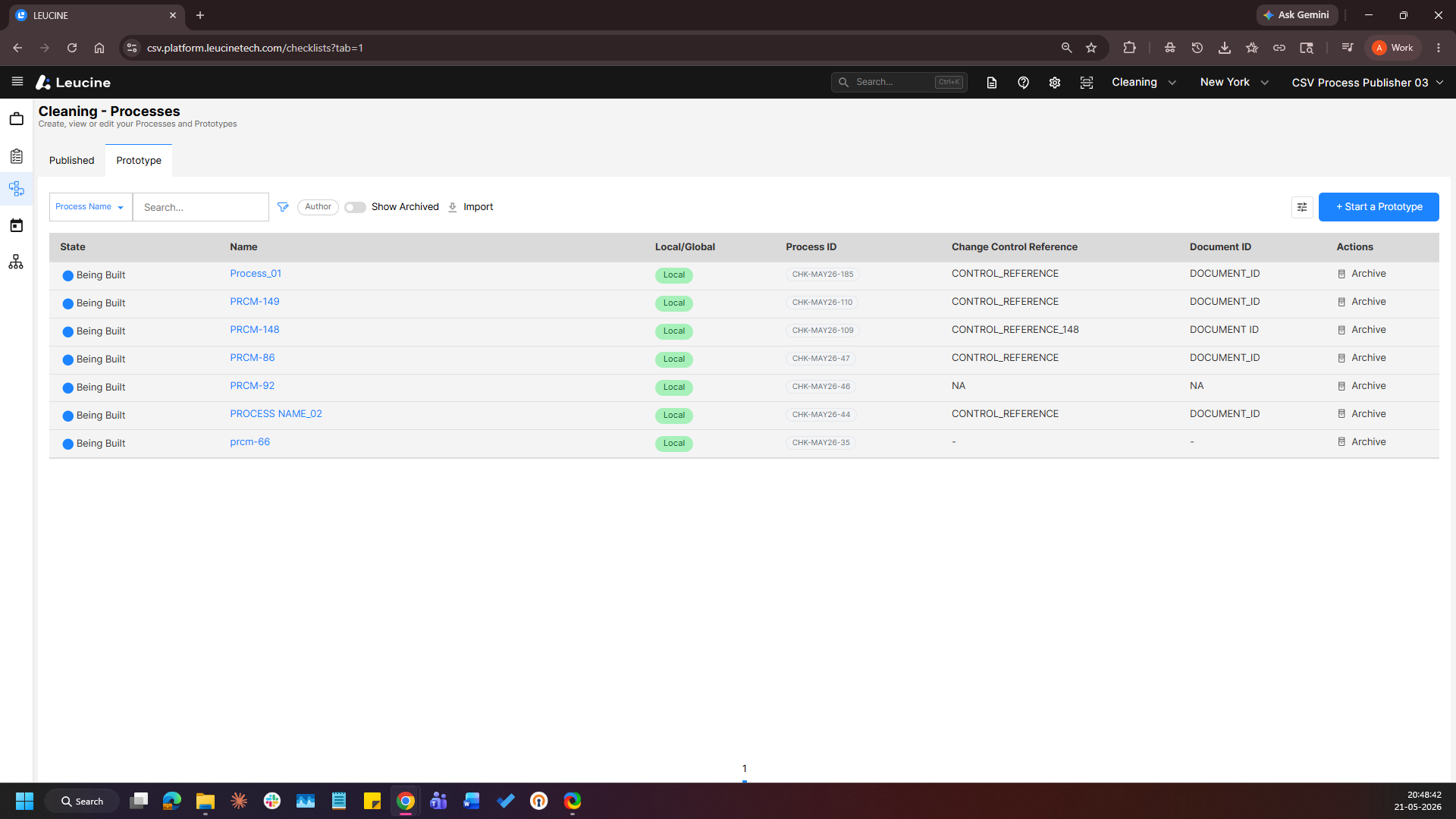
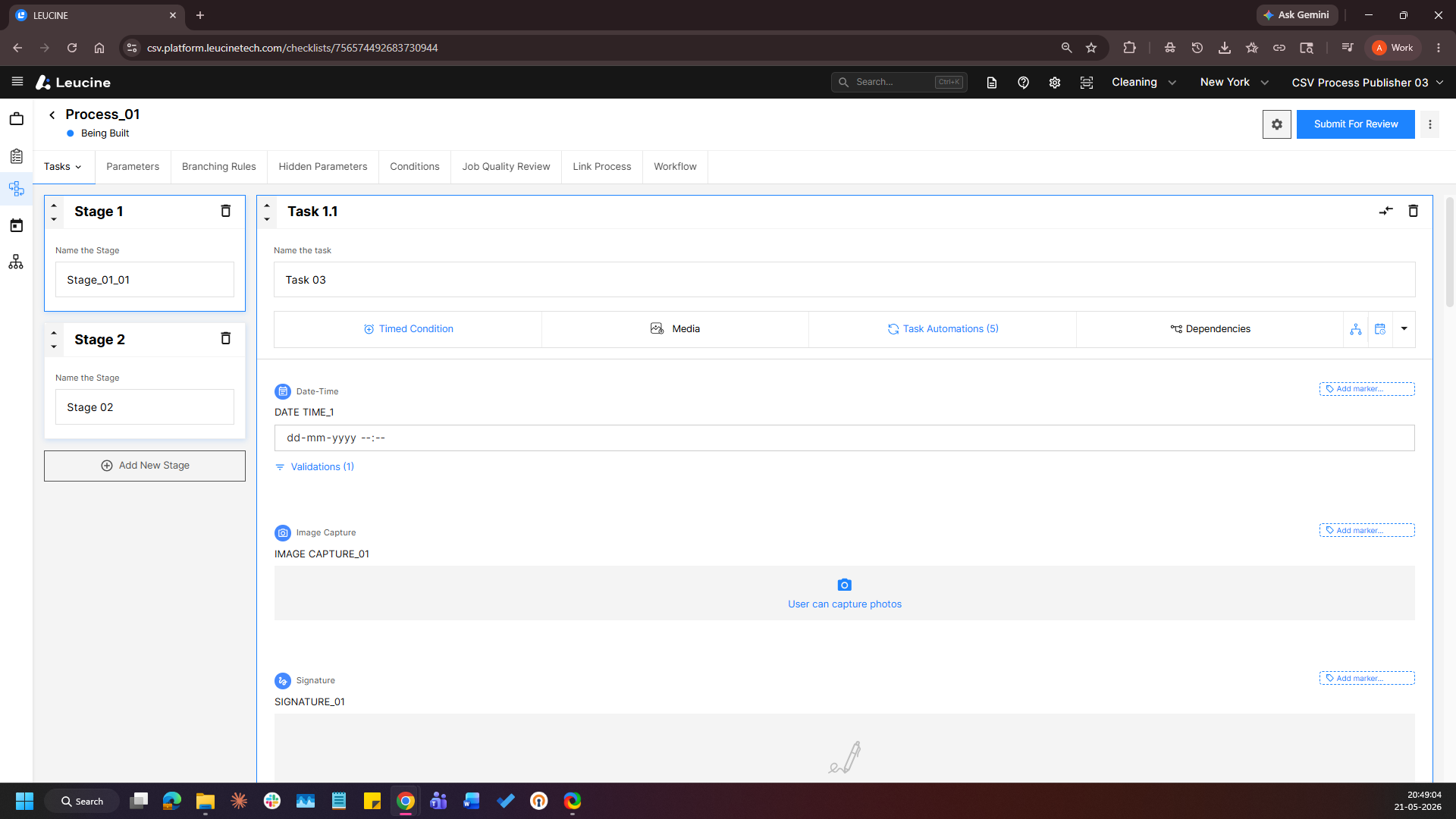
2. Click on the Job Quality Review tab. 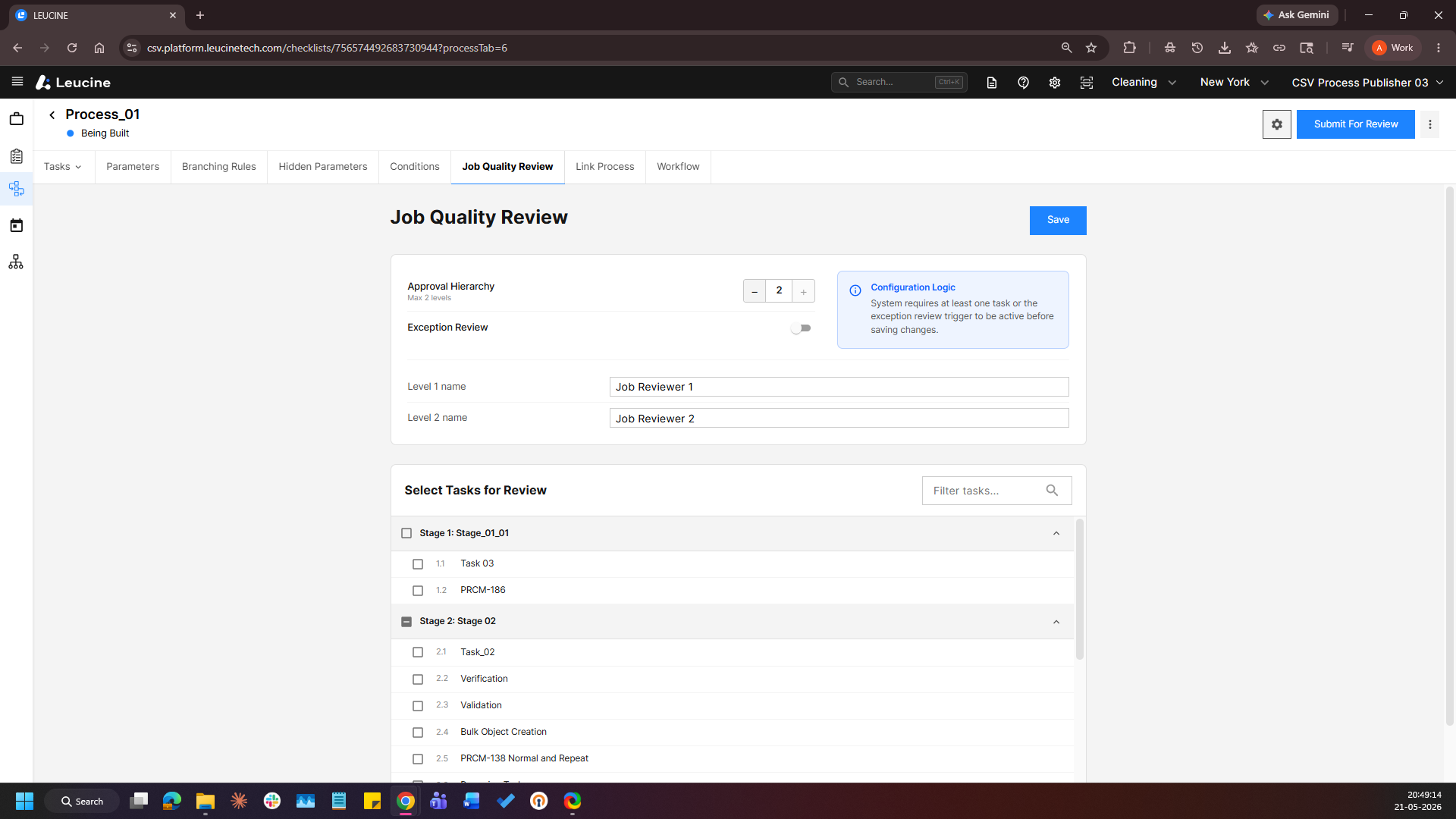
3. Scroll down to the Select Tasks for Review section. 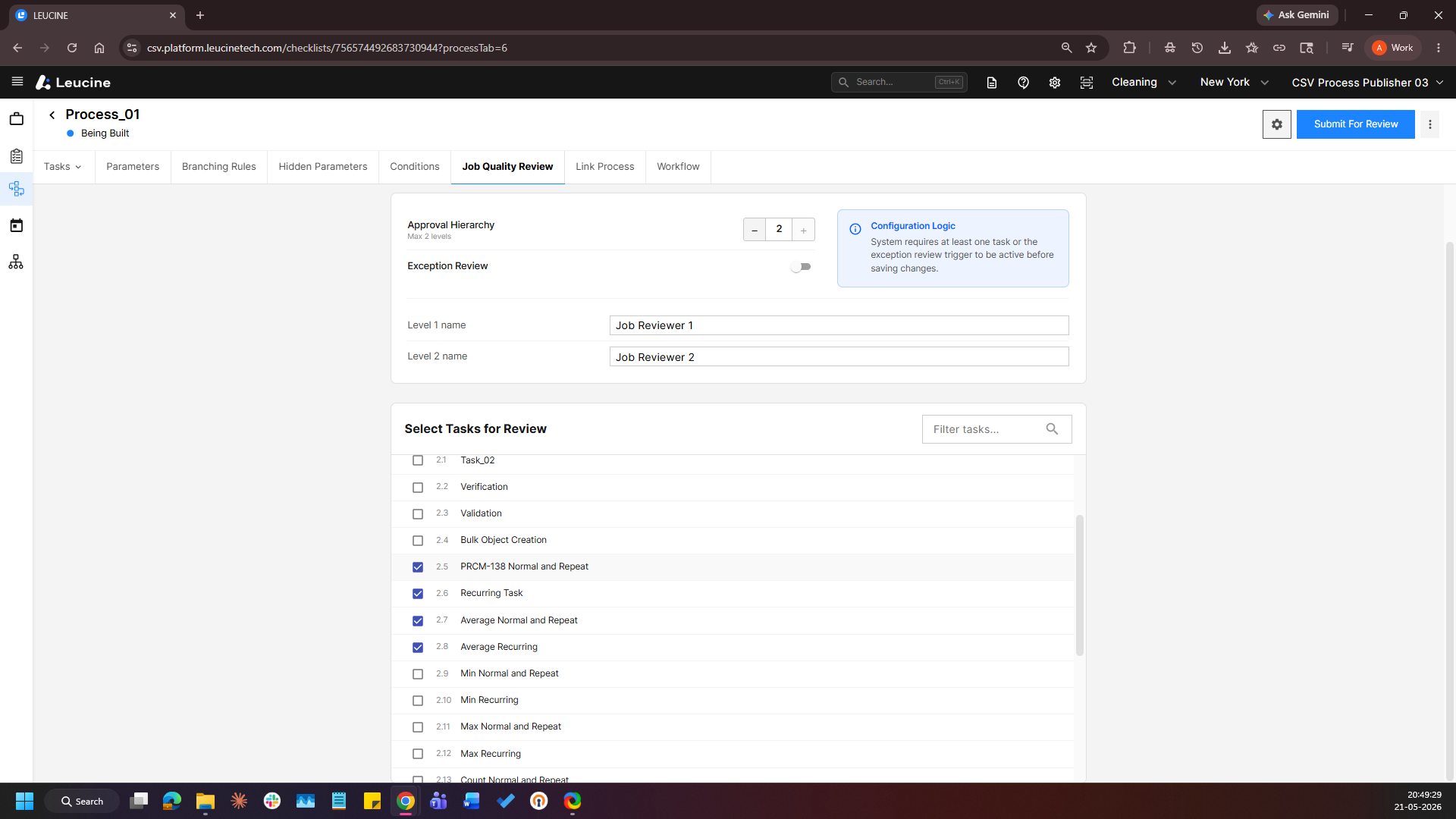
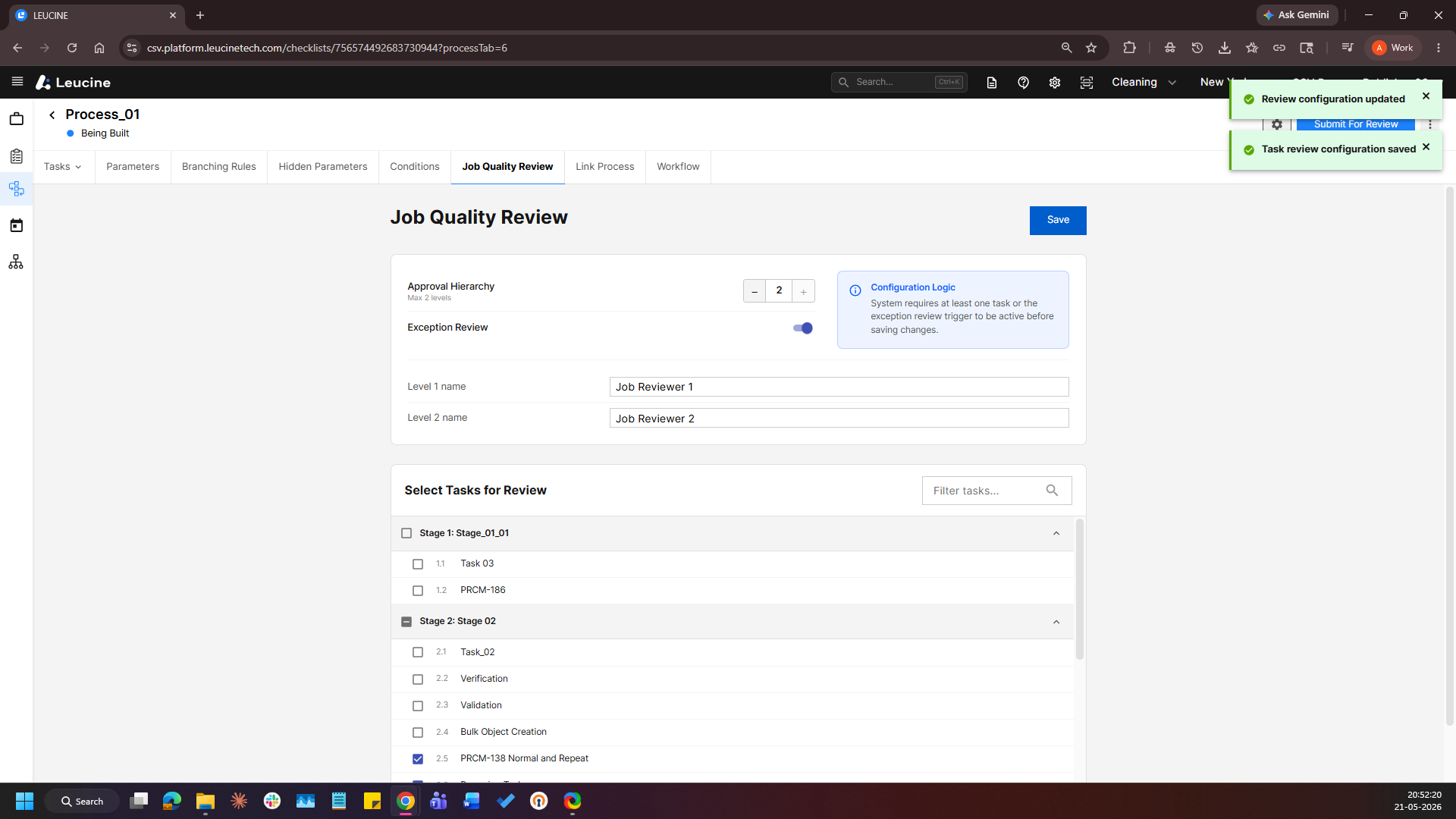
4. Check the checkbox next to the tasks or exceptions you want to include in the Job Quality Review. 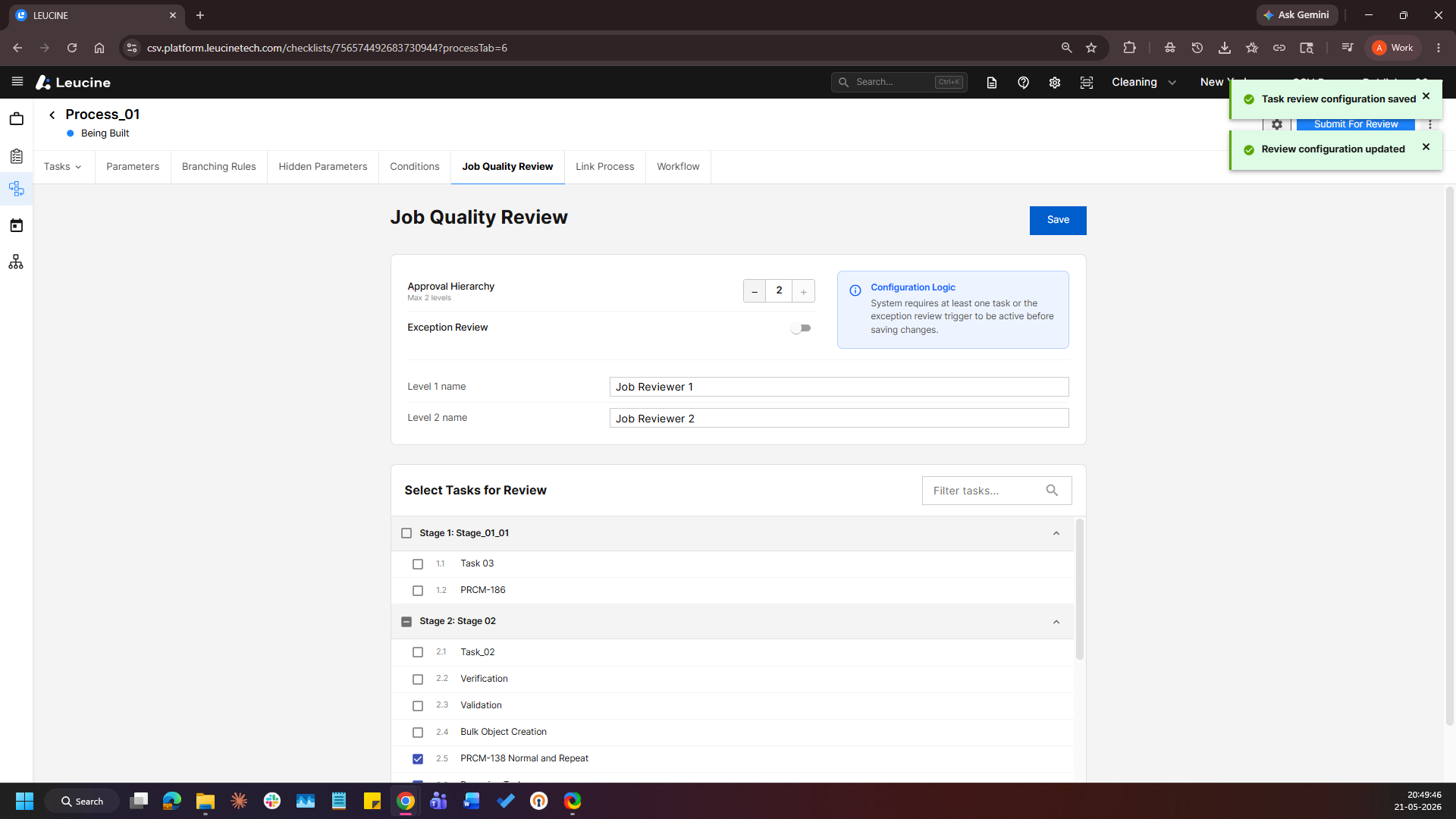
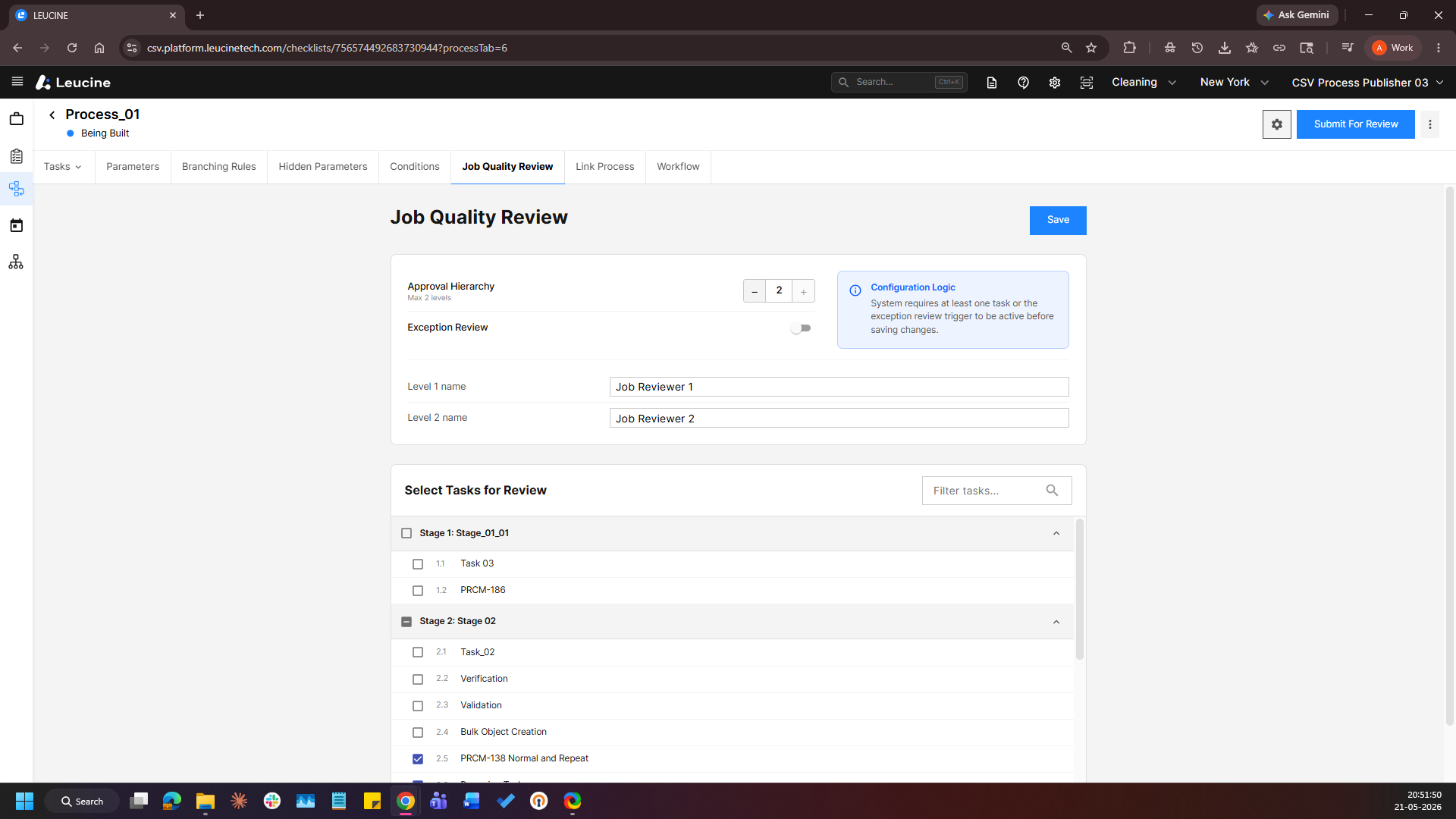
5. Save the changes and the selected tasks or exceptions will be set as the Job Quality Review elements.