![Leucine medium.png]](https://support.leucine.io/hs-fs/hubfs/Leucine%20medium.png?width=200&height=38&name=Leucine%20medium.png)
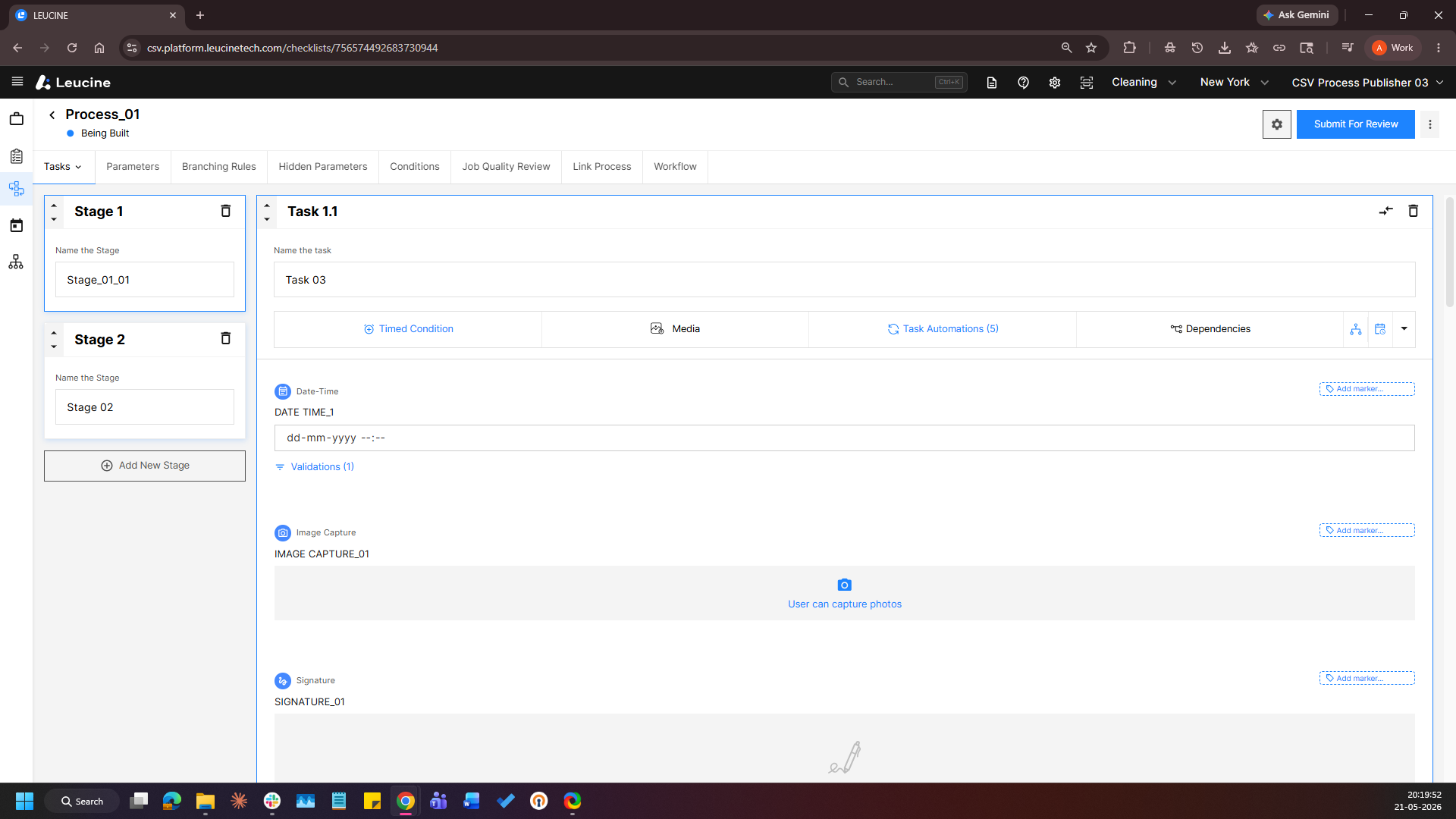
1. Go to the Process tab and open the process to be configured.
2. Click on the task you want to set custom display names for. 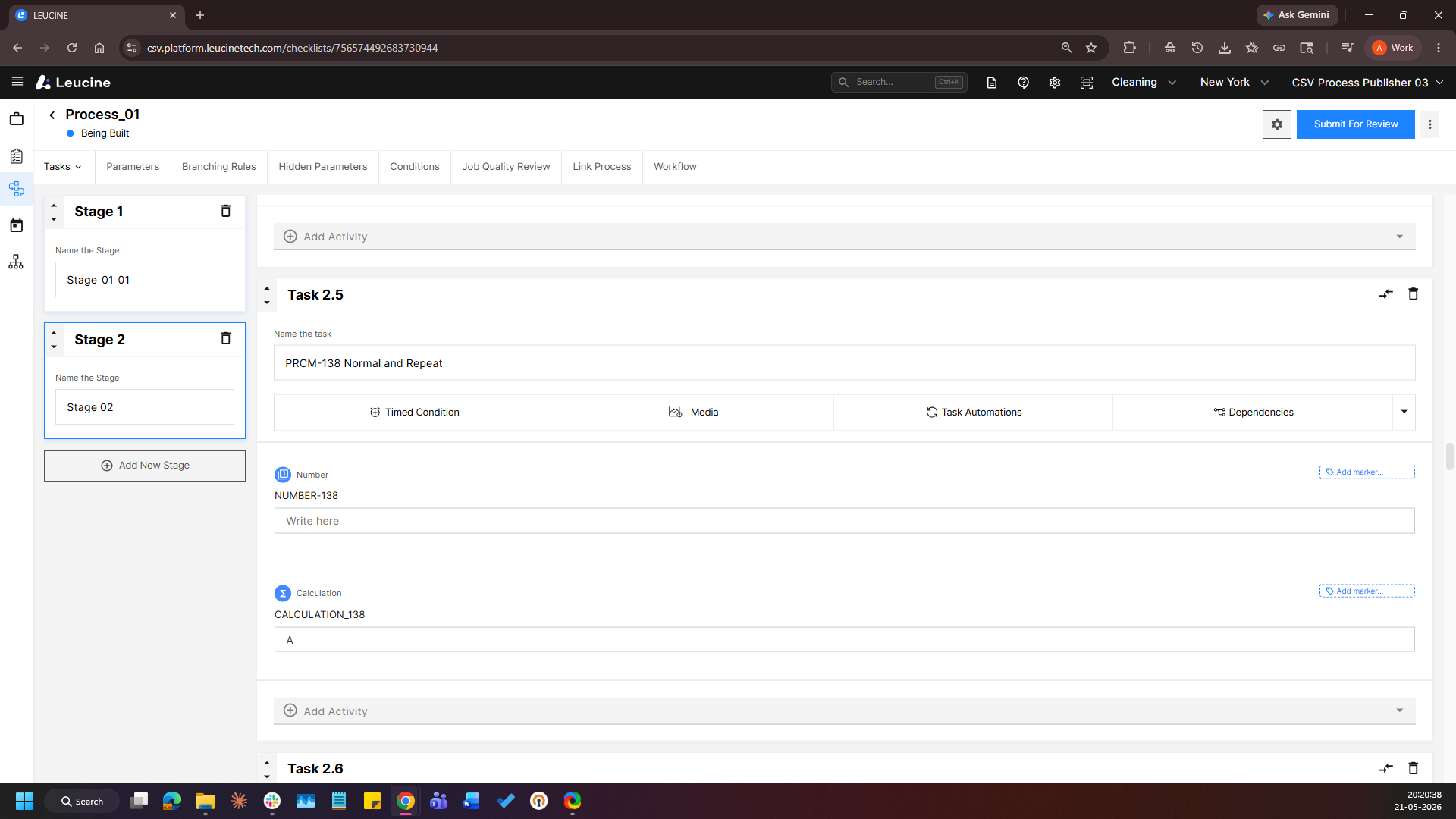
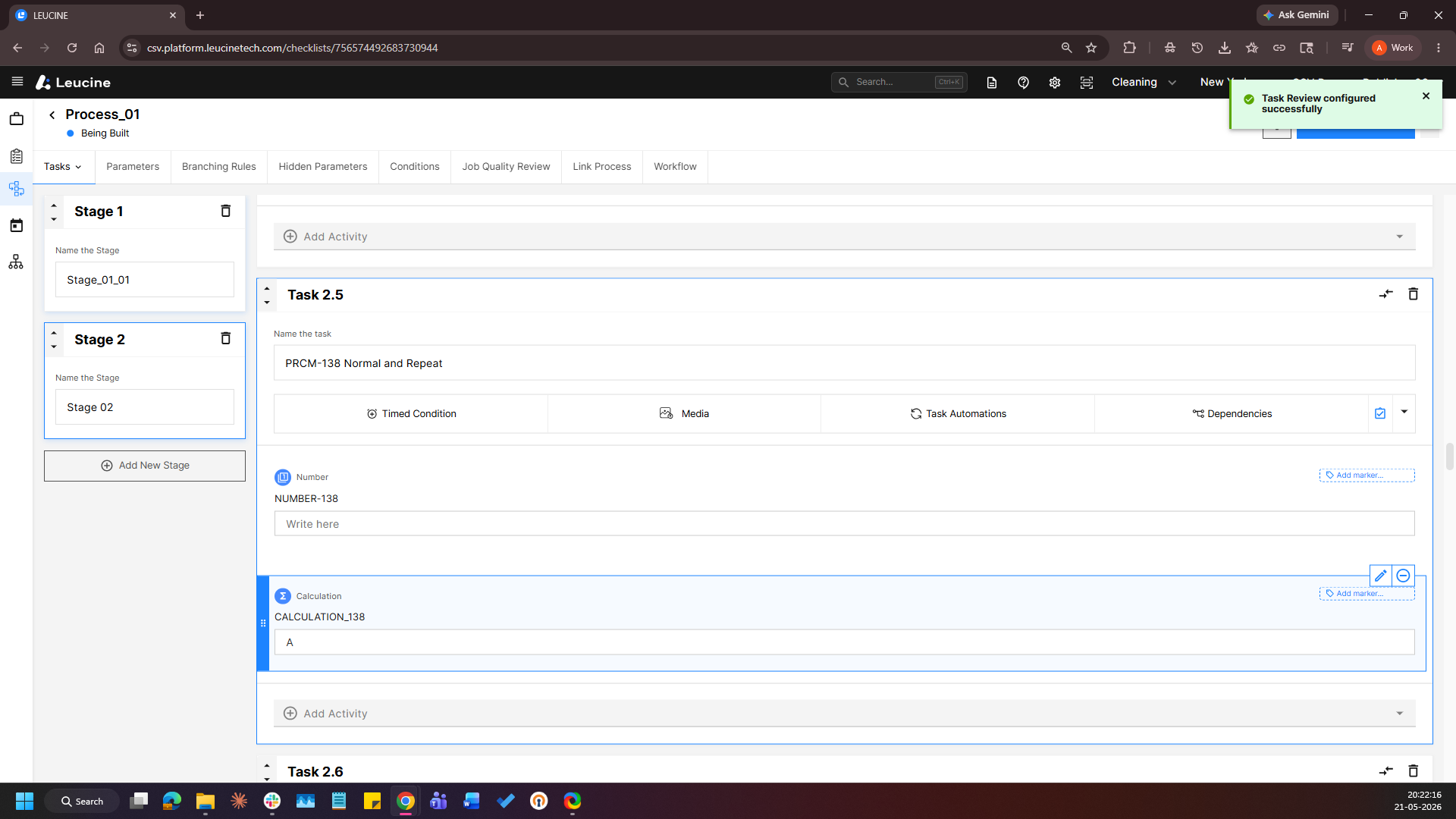
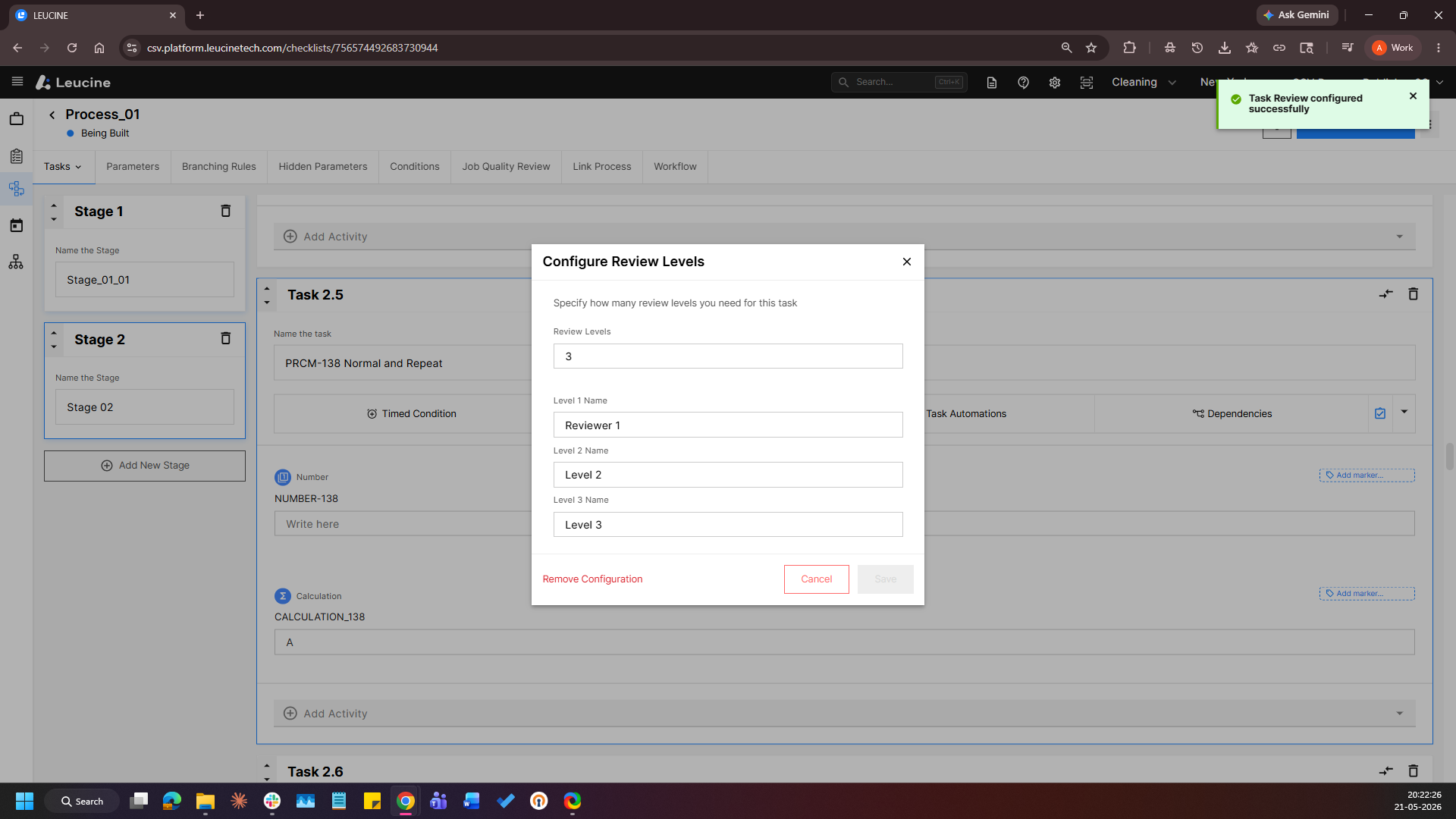
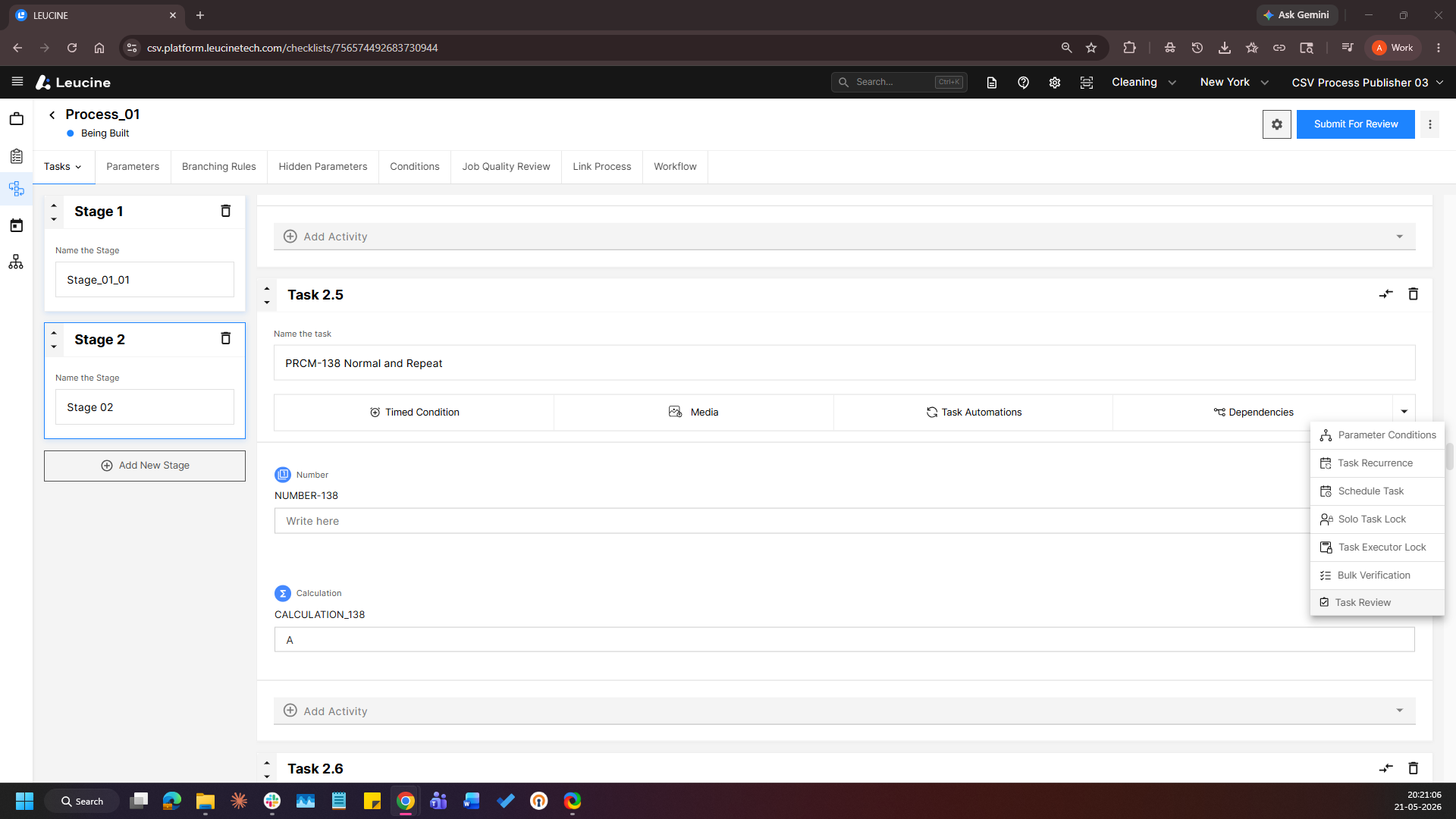
3. Click on the Task Review button and select the number of review levels. 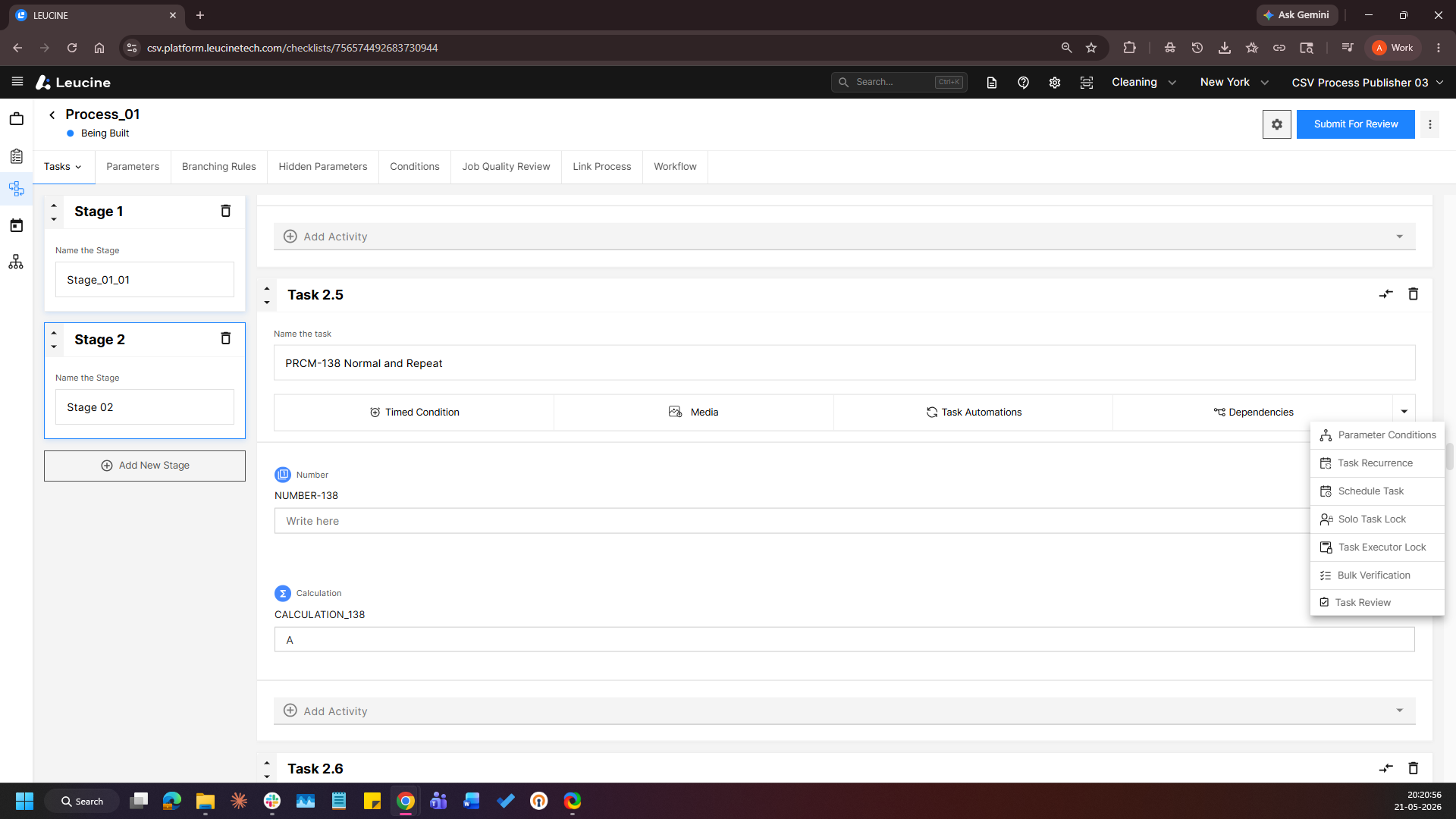
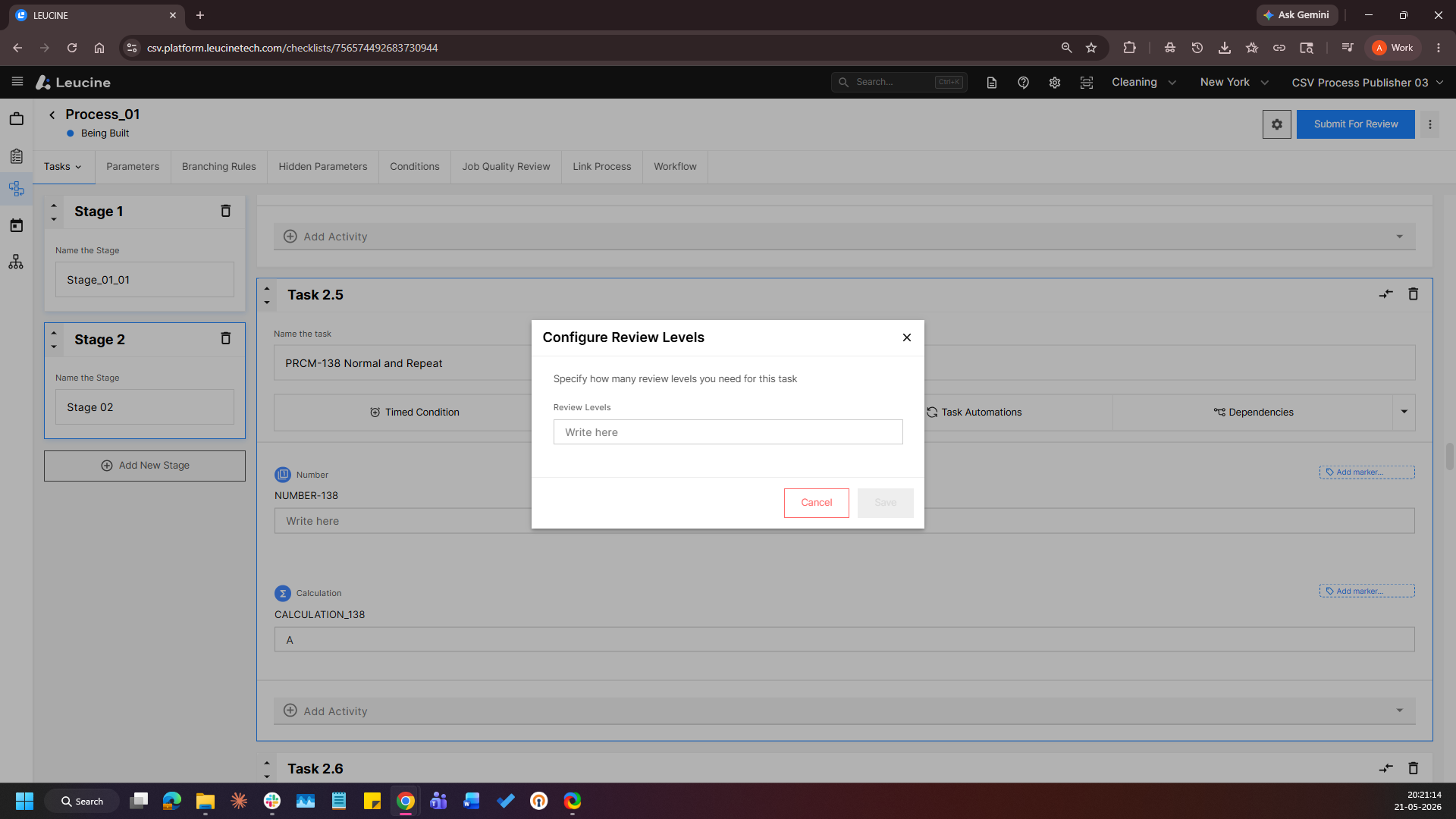
4. Enter the custom display name for each reviewer level in the provided fields. 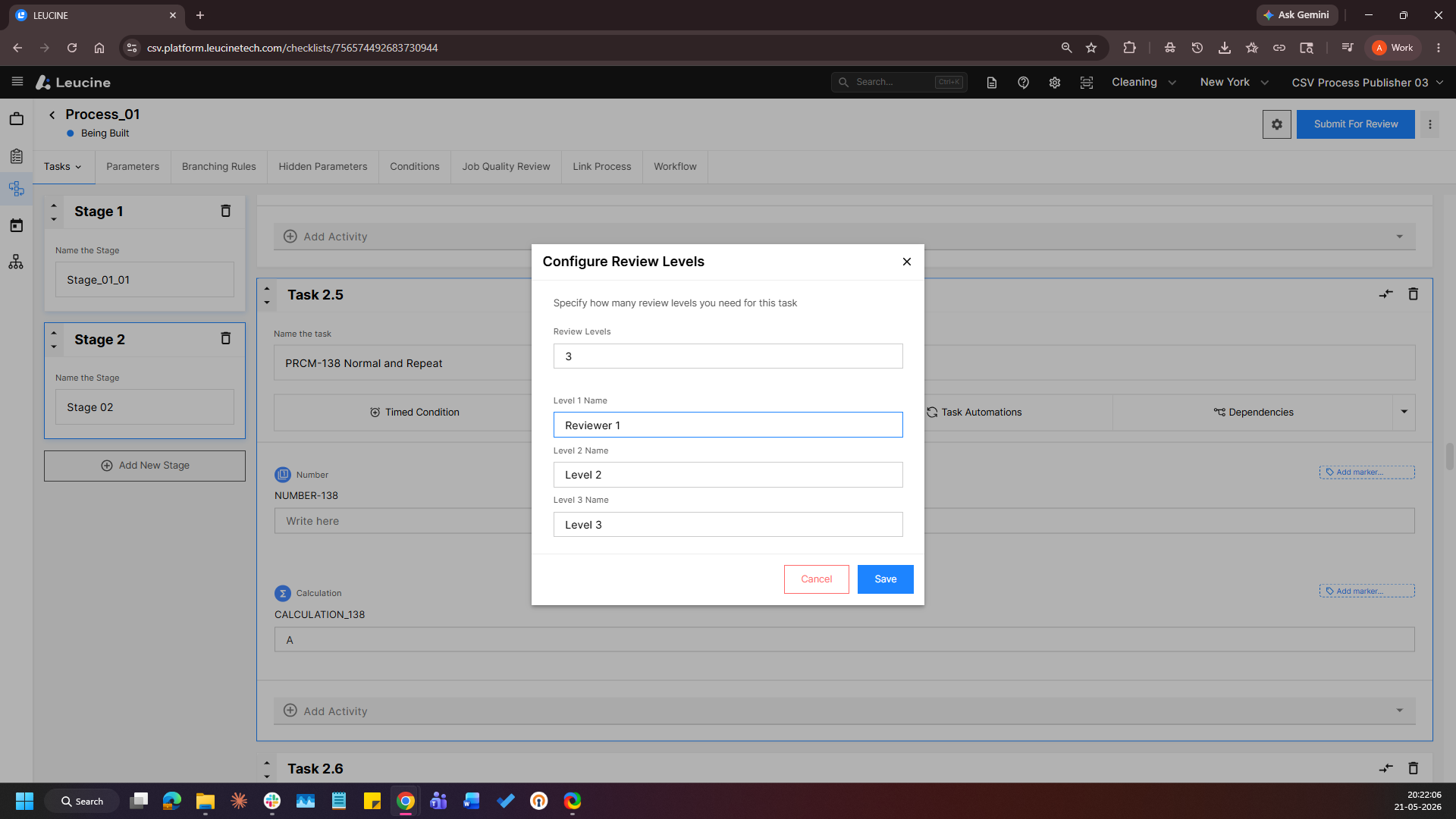
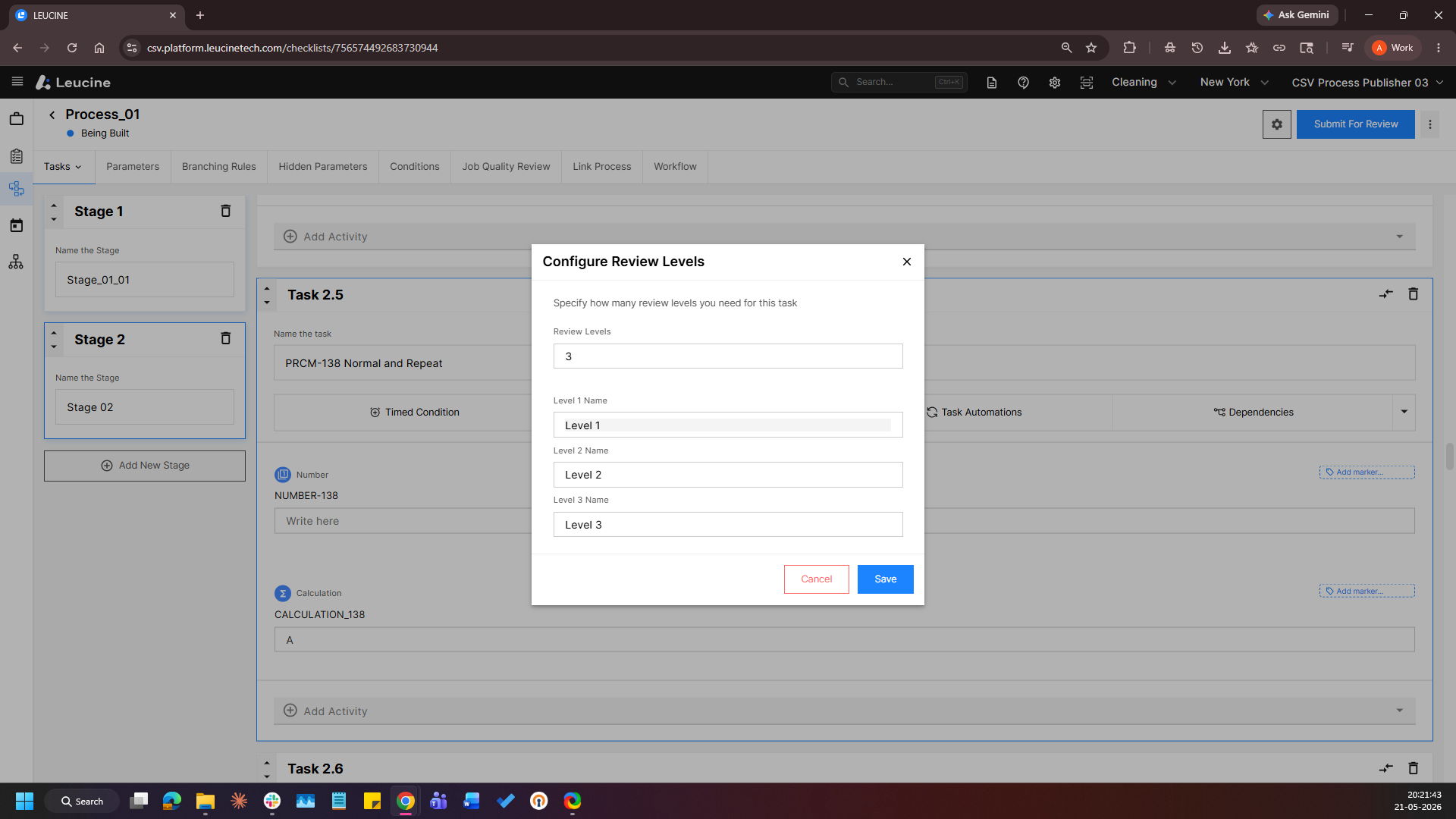
5. Save the changes and the custom display names will be applied.