![Leucine medium.png]](https://support.leucine.io/hs-fs/hubfs/Leucine%20medium.png?width=200&height=38&name=Leucine%20medium.png)
1. Navigate to the job and initiate the task.
2. Locate a dropdown parameter that can be updated.
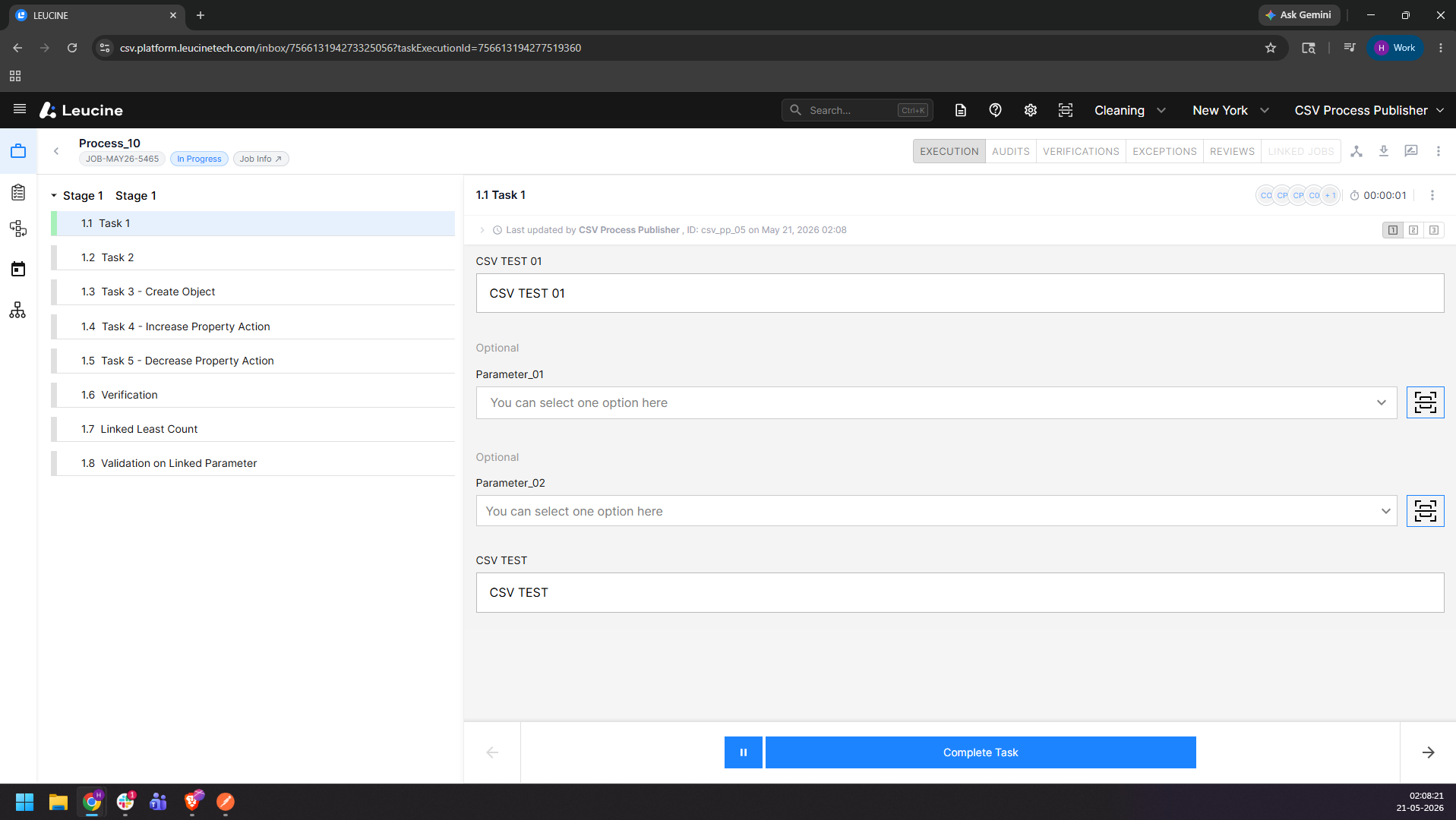
3. Select the first option from the dropdown and click outside to validate the entry.
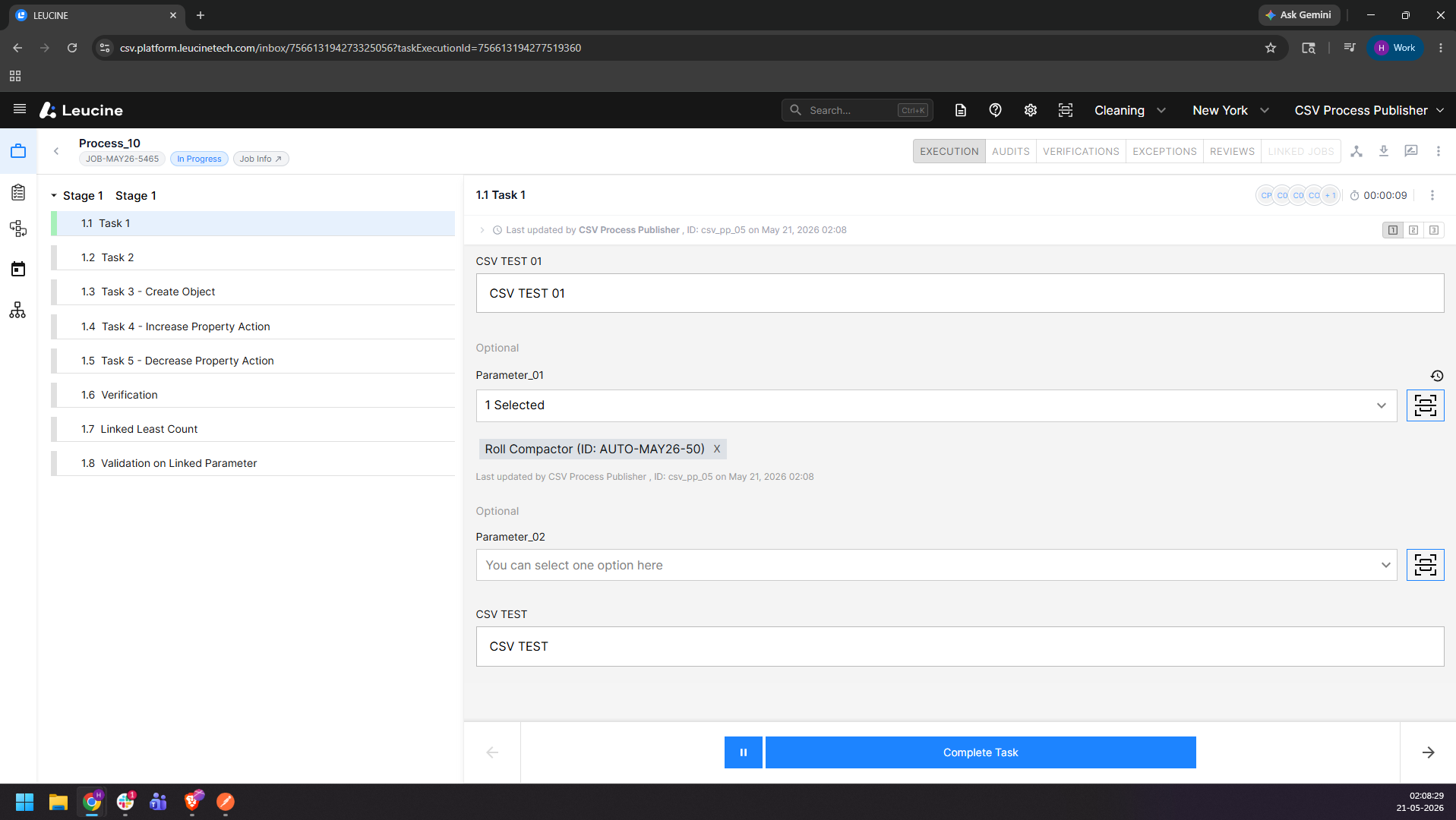
4. Click on the Parameter History icon at the top-right corner of the parameter and verify the first selection is recorded.
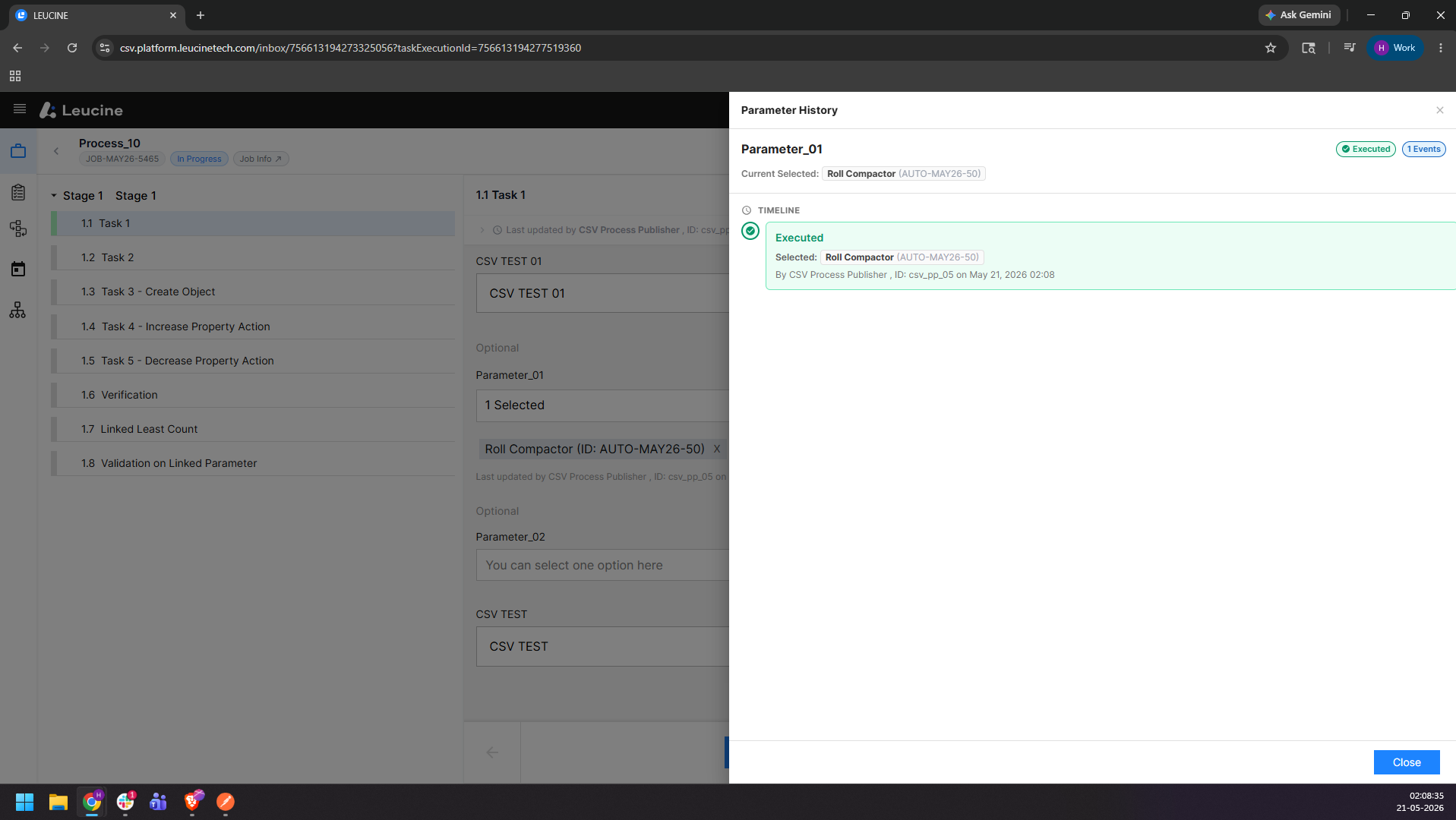
5. Select a different option from the same dropdown and click outside to validate the entry.
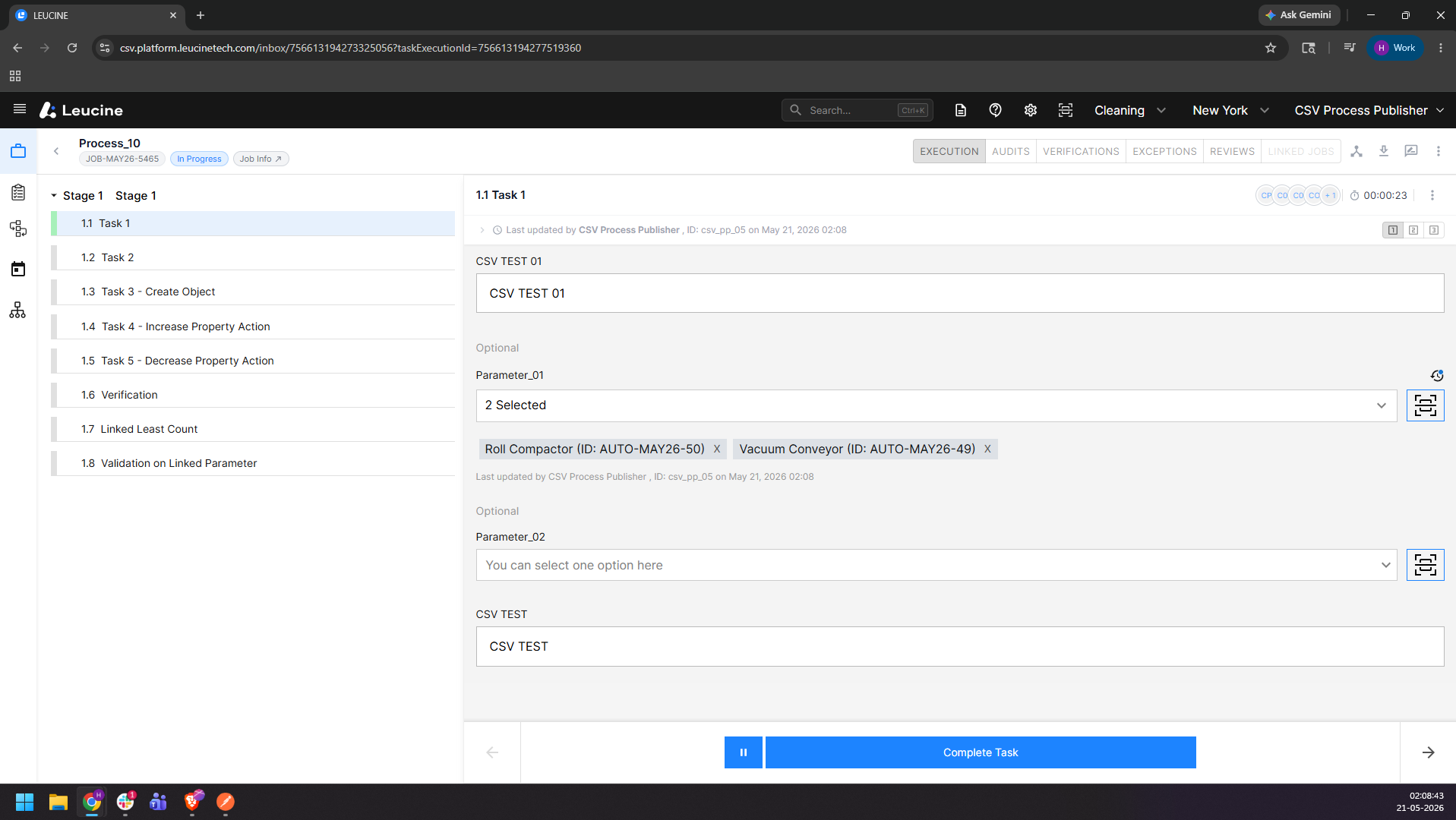
6. Click on the Parameter History icon again and verify both the previous and updated selections are displayed in the history.
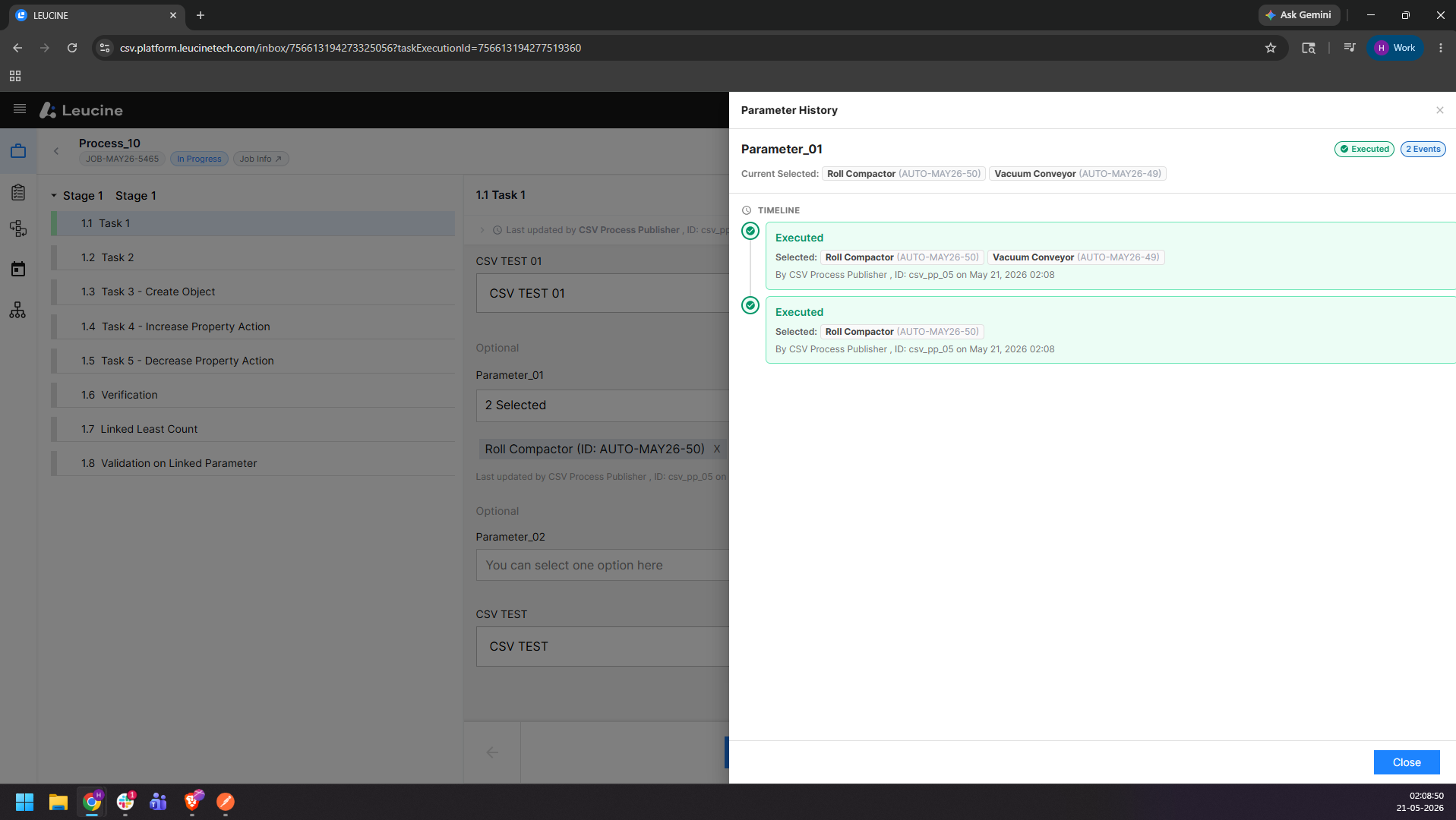
7. Select an option for the checklist and click outside to validate the entry
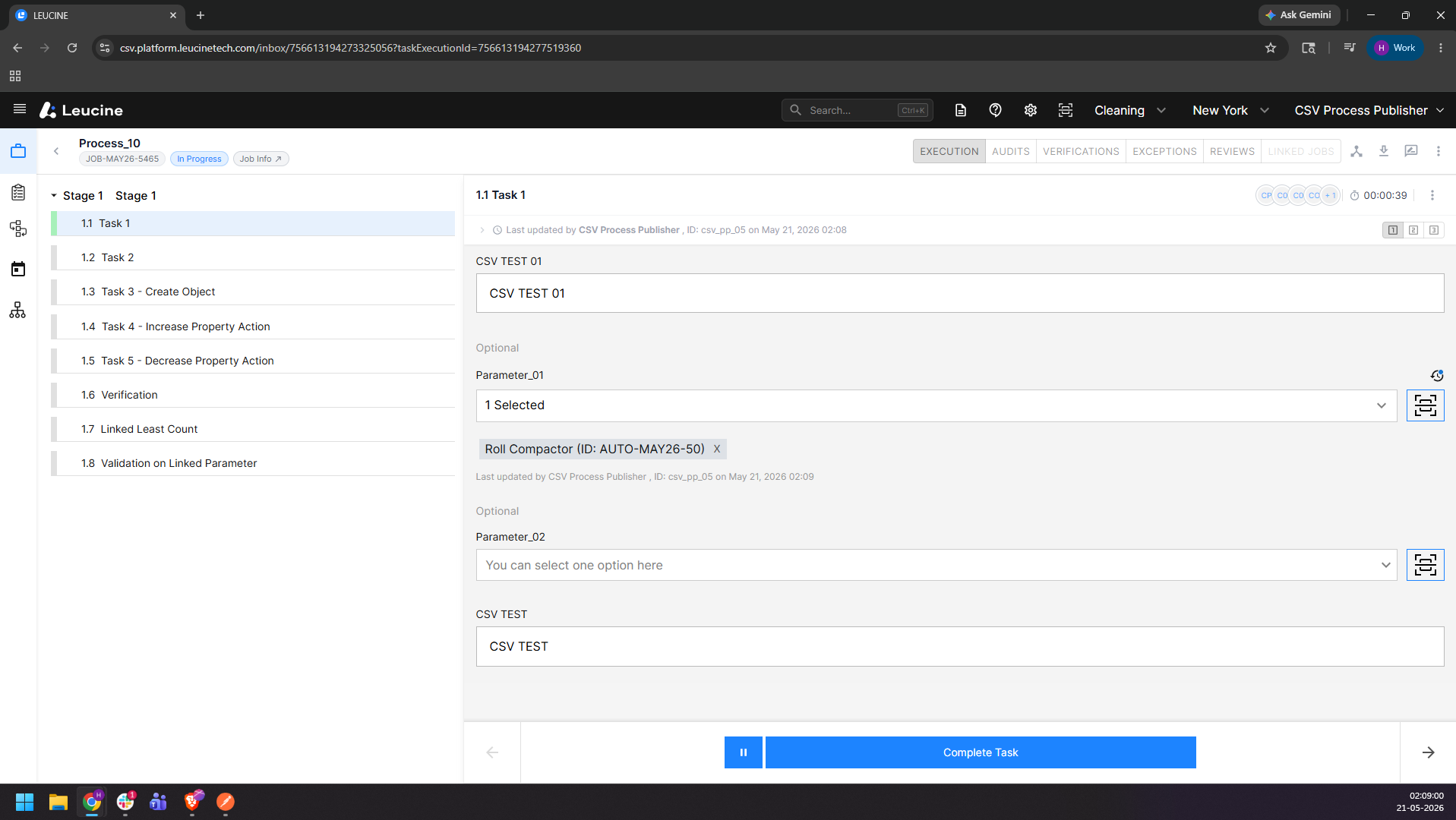
8. Click on the Parameter History icon at the top-right corner of the checklist and verify the selection is recorded in the history.