![Leucine medium.png]](https://support.leucine.io/hs-fs/hubfs/Leucine%20medium.png?width=200&height=38&name=Leucine%20medium.png)
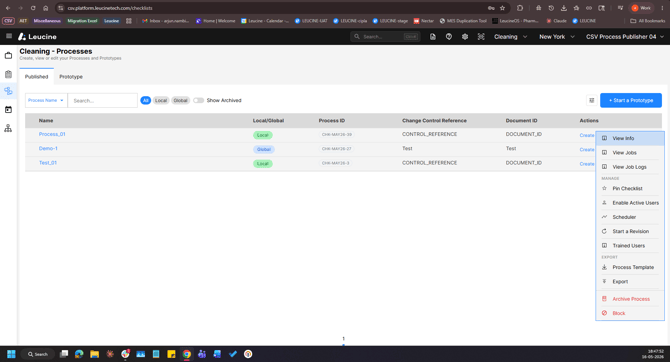
1. Go to the Process tab and navigate to the Published tab.
2. Locate the process whose revision history you want to view.
3. Click on the three dot action menu next to the process.
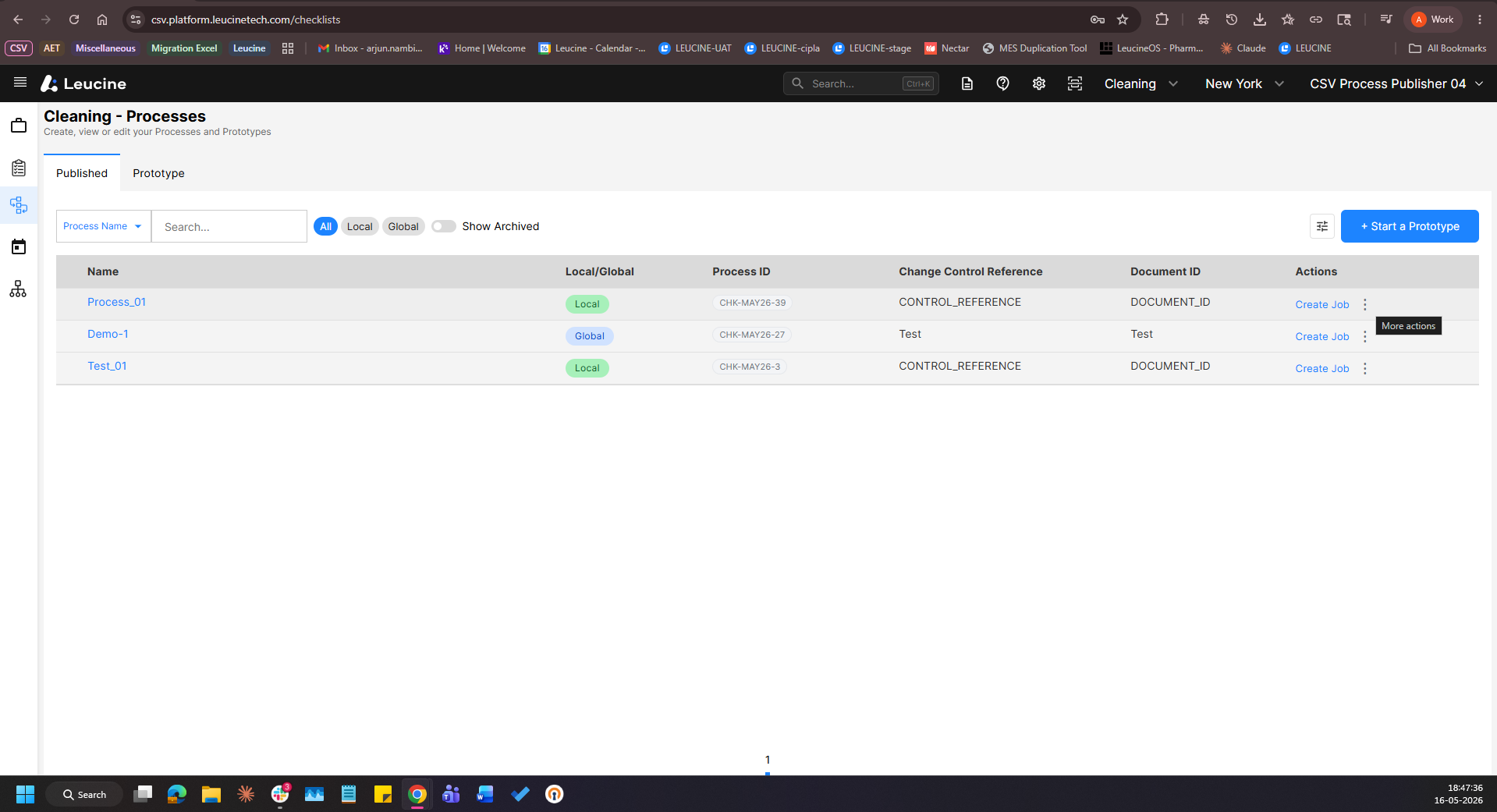
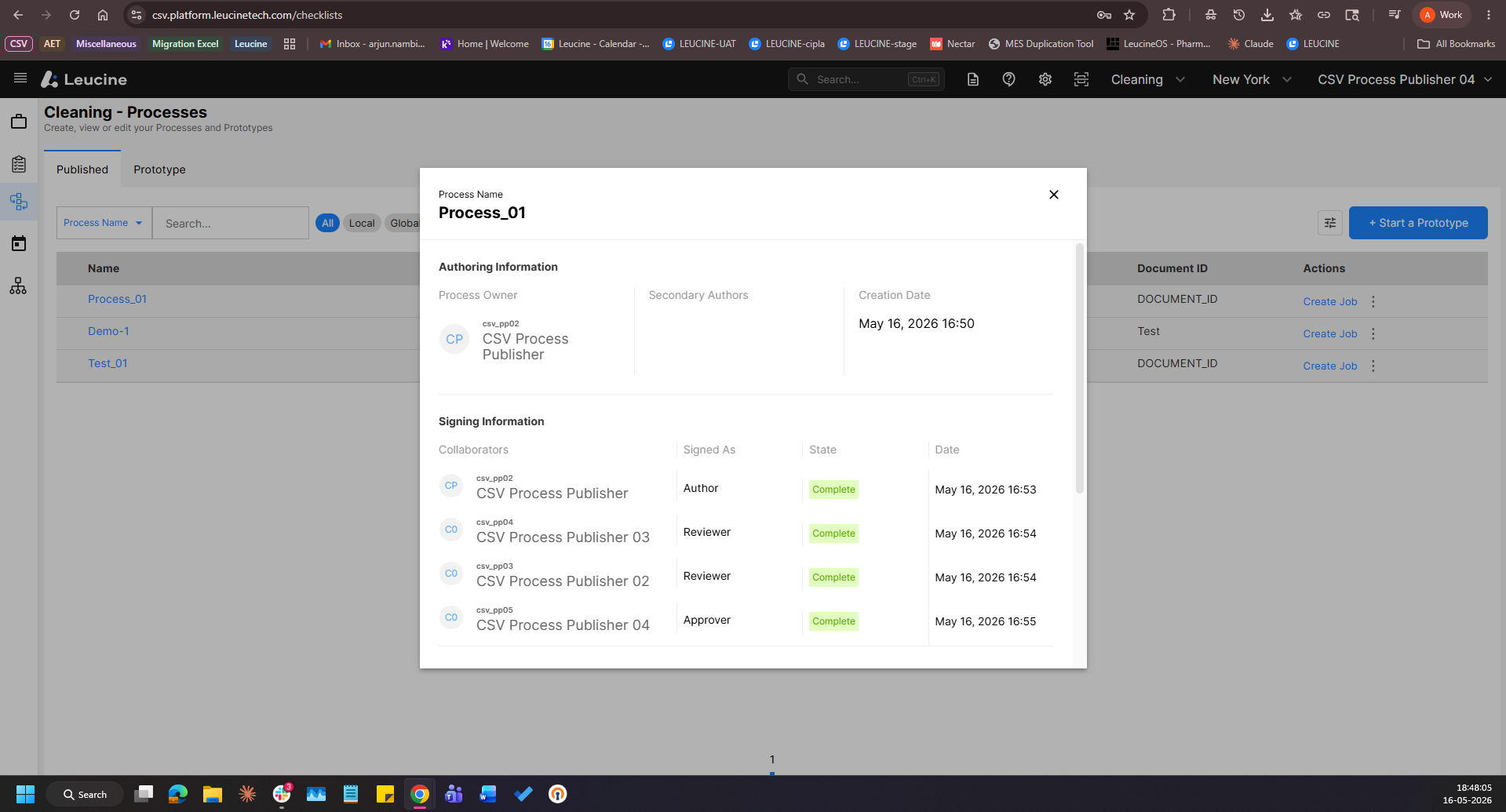
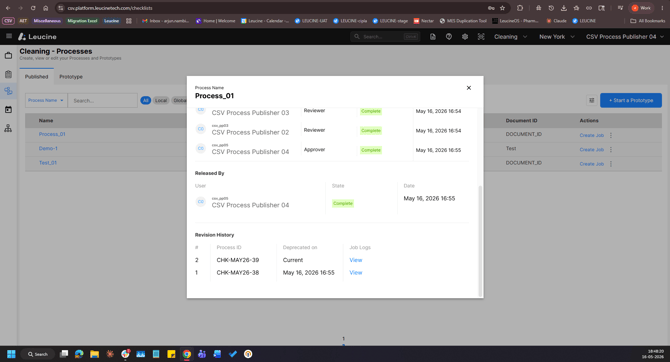
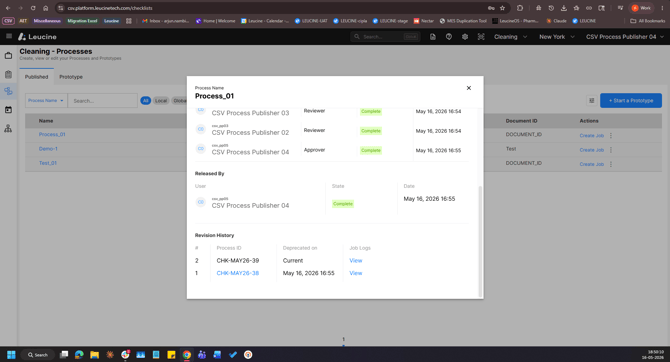
4. Select Revision History to view all previous revisions of the process along with their sign-off status.