![Leucine medium.png]](https://support.leucine.io/hs-fs/hubfs/Leucine%20medium.png?width=200&height=38&name=Leucine%20medium.png)
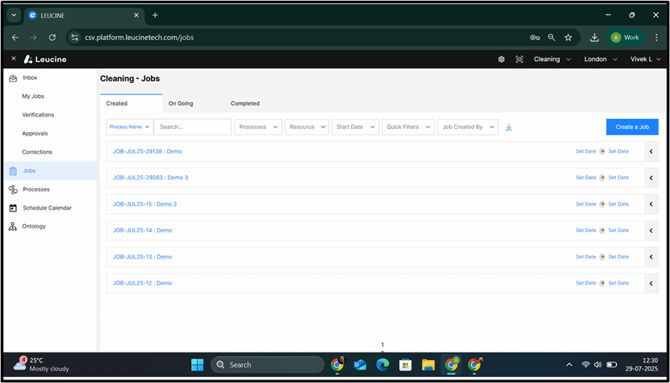
1. Go to the ‘Jobs’ tab.
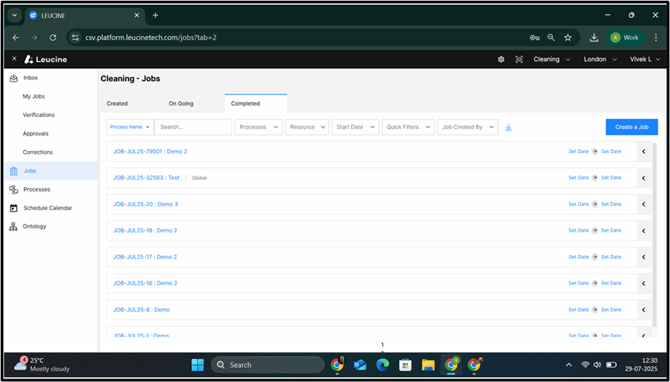
2. Click on ‘Completed tab’ and click on the Download icon.
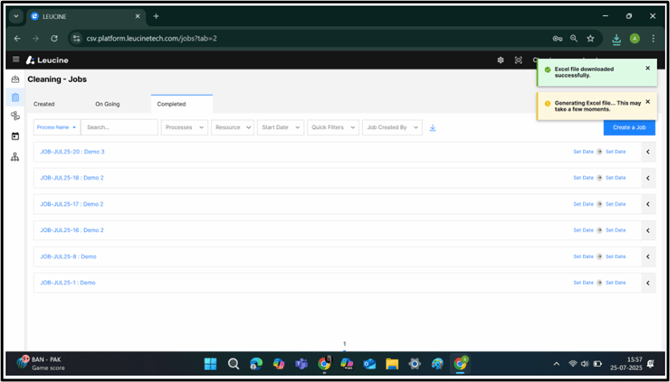
3. A pop-up notification confirming the downloading and confirmation of Downloaded file.
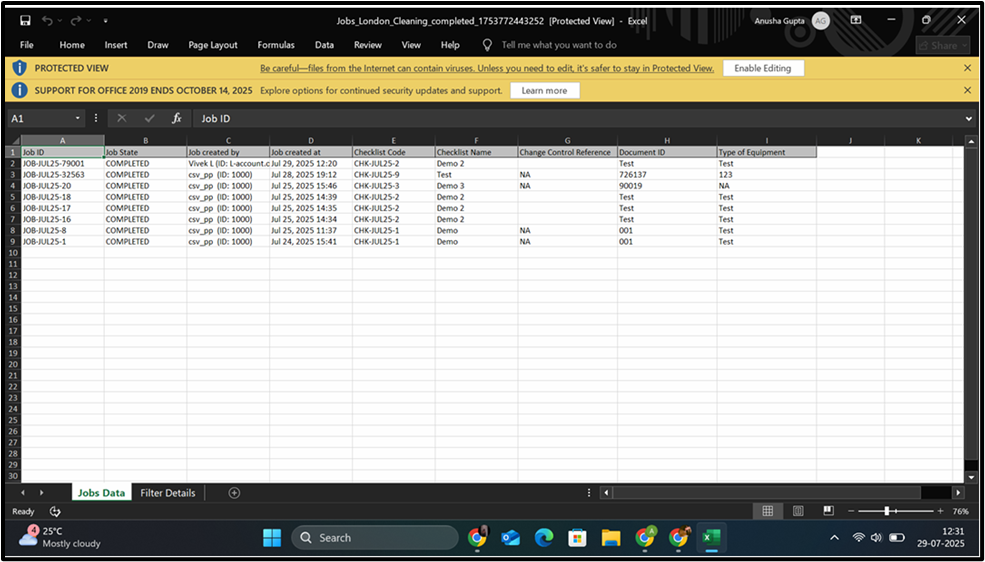
4. A downloaded excel file showing the list of Jobs.
1. Go to the ‘Jobs’ tab.
2. Click on ‘Completed tab’ and click on the Download icon.
3. A pop-up notification confirming the downloading and confirmation of Downloaded file.
4. A downloaded excel file showing the list of Jobs.