![Leucine medium.png]](https://support.leucine.io/hs-fs/hubfs/Leucine%20medium.png?width=200&height=38&name=Leucine%20medium.png)
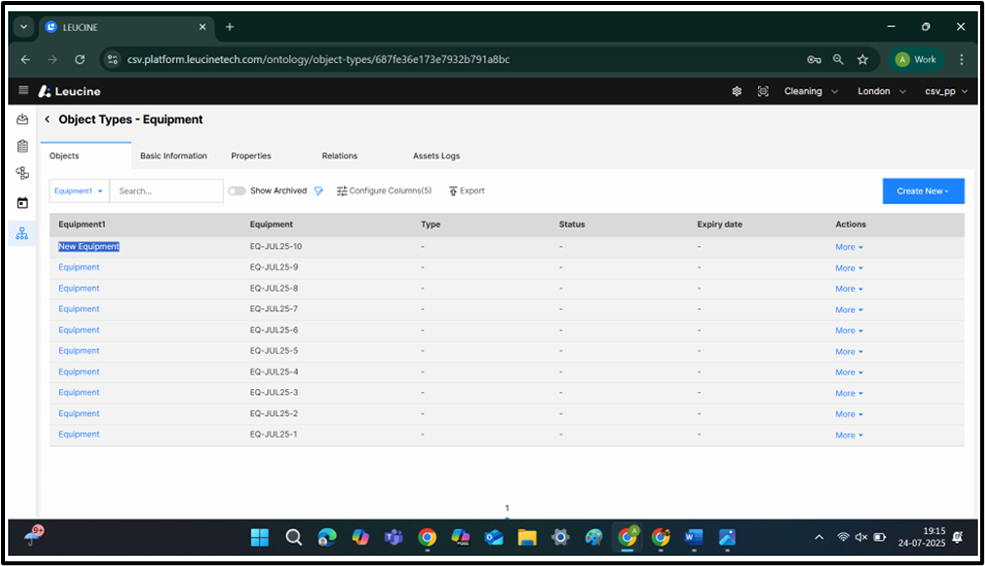
1. Select the Object type.
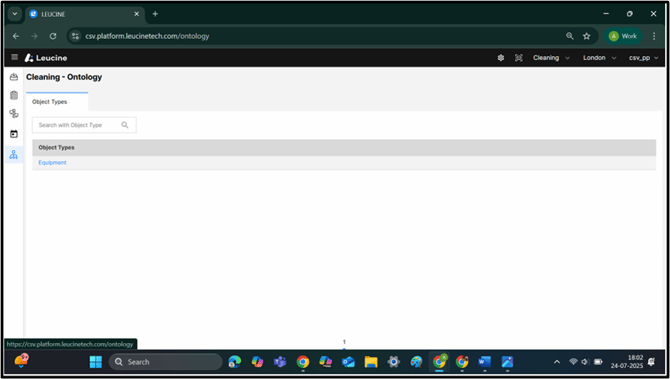
2. Redirects to Object type.
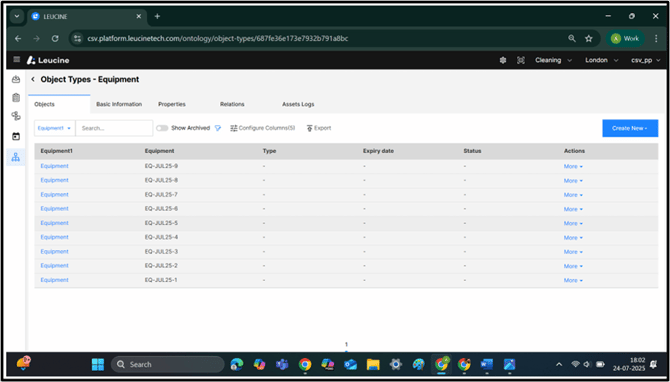
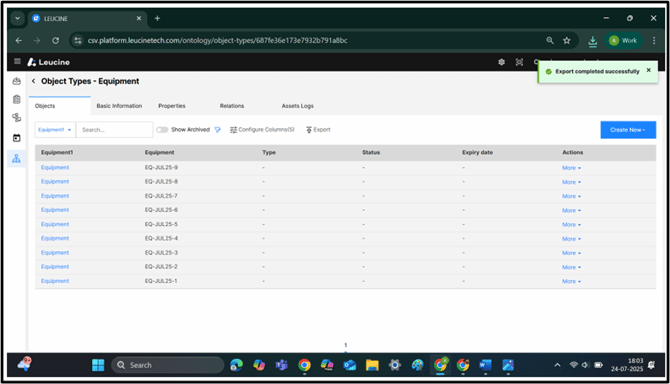
3. Click on Export.
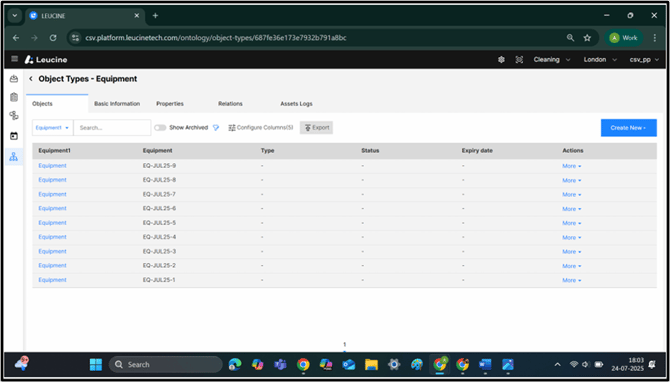
4. Notification pop-up confirming the export of object type objects.
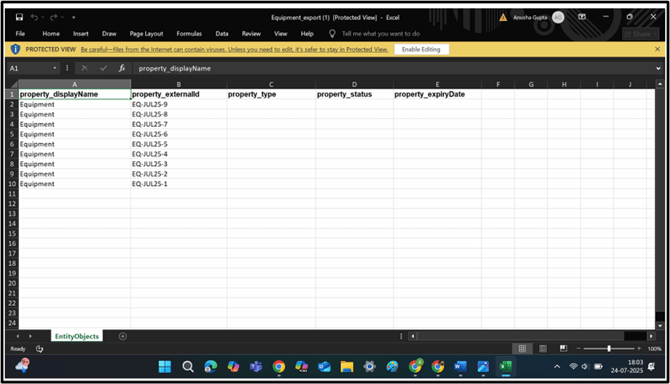
5. Excel Sheet displaying the object of the Object type.
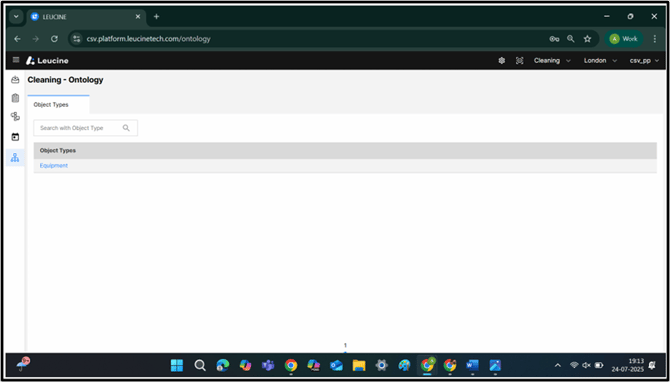
6. Select the Object type.
7. Redirects to Object type.
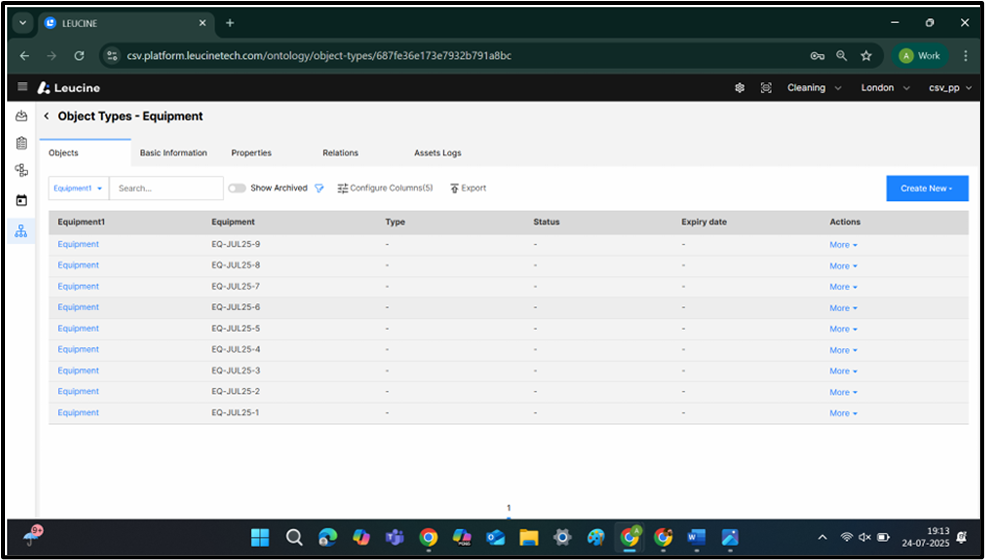
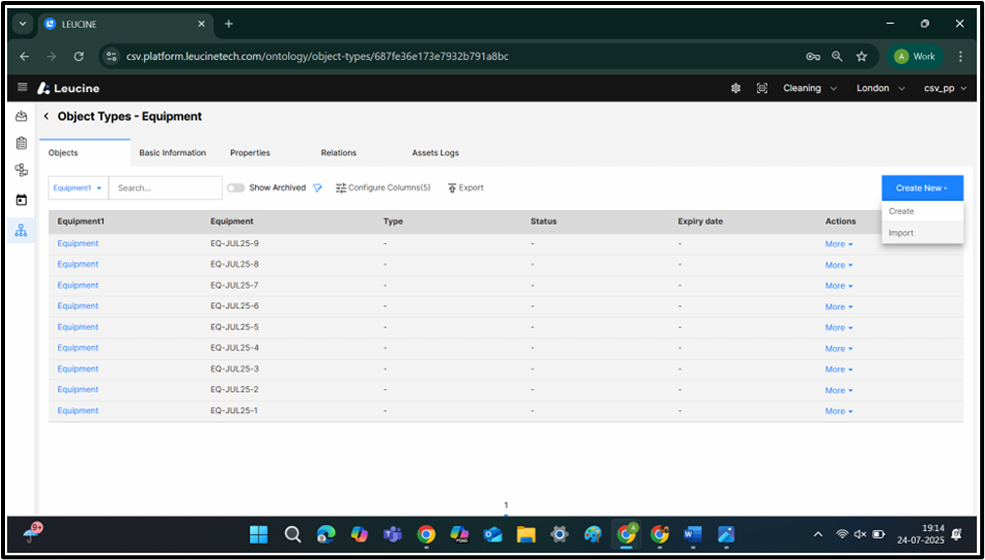
8. Click on ‘Create New’.
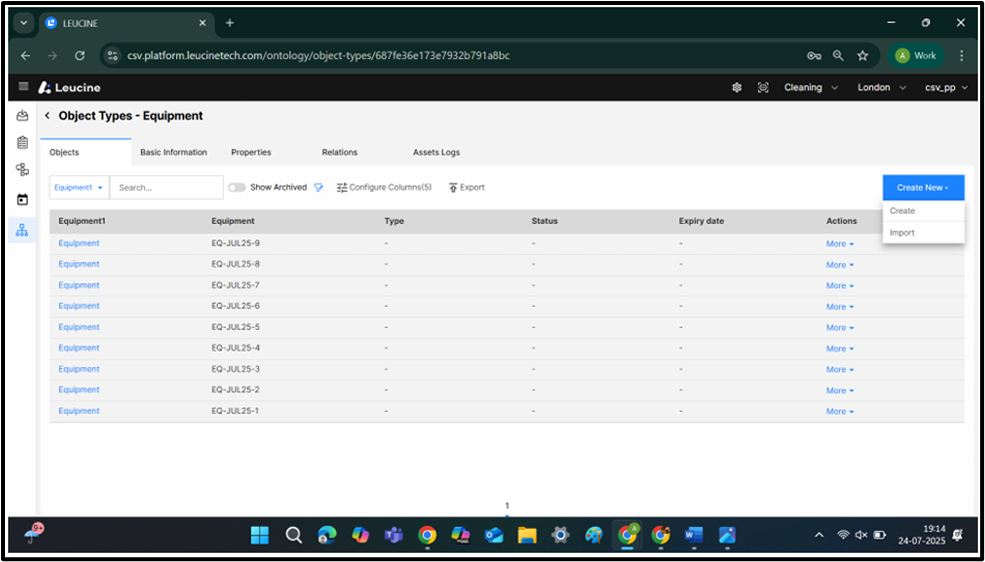
9. Select ‘Import’ on the Dropdown.
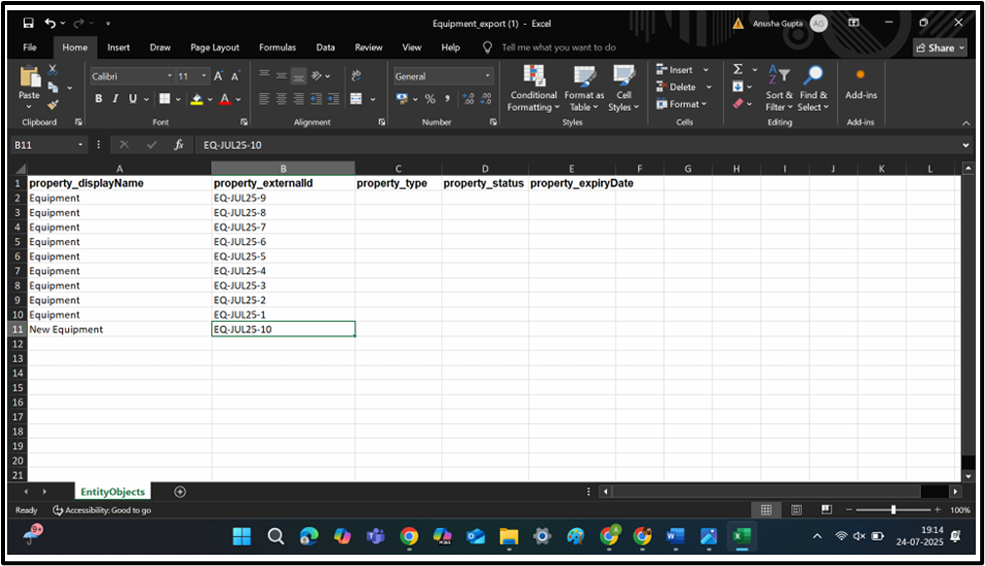
10. Add the new Object to be Created.
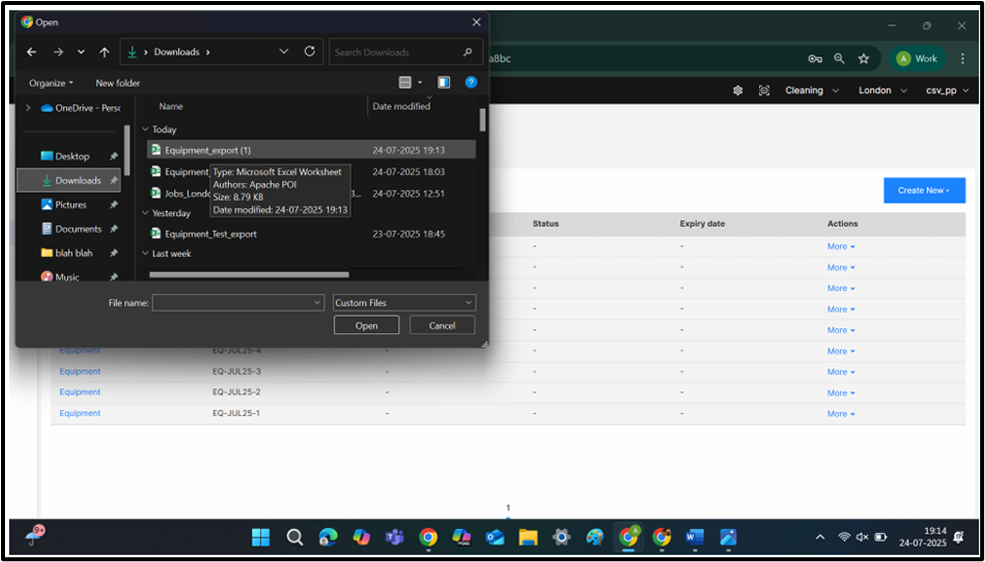
11. Select the File to be Imported.
12. Notification pop-up confirming Object imported Successfully.
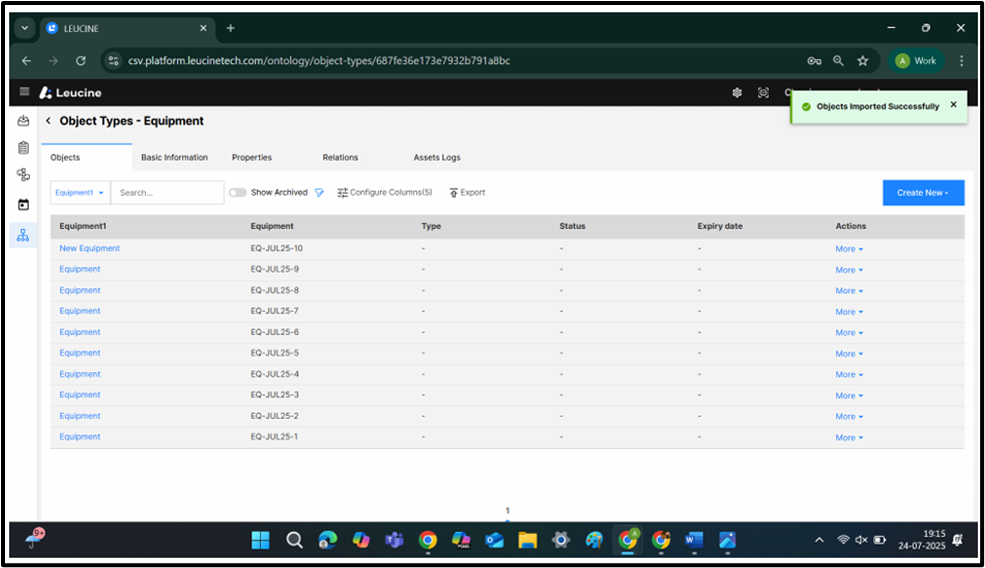
13. A display of new objects present in Object type.